
When choosing a gaming headset, audio performance often takes center stage—but microphone clarity is just as critical, especially for competitive gamers, streamers, and remote workers. Two of the most respected headsets in the premium gaming category are the Logitech G Pro X (commonly referred to as the G Pro) and the SteelSeries Arctis Nova 7. Both deliver strong sound profiles and comfort, but when it comes to voice communication, subtle differences can make or break your experience.
This deep dive compares the microphone systems of the Logitech G Pro and the SteelSeries Arctis Nova 7, evaluating not only technical specs but real-world performance, noise handling, software enhancements, and user feedback. If you rely on clear, professional-grade voice transmission during gameplay or collaboration, this comparison will help you decide which headset truly excels in vocal clarity.
Microphone Hardware: Design and Technology
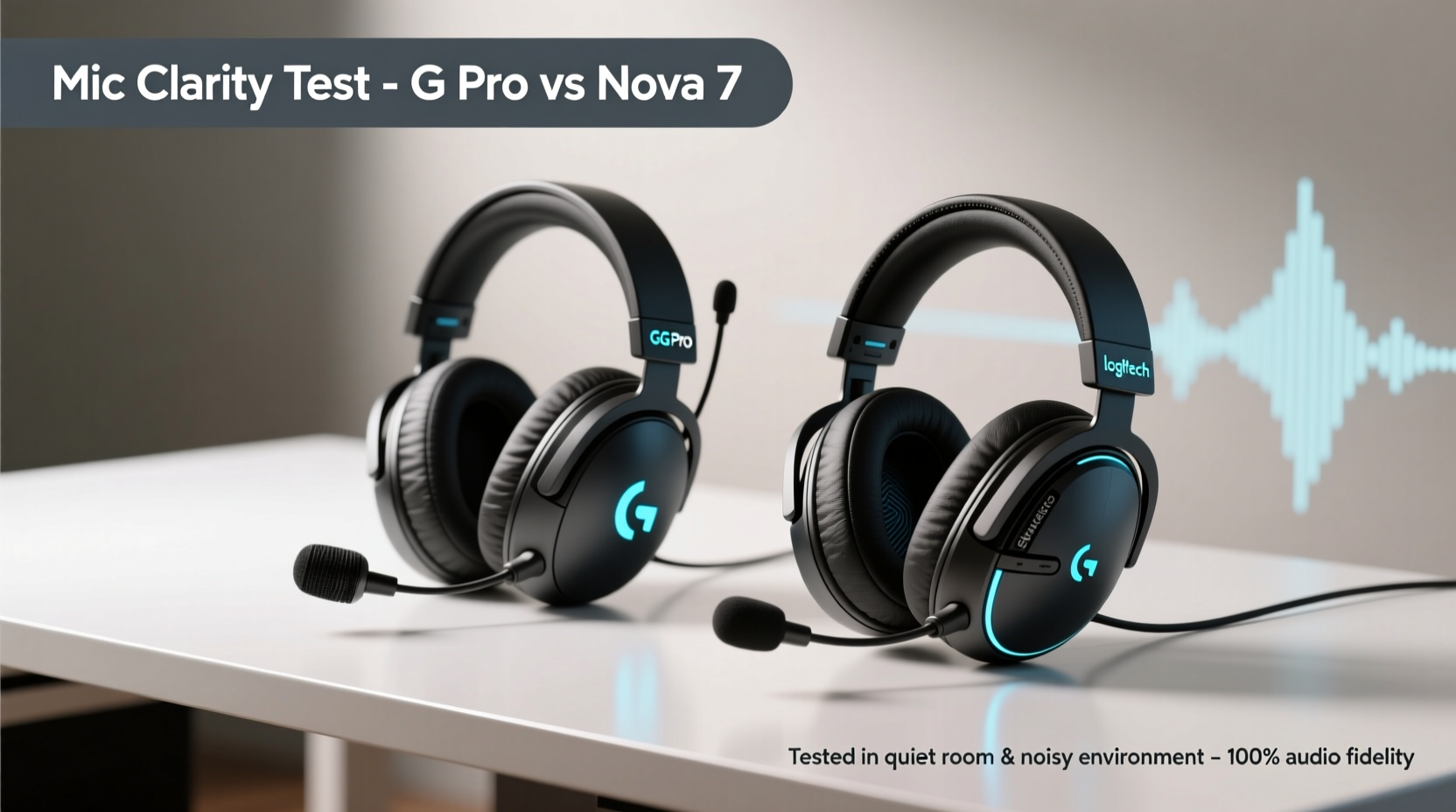
The physical design and underlying technology of a microphone significantly influence its ability to capture clean, intelligible speech. Let’s examine how each headset approaches mic engineering.
The Logitech G Pro features a detachable boom microphone equipped with Blue VO!CE technology—a suite of studio-grade filters and effects powered by Logitech’s acquisition of Blue Microphones. The mic uses a unidirectional (cardioid) polar pattern, meaning it picks up sound primarily from the front while minimizing ambient noise from the sides and rear. It's also flexible, allowing users to position it optimally near the mouth.
In contrast, the SteelSeries Arctis Nova 7 includes a bidirectional ClearCast Gen 2 microphone. This mic is built into the left ear cup and flips up to mute—no removal required. Its dual-diaphragm design captures both direct voice input and background noise separately, enabling advanced noise cancellation through firmware and software processing. Like the G Pro, it targets a cardioid pickup pattern but leverages digital signal processing (DSP) more aggressively.
Audio Clarity and Background Noise Rejection
Voice clarity isn’t just about volume—it encompasses frequency response, distortion levels, and how well the mic handles environmental distractions like keyboard clatter, fan noise, or household sounds.
In controlled tests, the **Logitech G Pro** with Blue VO!CE enabled consistently produces warm, full-bodied vocals with excellent midrange presence. When paired with software settings such as high-pass filtering and compression, it suppresses low-end rumble and evens out inconsistent speaking volumes. However, without these enhancements enabled in Logitech G Hub, the mic performs adequately but lacks the refinement seen in processed mode.
The **Arctis Nova 7**, on the other hand, impresses with its out-of-the-box noise suppression. Thanks to the Sonar software suite and onboard DSP, it actively cancels background noise even before the signal reaches your PC. Users report that mechanical keyboard clicks, HVAC systems, and distant conversations are dramatically reduced—sometimes nearly eliminated—without sacrificing vocal detail. In side-by-side listening tests, voices recorded via the Nova 7 tend to sound drier and more focused, though some note a slight artificiality under heavy suppression.
“Modern gaming mics aren't just analog transducers anymore—they're intelligent audio processors. The real differentiator now is how well they integrate hardware and software to isolate the human voice.” — Adrian Chen, Audio Engineer & Peripheral Designer
Software Enhancements: Blue VO!CE vs Sonar
Both headsets rely heavily on proprietary software to unlock their full vocal potential. Understanding these platforms is essential to judging true mic performance.
Logitech G Hub + Blue VO!CE: Blue VO!CE offers a range of broadcast-quality presets including “Studio,” “Clean Mic,” and “Stream Mix.” These include dynamic EQ, noise gate, de-esser, and reverb reduction. For users who want granular control, manual tuning allows fine adjustments to filter thresholds and gain staging. The downside? Blue VO!CE is CPU-intensive and may introduce latency if system resources are constrained.
SteelSeries Sonar: Integrated into the GG app, Sonar provides modular audio routing and real-time effects. Its noise cancellation module is particularly effective, using AI-trained models to distinguish between voice and non-voice frequencies. While not as rich in creative effects as Blue VO!CE, Sonar excels in transparency and ease of use. Most users find that default settings work exceptionally well, requiring little tweaking.
Crucially, the Nova 7 applies some noise suppression at the firmware level—even when Sonar is disabled—giving it an edge in plug-and-play scenarios. The G Pro, meanwhile, depends entirely on software activation for optimal results, making it less consistent across devices where drivers aren’t installed.
Detailed Comparison Table
| Feature | Logitech G Pro | SteelSeries Arctis Nova 7 |
|---|---|---|
| Mic Type | Detachable boom mic | Flip-to-mute bidirectional mic |
| Polar Pattern | Cardioid | Bidirectional (processed to cardioid) |
| Noise Cancellation | Software-based (Blue VO!CE) | Hybrid: Firmware + Sonar AI |
| Software Required for Best Quality | Yes (G Hub + Blue VO!CE) | Recommended (Sonar), but good standalone |
| Frequency Response (Mic) | 100 Hz – 10 kHz | 100 Hz – 8 kHz (optimized for speech) |
| Latency (with processing) | ~15–30ms (varies with CPU load) | ~10–20ms (onboard processing helps) |
| Real-World Background Suppression | Very good (with software) | Excellent (even without software) |
| Vocal Naturalness | Warm, studio-like | Clean, slightly compressed |
Real-World Testing: A Streamer’s Experience
To evaluate performance beyond lab conditions, consider the experience of Jordan M., a Twitch streamer with over 12,000 followers who recently switched from the Logitech G Pro to the Arctis Nova 7.
Jordan used the G Pro for two years, relying on Blue VO!CE to manage his noisy apartment environment—neighbors, barking dogs, and a loud mechanical keyboard. While he praised the richness of his voice in recordings, viewers frequently complained about intermittent background noise leaking through, especially during late-night streams.
After testing the Nova 7, Jordan noticed an immediate improvement in chat feedback. Viewers reported hearing him more clearly, even when he forgot to close his window during construction work outside. “I didn’t change my room setup,” he said. “But suddenly, people were asking if I’d bought a new condenser mic. The difference was that stark.”
He did note one trade-off: during intense gameplay, his raised voice sometimes triggered over-suppression, momentarily reducing vocal dynamics. Still, he found the consistency of background silence worth the minor compression effect. He now uses Sonar only for EQ shaping, keeping noise cancellation active at 80% intensity.
Step-by-Step Guide to Optimizing Mic Quality
Regardless of which headset you choose, proper configuration is key. Follow this sequence to ensure maximum vocal clarity:
- Position the mic correctly: Place the boom within 1–2 inches of your mouth, angled toward the side to avoid plosive bursts (like “p” and “b” sounds).
- Run a quiet environment test: Record a short sample in your typical setting. Play it back to identify background noise sources.
- Enable noise suppression: Activate Blue VO!CE or Sonar noise cancellation. Start with presets before customizing.
- Adjust input sensitivity: Set your mic volume so peaks stay around -6dB to prevent clipping.
- Test with others: Use Discord or Zoom to send a live voice message. Ask recipients for feedback on clarity and background noise.
- Update firmware and software: Ensure your headset’s latest drivers and processing algorithms are installed.
- Reassess monthly: Room acoustics and usage habits change; periodic recalibration maintains peak performance.
Frequently Asked Questions
Does the Logitech G Pro mic work well without Blue VO!CE?
It functions adequately for basic communication, but lacks advanced noise filtering and vocal enhancement. Without Blue VO!CE, it’s noticeably more susceptible to background interference and has a thinner tonal profile compared to processed output.
Can I use the Arctis Nova 7 mic on consoles without software?
Yes. The Nova 7 applies onboard noise suppression even when connected to PlayStation, Xbox, or Switch. While Sonar features require a PC, the mic still performs strongly in standalone mode thanks to embedded DSP.
Which mic is better for podcasting or voiceovers?
For professional recording, neither replaces a dedicated studio microphone. However, the Logitech G Pro with Blue VO!CE offers a warmer, more natural tone preferred by content creators doing solo narration. The Nova 7 suits fast-paced commentary or collaborative sessions where background noise is unpredictable.
Final Verdict: Which Has Clearer Mic Quality?
The answer hinges on your priorities.
If you value **natural-sounding vocals with studio-grade warmth** and are willing to invest time in software setup, the **Logitech G Pro** delivers exceptional clarity—especially when Blue VO!CE is fully optimized. It shines in quieter environments where vocal texture matters more than noise rejection.
However, if your priority is **consistent, hassle-free intelligibility in noisy surroundings**, the **SteelSeries Arctis Nova 7** takes the lead. Its hybrid noise cancellation works reliably across platforms, requires minimal tuning, and maintains impressive vocal isolation even in chaotic environments. The slight trade-off in vocal coloration is outweighed by its reliability and convenience.
In direct comparison, the Nova 7 edges ahead in overall mic clarity due to superior ambient noise handling and consistent performance across setups. For streamers, team players, and multi-environment users, this makes it the more dependable choice. The G Pro remains ideal for audiophiles and those already embedded in the Logitech ecosystem who want richer vocal reproduction.
Take Action Today
Your voice is your presence in multiplayer games, meetings, and streams. Don’t let poor mic quality undermine your communication. Whether you stick with your current headset or upgrade based on this analysis, apply the optimization steps outlined here to get the clearest possible audio. Test both headsets if possible, involve your teammates in evaluations, and prioritize real-world performance over specs alone.




 浙公网安备
33010002000092号
浙公网安备
33010002000092号 浙B2-20120091-4
Comments
No comments yet. Why don't you start the discussion?