
Choosing the right laptop as a student means balancing performance, portability, battery life, and long-term value. Two of the most talked-about ultrabooks on the market today are the MacBook Air M3 and the Dell XPS 13. Both promise sleek designs, powerful internals, and all-day usability—critical for lecture halls, library sessions, and late-night study marathons. But when it comes to real-world student needs, which one truly delivers better performance?
This isn’t just about specs on paper. It’s about how these machines handle multitasking between research papers, video calls, coding assignments, and streaming lectures—all while fitting in a backpack and lasting through back-to-back classes. Let’s break down every aspect that matters to students and see which device earns its place as the ultimate academic companion.
Performance: M3 Chip vs Intel Core i7
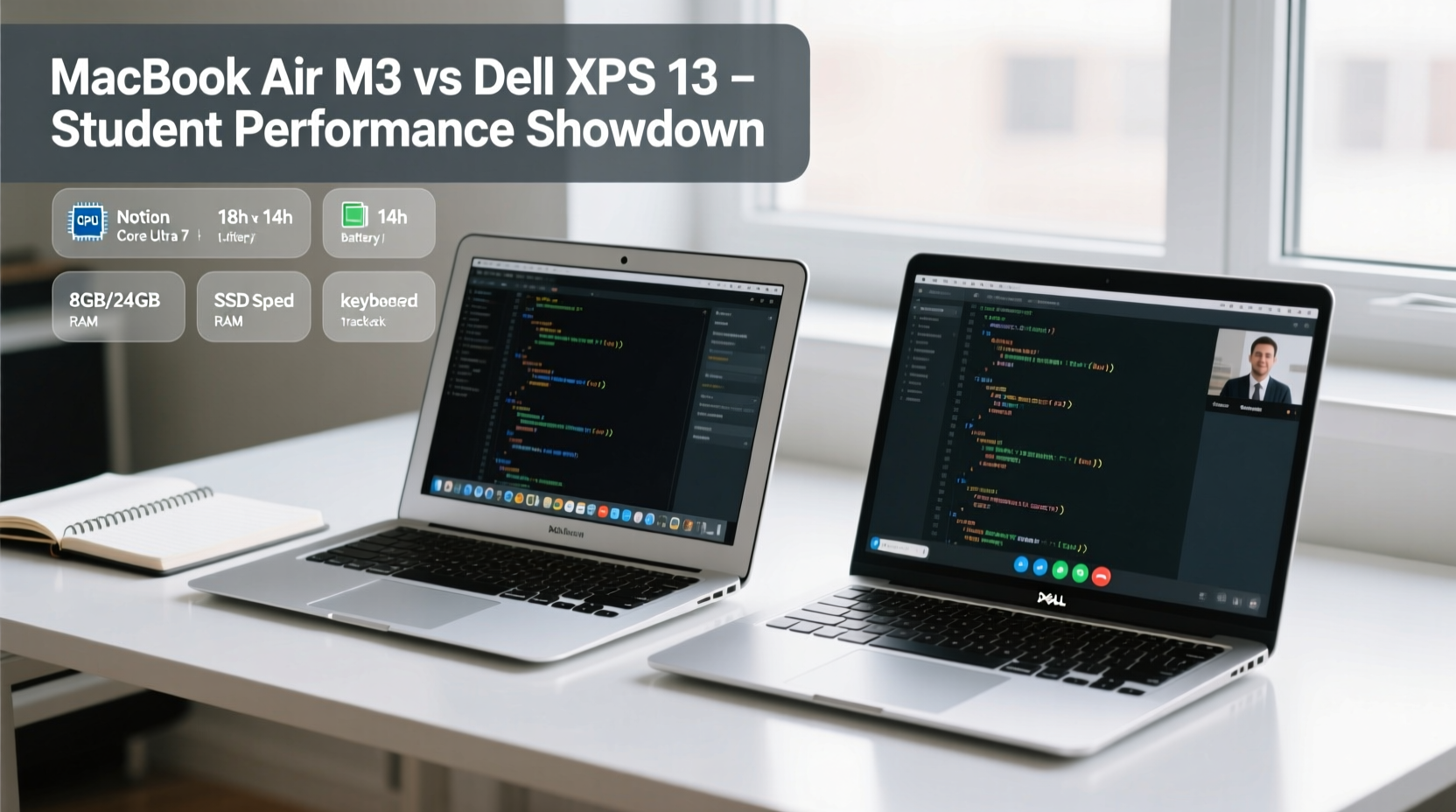
The heart of any laptop is its processor, and here the MacBook Air M3 and Dell XPS 13 take very different approaches. The MacBook Air runs on Apple’s custom-built M3 chip—an ARM-based system-on-a-chip (SoC) with 8-core CPU, 10-core GPU, and a 16-core Neural Engine. In contrast, the latest Dell XPS 13 uses an Intel Core i7-1355U (13th Gen), a traditional x86 processor with 10 cores (2 Performance + 8 Efficient).
On raw benchmark scores, the M3 holds a clear edge in both single-core and multi-core performance. According to Geekbench 6 results, the M3 achieves around 2,900 in single-core and 9,500 in multi-core, while the Intel i7 lands at approximately 2,400 and 7,800 respectively. This gap translates into faster app launches, smoother web browsing with dozens of tabs open, and quicker compilation times for programming students using tools like Xcode or Visual Studio Code.
But beyond numbers, efficiency matters. The M3’s architecture allows it to maintain high performance without fans, meaning the MacBook Air remains silent even under load. The Dell XPS 13, despite improvements in thermal design, still uses a small fan that can activate during sustained tasks—like rendering presentations or running virtual machines—which may be noticeable in quiet environments like libraries.
Battery Life and All-Day Usability
No student wants to hunt for outlets between classes. Battery life is non-negotiable, and this is where the MacBook Air M3 shines brightest. Apple claims up to 18 hours of video playback, and real-world usage consistently delivers 12–15 hours with mixed workloads: web browsing, document editing, Zoom meetings, and music streaming.
The Dell XPS 13, equipped with a 51Wh battery, typically lasts 8–10 hours under similar conditions. While respectable, it falls short of the MacBook’s endurance. Students attending full-day schedules or studying remotely from coffee shops will appreciate the extra buffer the M3 provides.
Moreover, macOS optimizes power delivery intelligently across apps and background processes. The M3 chip’s integrated nature—combining CPU, GPU, RAM, and SSD on one die—reduces energy leakage, contributing to longer unplugged use. The XPS 13, though efficient for an Intel machine, cannot match this level of integration due to architectural limitations.
“Battery longevity isn’t just about capacity—it’s about how efficiently the system manages resources. The M3 represents a generational leap in mobile computing efficiency.” — Dr. Lin Zhao, Computer Engineering Professor at MIT
Portability and Build Quality
Both laptops are feather-light and built for mobility. The MacBook Air weighs 2.7 pounds (1.24 kg) and measures 0.44 inches thin. The Dell XPS 13 clocks in at 2.59 pounds (1.17 kg) and 0.58 inches thick—slightly lighter but noticeably thicker.
In practice, the difference in weight is negligible, but the MacBook Air’s tapered aluminum design makes it easier to slip into tight backpack compartments. Its lack of moving parts (no fan, no spinning drives) also enhances durability, especially important for students navigating crowded campuses.
The XPS 13 features a premium CNC-machined aluminum chassis with a soft-touch carbon fiber palm rest, offering excellent tactile comfort. However, some users report creaking over time, particularly around the keyboard deck. The MacBook Air’s unibody construction feels more rigid and consistent over extended use.
| Feature | MacBook Air M3 | Dell XPS 13 |
|---|---|---|
| Weight | 2.7 lbs (1.24 kg) | 2.59 lbs (1.17 kg) |
| Thickness | 0.44\" | 0.58\" |
| Build Material | Recycled Aluminum | Aluminum & Carbon Fiber |
| Fanless Design | Yes | No (small fan included) |
| Durability | Excellent (unibody) | Good (minor flex reported) |
Display and Audio Experience
For students consuming large volumes of visual content—whether watching recorded lectures, analyzing charts, or editing multimedia—the display quality significantly impacts productivity.
The MacBook Air features a 13.6-inch Liquid Retina display with 2560x1664 resolution, 500 nits brightness, P3 wide color, and True Tone technology. Text appears razor-sharp, colors are vibrant yet accurate, and indoor/outdoor visibility is excellent. The notch houses a 1080p FaceTime HD camera, which delivers better-than-average video quality for online classes.
The Dell XPS 13 offers a 13.4-inch OLED display option (3.5K resolution, 400 nits) that boasts deeper blacks and higher contrast. However, OLED screens are more prone to burn-in over time—a concern if you frequently leave static windows open (e.g., lecture slides). Additionally, the base model includes a less impressive FHD+ IPS panel, so buyers must upgrade for optimal visuals.
Audio-wise, the MacBook Air wins decisively. Its four-speaker sound system supports spatial audio and delivers rich, balanced tones ideal for language learners, musicians, or anyone reviewing audio recordings. The XPS 13 has upward-firing speakers that sound tinny by comparison, especially at higher volumes.
Software Ecosystem and Student Productivity
One of the most overlooked factors in laptop selection is software compatibility and ecosystem synergy. The MacBook Air runs macOS, which integrates seamlessly with iPhone, iPad, iCloud, and other Apple devices. For students already invested in the Apple ecosystem, features like Handoff, Universal Clipboard, and AirDrop streamline workflows across devices.
Native apps like Notes, Pages, Keynote, and iMovie are free and well-suited for academic tasks. Final Cut Pro and Logic Pro offer professional-grade tools for media students at discounted rates. Meanwhile, Microsoft 365 and Google Workspace run flawlessly on macOS, ensuring compatibility with university requirements.
The Dell XPS 13 runs Windows 11, giving access to the broadest range of software, including specialized engineering tools (AutoCAD, MATLAB), gaming engines, and legacy applications not available on Mac. However, Windows laptops often come with bloatware pre-installed, requiring cleanup after purchase.
Additionally, macOS is known for its stability and resistance to malware—important for students managing sensitive research or personal data. Updates are smoother and less disruptive than Windows’ frequent reboots and forced installations.
Mini Case Study: Sarah, a Third-Year Biology Major
Sarah switched from a Windows laptop to a MacBook Air M3 before her junior year. She previously struggled with short battery life and overheating during lab report sessions. Now, she edits PDFs, streams biology animations, and joins Zoom office hours—all without charging until evening. “I used to carry a power bank everywhere,” she says. “Now I forget my charger half the time and still make it through the day.”
She also appreciates the trackpad, calling it “the best I’ve ever used” for navigating dense scientific diagrams. Though she initially worried about software compatibility, she found that Parallels Desktop allowed her to run Windows-only lab simulation software when needed—without sacrificing macOS benefits.
Value and Long-Term Investment
At first glance, the MacBook Air M3 starts at $1,099 (8GB RAM, 256GB SSD), while the Dell XPS 13 begins at $999 (also 8GB/256GB). But upgrades tell a different story. Configuring the XPS 13 with 16GB RAM and 512GB SSD pushes it past $1,400, whereas the same specs on the MacBook Air cost $1,499—only slightly more for a vastly superior processor and OS optimization.
More importantly, MacBooks tend to receive software support for 5–7 years, compared to 3–5 for most Windows laptops. This longevity reduces the need for early replacement, making the initial investment more sustainable. Resale value is also significantly higher for Macs, recouping up to 60% of cost after three years versus 35–40% for Dell.
“The total cost of ownership favors Macs for students who plan to keep their device beyond graduation.” — TechEd Magazine, 2023 Laptop Report
Checklist: Choosing the Right Ultrabook for Your Academic Needs
- ✅ Assess your primary workload: writing, coding, multimedia, or STEM simulations?
- ✅ Determine if you rely on Windows-only software (e.g., SPSS, SolidWorks).
- ✅ Consider your existing tech ecosystem (iPhone? Android? iPad?)
- ✅ Prioritize battery life if you’re rarely near outlets during class days.
- ✅ Evaluate long-term needs—will this laptop last all four years?
- ✅ Test the keyboard and trackpad in person if possible; ergonomics matter for long typing sessions.
- ✅ Check university discounts—Apple and Dell both offer student pricing and bundled software deals.
Frequently Asked Questions
Can the MacBook Air M3 run Windows programs?
Yes, but not natively. You can use virtualization tools like Parallels Desktop or cloud-based Windows solutions (Microsoft Azure, Windows 365) to run Windows applications. Performance is strong due to the M3 chip, but native macOS alternatives are usually preferred for efficiency.
Is the Dell XPS 13 good for coding and programming?
Absolutely. With full Windows support, the XPS 13 handles IDEs like Visual Studio, PyCharm, and Docker effectively. However, developers working primarily in web, Python, or JavaScript environments may find the MacBook Air equally capable—and quieter during compile cycles.
Which laptop has better keyboard and trackpad?
The MacBook Air has the edge. Its Magic Keyboard offers deep travel and tactile feedback, while the Force Touch trackpad is the largest relative to size in its class, enabling precise gestures. The XPS 13 keyboard is comfortable but shallower, and the glass trackpad, while smooth, lacks the physical responsiveness of Apple’s implementation.
Final Verdict: Which Performs Better for Students?
The Dell XPS 13 remains a compelling Windows ultrabook with solid build quality and strong performance for everyday tasks. It’s a great choice for students tied to Windows-specific software or those deeply embedded in the Microsoft ecosystem.
However, the **MacBook Air M3 outperforms it overall** in nearly every category that matters to students: battery life, sustained performance, display quality, audio output, software efficiency, and long-term reliability. Its fanless design ensures silent operation in quiet study spaces, and macOS offers a distraction-free environment conducive to focused learning.
For the majority of students—especially those in liberal arts, business, sciences, or creative fields—the MacBook Air M3 provides a smoother, more enduring, and ultimately smarter investment. Even for STEM majors, the growing support for development tools on Apple Silicon (including Docker, Linux environments, and machine learning frameworks) narrows the gap further.




 浙公网安备
33010002000092号
浙公网安备
33010002000092号 浙B2-20120091-4
Comments
No comments yet. Why don't you start the discussion?