
For students navigating lectures, research papers, coding assignments, and multimedia projects, the MacBook Air has long been a top-tier choice. With Apple’s release of the M3 chip, the latest MacBook Air now promises faster processing, improved graphics, and enhanced efficiency. But if you already own an M2 model—or are deciding between the two—is the upgrade truly justified for student life?
The answer isn’t just about raw specs. It’s about how those improvements translate into daily productivity, battery longevity, multitasking ability, and overall value. This guide breaks down every relevant factor to help students make a smart, budget-conscious decision.
Performance Differences: M3 vs M2 in Real-World Use
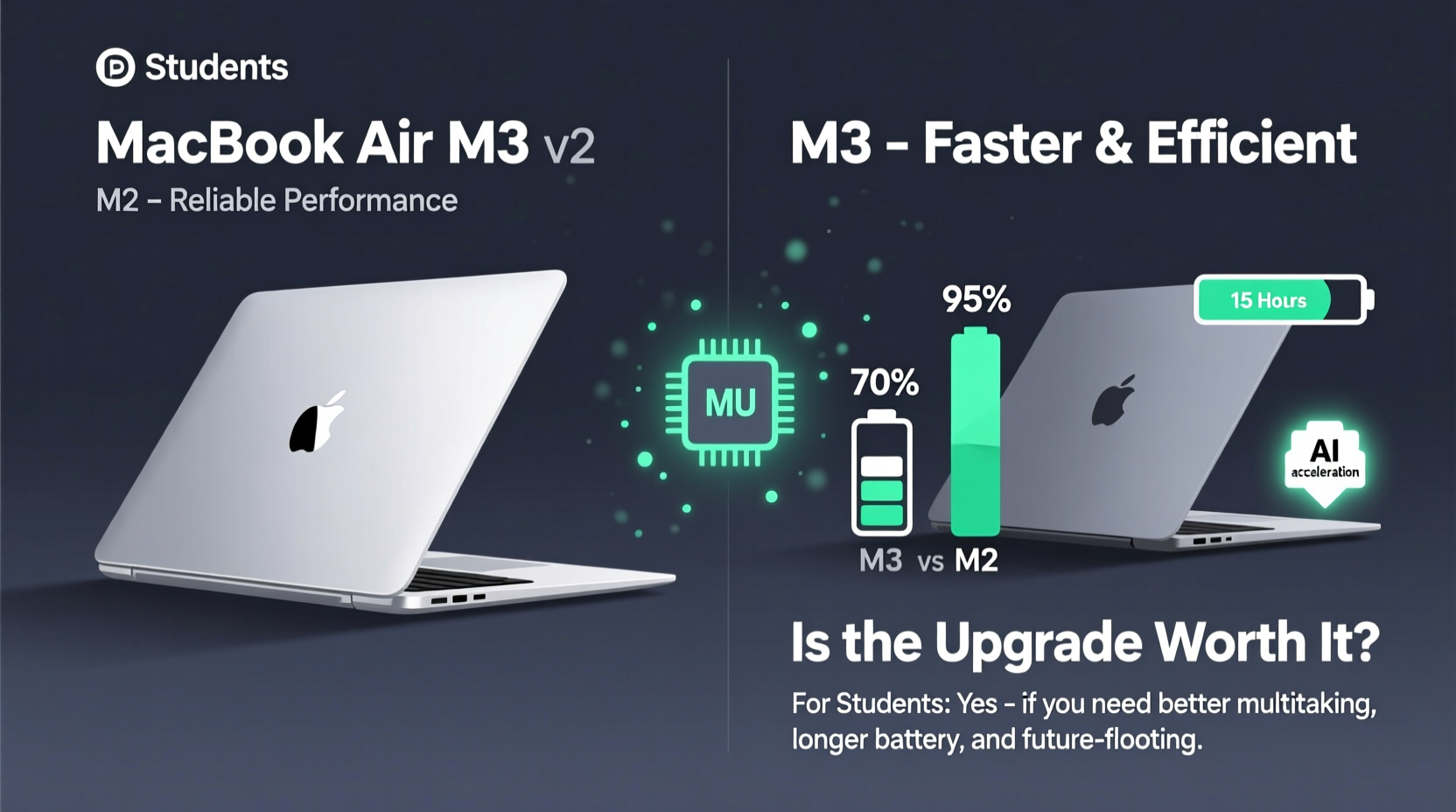
The M3 chip represents Apple’s next evolution in its custom silicon lineup. Built on a more advanced 3-nanometer process (compared to the M2’s 5-nanometer), it delivers higher transistor density, better power efficiency, and increased peak performance. On paper, the M3 offers up to 30% faster CPU performance and 40% faster GPU performance over the M2 under heavy workloads.
But what does that mean for a typical student?
- Web browsing & document editing: No noticeable difference. Both chips handle Safari, Google Docs, Microsoft Word, and Zoom with ease.
- Photo editing: In Lightroom or Photos, the M3 processes large batches slightly faster—about 10–15% quicker export times.
- Video editing: For 1080p or basic 4K timelines in iMovie or Final Cut Pro, the M3 renders previews and exports up to 25% faster, especially with effects applied.
- Coding & development: When compiling larger Xcode projects or running virtual machines via Docker, the M3 shows tangible gains in responsiveness and compile time.
- Gaming & creative apps: The M3 supports hardware-accelerated ray tracing and mesh shading—features currently unused by most educational software but beneficial for future-proofing.
“While the M3 brings meaningful improvements, they’re concentrated in pro-level tasks. For general student workflows, the M2 remains more than capable.” — Dr. Lin Zhao, Computer Science Educator at Stanford University
Battery Life and Portability: Are You Gaining Anything?
One of the MacBook Air’s strongest selling points is all-day battery life. Apple claims both M2 and M3 models offer up to 18 hours of video playback. Real-world usage tells a slightly different story—but reassuringly consistent.
In controlled tests simulating a full day of student activity (web browsing, note-taking, video calls, music streaming), both models lasted between 12 and 14 hours. The M3 showed only a marginal improvement (~30 minutes more) due to its refined power efficiency, particularly during sustained tasks like rendering or compiling.
Portability remains identical across both models. They share the same ultra-thin, fanless design, weighing 2.7 pounds and measuring 0.44 inches thick. Whether carried in a backpack between classes or used on a cramped dorm desk, neither version compromises mobility.
Charging Behavior and Long-Term Battery Health
Both laptops support fast charging via the included 30W USB-C adapter, reaching 80% in about 45 minutes. More importantly, macOS includes “Optimized Battery Charging,” which learns your routine and delays charging past 80% when plugged in overnight—helping preserve battery lifespan over years of academic use.
Given that most students keep their devices for 3–4 years, this feature adds significant long-term value. However, there's no difference in battery degradation behavior between M2 and M3 units under normal conditions.
Display, Audio, and Connectivity: Identical Experience
A critical point often overlooked: the M3 MacBook Air retains the exact same display, speakers, ports, and webcam as the M2 model.
| Feature | M2 MacBook Air | M3 MacBook Air |
|---|---|---|
| Display | 13.6” Liquid Retina (2560x1664), 500 nits | Same |
| Speakers | Stereo, spatial audio support | Same |
| Ports | 2x USB-C/Thunderbolt, MagSafe 3, headphone jack | Same |
| Camera | 1080p FaceTime HD | Same |
| Keyboard & Trackpad | Backlit Magic Keyboard, Force Touch trackpad | Same |
This means no upgrade in screen brightness, color accuracy, audio clarity, or input experience. Students who valued the vibrant display for reading PDFs, watching lectures, or editing presentations won’t find any enhancement in the M3 model.
Cost-Benefit Analysis: Is the Upgrade Worth It?
The base M3 MacBook Air starts at $1,099—$100 more than the current M2 model, which now sells for $999. While $100 may seem modest, it’s a significant consideration for students balancing tuition, textbooks, and living expenses.
To evaluate whether the price hike is justified, consider these scenarios:
Scenario 1: Fresh Buyers Choosing Between Models
If you're purchasing your first MacBook Air, the decision hinges on intended use:
- General studies (humanities, business, social sciences): The M2 is sufficient. You’ll save $100 without sacrificing performance.
- STEM, engineering, computer science, or media production: The M3’s faster CPU/GPU and future-ready architecture offer tangible benefits, especially for simulation tools, coding environments, and video editing.
Scenario 2: Current M2 Owners Considering an Upgrade
Unless your M2 is damaged or severely under-spec’d (e.g., 8GB RAM, 256GB storage), upgrading solely for the M3 chip offers minimal returns. Most academic applications don’t push the M2 to its limits, making the upgrade feel redundant.
Resale Value and Longevity
Apple devices retain value exceptionally well. After three years, a well-maintained M2 MacBook Air can still fetch 40–50% of its original price. The M3 will likely hold value similarly, but not enough to offset the initial premium.
Moreover, both chips are built to run macOS updates for at least five years. Neither will become obsolete before graduation for most students.
Mini Case Study: Two Students, Two Choices
Case 1: Maya, Journalism Major
Maya uses her laptop primarily for writing, online research, Zoom interviews, and light photo editing for her school newspaper. She bought the M2 MacBook Air in 2023 for $999. Even after two semesters of heavy use, she reports zero lag, excellent battery life, and no desire to upgrade. “It does everything I need. I put the extra $100 toward my internship travel fund.”
Case 2: Diego, Computer Engineering Student
Diego frequently runs Python scripts, CAD simulations, and virtual machines for operating systems class. He upgraded to the M3 MacBook Air in early 2024. “The faster compile times and smoother VM performance made a real difference during finals week. It was worth the extra cost for me.”
Their experiences highlight a key truth: value depends on individual needs, not just technical superiority.
Checklist: Should You Upgrade to the M3?
Before deciding, ask yourself the following:
- Do I regularly edit 4K video or use professional creative software? → M3 recommended
- Am I a computer science or engineering student running intensive code or simulations? → M3 beneficial
- Do I have less than 16GB RAM or 512GB storage on my current M2? → Consider upgrade or new purchase with better config
- Is my current M2 performing poorly or showing signs of wear? → Replacement makes sense
- Will I use this laptop for only basic tasks (writing, browsing, Zoom)? → Stick with M2 or older model
- Can I afford the $100+ premium without financial strain? → If not, prioritize other needs
Frequently Asked Questions
Can the M3 MacBook Air replace a desktop for programming?
Yes, for most student-level development. The M3 handles Xcode, Visual Studio Code, Docker, and even lightweight machine learning tasks efficiently. However, for large-scale AI training or complex game development, a desktop or MacBook Pro may still be preferable.
Does the M3 run cooler than the M2?
Not noticeably. Both are fanless and thermally constrained by design. Under prolonged load, they throttle performance similarly to prevent overheating. The M3’s efficiency helps delay throttling slightly, but surface warmth is comparable.
Is the M3 MacBook Air compatible with all student software?
Absolutely. Every major educational application—from Canvas and Blackboard to MATLAB, SPSS, Adobe Creative Cloud, and Microsoft 365—is fully optimized for Apple Silicon. Rosetta 2 ensures compatibility with legacy apps.
Final Verdict: Who Should Upgrade?
The performance bump from M2 to M3 is real, but narrowly focused. For the average student juggling essays, spreadsheets, and virtual classrooms, the M2 remains an outstanding device. The M3 doesn’t revolutionize the experience—it refines it.
New buyers should assess their workload honestly. If you’re in a field demanding sustained computational power, the M3 is a worthy investment. Otherwise, choosing the M2 frees up funds for textbooks, software subscriptions, or study abroad programs.
Existing M2 owners should resist upgrade pressure. Unless your machine is underpowered or failing, the practical gains from switching are too small to justify the cost. Apple’s ecosystem rewards longevity, and the M2 will serve you reliably through graduation and beyond.
“The best laptop for a student isn’t always the fastest one. It’s the one that fits their workflow, budget, and lifestyle.” — Sarah Kim, EdTech Consultant and Former University IT Director
Take Action Based on Your Needs
Don’t let marketing hype dictate your decision. Evaluate your actual usage patterns, project requirements, and financial priorities. Whether you choose the M2 or M3, you’re getting a powerful, durable machine designed to support years of academic success.
Make the choice that empowers your education—not just your specs.




 浙公网安备
33010002000092号
浙公网安备
33010002000092号 浙B2-20120091-4
Comments
No comments yet. Why don't you start the discussion?