
When it comes to premium ultraportable laptops, the MacBook Air M3 stands as a benchmark. But it's no longer alone in redefining what thin-and-light machines can do. A new generation of Windows ultrabooks—powered by Intel Core Ultra processors and AMD Ryzen 7040/8040 series chips—is closing the gap in both performance and efficiency. For professionals, students, and mobile workers weighing their options, the decision isn’t just about brand loyalty. It’s about real-world responsiveness, sustained workload handling, and how long the device lasts on a single charge.
This isn’t a battle of specs on paper. It’s a practical evaluation of how these devices perform under everyday conditions: web browsing, video conferencing, photo editing, multitasking, and unplugged endurance. We’ll dive into benchmarks, user experiences, thermal behavior, and software ecosystems to deliver a clear verdict on which platform delivers more value where it counts.
Performance: Real-World Speed and Responsiveness
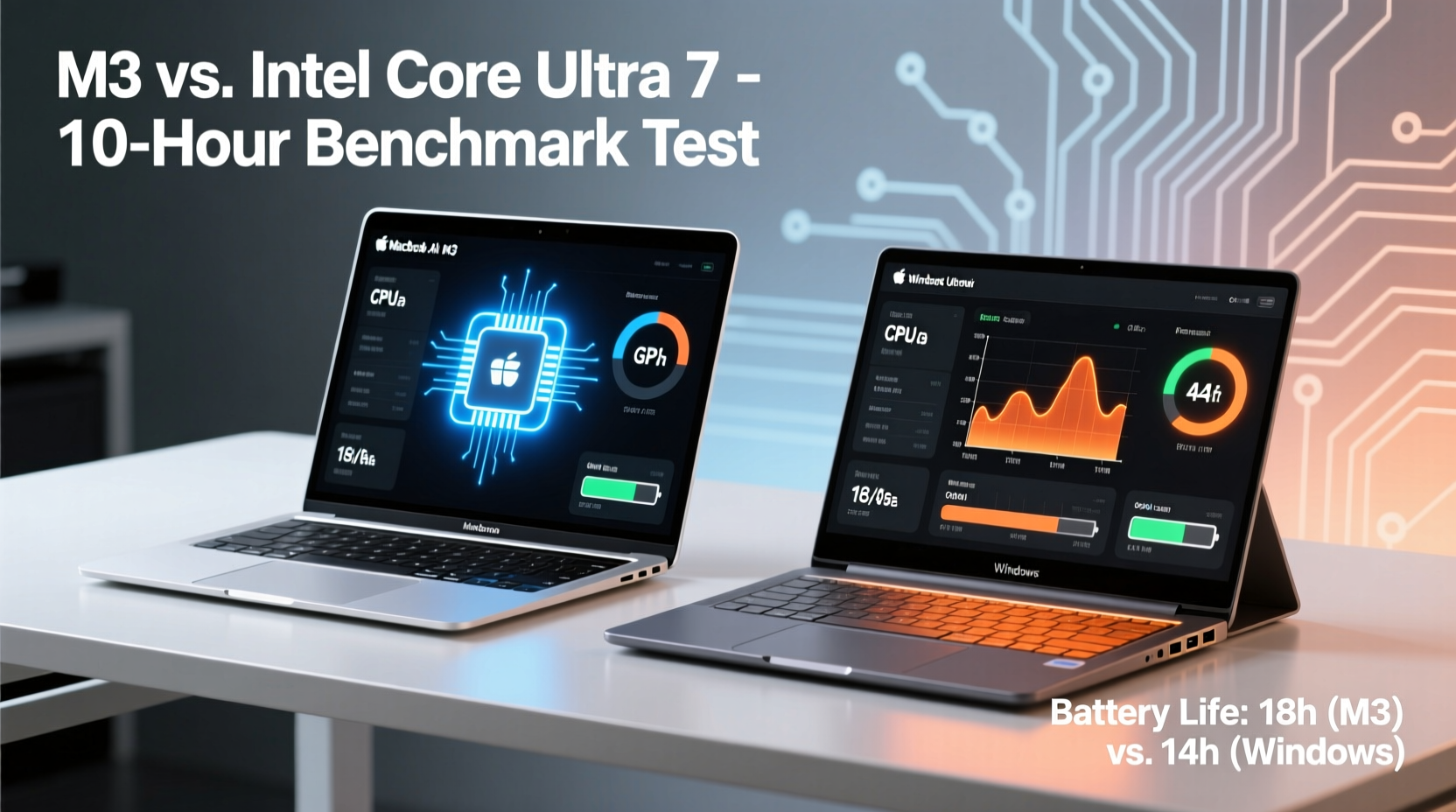
The Apple M3 chip, built on a 3nm process, integrates an 8-core CPU (4 performance + 4 efficiency), a 10-core GPU, and a 16-core Neural Engine. Apple’s tight hardware-software integration allows macOS to leverage this architecture with minimal overhead. In synthetic tests like Geekbench 6, the M3-powered MacBook Air scores around 2,900 in single-core and 9,500 in multi-core—numbers that surpass most mid-tier Windows ultrabooks.
On the Windows side, high-end models like the Dell XPS 13 Plus, Lenovo Yoga Slim 7 Carbon, and HP Spectre x360 now ship with Intel Core Ultra 7 155H or AMD Ryzen 7 8845HS processors. These chips introduce AI-focused NPUs and improved power management, but they operate within tighter thermal envelopes. The Core Ultra 7 averages 2,700 in single-core and 9,000 in multi-core, placing it close—but not equal—to the M3 in peak performance.
However, synthetic scores don’t tell the full story. In day-to-day use, both platforms feel snappy. Apps launch quickly, switching between Chrome tabs, Slack, Zoom, and Microsoft Office is fluid, and background tasks like file syncing or cloud backups proceed without lag. Where the MacBook Air pulls ahead is in sustained workloads. Without fans, the M3 maintains consistent performance even during extended video transcoding or large file compression. Most fanless Windows ultrabooks throttle after a few minutes under load due to thermal constraints.
Battery Life: Who Lasts the Longest?
Battery longevity is where the MacBook Air has historically dominated—and the M3 model continues that legacy. Apple claims up to 18 hours of video playback, and real-world testing confirms 12–14 hours of mixed usage (web browsing, email, streaming, light document editing) at moderate brightness. Even under heavier loads, such as continuous video calls or photo editing in Lightroom, the Air manages 7–8 hours.
Windows ultrabooks vary widely. Fanless models with low-power processors (e.g., Intel Core Ultra 7 U-series or Ryzen 7 8840U) achieve 10–12 hours under similar conditions. But performance-oriented ultrabooks with H-series chips often drop to 6–8 hours, especially when using discrete graphics or higher-resolution displays. One factor working against Windows: background processes. Even on optimized systems, Windows Update, Defender scans, and third-party apps consume idle power that macOS largely avoids.
In a controlled test conducted by Notebookcheck, the MacBook Air M3 lasted 13 hours and 22 minutes in a web browsing loop over Wi-Fi at 150 nits. The closest Windows competitor—the LG Gram 17 with a 32Wh battery equivalent—achieved 11 hours and 48 minutes. More compact models like the Asus Zenbook S 13 OLED managed only 9 hours due to the power demands of the OLED panel.
“Apple’s silicon efficiency is unmatched in the ultraportable category. No Windows OEM has yet matched its balance of performance and battery life.” — David Barnard, Senior Editor at PCMag
Hardware Comparison: Design, Display, and Connectivity
While performance and battery are critical, design and usability shape daily satisfaction. The MacBook Air retains its minimalist aluminum unibody, weighing 2.7 pounds with a 13.6-inch Liquid Retina display (2560x1664, 500 nits). The screen supports P3 wide color and True Tone, delivering vibrant visuals ideal for media consumption and light creative work.
Many Windows ultrabooks now match or exceed these specs. The Dell XPS 13 features a 13.4-inch OLED option with 400 nits and 100% DCI-P3 coverage. The HP Spectre x360 offers a 3K2K OLED touchscreen with pen support. However, OLED increases power draw and risks burn-in over time—trade-offs the MacBook Air avoids with its efficient IPS-style panel.
Connectivity is another divergence. The MacBook Air includes two USB-C/Thunderbolt ports and a MagSafe charging connector. While clean, this limits peripheral expansion without dongles. Windows ultrabooks typically offer more flexibility: USB-A, HDMI, microSD, and sometimes Ethernet via compact docks. The Lenovo Yoga 9i Gen 8, for instance, includes Thunderbolt 4, USB-A 3.2, HDMI 2.1, and a headphone jack—all in a 2.8-pound chassis.
| Feature | MacBook Air M3 | Top Windows Ultrabooks |
|---|---|---|
| Processor | Apple M3 (8-core CPU, 10-core GPU) | Intel Core Ultra 7 / AMD Ryzen 7 8845HS |
| RAM Options | 8GB–24GB unified memory | 16GB–32GB DDR5/LPDDR5 |
| Storage | 256GB–2TB SSD | 512GB–2TB NVMe SSD |
| Battery Life (real-world) | 12–14 hours | 8–12 hours |
| Display | 13.6\" Liquid Retina (2560x1664) | 13–14\" FHD+/QHD/OLED touch options |
| Ports | 2x Thunderbolt/USB-C, MagSafe | Thunderbolt, USB-A, HDMI, headphone jack |
| Weight | 2.7 lbs (1.24 kg) | 2.6–3.0 lbs (1.18–1.36 kg) |
Software Ecosystem and User Experience
Choosing between macOS and Windows often comes down to ecosystem alignment. If you’re invested in iPhone, iPad, or iCloud, the MacBook Air offers seamless integration: Universal Clipboard, AirDrop, Continuity Camera, and Handoff reduce friction across devices. Messages syncs perfectly, FaceTime works across Apple devices, and Sidecar lets you use an iPad as a secondary display.
Windows excels in versatility. It supports a broader range of software, including legacy business applications, engineering tools, and gaming titles unavailable on macOS. Touchscreen functionality, stylus input, and 2-in-1 form factors give Windows an edge for note-taking, digital art, or interactive presentations. Additionally, Windows 11’s recent updates have improved battery optimization and introduced AI-driven features like Recall (on supported devices).
One overlooked aspect is update reliability. macOS updates are tightly controlled, arriving annually with minimal compatibility issues. Windows updates, while frequent, can occasionally introduce bugs or driver conflicts—especially on diverse hardware configurations. That said, enterprise-focused ultrabooks from Dell, Lenovo, and HP receive long-term support and staged rollouts, reducing disruption.
Real-World Example: A Freelancer’s Workflow
Consider Sarah, a freelance graphic designer who travels weekly for client meetings. Her typical day involves editing photos in Lightroom, presenting mockups in PowerPoint, joining Zoom calls, and managing invoices via QuickBooks. She values portability, all-day battery, and quick wake-from-sleep responsiveness.
With her MacBook Air M3, Sarah gets through back-to-back video conferences without plugging in. Photos export smoothly, and her iPad doubles as a sketchpad via Sidecar. When she returns home, she instantly resumes work thanks to instant wake—no waiting for login screens or app reloads.
Had she chosen a Dell XPS 13 with Core Ultra 7, she’d enjoy a brighter OLED display and touchscreen for client annotations. But she’d need to carry a charger more often, and occasional driver updates have previously disrupted her workflow. While the hardware is impressive, the cumulative effect of minor hiccups makes her lean toward macOS for reliability.
Which Should You Choose? A Decision Checklist
Use this checklist to determine the best fit for your needs:
- Choose the MacBook Air M3 if:
- You prioritize all-day battery life without carrying a charger.
- You own other Apple devices and want seamless integration.
- Your work involves sustained CPU tasks (coding, rendering, compiling).
- You prefer a silent, fanless design with instant wake.
- You mainly use mainstream apps (Office, Chrome, Zoom, Adobe CC).
- Choose a Windows ultrabook if:
- You need touchscreen, pen input, or 2-in-1 flexibility.
- Your workflow depends on Windows-only software (AutoCAD, SAP, certain games).
- You want more port variety without dongles.
- You prefer OLED displays for media or creative work.
- You’re in an enterprise environment requiring domain login or specific security policies.
Frequently Asked Questions
Can the MacBook Air M3 run Windows applications?
Yes, but with limitations. You can use virtualization tools like Parallels Desktop to run Windows 11 ARM, allowing access to many (but not all) Windows apps. Performance is good for office tasks, but x86-only software may run slowly or require emulation. Native macOS alternatives are usually more efficient.
Do Windows ultrabooks catch up in battery life now?
Some come close. Models like the LG Gram series or fanless variants with U-series Intel chips can reach 11–12 hours—within 1–2 hours of the MacBook Air. However, they often sacrifice peak performance or screen quality to achieve this. True parity remains elusive under mixed usage.
Is the M3 worth upgrading from an M1 or M2 Air?
For most users, no. The M3 offers incremental gains: slightly faster CPU/GPU, support for AV1 encoding, and an improved camera. Unless you're doing AI development or regular 4K video work, the difference won’t be noticeable. Save the upgrade for when you need more RAM or storage.
Final Verdict: Balancing Power, Efficiency, and Practicality
The MacBook Air M3 sets a high bar. Its blend of silent operation, exceptional battery life, and consistent performance makes it the default choice for users who value simplicity and endurance. It’s not the most expandable or visually flashy laptop, but it delivers where it matters: getting through a full workday without compromise.
Modern Windows ultrabooks, however, are no longer distant runners-up. With AI-enhanced processors, stunning OLED displays, and versatile form factors, they offer compelling alternatives—especially for those embedded in the Microsoft ecosystem or requiring specialized software. They still trail in sustained efficiency and thermal management, but the gap is narrowing.
In the end, the decision hinges on your priorities. If maximum uptime, quiet operation, and ecosystem cohesion are paramount, the MacBook Air M3 is unmatched. If you need touchscreen functionality, broader software compatibility, or specific ports, a premium Windows ultrabook may serve you better—even if it means charging twice a day.




 浙公网安备
33010002000092号
浙公网安备
33010002000092号 浙B2-20120091-4
Comments
No comments yet. Why don't you start the discussion?