
In today’s fast-paced world, coordinating between multiple parties doesn’t require everyone to be in the same room—or even on separate calls. Three-way calling bridges that gap, enabling real-time collaboration among three people over a single phone connection. Whether you're finalizing a business deal, planning a family event, or connecting distant relatives, mastering 3-way calling can save time and streamline communication. This guide breaks down everything you need to know—from setup to etiquette—to ensure your group conversations are smooth, professional, and productive.
Understanding 3-Way Calling: What It Is and How It Works
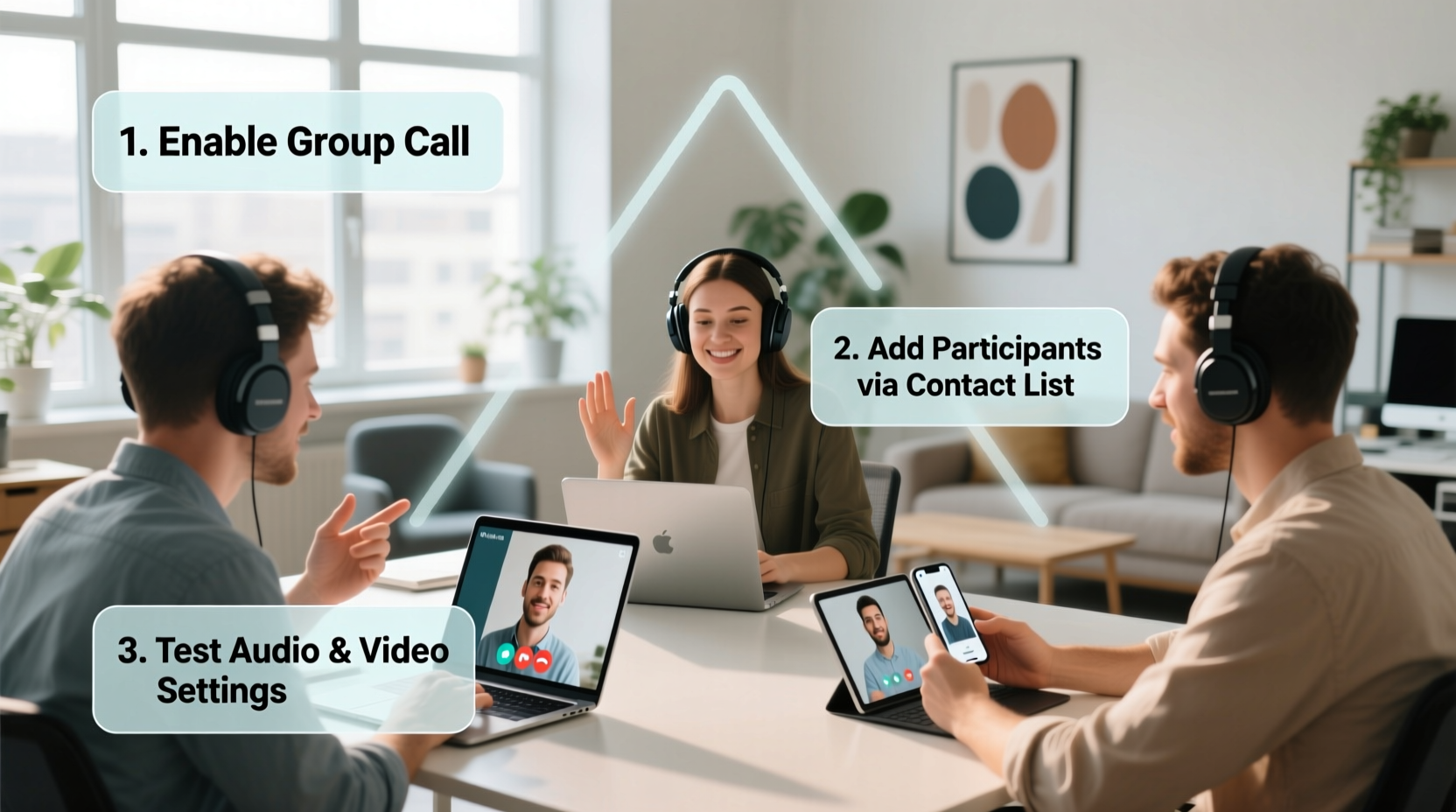
Three-way calling—also known as call conferencing or multi-party calling—is a feature offered by most mobile carriers and smartphones that allows you to merge two separate phone calls into one conversation. Unlike formal conference calling systems that support dozens of participants, 3-way calling typically supports up to three callers at once using standard voice networks (not internet-based services like Zoom or Teams).
The process works through a function called “call waiting” combined with “call merge.” When you’re on a call with one person, you can place them on hold, dial a second contact, then merge both lines so all three can speak simultaneously. The technology is built into modern smartphones and does not require additional apps or subscriptions in most cases.
“Three-way calling is one of the most underutilized yet powerful tools in personal and professional communication. It cuts meeting lag and fosters immediate decision-making.” — David Lin, Telecommunications Consultant
Step-by-Step Guide to Initiating a 3-Way Call
Setting up a 3-way call is straightforward once you understand the sequence. Follow these steps carefully to avoid disconnecting anyone accidentally.
- Start with the first caller: Dial the number of the first person and wait for them to answer. Confirm they’re ready to join a group discussion before proceeding.
- Place the first caller on hold: Tap the “Hold” or “Add Call” button on your screen. This temporarily pauses your conversation while keeping the line active.
- Dial the second participant: Use the keypad to enter the second person’s number. Wait for them to pick up.
- Explain the purpose: Briefly inform the second caller that you’ll be merging them into an existing call with another party.
- Merge the calls: Tap the “Merge” or “Conference” button. Both parties will now be connected together.
- Verify connection: Confirm that all participants can hear each other clearly. Adjust volume if needed.
Platform-Specific Instructions for Common Devices
While the general concept remains consistent, the interface varies slightly across operating systems. Below is a quick reference for major platforms.
| Device/OS | How to Add a Second Caller | How to Merge Calls |
|---|---|---|
| iOS (iPhone) | Tap “Add Call,” dial the next number | Tap “Merge Calls” after both are active |
| Android (Stock UI) | Select “+” or “Add call” during active call | Tap “Merge” when two calls appear |
| Samsung Galaxy | Use “Swap” or “Add call” option | Tap “Merge calls” from the call management menu |
| Landline (Traditional Phone) | Press flash button, dial second number | Press flash button again to merge |
Note: Some landlines may not support 3-way calling unless enabled by your provider. Check with your telecom service for availability.
Best Practices for Clear and Professional 3-Way Conversations
Just because you *can* connect three people doesn’t mean the call will go smoothly without proper coordination. Clarity, timing, and etiquette matter.
- Introduce everyone: Start by naming each participant so there’s no confusion about who’s speaking.
- Minimize background noise: Use headphones or move to a quiet space to prevent echo and interruptions.
- Avoid talking over others: Since audio quality can degrade with merged lines, allow brief pauses between responses.
- Designate a facilitator: One person should gently manage the flow, especially if decisions need to be made.
- Keep it concise: Three-way calls work best when focused. Stick to agendas and limit duration to 15–20 minutes when possible.
Mini Case Study: Resolving a Client Issue in Real Time
Marketing director Lena Chen needed to resolve a billing discrepancy between her team and a vendor. Instead of exchanging six emails over two days, she initiated a 3-way call with her finance lead and the vendor’s account manager. After a seven-minute conversation, all parties clarified the error, agreed on a correction timeline, and confirmed next steps. The issue was resolved the same day—demonstrating how efficient 3-way calling can be for cross-party alignment.
Troubleshooting Common 3-Way Calling Issues
Even with careful setup, technical hiccups happen. Here’s how to address frequent problems:
Caller Gets Disconnected During Merge
This often occurs due to network instability. Try redialing the disconnected party and merging again. If repeated failures occur, consider switching to a Wi-Fi calling mode or using a VoIP app as a backup.
No “Merge” Option Appears
Ensure your carrier supports 3-way calling and that call waiting is activated. On iPhones, go to Settings > Phone > Call Waiting to verify it’s enabled. Android users can check via Settings > Network & Internet > Calls.
One Person Can’t Hear the Others
Ask all participants to check their mute settings and volume levels. Poor microphone placement or obstructed phone speakers can also cause imbalance. Suggest switching devices or using Bluetooth headsets.
Call Drops After Holding Too Long
Some carriers automatically disconnect held calls after 30–60 seconds. Speed up the process by having numbers ready and minimizing pre-merge small talk.
When to Upgrade Beyond 3-Way Calling
While effective for trios, 3-way calling has limitations. Audio clarity diminishes with more than three voices, and managing the conversation becomes chaotic. For larger groups or recurring meetings, consider upgrading to dedicated solutions:
- VoIP Services: Apps like Google Meet, Microsoft Teams, or Zoom offer stable multi-person audio and video.
- Business Phone Systems: Providers like RingCentral or Nextiva support advanced conferencing with PIN access and recording.
- Dial-In Conferences: Ideal for teams across time zones, allowing asynchronous participation via toll-free numbers.
Still, for spontaneous, short-duration coordination between three individuals, native 3-way calling remains the fastest, most accessible option.
Essential Checklist Before Starting Your Next 3-Way Call
- ✅ Confirm availability:
- Contact both parties in advance to ensure they’re available and willing to join.
- ✅ Test your signal:
- Check your cellular or Wi-Fi strength to prevent dropouts mid-call.
- ✅ Charge your device:
- Longer calls drain battery quickly. Plug in or use power-saving mode.
- ✅ Prepare talking points:
- Have notes ready so the conversation stays focused and efficient.
- ✅ Verify carrier support:
- Some MVNOs or international plans restrict 3-way calling—confirm eligibility beforehand.
Frequently Asked Questions
Can I make a 3-way call internationally?
Yes, but charges may apply depending on your plan. International rates often apply to the second leg of the call. Consider using Wi-Fi calling or VoIP apps to reduce costs.
Is 3-way calling secure?
Standard 3-way calls are not encrypted like end-to-end messaging apps. Avoid discussing highly sensitive information such as passwords or financial data unless absolutely necessary.
Can I add a fourth person?
Most traditional 3-way calling systems only support three participants. To include more people, use a conference calling service or a group video platform instead.
Final Thoughts: Make Every Conversation Count
Three-way calling is a simple yet transformative tool that brings efficiency to everyday communication. By understanding how to initiate, manage, and conclude these mini-conferences effectively, you gain a strategic advantage in both personal and professional settings. The key lies not just in the technology, but in how thoughtfully you use it—respecting time, ensuring clarity, and fostering collaboration.




 浙公网安备
33010002000092号
浙公网安备
33010002000092号 浙B2-20120091-4
Comments
No comments yet. Why don't you start the discussion?