
In an era where audio quality defines the experience, achieving true surround sound without a complex web of wires is no longer a luxury—it’s possible with Bluetooth. While many assume Bluetooth is limited to single-device output, modern technology allows you to pair two speakers seamlessly for a rich, stereo-enveloped soundscape. Whether you're hosting a backyard party, enhancing movie nights, or simply elevating your music listening, mastering Bluetooth pairing unlocks immersive audio from everyday devices.
This guide walks through the technical foundations, practical steps, and common pitfalls of connecting two Bluetooth speakers to create a convincing surround effect. No engineering degree required—just clear instructions, tested strategies, and real-world insights.
Understanding Bluetooth Audio Limitations and Possibilities
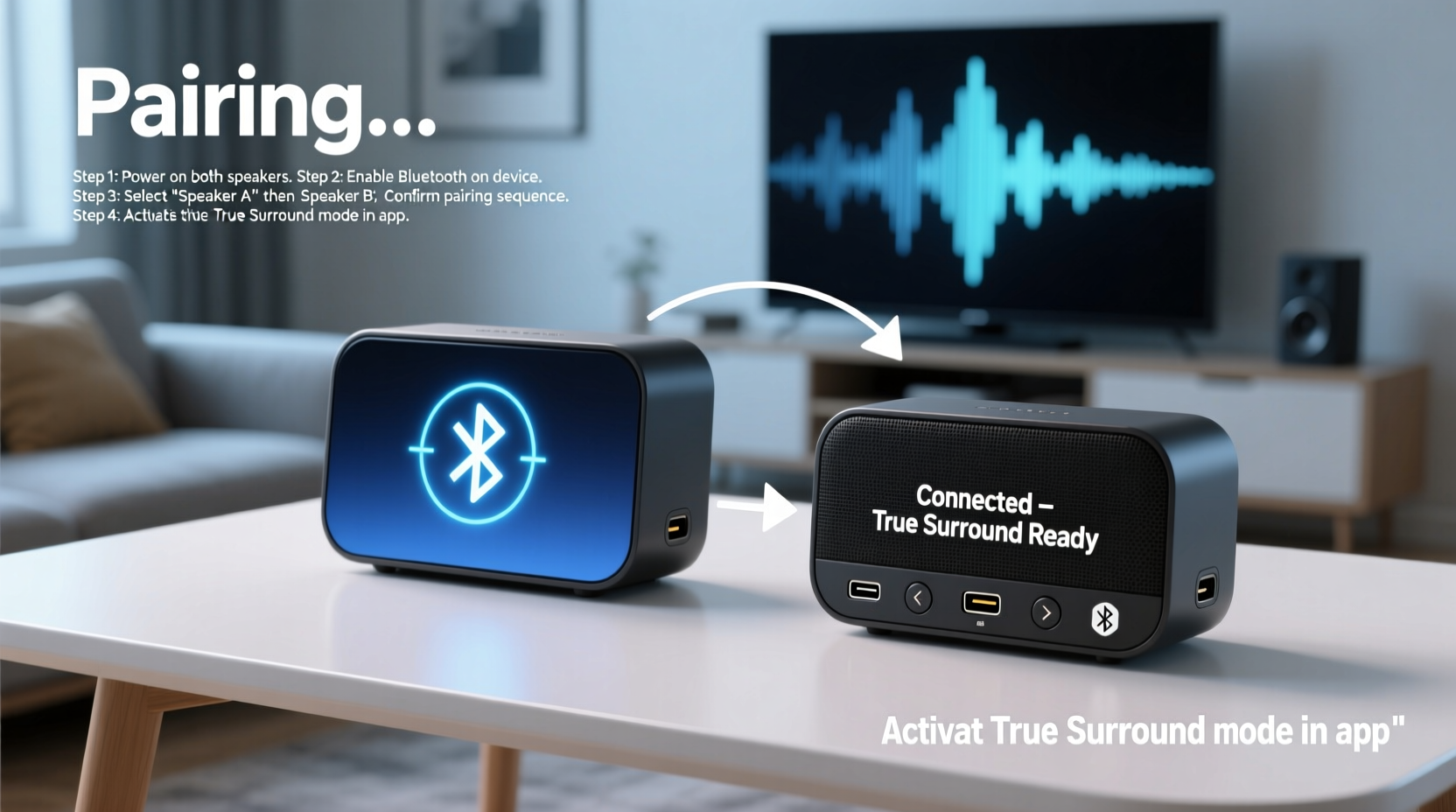
Bluetooth was originally designed for one-to-one connections: one source (like a phone) to one receiver (like headphones). However, advancements in Bluetooth 5.0 and proprietary multi-point technologies have expanded its capabilities. Some manufacturers now support dual audio streaming, allowing one device to send audio to two separate speakers simultaneously.
Still, not all devices or speakers support this feature natively. The key lies in identifying whether your smartphone, tablet, or laptop supports dual audio output—and whether your speakers can operate in stereo pairing mode. For instance, Samsung's \"Dual Audio,\" Apple’s \"Audio Sharing,\" and third-party apps like AmpMe or Bose Connect enable synchronized playback across multiple devices.
“True wireless surround isn’t plug-and-play yet, but with the right gear and setup, you can get remarkably close.” — Jordan Lee, Senior Acoustic Engineer at SoundSync Labs
Step-by-Step Guide to Pairing Two Speakers
Achieving balanced left-right separation mimics traditional surround setups. Follow this sequence to ensure both speakers play in sync and deliver spatial depth.
- Verify Compatibility: Check if your source device supports dual Bluetooth connections. Android users should look for “Dual Audio” under Bluetooth settings; iOS users can use Audio Sharing with compatible AirPods or Beats, though native speaker pairing is limited without third-party apps.
- Prepare Both Speakers: Fully charge both units and reset them to factory settings if they’ve been paired before. This avoids connection conflicts.
- Enable Pairing Mode: Turn on both speakers and activate pairing mode—usually indicated by flashing blue lights. Refer to the manual for model-specific instructions.
- Connect First Speaker: On your phone or tablet, go to Bluetooth settings and select the first speaker. Wait until it shows as connected. <5> Add Second Speaker: With the first still connected, return to the Bluetooth menu and select the second speaker. If your device supports dual output, both will remain active.
- Test Stereo Separation: Play a track with distinct left-right panning (e.g., classic rock or jazz). Position one speaker to your left and the other to your right, about 6–10 feet apart.
- Adjust Volume Balance: Ensure both speakers are at equal volume. Some apps allow per-device level control.
Choosing the Right Equipment: What Works Best?
Not all Bluetooth speakers are built for stereo pairing. Some models come with dedicated \"TWS\" (True Wireless Stereo) functionality, allowing them to function as coordinated left and right channels when used together. Brands like JBL, Sony, and Ultimate Ears design specific series with this in mind.
| Speaker Model | Stereo Pairing Support | Dual Audio Compatible | Notes |
|---|---|---|---|
| JBL Flip 6 | Yes (via JBL Portable app) | Yes | Best for outdoor use; app enhances sync |
| Sony SRS-XB23 | No | Limited | Can connect via Party Chain but not true stereo |
| Ultimate Ears BOOM 3 | Yes (Magic Button pairing) | Yes | Excellent 360° sound; ideal for rooms |
| Anker Soundcore 3 | No | No | Budget option; lacks stereo sync features |
Selecting matched pairs ensures consistent tone and timing. Mixing different brands or models often leads to mismatched bass response, volume levels, and latency.
Real-World Example: Transforming a Living Room into a Mini Theater
Mark, a film enthusiast in Portland, wanted better sound for his weekly movie nights without investing in a full AV system. He owned two JBL Charge 5 speakers and an Android TV box. After enabling Dual Audio on the box and pairing both speakers—one placed behind the couch (as rear), one in front—he adjusted positioning and used VLC media player to fine-tune audio delay.
The result? A surprisingly effective pseudo-surround effect. Dialogue anchored to the screen while ambient sounds—rain, footsteps, distant thunder—seemed to move around the room. It wasn’t Dolby Atmos, but for $300 and no cables, Mark achieved what he called “the best upgrade I’ve made all year.”
Common Pitfalls and How to Avoid Them
- Audio Lag (Latency): Bluetooth compression can cause delays. Use aptX Low Latency codecs if supported, or minimize distance between devices.
- One Speaker Disconnects: Older phones may drop the second connection. Restart Bluetooth or use a dedicated app like AmpMe for stabilization.
- Poor Stereo Imaging: If both speakers sound identical and centered, check that your content is in stereo—not mono—and that speakers are positioned correctly.
- Battery Drain: Running two speakers doubles power consumption. Keep both charged or use AC power when possible.
Expert-Recommended Checklist for Success
Before starting your setup, run through this essential checklist:
- ✅ Confirm your source device supports dual Bluetooth output
- ✅ Use two identical or TWS-compatible speakers
- ✅ Fully charge both speakers
- ✅ Reset speakers to clear old pairings
- ✅ Position speakers for left/right separation
- ✅ Test with high-quality stereo audio files
- ✅ Use a third-party app if native dual audio isn’t available
Frequently Asked Questions
Can I pair two different brand speakers together?
Technically yes, if your device supports dual Bluetooth connections. However, expect inconsistencies in volume, tone, and latency. For true surround-like performance, matching models are strongly recommended.
Why does one speaker start late?
This delay—called latency skew—occurs when Bluetooth signals reach each speaker at slightly different times. Re-pair the lagging speaker, reduce obstacles between devices, or use a synchronization app to align playback.
Is this the same as true surround sound?
No. True surround uses at least four channels (front, rear, center, subwoofer) with precise timing. What you’re creating here is a wide stereo field—immersive, but not full 360-degree audio. Still, for most casual listeners, the effect is strikingly effective.
Final Thoughts: Elevate Your Sound Without Complexity
Surround sound no longer requires racks of equipment or expertise in home theater systems. With thoughtful speaker selection and proper Bluetooth configuration, you can transform any space into an audio-rich environment. The key is understanding your hardware’s limits and working within them—using tools already in your pocket.
Whether you're watching films, gaming, or just enjoying music, spatial audio deepens engagement. Start small: pair two speakers, experiment with placement, and refine the balance. Once you hear the difference, you’ll wonder how you ever listened any other way.




 浙公网安备
33010002000092号
浙公网安备
33010002000092号 浙B2-20120091-4
Comments
No comments yet. Why don't you start the discussion?