
Finding accurate, well-researched, and authoritative information online is more important than ever. With misinformation spreading rapidly across social media and commercial websites, turning to credible academic sources can make a critical difference—especially when writing research papers, making policy decisions, or seeking evidence-based health advice. One of the most trusted domains on the internet is the .edu domain, reserved for accredited educational institutions in the United States. These sites often host peer-reviewed studies, faculty publications, institutional research, and course materials vetted by academic standards.
But how do you efficiently extract high-quality information from .edu sites using Google? Most users rely on basic keyword searches and end up sifting through irrelevant results. The key lies in mastering advanced search techniques that filter noise and direct you straight to reputable academic content.
Why Focus on .edu Sites?
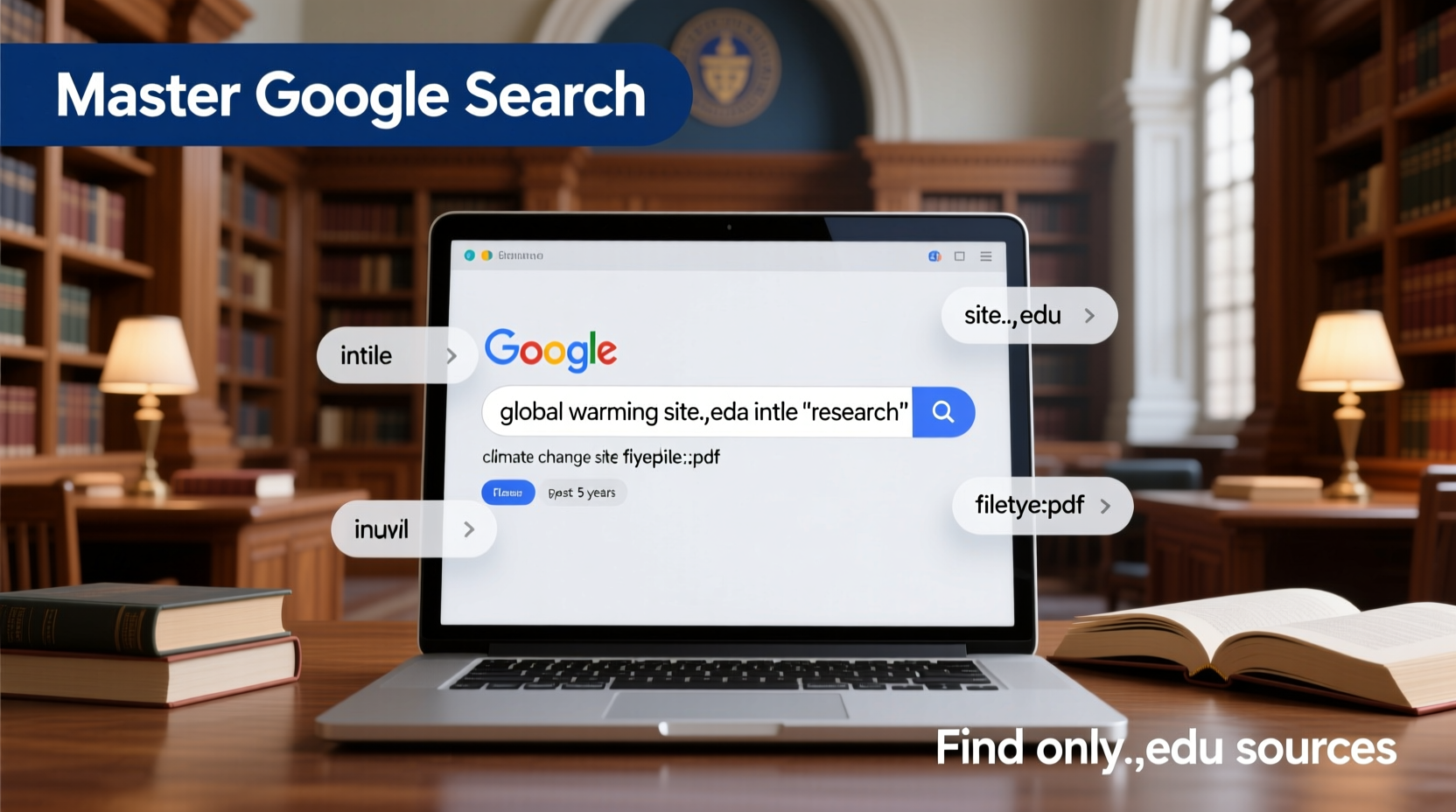
.edu domains are restricted to accredited post-secondary institutions in the U.S., such as universities, colleges, and research centers. While not every page on a .edu site is peer-reviewed, the domain carries higher credibility due to institutional oversight, academic rigor, and access to scholarly resources.
Content hosted on .edu sites often includes:
- Published research papers and white papers
- Lecture notes and open courseware (e.g., MIT OpenCourseWare)
- Faculty-authored articles and position statements
- Data sets from university-led studies
- Guidelines and best practices from academic departments
“Academic institutions are among the last bastions of publicly accessible, non-commercial expertise. Learning to mine their digital archives effectively is a superpower for lifelong learners.” — Dr. Alan Reed, Information Literacy Researcher at Stanford University
Using Advanced Search Operators to Target .edu Domains
Google supports several search operators—special commands that refine your queries. These are essential tools for narrowing results to .edu sites only.
The “site:” Operator
The most powerful tool is the site: operator. It limits results to a specific website or domain.
To search only within .edu sites, append site:.edu to your query.
Examples:
climate change effects site:.edu→ Returns results about climate change from .edu domains only.early childhood education curriculum site:.edu→ Finds academic discussions on teaching methods.
Combining with Other Operators
You can layer additional filters for even better precision:
| Operator | Function | Example Query |
|---|---|---|
filetype:pdf |
Finds PDF documents, often research papers | AI ethics guidelines site:.edu filetype:pdf |
intitle:\"keyword\" |
Finds pages where the term appears in the title | intitle:\"cybersecurity\" site:.edu |
inurl:research |
Targets URLs containing \"research\" | mental health stigma site:.edu inurl:research |
\"exact phrase\" |
Searches for an exact match | \"social determinants of health\" site:.edu |
Step-by-Step Guide: Finding Peer-Reviewed Data on .edu Sites
Follow this sequence to locate high-quality academic information efficiently:
- Define your research question clearly. Instead of “depression in teens,” try “prevalence of clinical depression among adolescents in urban schools.”
- Use precise keywords and enclose multi-word phrases in quotes.
- Add
site:.eduto restrict results to educational institutions. - Filter for PDFs using
filetype:pdfto access studies, reports, and syllabi. - Check the source—look for authors with academic affiliations, references, and publication dates.
- Verify credibility by cross-referencing findings with other .edu or .gov sources.
Real Example: Researching Vaccine Hesitancy
A public health student needs data on vaccine hesitancy in rural communities. A generic search returns news articles and opinion blogs. Instead, they use:
\"vaccine hesitancy\" \"rural populations\" site:.edu filetype:pdf
This yields a 2023 epidemiology study from Johns Hopkins University, a CDC-collaborative report hosted on a university public health department site, and a Harvard T.H. Chan School of Public Health policy brief. All are authored by researchers, include methodology sections, and cite primary data—making them far more reliable than general web results.
Common Mistakes to Avoid
Even experienced searchers fall into traps. Watch out for these pitfalls:
- Assuming all .edu content is peer-reviewed—student projects, personal faculty pages, and outdated web content exist.
- Ignoring publication dates—a 2005 study on smartphone usage won’t reflect current behavior.
- Overlooking the author’s credentials—check if they’re affiliated with a relevant academic department.
- Not verifying claims—even on .edu sites, opinions may not represent consensus views.
“Just because it’s on a .edu site doesn’t mean it’s gospel. Evaluate every source like a scholar: ask who wrote it, why, and based on what evidence.” — Dr. Lena Patel, Director of Academic Integrity, University of Michigan Library
Checklist: How to Validate a .edu Source
Before citing or relying on information from a .edu site, run through this checklist:
- ✅ Is the author clearly identified with academic affiliation (e.g., professor, researcher)?
- ✅ Is there a publication or last updated date?
- ✅ Does the content cite sources, data, or references?
- ✅ Is it hosted on an official department, research center, or library page?
- ✅ Does the URL avoid personal subdomains (e.g., ~username/) which may indicate unofficial content?
- ✅ Is the tone objective and evidence-based rather than promotional or anecdotal?
FAQ
Can anyone create a .edu website?
No. The .edu domain is tightly regulated by EDUCAUSE and requires accreditation from a U.S. Department of Education-recognized agency. This makes it one of the most restricted and trustworthy domains online.
Are .edu sites always more reliable than .org or .com?
Generally, yes—but with caveats. While .edu sites have structural credibility, individual pages may still contain bias, outdated info, or non-reviewed content. Always assess the specific page, not just the domain.
How do I find free academic journals on .edu sites?
Many universities host open-access repositories. Try searching: \"open access repository\" [subject] site:.edu or visit institutional library portals directly. For example, Harvard’s DASH (Digital Access to Scholarship at Harvard) offers thousands of free faculty publications.
Conclusion
Mastery of Google search isn’t about typing faster—it’s about thinking smarter. By leveraging simple but powerful operators like site:.edu, filetype:pdf, and exact-match phrases, you can bypass the noise of the open web and tap directly into the wealth of knowledge produced by universities and researchers. Whether you're a student, journalist, policymaker, or curious learner, the ability to extract reliable, evidence-based information from .edu domains is a skill that pays dividends for life.
site:.edu search. You might be surprised at the depth of insight waiting just one query away.




 浙公网安备
33010002000092号
浙公网安备
33010002000092号 浙B2-20120091-4
Comments
No comments yet. Why don't you start the discussion?