
Filing taxes doesn’t have to be a stressful annual chore. With the rise of digital tools and government-backed e filing systems, more Americans are choosing to file their taxes online—accurately, quickly, and often at no cost. For beginners, the process may seem intimidating, but breaking it down into manageable steps makes all the difference. This guide walks you through everything you need to know to successfully e file your federal and state income taxes for the current tax year.
Why E Filing Is the Smart Choice
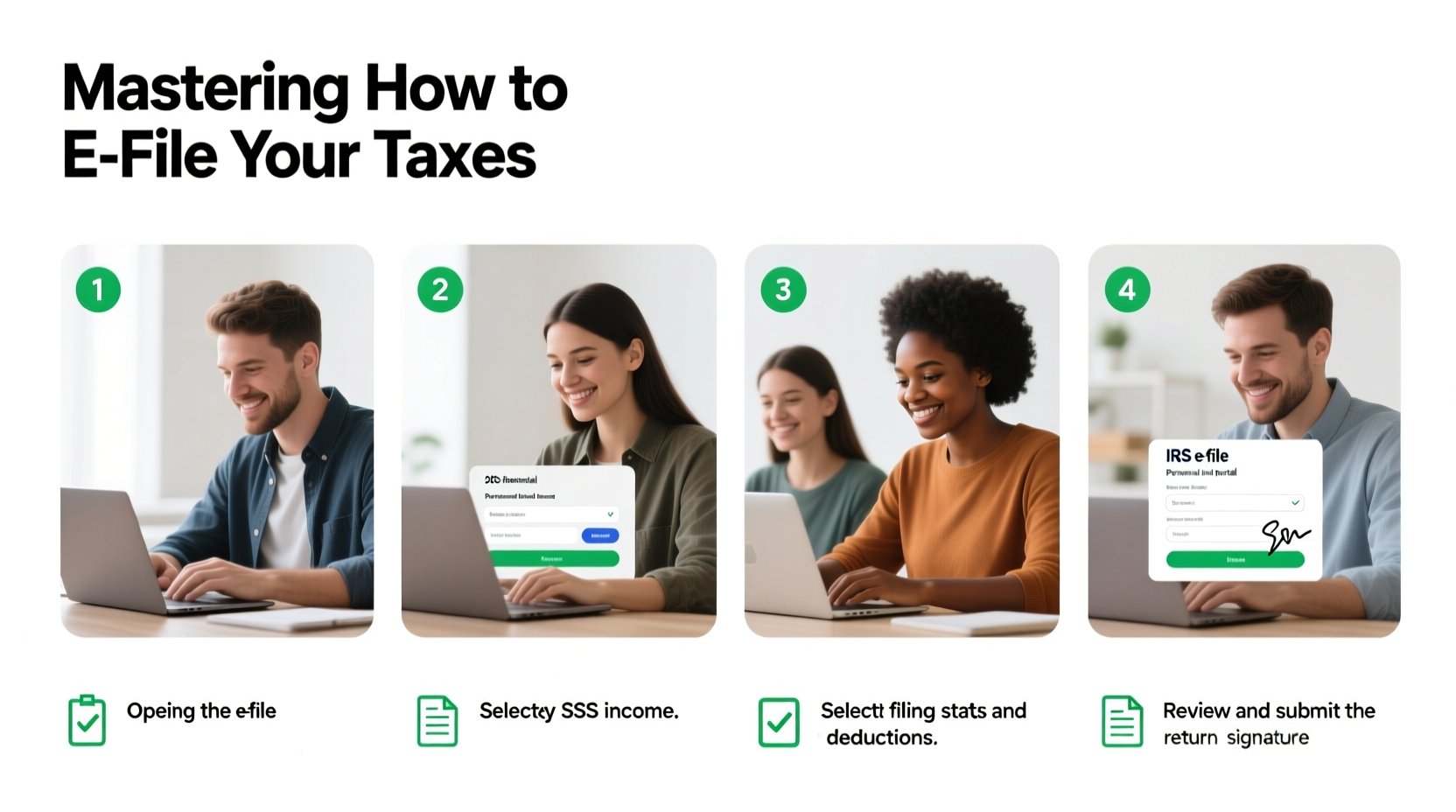
E filing—electronically submitting your tax return to the IRS and state tax authorities—has become the standard method in the United States. Over 90% of individual tax returns are now filed electronically, according to IRS data. The benefits are compelling:
- Speed: E filed returns are typically processed within 21 days, compared to 6–8 weeks for paper filings.
- Accuracy: Tax software checks for common errors like missing forms or miscalculations.
- Security: Electronic submissions are encrypted and less prone to loss than mailed documents.
- Refund tracking: You can monitor your refund status online within 24 hours of acceptance.
- Cost: Many taxpayers qualify for free e filing through IRS-partnered programs.
“E filing reduces errors and speeds up processing. It’s the most reliable way for individuals to submit their returns.” — Internal Revenue Service (IRS) Spokesperson
Your Step-by-Step Guide to E Filing Taxes
Follow this proven sequence to prepare, complete, and submit your tax return with confidence.
- Gather Your Documents
Collect all necessary tax forms: W-2s from employers, 1099s for freelance income, 1098s for mortgage interest, and any records of deductions or credits (e.g., charitable donations, education expenses). - Determine Your Filing Status
Your status—Single, Married Filing Jointly, Head of Household, etc.—affects your tax rate and eligibility for certain credits. - Choose an E Filing Method
Decide whether to use IRS Free File, commercial tax software (like TurboTax or H&R Block), or a volunteer assistance program (VITA). - Enter Your Information Accurately
Follow the software prompts to input income, dependents, deductions, and credits. Double-check each entry. - Review and Submit
Use the review feature to scan for errors. Once confirmed, sign electronically using a Self-Select PIN or prior-year Adjusted Gross Income (AGI). - Track Your Refund or Payment
If expecting a refund, use the IRS “Where’s My Refund?” tool. If you owe, set up a payment plan if needed.
Choosing the Right E Filing Platform
Not all e filing services are created equal. Your choice should depend on your income level, complexity of return, and comfort with technology.
| Platform | Best For | Cost | Key Feature |
|---|---|---|---|
| IRS Free File | Taxpayers with AGI under $73,000 | Free | Official IRS partnership; full federal and state e filing |
| TurboTax Free Edition | Simple returns (W-2, standard deduction) | Free (federal); $state fee | User-friendly interface with guided help |
| H&R Block Online Free | Basic filers needing live support options | Free (basic); paid upgrades | Access to tax professionals for questions |
| FreeTaxUSA | Budget-conscious users with complex returns | $14.99 state; $0 federal | Handles investments, rentals, and side gigs affordably |
| VITA Program (in-person/online) | Low-to-moderate income, disabled, or non-English speakers | Free | Certified volunteers prepare and e file for you |
Avoid These Common E Filing Mistakes
Even small errors can delay your refund or trigger audits. Stay alert for these frequent missteps:
- Incorrect Social Security numbers: Double-check SSNs for yourself, spouse, and dependents.
- Mismatched names: Ensure your name matches exactly what’s on file with the Social Security Administration.
- Math errors: While rare with software, manual entries (like self-employment income) need verification.
- Forgetting to sign: An electronic signature is required. Without it, your return is invalid.
- Using outdated software: Only use platforms approved for the current tax year.
Real Example: Sarah Files Her First Return
Sarah, a 24-year-old graphic designer, earned $48,000 working full-time and made an additional $5,200 freelancing. She had never filed taxes before and felt overwhelmed. Using the IRS Free File portal, she selected a partner software that supported self-employed income. She uploaded her W-2 and manually entered her 1099-NEC details. The software prompted her to claim the home office deduction based on her internet and utility bills. After reviewing everything, she e filed on February 10. By February 28, her $3,150 refund was deposited directly into her bank account. “I thought it would take hours,” she said. “It took less than 45 minutes, and I got more back than I expected.”
Essential Checklist Before You Hit Submit
Use this checklist to ensure your e file is complete and error-free:
- ✅ All income documents collected (W-2, 1099, etc.)
- ✅ Filing status confirmed
- ✅ Dependent information accurate and eligible
- ✅ Bank details entered for direct deposit (if applicable)
- ✅ Federal and state returns reviewed for completeness
- ✅ Electronic signature applied
- ✅ Confirmation number saved or printed
Frequently Asked Questions
Can I e file if I owe money?
Yes. You can e file even if you owe taxes. When you submit, you’ll have options to pay via direct debit, credit card, or set up an IRS payment plan. Note: Payment is due by the tax deadline (typically April 15) to avoid penalties.
What if I make a mistake after e filing?
If you discover an error, you can file an amended return using Form 1040-X. Most e filing software allows you to prepare and e file amendments. Processing takes 8–12 weeks. Only amend if it affects your tax liability, refund, or eligibility for credits.
Is free e filing really secure?
Yes. IRS-partnered Free File providers use military-grade encryption and multi-factor authentication. Avoid third-party sites that mimic official portals. Always look for “https://” and the official IRS Free File logo.
Final Thoughts: Take Control of Your Tax Season
E filing your taxes is no longer a luxury—it’s the most efficient, secure, and accessible method available. Whether you’re claiming your first refund or managing multiple income streams, modern tools make the process straightforward and stress-free. By preparing early, choosing the right platform, and verifying your data, you gain control over your financial picture and avoid unnecessary delays.
The key is to start now. Don’t wait until April 14. Gather your documents, explore your options, and complete your return when you’re ready—not rushed. Every year you file accurately builds a stronger financial record and peace of mind.




 浙公网安备
33010002000092号
浙公网安备
33010002000092号 浙B2-20120091-4
Comments
No comments yet. Why don't you start the discussion?