
Whether you're drafting an international email, scheduling a meeting, or documenting project timelines, the way you write dates and times can make the difference between clarity and confusion. A simple \"03/04/2025\" could mean March 4th or April 3rd depending on where your reader is located. Misunderstandings like these cost time, erode professionalism, and sometimes lead to missed deadlines. Mastering date and time formatting isn’t just about grammar—it’s about communication precision.
Why Consistent Date and Time Formatting Matters
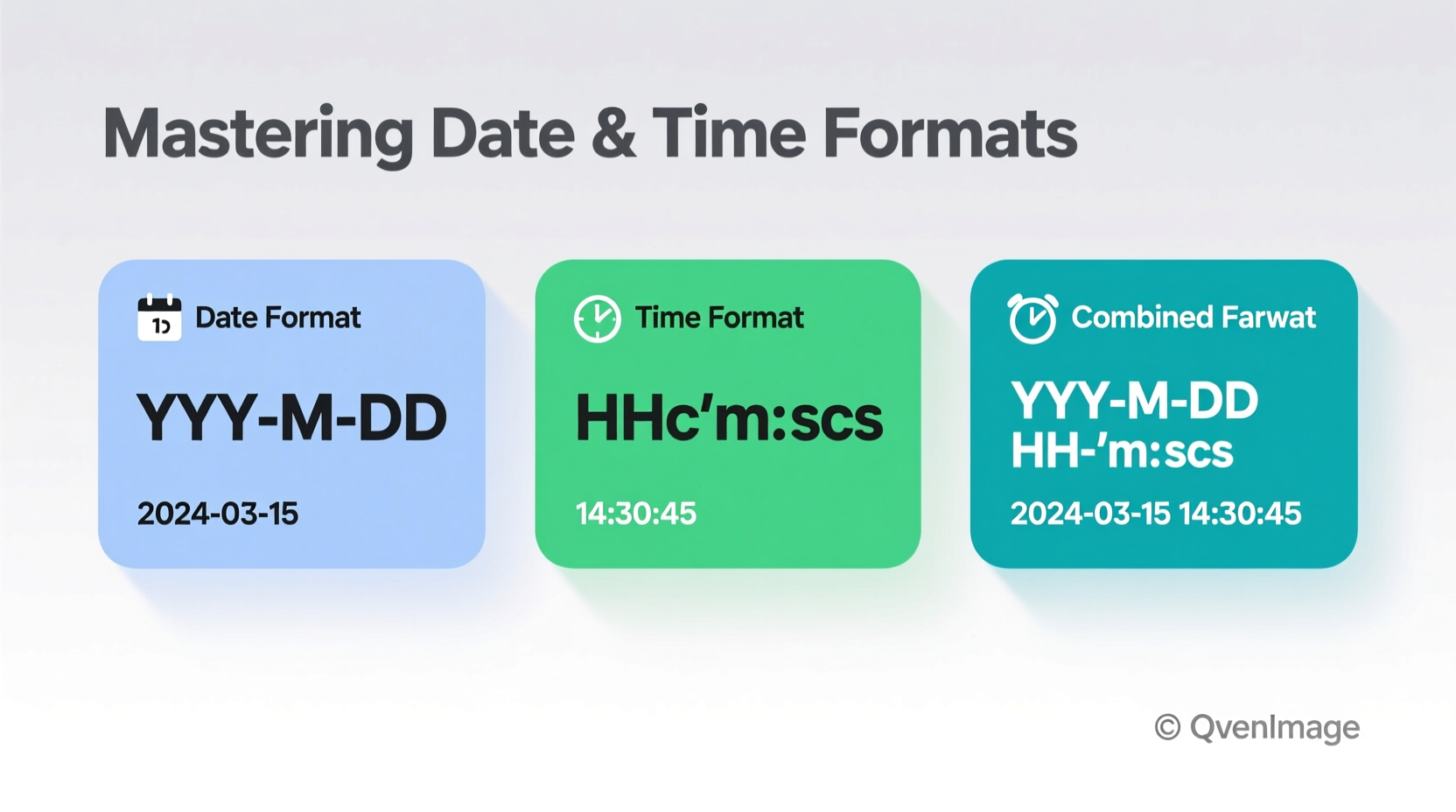
Inconsistent or ambiguous date and time entries are among the most common sources of miscommunication in both personal and professional settings. Consider a global team coordinating across time zones: if one member writes \"6/7/25 at 3 PM\" without clarification, colleagues in different regions may interpret it differently. In healthcare, finance, legal documentation, and software development, such ambiguity can have serious consequences.
Consistency builds trust. When documents, calendars, and messages use predictable formatting, readers spend less time decoding meaning and more time acting on information. Moreover, standardized formats improve data processing, especially when integrating systems or migrating databases.
“Clarity in time notation reduces errors by up to 70% in cross-functional teams.” — Dr. Lena Torres, Human Factors Researcher at MIT
Common Date Formats Around the World
Different countries follow distinct conventions for writing dates. The three primary order formats are:
- MDY (Month-Day-Year): Used primarily in the United States (e.g., 04/05/2025)
- DMY (Day-Month-Year): Common in the UK, Australia, and most of Europe (e.g., 05/04/2025)
- YMD (Year-Month-Day): Standard in China, Japan, and increasingly adopted globally due to ISO alignment (e.g., 2025-04-05)
The same numeric string—04/05/2025—can represent April 5th or May 4th depending on context. This ambiguity underscores the need for either using unambiguous formats or explicitly stating the format convention used.
ISO 8601: The Global Standard for Clarity
The International Organization for Standardization (ISO) established ISO 8601 as the definitive format for representing dates and times in a universally understandable way. Its structure ensures chronological sorting and eliminates regional ambiguity.
The standard format is:
YYYY-MM-DDTHH:MM:SS±HH:MM
- YYYY-MM-DD: Year-Month-Day (e.g., 2025-04-05)
- T: Separator between date and time
- HH:MM:SS: Hours, minutes, seconds in 24-hour format
- ±HH:MM: Time zone offset from UTC (e.g., +01:00 for Central European Time)
Example: 2025-04-05T14:30:00+02:00 clearly indicates April 5, 2025, at 2:30 PM in a time zone two hours ahead of UTC.
Adopting ISO 8601 is especially effective in technical documentation, APIs, log files, and any system requiring machine readability and human clarity.
Time Notation: 12-Hour vs. 24-Hour Clock
Time representation varies significantly across cultures:
| Clock Type | Format Example | Used In | Pros & Cons |
|---|---|---|---|
| 12-hour clock | 3:45 PM | United States, Canada, Philippines | Pros: Familiar in daily speech Cons: Requires AM/PM; prone to error |
| 24-hour clock | 15:45 | Most countries, military, aviation, medicine | Pros: Unambiguous, no AM/PM needed Cons: Less intuitive for casual users |
To avoid confusion, always include \"AM\" or \"PM\" when using the 12-hour format—and never assume your audience knows which system you’re using. In formal or international contexts, prefer the 24-hour format.
Step-by-Step Guide to Writing Clear Dates and Times
Follow this sequence to ensure your date and time entries are precise and universally understood:
- Determine your audience: Are they local or global? Technical or general?
- Choose a format: For internal teams, pick one standard (e.g., ISO 8601). For public audiences, consider region-specific clarity.
- Include time zones: Always specify the time zone when scheduling across regions (e.g., “10:00 AM EST” or “15:00 UTC”).
- Avoid separators that cause parsing issues: Use hyphens (-) in dates and colons (:) in times. Avoid slashes (/) in filenames or databases.
- Be explicit in written communication: Instead of “meeting on 6/7,” write “meeting on June 7, 2025, at 10:00 AM EDT.”
- Use tools to automate consistency: Calendar apps, project management tools, and templates can enforce formatting rules.
Real-World Case: The Cost of Ambiguity
A software development team based in London scheduled a deployment call with their partners in San Francisco. The calendar invite read: “Meeting on 08/09 at 3 PM.” The UK team assumed this meant September 8, while the US team interpreted it as August 9. No time zone was specified. The result? Half the team missed the call, delaying a critical product release by two days.
Afterward, the company implemented a new policy: all meeting invites must use the format DD-MMM-YYYY HH:MM [TZ], such as 08-Sep-2025 15:00 BST. They also integrated a global time zone converter into their scheduling tool. Miscommunications dropped by 95% within three months.
Best Practices Checklist
- ✅ Use four-digit years (never \"25\"—use \"2025\")
- ✅ Spell out month names in non-technical writing (e.g., “March 12, 2025”)
- ✅ Specify time zones for remote collaboration
- ✅ Adopt ISO 8601 in code, logs, and APIs
- ✅ Avoid ambiguous separators like periods or spaces in digital formats
- ✅ Standardize format across all team documents and templates
- ✅ Train new team members on your organization’s date/time policy
Frequently Asked Questions
What’s the best format for international emails?
The safest choice is spelling out the month: “7 April 2025” or “April 7, 2025,” paired with a 24-hour time and time zone (e.g., “14:00 UTC”). This avoids numeric ambiguity and is widely understood.
How do I write midnight clearly?
To prevent confusion, use 00:00 for the start of a day and 24:00 for the end. In spoken or informal contexts, say “midnight at the start of [date]” or “midnight at the end of [date].”
Can I use abbreviations like “Sept” or “Oct”?
Yes, but only when clarity is maintained. In formal writing, spell out the month. In tables or tight layouts, three-letter abbreviations (Jan, Feb, Mar) are acceptable if consistent. Avoid two-letter forms (“Se”, “Oc”)—they’re not standard and hinder readability.
Conclusion: Clarity Is a Professional Responsibility
Writing dates and times clearly isn’t just about following rules—it’s about respecting your reader’s time and attention. Whether you’re sending a quick message or maintaining official records, consistent formatting prevents errors, enhances credibility, and streamlines collaboration.
Start today: audit your recent communications for ambiguous timestamps. Implement one improvement—like adding time zones or switching to ISO format in reports. Small changes compound into significant gains in efficiency and professionalism.




 浙公网安备
33010002000092号
浙公网安备
33010002000092号 浙B2-20120091-4
Comments
No comments yet. Why don't you start the discussion?