
In an age where visuals dominate communication, the ability to extract knowledge from images has become a powerful skill. Whether you’ve come across an unfamiliar plant on a hike, spotted a vintage dress in a friend’s photo, or seen a mysterious symbol in a documentary, reverse image search can turn that visual into actionable information. Unlike traditional text-based queries, image search bypasses the need for precise descriptions and lets the picture do the talking. With the right techniques, anyone can trace origins, identify objects, verify authenticity, and even uncover related content across the web.
Why Image Search Matters Today
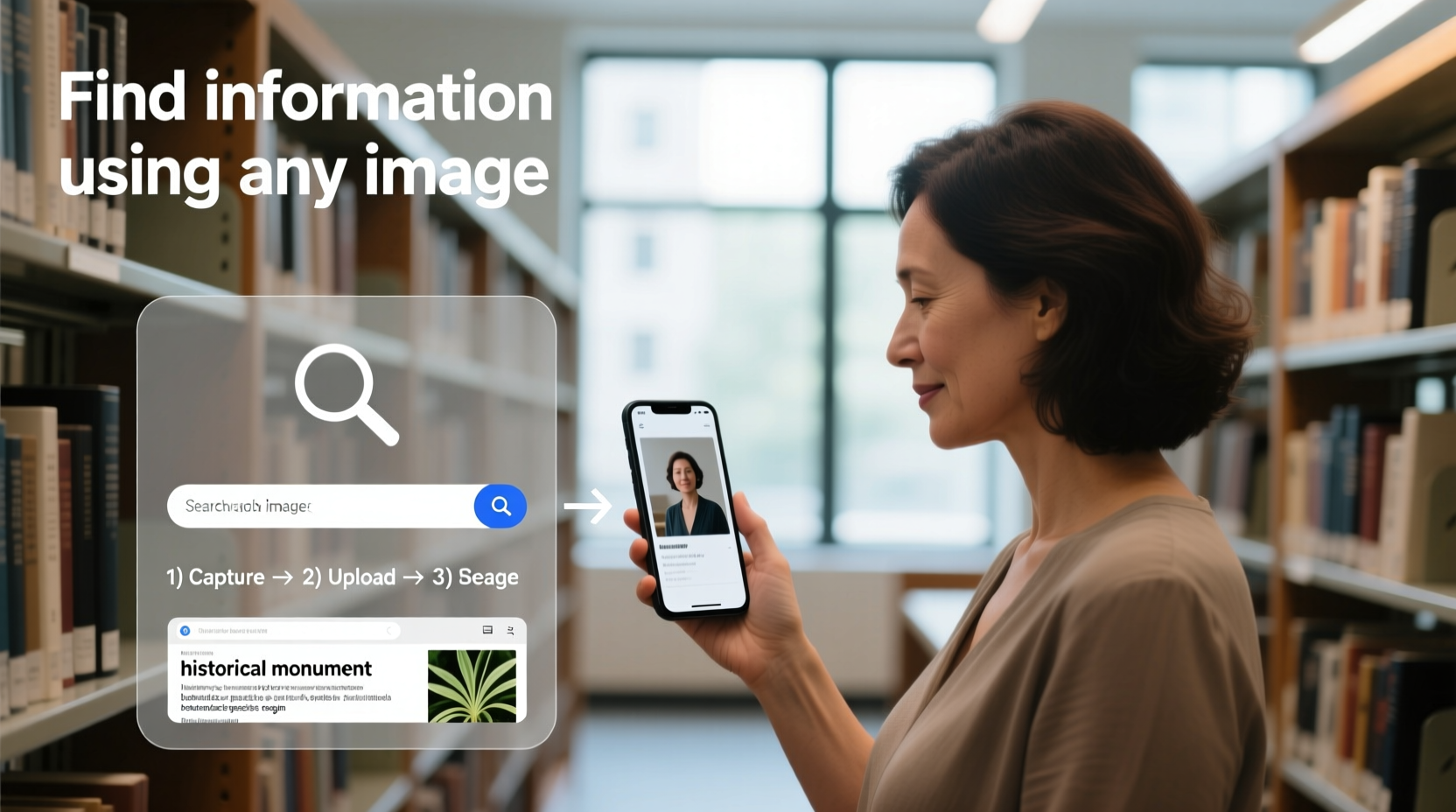
Visual content floods our digital lives—from social media posts to news articles and online marketplaces. Yet, many of these images lack proper context or captions. Image search bridges that gap. It allows users to investigate the source of a photo, detect manipulated media, find higher-resolution versions, or discover similar products. Journalists use it to verify breaking news photos; researchers track art reproductions; shoppers compare prices across platforms; and curious minds explore the world through pixels.
Google reports that over 20% of mobile searches are now visual in nature. Platforms like Google Lens, Bing Visual Search, and Yandex.Images have made it easier than ever to point, snap, or upload and receive relevant results in seconds. But knowing how to use these tools effectively—beyond basic dragging and dropping—is what separates casual users from true image search masters.
The Step-by-Step Process of Reverse Image Searching
Conducting a successful image search involves more than uploading a file and hoping for the best. A structured approach increases accuracy and yields richer insights. Follow this timeline to maximize your results:
- Choose Your Tool Wisely: Start with Google Images for broad coverage, or try specialized platforms like TinEye (ideal for tracing exact matches) or Yandex (excellent for faces and complex patterns).
- Prepare the Image: Crop out irrelevant background elements if possible. Higher resolution improves detection, but even small thumbnails can yield results.
- Upload or Paste the Image: On desktop, go to images.google.com, click the camera icon, and either paste a URL or upload a file. On mobile, use Google Lens via the app or camera interface.
- Analyze the Results: Look for exact matches, similar images, resized versions, and contextual pages where the image appears.
- Refine with Keywords: If initial results are off-target, add descriptive keywords (e.g., “red flower,” “Art Deco lamp”) to narrow the scope.
- Cross-Check Sources: Verify findings across multiple engines to avoid false positives or outdated data.
Advanced Techniques for Deeper Discovery
Basic reverse search works well for common images, but nuanced cases require strategic adjustments. Consider these advanced tactics:
- Use Metadata Extraction: Tools like ExifTool can reveal hidden details such as GPS location, device model, and timestamp—clues that may confirm authenticity or origin.
- Leverage Mobile Camera Integration: Google Lens allows real-time scanning. Point your phone at a book cover, barcode, or street sign to instantly pull up reviews, pricing, or translations.
- Search Partial Images: Isolate a section of a larger image (e.g., a logo on a shirt) and search just that portion to reduce noise and improve relevance.
- Compare Across Engines: Google might miss what Yandex finds—especially with non-Western content. Always cross-reference.
“Reverse image search is no longer optional for fact-checkers. It’s the first line of defense against misinformation.” — Sarah Chen, Digital Forensics Analyst at Bellingcat
Common Use Cases and Real-World Applications
Image search isn’t just for curiosity—it solves practical problems every day. Here’s a mini case study illustrating its power:
🔍 Case Study: Identifying a Mysterious Plant
A homeowner in Oregon found an unusual flowering plant spreading rapidly through their garden. Unable to name it, they snapped a photo and used Google Lens. The app returned results identifying it as *Cynoglossum officinale*, commonly known as houndstongue—a toxic invasive species. Armed with this knowledge, the homeowner contacted local agricultural authorities to safely remove it before it harmed pets or native flora. Without image search, misidentification could have led to ecological damage.
This example underscores how accessible technology empowers everyday decisions. Similar applications include:
- Finding the source of a meme or viral photo
- Locating original artwork to credit an artist
- Detecting fake profiles on dating apps by reverse-searching profile pictures
- Researching fashion items seen in videos or films
Do’s and Don’ts of Image Searching
| Do’s | Don’ts |
|---|---|
| Use high-quality images when possible | Assume the first result is always correct |
| Crop to focus on the main subject | Upload sensitive or private images to public search engines |
| Combine image search with keyword queries | Ignore metadata clues like timestamps or geolocation |
| Verify results across multiple platforms | Use blurry or heavily filtered images without testing alternatives |
Your Image Search Checklist
Before ending your search session, ensure you’ve covered all bases. Use this checklist to stay thorough:
- ✅ Confirmed the image is clear and focused on the subject
- ✅ Tried at least two reverse image search engines (e.g., Google + Yandex)
- ✅ Examined both direct matches and visually similar results
- ✅ Checked websites hosting the image for context or attribution
- ✅ Used additional keywords to refine ambiguous outcomes
- ✅ Verified credibility of sources linking to the image
- ✅ Extracted available metadata for deeper insight (if applicable)
Frequently Asked Questions
Can I search using screenshots?
Yes, absolutely. Screenshots work well for logos, text-heavy images, and UI elements. However, compression or low resolution may affect accuracy. Whenever possible, enhance the screenshot by zooming in before capture.
Is reverse image search legal?
Yes, searching publicly available images is legal. However, downloading or reusing images without permission may violate copyright. Always check licensing terms before repurposing content.
Why do different search engines return different results?
Each platform uses unique algorithms and indexes different portions of the web. Google prioritizes web pages containing the image, while TinEye focuses on pixel-level matching. Yandex excels in facial recognition and pattern analysis. Using multiple tools increases comprehensiveness.
Become a Visual Detective
Mastering image search transforms passive viewing into active investigation. No longer must you wonder about the origin of a photo, the identity of a landmark, or the name of a piece of furniture. With practice, you’ll develop an intuitive sense for which tool to use, how to refine queries, and when to trust—or question—the results. This skill is not reserved for tech experts or investigators; it’s a form of digital literacy essential in today’s visual-first world.




 浙公网安备
33010002000092号
浙公网安备
33010002000092号 浙B2-20120091-4
Comments
No comments yet. Why don't you start the discussion?