
Instagram has evolved from a photo-sharing app into a dynamic video-first platform. With Reels dominating feeds, live streams gaining traction, and long-form videos now accessible through IGTV-style features, knowing how to efficiently navigate and consume video content is essential. Whether you're catching up on trends, learning new skills, or following creators, mastering video discovery and playback can save time and enhance your experience. This guide delivers practical, field-tested strategies to help you effortlessly find and watch any video on Instagram.
Optimize Your Explore Page for Video Discovery
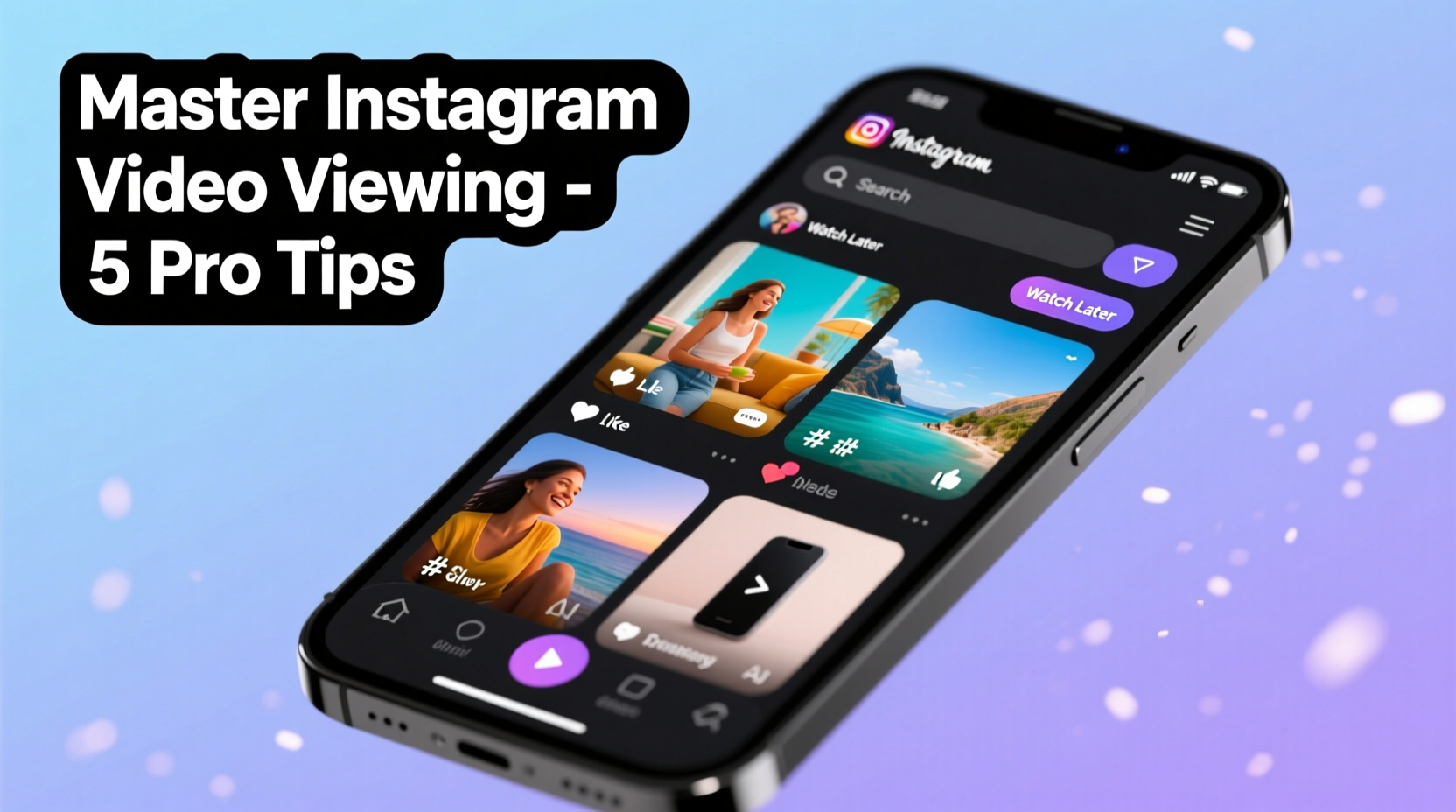
The Explore page is Instagram’s personalized content engine. It learns from your behavior and surfaces videos aligned with your interests. To maximize its potential, interact intentionally. Like, comment on, and share videos that match what you want to see more of. The algorithm responds quickly—within days, your Explore feed will reflect your preferences with greater accuracy.
Avoid mindless scrolling without engagement. Passive viewing sends weak signals to the algorithm. Instead, spend 5–10 minutes daily actively engaging with high-quality videos in your niche—be it fitness tutorials, travel vlogs, or tech reviews. Over time, this trains Instagram to prioritize relevant video content.
Navigate Using Search and Hashtags Strategically
Instagram’s search function is underutilized. Most users rely solely on the Explore feed, missing out on targeted discovery. Use the search bar to look up topics, creators, or hashtags directly. For example, searching “beginner yoga Reels” returns profiles, audio tracks, and videos related to that query.
Hashtags remain powerful filters. When you find a useful video, examine its hashtags. Click on niche tags like #UrbanPhotographyTips or #PlantBasedRecipes rather than generic ones like #love or #viral. These lead to tighter communities and higher-quality content.
“Targeted hashtag use increases content visibility by 12.6% compared to non-hashtag posts.” — Social Media Today, 2023 Algorithm Report
Use Saved Collections to Organize Videos for Later Viewing
Saving videos isn’t just about bookmarking—it’s a critical part of managing your viewing workflow. When you come across a tutorial, recipe, or motivational clip you want to revisit, tap the bookmark icon. Then, categorize it using custom collections such as “Learn Design,” “Travel Ideas,” or “Workout Routines.”
This system turns Instagram into a personal knowledge library. Instead of relying on memory or endless scrolling, you can return to curated playlists of saved videos anytime. Think of it as building your own YouTube channel within Instagram, tailored to your goals.
| Action | Benefit | Best Practice |
|---|---|---|
| Save video to collection | Organized access later | Name collections clearly (e.g., “DIY Home Repairs”) |
| Add note when saving | Contextual recall | Note why it’s useful: “Step 3 shows wire setup” |
| Review weekly | Prevent backlog overload | Delete outdated or irrelevant saves |
Master Reels and Audio-Based Navigation
Reels are often discovered through trending audio. If you hear a sound repeatedly across multiple videos, tap the audio name at the bottom of the screen. This opens a hub of all public videos using that audio track. This is especially useful for finding variations of a dance, meme format, or educational snippet.
For example, if a language-learning creator uses a specific jingle in their grammar tips, clicking that audio reveals dozens of similar clips—even from accounts you don’t follow. You can sort these by “Recent” or “Top,” letting you choose between freshness and popularity.
Step-by-Step: How to Find All Videos Using a Specific Sound
- Open any Reel featuring the audio you want to explore.
- Tap the audio title displayed at the bottom (e.g., “Upbeat Funk Mix - DJ Nova”).
- On the audio profile page, browse the grid of videos using that track.
- Switch between “Top” and “Recent” tabs based on your preference.
- Tap any video to start watching; swipe up to view full list.
- Save standout videos to a collection for later reference.
Leverage Creator Pages and Playlists
Many creators organize their videos into thematic playlists. While Instagram doesn’t label them as such, they appear as “Featured” or “Guides” sections on profile grids. Look for pinned highlights on a profile’s main page—these often group Reels by topic, such as “Quick Recipes,” “Camera Tips,” or “Monthly Vlogs.”
To access them, visit a creator’s profile and scroll below the bio. Tapping a highlight opens a carousel of videos. Swipe through horizontally to watch each one. Unlike regular Reels, these don’t auto-advance, giving you full control over pacing.
“I structure my highlights like mini-courses so followers can learn progressively without hunting for content.” — Lena Torres, Digital Educator & Content Creator
Mini Case Study: Finding Reliable Workout Videos
Sarah, a remote worker new to home fitness, wanted short, equipment-free workouts she could do during lunch breaks. Instead of randomly scrolling, she searched “10-minute no-equipment workout” and found a Reel from a certified trainer. She tapped the audio used—“Energetic Pulse Beat”—and discovered 40+ similar videos. From there, she visited the creator’s profile, accessed their “Beginner Fitness” highlight, and followed along with a five-video sequence. Within two weeks, she built a routine without ever leaving Instagram.
This approach saved her hours of trial and error, demonstrating how combining audio navigation, search, and profile exploration leads to faster, smarter video consumption.
Checklist: Optimize Your Instagram Video Viewing Routine
- ✅ Spend 5 minutes daily engaging with videos in your interest areas.
- ✅ Create at least three saved collections (e.g., Learn, Inspire, DIY).
- ✅ Use search to find niche hashtags and follow 2–3 relevant creators weekly.
- ✅ Tap audio names to explore Reels by soundtrack.
- ✅ Review saved videos monthly to remove outdated content.
- ✅ Visit favorite creators’ profiles to check for organized highlights.
- ✅ Enable notifications for top creators to catch live videos and drops.
Frequently Asked Questions
Can I watch Instagram videos without an account?
No, full video access requires logging in. While some public Reels may appear in Google search results, playback is limited or redirected to prompt sign-up. A registered account ensures uninterrupted viewing and full functionality like saving and commenting.
Why don’t I see certain videos even when searching?
Instagram prioritizes relevance, engagement, and recency. If a video has low interaction or isn’t optimized with keywords/hashtags, it may not surface. Additionally, private accounts’ content won’t appear unless you follow them. Try refining your search terms or checking via audio or profile links instead.
How do I stop autoplay from interrupting my viewing?
Autoplay cannot be disabled entirely, but you can minimize disruption. On iOS and Android, go to Settings > Account > Data Usage > Autoplay and select “Wi-Fi Only” or “Never.” This prevents videos from loading automatically on mobile data and reduces unwanted playback.
Conclusion: Take Control of Your Instagram Video Experience
Mastering Instagram video viewing isn’t about spending more time on the app—it’s about using smarter methods to get exactly what you need, when you need it. By training the algorithm, organizing saves, leveraging audio and hashtags, and exploring structured content on creator profiles, you transform passive scrolling into purposeful viewing. These habits compound over time, making your feed more valuable and your experience more rewarding.




 浙公网安备
33010002000092号
浙公网安备
33010002000092号 浙B2-20120091-4
Comments
No comments yet. Why don't you start the discussion?