
In academic writing, precision in presentation is as important as the quality of your argument. The Modern Language Association (MLA) format is widely used in humanities disciplines, particularly in English, literature, and cultural studies. While it may seem rigid at first, mastering MLA formatting ensures your work is taken seriously, meets scholarly standards, and communicates professionalism. More than just margins and font choices, MLA formatting reflects attention to detail and respect for academic conventions.
This guide walks you through every essential component of an MLA-formatted essay—no guesswork, no confusion. From document setup to citations and everything in between, you’ll learn how to build a polished, publication-ready paper that adheres strictly to the 9th edition of the MLA Handbook.
Setting Up Your Document: The Foundation
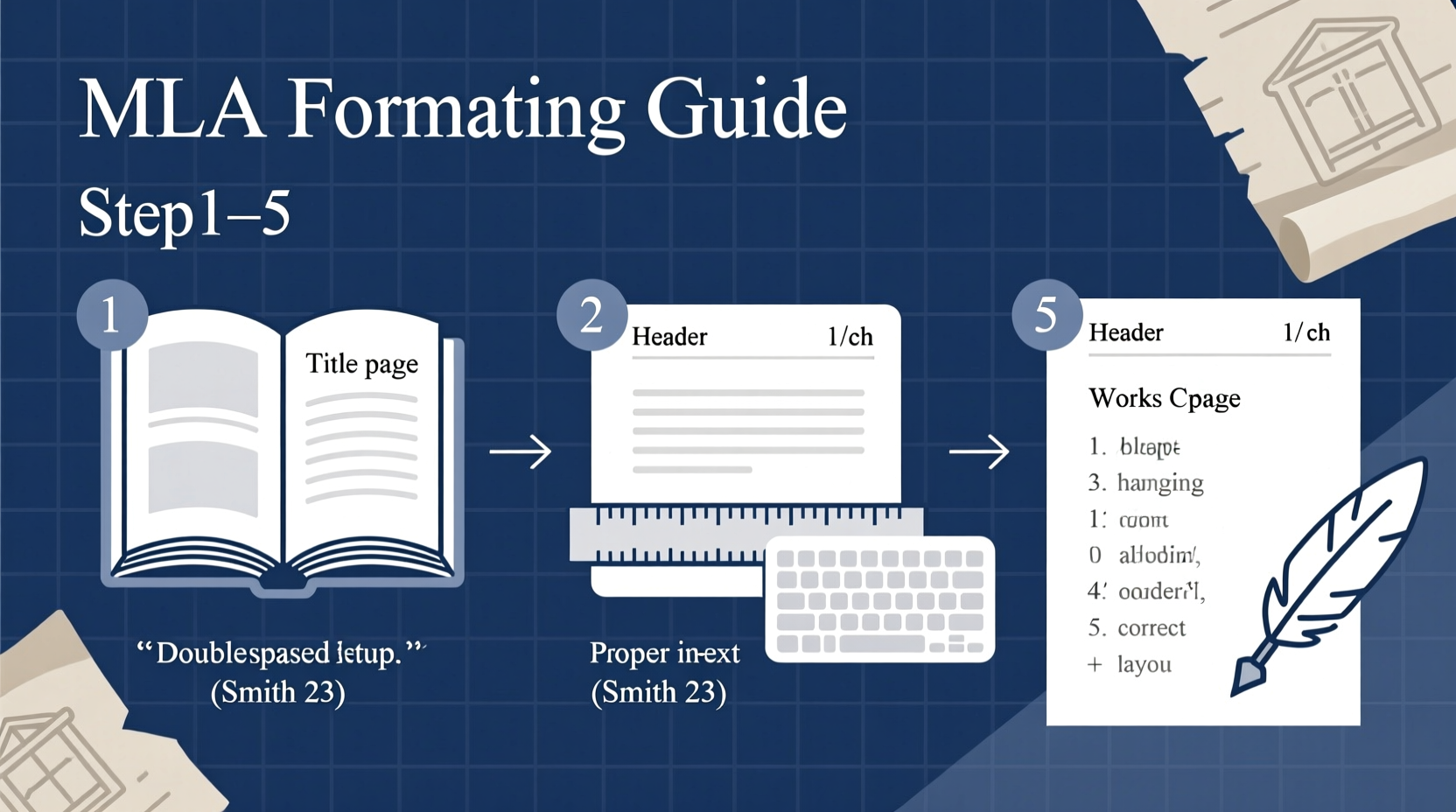
Before you write a single sentence, your document must be properly configured. MLA has clear guidelines on layout, typography, and spacing to ensure consistency across academic submissions.
- Font and Size: Use a legible, standard font such as Times New Roman, size 12. Avoid decorative or condensed fonts.
- Line Spacing: Double-space the entire document, including the Works Cited page and block quotations.
- Margins: Set 1-inch margins on all sides (top, bottom, left, right).
- Alignment: Left-align text; do not justify. The right edge will appear uneven—that’s correct.
- Paragraph Indentation: Indent the first line of each paragraph by 0.5 inches using the Tab key, not spaces.
Structuring Your Essay: Header, Heading, and Title
MLA does not require a title page unless specifically requested by your instructor. Instead, the first page includes identifying information in the upper-left corner, followed by the title.
- Your full name
- Instructor’s name
- Course name or number
- Date (in day-month-year format, e.g., 15 April 2024)
After this heading, center your title. Do not bold, italicize, underline, or use quotation marks unless referencing another work within the title. Use standard title case—capitalize major words, but not articles, prepositions, or conjunctions unless they begin the title.
The header in the top-right corner of every page should include your last name and the page number, flush right. For example: Smith 1. Most word processors can automate this via the “Insert Header” function.
| Element | Correct Format | Common Mistakes |
|---|---|---|
| Heading (Top Left) | Name Instructor Course Date |
Adding titles like \"Professor\" or using incorrect date formats |
| Title | Centered, standard case, no extra formatting | Bolding, underlining, or ALL CAPS |
| Page Header | Last name + page number (e.g., Smith 3) | Full name, missing page numbers, or misaligned placement |
Citing Sources In-Text: Clarity and Consistency
In-text citations are essential to give credit and allow readers to locate sources. MLA uses a parenthetical system that includes the author’s last name and page number, with no comma between them.
According to Jenkins, participatory culture transforms how audiences engage with media (45).
If the author’s name appears in the sentence, only the page number goes in parentheses:
Jenkins argues that participatory culture transforms audience engagement (45).
For sources without page numbers—such as websites or e-books—include only the author’s name. If there is no author, use a shortened version of the title in quotation marks.
Handling Multiple Authors and No Authors
- Two authors: List both last names separated by “and” — (Smith and Lee 23)
- Three or more authors: Use the first author’s name followed by “et al.” — (Garcia et al. 112)
- No author: Use a shortened title — (“Digital Literacy in Classrooms” 7)
“Clarity in citation reflects intellectual honesty and strengthens the writer’s credibility.” — Dr. Linda Chen, Academic Writing Consultant
Creating a Flawless Works Cited Page
The Works Cited page appears on its own page at the end of your essay. It lists all sources cited in alphabetical order by the author’s last name. Entries follow a core template: Author. “Title of Source.” Title of Container, Other contributors, Version, Number, Publisher, Publication date, Location.
Each entry should have a hanging indent: the first line is flush left, and subsequent lines are indented 0.5 inches.
Common Examples
- Book: James, Henry. The Portrait of a Lady. Penguin Classics, 2003.
- Journal Article (Print): Ngai, Sianne. “The Cuteness of the Avant-Garde.” PMLA, vol. 121, no. 3, 2006, pp. 676–691.
- Website: Roettgers, Janko. “Streaming Growth Slows in 2023.” Variety, 12 Mar. 2023, variety.com/2023/digital/news/streaming-growth-report-1235543211/.
Step-by-Step Checklist Before Submission
Even experienced writers miss small formatting details. Use this checklist to ensure your essay meets every MLA requirement before submission.
- ✅ Font is 12-point Times New Roman (or approved alternative)
- ✅ Entire document is double-spaced
- ✅ 1-inch margins on all sides
- ✅ First line of each paragraph indented 0.5 inches
- ✅ Header with last name and page number in top-right corner
- ✅ Correct heading in upper-left corner (name, instructor, course, date)
- ✅ Title is centered, properly capitalized, and unformatted
- ✅ All in-text citations include author and page number where applicable
- ✅ Works Cited is on a separate page, titled “Works Cited” (not bolded or underlined)
- ✅ Entries are alphabetized and formatted with hanging indents
- ✅ URLs are clean (remove https://) and DOIs are included when available
- ✅ No periods after DOIs or URLs
Frequently Asked Questions
Do I need a title page for MLA format?
No, MLA does not require a title page unless your instructor explicitly asks for one. Use the standard heading format on the first page instead.
How do I cite a source with two authors?
List both authors’ last names in the order they appear on the source. In-text, write (Smith and Lee 27). In the Works Cited, reverse only the first author’s name: Smith, John, and Lisa Lee.
Should I include URLs in my Works Cited entries?
Yes, when a source is accessed online and no DOI is available. Omit the “https://” prefix. For example: variety.com/2023/digital/news/streaming-growth-report.
A Real-World Example: From Draft to Final
Sophia, a sophomore literature student, submitted her first draft of an essay on Toni Morrison’s *Beloved* with inconsistent spacing, no header, and incomplete citations. Her professor returned it with comments about formatting distractions undermining her strong analysis. Using this guide, Sophia revised her paper: she added proper headers, corrected indentation, verified each citation, and rebuilt her Works Cited page with accurate container details. On resubmission, her paper earned high praise—not just for content, but for its professional presentation. “I didn’t realize how much formatting affected readability,” she said. “Now I see it’s part of the argument.”
Final Thoughts: Precision Is Part of Scholarship
Mastering MLA formatting isn’t about memorizing rules—it’s about developing habits of clarity, consistency, and academic integrity. Every correctly placed period, every properly indented citation, signals to your reader that you take your work seriously. These details don’t distract from your ideas; they elevate them.




 浙公网安备
33010002000092号
浙公网安备
33010002000092号 浙B2-20120091-4
Comments
No comments yet. Why don't you start the discussion?