
In an era where digital connectivity defines both personal and professional life, your mobile phone is more than a device—it’s your lifeline. Whether you're navigating remote work, traveling across time zones, or simply trying to maintain reliable contact in areas with spotty coverage, mastering mobile communication isn’t optional; it’s essential. This guide delivers actionable strategies, real-world insights, and proven techniques to help you stay consistently connected, no matter where you are.
Optimize Your Device Settings for Maximum Connectivity
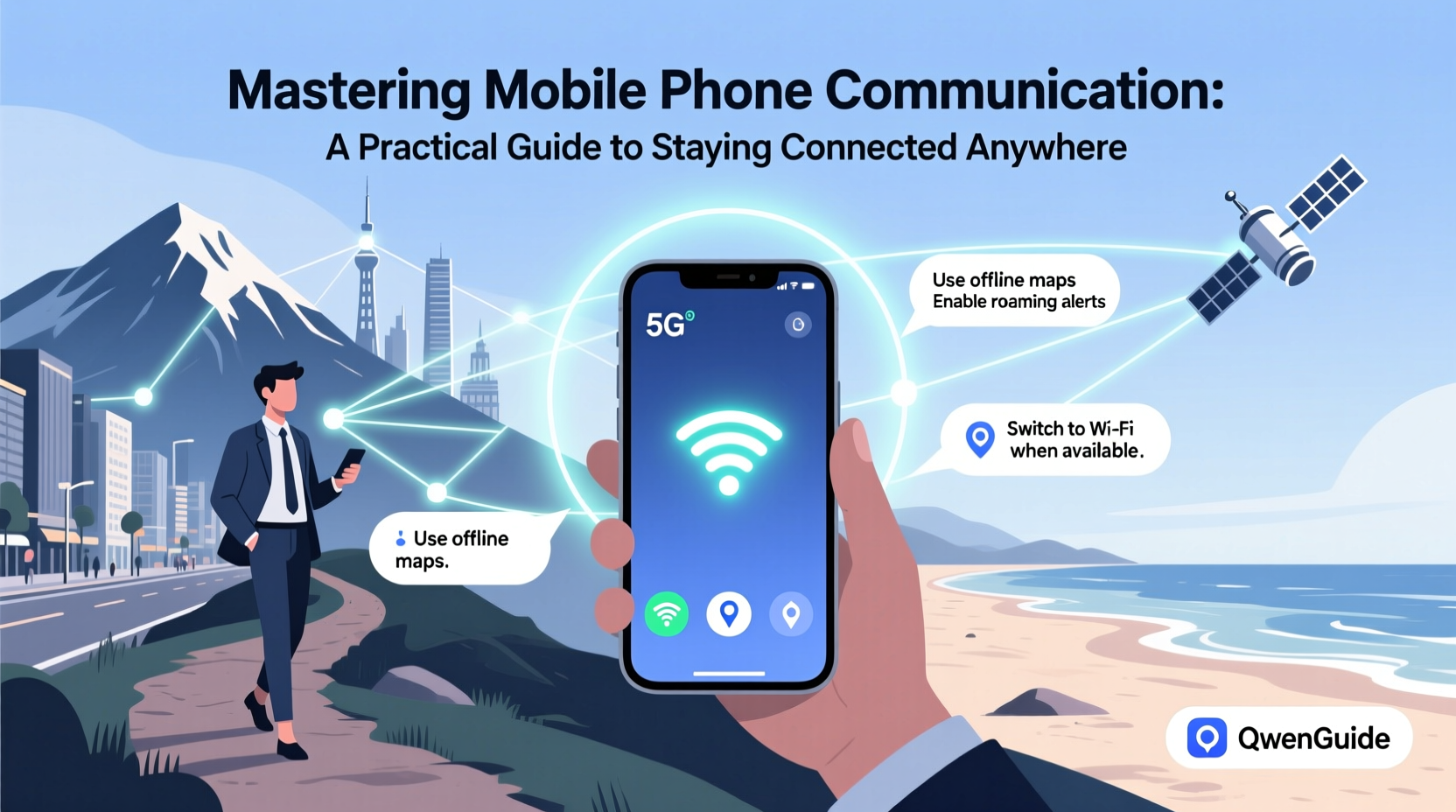
Your smartphone comes packed with features designed to enhance communication, but default settings often prioritize battery over performance. Tweaking these can significantly improve call quality, message delivery, and data reliability.
Start by reviewing your network mode. On Android, go to Settings > Network & Internet > Mobile Network > Preferred Network Type and ensure it's set to LTE/5G. iPhone users should check Settings > Cellular > Voice & Data and select “LTE” or “5G Auto.” These settings maximize your chances of connecting to the strongest available network.
Also, disable battery saver modes during critical communication windows. While they extend battery life, they often throttle background data and delay push notifications—potentially causing missed messages or dropped calls.
Strategies for Reliable Communication in Low-Signal Areas
Remote locations, basements, and rural regions often suffer from poor reception. Instead of relying solely on cellular networks, adopt a layered approach to connectivity.
- Use Wi-Fi hotspots whenever possible—even public ones at cafes or libraries.
- Invest in a portable signal booster or femtocell (mini cell tower) if you frequently operate in weak-signal zones.
- Download offline maps and messaging apps that support offline sync, like WhatsApp or Telegram, so messages queue and send when connection resumes.
“Signal strength isn’t just about location—it’s about smart redundancy. The best communicators always have a backup channel.” — Lena Patel, Telecommunications Engineer
Real Example: Staying Connected During Field Research
Sarah, an environmental scientist conducting research in the Rocky Mountains, faced daily communication blackouts. She solved this by pre-downloading all necessary documents, using satellite messengers like Garmin inReach for emergency check-ins, and scheduling regular Wi-Fi sync-ups at ranger stations every 48 hours. By planning her communication rhythm around availability—not convenience—she maintained team coordination without interruption.
Choosing the Right Apps for Seamless Communication
Not all messaging platforms are created equal. Depending on your needs—voice, video, group coordination, or international reach—certain apps outperform others.
| App | Best For | Data Efficiency | Offline Support |
|---|---|---|---|
| International texting, voice calls | Medium | Limited (sends when online) | |
| Telegram | Large file sharing, cloud sync | High | Yes (local drafts saved) |
| Signal | Secure messaging, privacy | Low-Medium | No |
| Slack | Team collaboration, integrations | High | Partial (message history syncs after reconnect) |
| Zoom | Video conferencing, screen sharing | Very High | No |
For travelers or remote workers, combining a lightweight app like Telegram for text with Zoom for scheduled meetings creates a balanced, efficient system. Always test app performance on local networks before relying on them in critical situations.
Step-by-Step Guide to Preparing for International Travel
Traveling abroad introduces new challenges: incompatible frequencies, roaming costs, and language barriers. Follow this timeline to ensure seamless communication overseas.
- 4 Weeks Before Departure: Check if your phone is unlocked and compatible with local bands. Most modern phones support global LTE, but verify via your manufacturer’s specs.
- 2 Weeks Before: Research local carriers and purchase an eSIM or physical SIM card online. Providers like Airalo or Nomad offer pay-as-you-go data plans for over 190 countries.
- 1 Week Before: Download offline translation apps (Google Translate), enable two-factor authentication on key accounts, and back up contacts to the cloud.
- Day of Travel: Activate your eSIM or insert the new SIM. Disable automatic roaming charges by turning off “Data Roaming” in settings unless using a trusted plan.
- Upon Arrival: Connect to local Wi-Fi, confirm data functionality, and inform contacts of your temporary number if applicable.
Essential Checklist for Reliable Mobile Communication
Whether you’re heading into the wilderness or managing global clients, use this checklist to ensure uninterrupted connectivity:
- ✅ Test Wi-Fi calling and emergency SOS features
- ✅ Install at least two communication apps (e.g., WhatsApp + Signal)
- ✅ Carry a power bank with at least 10,000 mAh capacity
- ✅ Enable Find My Device (Android) or Find My (iPhone)
- ✅ Set up automatic cloud backups for messages and photos
- ✅ Download offline versions of critical apps and maps
- ✅ Share your travel itinerary and check-in schedule with a trusted contact
Frequently Asked Questions
How can I make calls when there’s no cellular signal?
You can use Wi-Fi-based calling through apps like WhatsApp, FaceTime (for Apple users), or Facebook Messenger. If you’re in a remote area, consider a satellite communicator such as Zoleo or Thuraya, which connects via orbiting satellites rather than ground towers.
Is VoIP safe for sensitive conversations?
VoIP (Voice over IP) services vary in security. End-to-end encrypted platforms like Signal and WhatsApp are considered safe for private discussions. Avoid unencrypted services like Skype (consumer version) or standard Google Voice for highly sensitive information.
Why do my messages sometimes fail to send?
This usually happens due to poor connectivity, app glitches, or disabled background data. Ensure your app has permission to use data in the background, and check if airplane mode or Do Not Disturb is accidentally enabled. Restarting the app or phone often resolves temporary issues.
Conclusion: Take Control of Your Connection
Staying connected isn’t about luck—it’s about preparation, adaptability, and knowing your tools. From adjusting settings to leveraging the right apps and planning for signal loss, every decision shapes your communication reliability. In a world where opportunities hinge on timely responses, mastering mobile phone communication gives you a distinct advantage.




 浙公网安备
33010002000092号
浙公网安备
33010002000092号 浙B2-20120091-4
Comments
No comments yet. Why don't you start the discussion?