
In a world saturated with constant noise—airplane engines, office chatter, city traffic—noise cancelling headphones have become essential tools for focus, relaxation, and auditory clarity. But simply owning a pair of high-end ANC (Active Noise Cancellation) headphones doesn’t guarantee optimal performance. Many users overlook simple yet powerful techniques that can dramatically improve sound quality, battery life, and overall listening experience. Understanding how to properly use, maintain, and fine-tune your device is the key to unlocking its full potential.
Understanding How Noise Cancellation Works
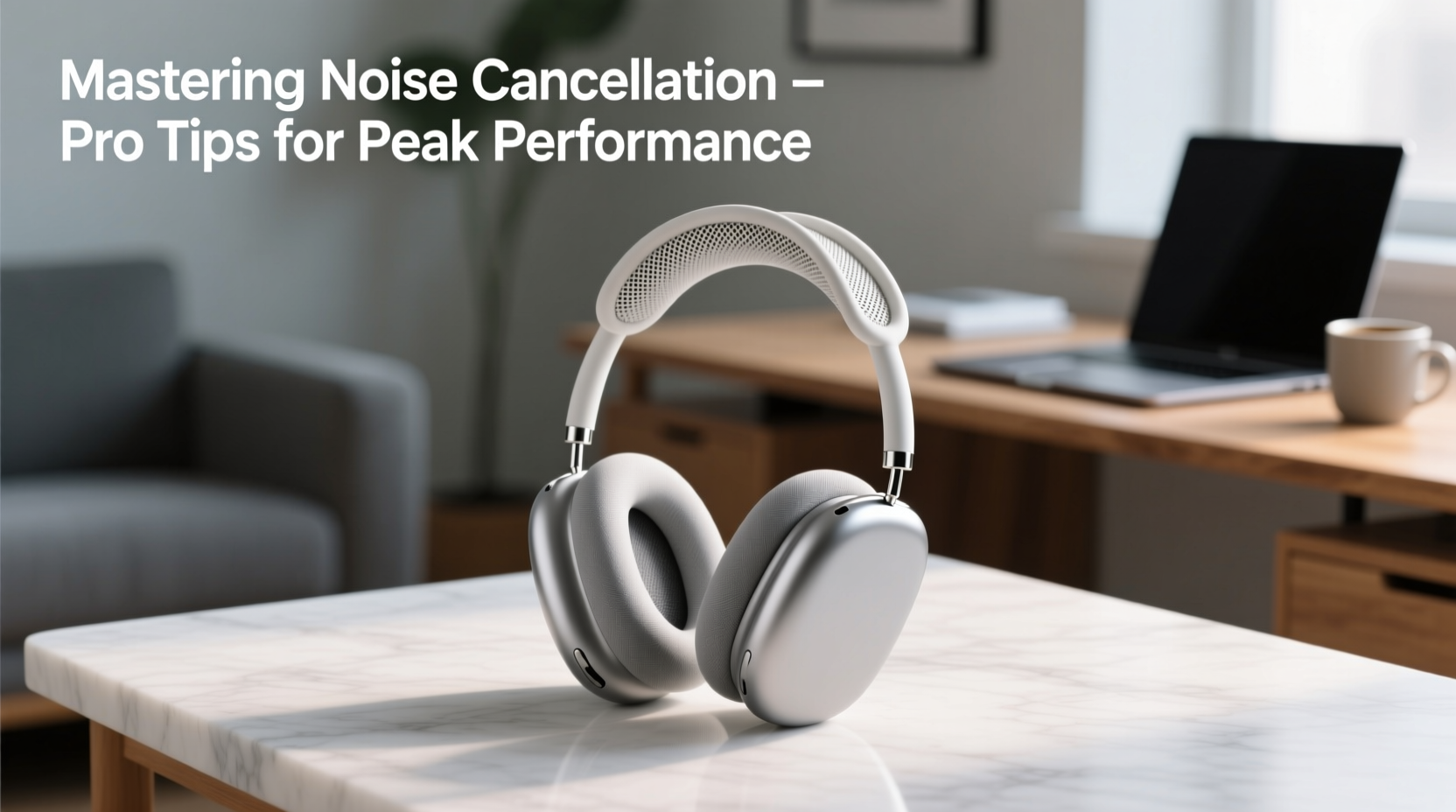
Before diving into optimization strategies, it’s important to grasp the fundamentals of how noise cancellation functions. Most modern ANC headphones use a combination of microphones, digital signal processing, and inverse sound waves to neutralize ambient noise. External microphones pick up environmental sounds, and the headphones generate anti-noise signals that cancel out low-frequency droning noises like engine hums or HVAC systems.
However, ANC is most effective against consistent, low-pitched sounds. Sudden noises—such as a door slamming or someone speaking nearby—are harder to eliminate. This limitation underscores the importance of combining ANC with physical isolation. Over-ear designs with well-sealed ear cups perform better than on-ear models because they create a tighter acoustic seal.
“Active noise cancellation isn’t magic—it’s physics enhanced by smart engineering. The best results come when technology and fit work together.” — Dr. Lena Torres, Audio Acoustics Researcher at MIT Media Lab
Optimize Fit and Seal for Maximum Noise Reduction
The effectiveness of any noise cancelling headphone hinges on proper fit. Even the most advanced ANC system will underperform if sound leaks in through gaps between the ear cup and your head.
Ensure your ear cushions are clean and pliable. Over time, foam degrades and leatherette cracks, compromising the seal. Replace worn pads promptly—most manufacturers offer replacement kits. Position the headband so that the ear cups fully enclose your ears without pressing uncomfortably. If you wear glasses, adjust the arms slightly to minimize pressure points while maintaining contact.
Common Fit Issues and Fixes
| Issue | Possible Cause | Solution |
|---|---|---|
| Weak bass, external noise heard | Poor ear seal | Adjust headband; clean or replace ear pads |
| Discomfort after short use | Excessive clamping force | Loosen headband; try different pad material |
| ANC feels inconsistent | Misaligned microphone ports | Check for obstructions; wipe vents gently |
Customize Settings for Different Environments
Modern ANC headphones often feature adaptive modes that respond to your surroundings. To master their use, learn to switch between modes strategically:
- Airplane Mode: Optimized for low-frequency engine noise. Use during flights or long commutes.
- Transparency/Pass-Through Mode: Allows external sound in for conversations or safety awareness. Ideal in urban environments or when navigating terminals.
- Adaptive ANC: Automatically adjusts based on detected noise levels. Best for mixed environments like co-working spaces.
Some models, such as Sony WH-1000XM5 or Bose QuietComfort Ultra, allow app-based customization. Use these apps to fine-tune frequency response, set auto-off timers, and assign button controls. For example, configure one tap to cycle between ANC and transparency mode—this reduces fumbling and improves usability.
Mini Case Study: Commuter Efficiency Boost
Sarah, a project manager in Chicago, used to arrive at work drained from her 45-minute train commute. After adjusting her Sony XM4 settings—activating high ANC during peak noise, switching to transparency when announcements were made—she reported a 30% increase in mental energy by morning. By pairing optimized settings with a podcast routine, she turned transit time into productive quiet space.
Maximize Battery Life and Performance Longevity
Noise cancelling consumes significant power. A typical high-end model lasts 20–30 hours with ANC enabled, but poor habits can cut that in half. Follow these steps to preserve battery health and extend device lifespan.
- Turn off ANC when not needed: In quiet environments, disable ANC to conserve power.
- Store in a dry, temperature-controlled place: Heat and moisture degrade lithium-ion batteries over time.
- Use airplane mode during storage: Some models continue running background processes even when powered down.
- Charge before full depletion: Avoid letting the battery drop to zero regularly. Aim to recharge between 20–30%.
- Update firmware regularly: Manufacturers release updates that improve power efficiency and ANC algorithms.
Essential Maintenance Checklist
- ✅ Wipe ear pads weekly with a microfiber cloth
- ✅ Clean microphone ports monthly with a dry brush
- ✅ Check firmware updates every 6 weeks
- ✅ Store in protective case when traveling
- ✅ Rotate usage if you own multiple pairs to reduce wear
Troubleshooting Common Issues
Even well-maintained headphones may encounter problems. Here’s how to address frequent complaints:
“The ANC feels weak or uneven”
This often stems from unbalanced ear cup pressure or blocked microphones. Inspect the small mesh-covered ports on the outer side of each ear cup. Gently clean with a soft-bristled toothbrush. Also, ensure both ear cups make full contact—sometimes one side lifts due to hair or clothing interference.
“I hear a hissing sound when ANC is on”
A slight high-frequency hiss (called “ANC artifact”) is normal in most models, especially in very quiet rooms. If it’s distracting, try lowering the ANC strength in the companion app. Higher-end models now include “zero-pressure” ANC modes that reduce this effect.
“Sound quality drops when ANC is active”
Some early-generation ANC systems compromised audio fidelity. Newer models use dual-chip processing to maintain sound integrity. If you notice muffled highs or bloated bass, check your EQ settings—many apps apply default boosts that don’t suit all music genres.
Frequently Asked Questions
Can I use noise cancelling headphones without playing audio?
Yes. ANC works independently of audio playback. You can wear them silently to reduce stress from environmental noise—ideal for napping on planes or focusing in open offices.
Do noise cancelling headphones protect hearing?
They reduce the need to raise volume in loud environments, which helps prevent long-term hearing damage. However, they are not substitutes for hearing protection in extremely loud settings (e.g., construction sites).
Are over-ear or in-ear ANC models more effective?
Over-ear models generally provide superior noise reduction due to larger drivers and better sealing. However, modern true wireless earbuds like Apple AirPods Pro or Sony WF-1000XM5 offer impressive ANC in compact form, making them ideal for mobility.
Final Steps to Mastery
Mastering noise cancelling headphones goes beyond turning on a button. It involves understanding your environment, tailoring settings, maintaining equipment, and using features intentionally. Whether you're shielding yourself from distractions, enhancing travel comfort, or creating a personal sanctuary in a noisy world, the right approach transforms your headphones from a gadget into a lifestyle asset.
Start today: review your current settings, inspect your ear pads, and experiment with different ANC modes. Small adjustments compound into significant improvements in daily focus and auditory well-being.




 浙公网安备
33010002000092号
浙公网安备
33010002000092号 浙B2-20120091-4
Comments
No comments yet. Why don't you start the discussion?