
Quartz watches are celebrated for their accuracy and reliability, but even the most precise timepiece can lose its appeal if the calendar function is incorrectly set. Whether you've just purchased a new watch, replaced the battery, or accidentally triggered an incorrect date change, knowing how to properly adjust the calendar ensures your watch remains both functional and trustworthy. Unlike mechanical watches, quartz models rely on a battery-powered movement that drives the hands and calendar mechanisms—but this doesn’t mean they’re immune to user error. This guide walks you through the correct techniques, timing considerations, and best practices for adjusting your quartz watch’s date display with confidence.
Understanding How Quartz Watch Calendars Work
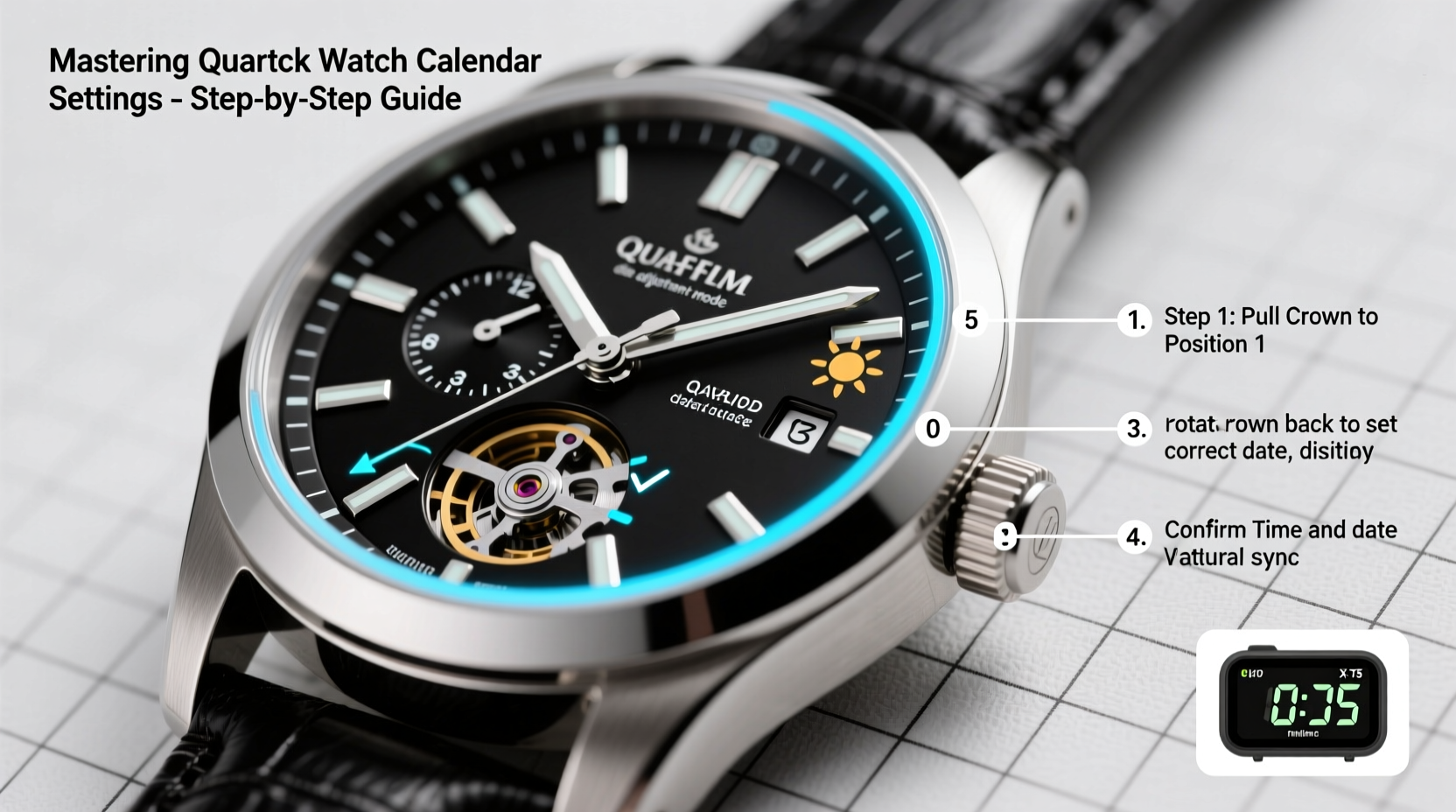
Most quartz watches use a stepper motor to advance the hands and trigger the date wheel at midnight. The date mechanism typically advances over a 20–40 minute window centered around 12:00 a.m., during which you should avoid adjusting the crown. Attempting to change the date during this transition period can damage the internal gears or cause misalignment.
The standard three-hand quartz watch features two crown positions:
- Position 1 (Pulled halfway): Adjusts the date.
- Position 2 (Fully pulled): Sets the time.
Some models may include a day-of-the-week window or a dual-time complication, but the fundamental principles remain consistent. It's crucial to know when it's safe to interact with the calendar function—timing matters as much as technique.
“Many service requests for damaged calendar mechanisms stem from users adjusting the date between 8 p.m. and 2 a.m.—a critical no-adjust zone.” — Daniel Reyes, Master Watch Technician, SwissTime Repairs
Step-by-Step Guide to Accurate Date Adjustment
Follow this sequence to safely and accurately set your quartz watch calendar without risking mechanical strain.
- Check the current time: Glance at a reliable time source (smartphone, atomic clock website) to confirm the correct time.
- Avoid the danger zone: Never adjust the date between 8 p.m. and 2 a.m. If your watch falls within this range, move the hour hand forward or backward to a safe time like 6 a.m. or 6 p.m.
- Pull the crown to Position 1: Gently pull the crown out one click. Rotating it should now advance the date wheel one day per full turn.
- Set the correct date: Turn the crown clockwise until the desired date appears in the window. Do not rotate counterclockwise unless your model specifically supports bidirectional adjustment (rare in quartz).
- Advance to Position 2 if needed: Push the crown back in, then pull it fully out to set the correct time. As you pass midnight, observe whether the date changes. If it flips prematurely or lags, adjust accordingly.
- Confirm AM/PM alignment: After setting the time, verify that the date changes precisely at midnight—not at noon. A common mistake is setting the 12-hour cycle incorrectly, causing the date to shift at midday.
- Push the crown back in: Once everything is aligned, securely push the crown to its original position. Ensure it’s flush to maintain water resistance.
Common Mistakes and How to Avoid Them
Even experienced watch owners occasionally make errors when adjusting their quartz calendar. These missteps can lead to skipped dates, jammed mechanisms, or long-term wear.
| Mistake | Consequence | How to Prevent |
|---|---|---|
| Adjusting date between 8 p.m. and 2 a.m. | Stress on gear train; potential damage | Always move hands outside this window first |
| Changing date backward | May not work or damage date jumper | Only use forward rotation unless specified |
| Forcing the crown | Stripped stem or broken clutch | Apply gentle, steady pressure only |
| Not checking AM/PM after setting | Date flips at noon instead of midnight | Verify 24-hour cycle alignment |
Real-World Example: Correcting a Misaligned Calendar
Carlos recently returned from a business trip across four time zones. His quartz chronograph had been left running, but the date hadn’t changed for two days. Eager to fix it, he pulled the crown late at night and began turning—only to feel resistance. He stopped immediately, realizing he was near midnight.
The next morning, he followed proper protocol: advanced the hands to 6 p.m., pulled the crown to Position 1, and carefully set the correct date. Then, he reset the time, confirming that the date would flip at midnight. By respecting the mechanism’s limits, Carlos avoided costly repairs and restored accuracy.
Essential Tips for Long-Term Calendar Maintenance
Proper adjustment is only part of the equation. Maintaining your watch’s calendar function requires ongoing care and awareness.
- Wind your watch periodically if not worn daily to keep the mechanism active.
- Replace the battery every 2–3 years—even if it still runs—to prevent leakage that could damage the movement.
- After battery replacement, always recheck the date function. Technicians sometimes set the time incorrectly during servicing.
- Keep the crown clean and free of debris to ensure smooth operation.
Frequently Asked Questions
Can I set the date every day without damaging the watch?
Yes, as long as you do so outside the 8 p.m. to 2 a.m. window. Daily adjustment within safe hours poses no risk to the movement.
Why does my date change at noon instead of midnight?
This usually means the 12-hour cycle is misaligned. To fix it, advance the time by 12 hours using the crown. The date should then flip at the correct time.
Do all quartz watches allow direct date adjustment?
Most do, but some minimalist or vintage models lack a quick-set function. In those cases, you must cycle the time forward or backward through 24-hour increments to change the date.
Final Checklist for Perfect Date Accuracy
Before concluding, run through this checklist to ensure your quartz watch calendar is perfectly calibrated:
- ✅ Current time verified against a trusted source
- ✅ Hands positioned outside 8 p.m.–2 a.m. before adjustment
- ✅ Crown pulled to correct position (halfway for date)
- ✅ Date advanced forward only, one day at a time
- ✅ Time set accurately, including AM/PM distinction
- ✅ Date flip confirmed to occur at midnight
- ✅ Crown fully pushed (and screwed, if applicable) afterward
Conclusion
Mastering the calendar function of your quartz watch isn't about technical complexity—it's about precision, timing, and respect for the mechanics inside. With the right approach, you can keep your watch displaying the correct date reliably for years. Small habits, like avoiding risky adjustment windows and verifying AM/PM alignment, make a lasting difference. Now that you understand the science behind the changeover and the steps to get it right, apply this knowledge the next time your watch needs resetting. Your timepiece will reward you with flawless performance.




 浙公网安备
33010002000092号
浙公网安备
33010002000092号 浙B2-20120091-4
Comments
No comments yet. Why don't you start the discussion?