
In academic, corporate, and public speaking environments, credibility is everything. One of the most effective ways to build trust with your audience is by properly citing your sources. Yet, many PowerPoint users overlook or mishandle citations, weakening their message and risking accusations of plagiarism. Whether you're presenting research findings, market data, or historical insights, knowing how to integrate and format citations in PowerPoint isn't just good practice—it's essential.
This guide walks through the principles and practical steps of source citation in slides, offering strategies that are both professional and unobtrusive. From choosing citation styles to designing clean reference systems, you’ll learn how to maintain academic integrity without sacrificing visual clarity.
Why Source Citation Matters in Presentations
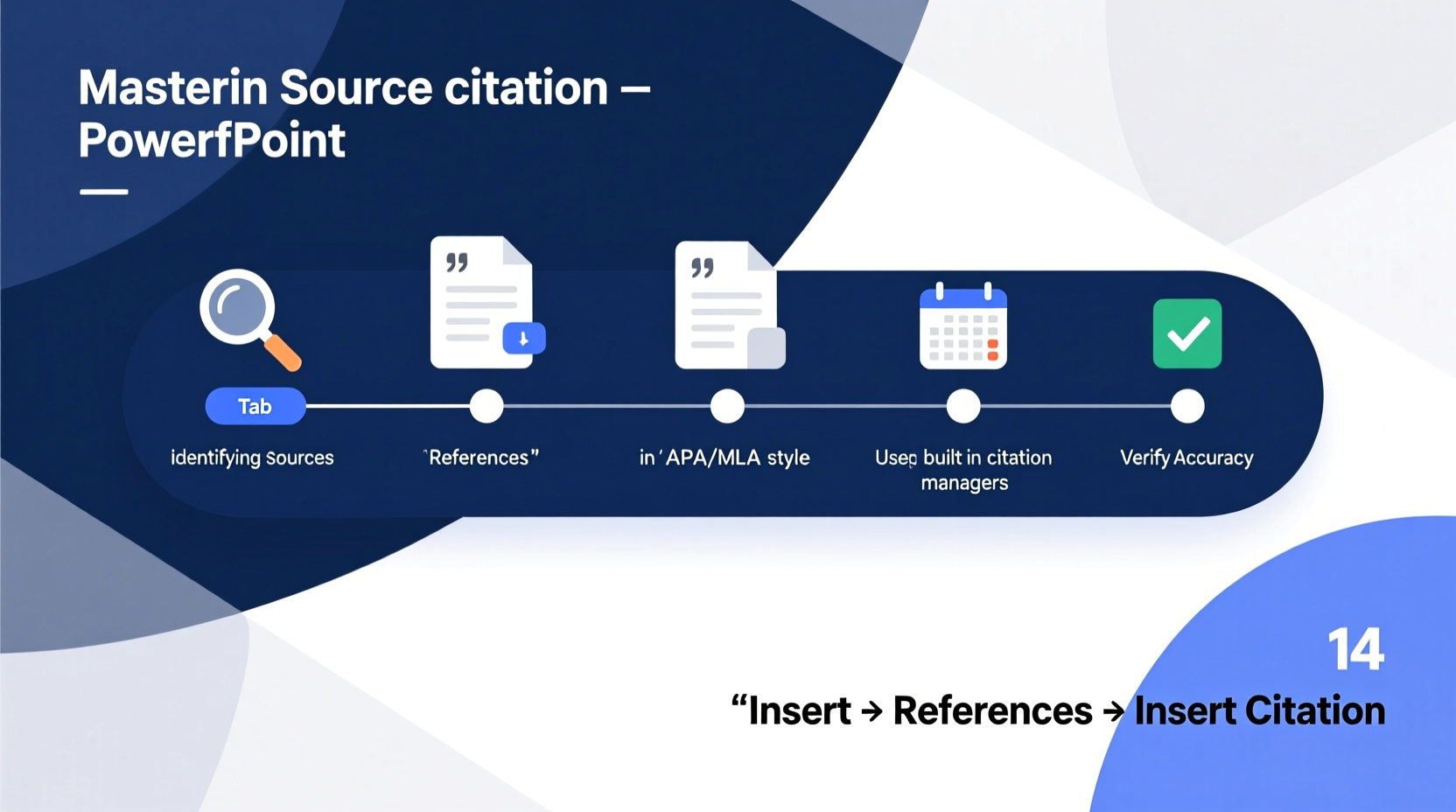
Citing sources in PowerPoint goes beyond avoiding plagiarism. It strengthens your argument, shows intellectual honesty, and allows your audience to verify claims or explore topics further. Unlike written papers, presentations are consumed quickly and visually, making it easy for audiences to miss or forget where information originated.
Consider this: a slide stating “Global e-commerce sales will reach $7.4 trillion by 2025” carries more weight when followed by a small but clear citation like *(Statista, 2023)*. Without it, the claim may be dismissed as unsubstantiated.
“Credibility in presentation design begins with transparency. If you can’t back up your data, your audience won’t trust your conclusions.” — Dr. Rebecca Lin, Communication Professor at Northwestern University
Proper citation also respects copyright and intellectual property. When you use images, charts, or direct quotes from third parties, attribution is not optional—it’s required.
Choosing the Right Citation Style
The citation style you use depends on your field, institution, or organization. While APA, MLA, and Chicago are the most common, each has distinct formatting rules. Here’s a quick overview:
| Style | Common Use Cases | In-Slide Format Example | Reference Slide Format |
|---|---|---|---|
| APA (7th ed.) | Social sciences, business, education | (Smith, 2022) | Smith, J. (2022). Digital Trends 2022. TechPress. |
| MLA (9th ed.) | Humanities, literature, arts | (Smith 45) | Smith, John. Digital Trends 2022. TechPress, 2022. |
| Chicago (Author-Date) | History, publishing, general research | (Smith 2022, 45) | Smith, John. 2022. Digital Trends 2022. Chicago: TechPress. |
If you’re unsure which style to use, consult your instructor, publisher, or organizational guidelines. Consistency across all slides is critical—don’t mix styles unless explicitly allowed.
How to Format Citations Within Slides
Space is limited in PowerPoint, so citations must be concise yet complete. Follow these best practices:
- Use parenthetical citations in the bottom-right corner of relevant content, especially near statistics, quotes, or visuals.
- Keep font size readable—never smaller than 10 pt. Use a lighter color (e.g., dark gray) to reduce visual clutter.
- Position consistently—always place citations in the same location (e.g., bottom right) for uniformity.
- Avoid footnotes—PowerPoint doesn’t support automatic footnote linking, and they disrupt flow.
- For images, include the citation directly beneath the image: Source: NASA, 2023.
When citing a direct quote, include the page number if applicable: “Climate change is accelerating” (Nguyen, 2021, p. 18).
Step-by-Step Guide to Adding In-Slide Citations
- Select the text, statistic, or image that requires citation.
- Insert a small parentheses or label nearby (e.g., [1] or (Lee, 2020)).
- Choose a font color that contrasts slightly with the background but doesn’t distract.
- Ensure the citation does not overlap with key visuals or bullet points.
- Verify accuracy—double-check author names, years, and titles before finalizing.
Creating a Dedicated References Slide
Even if citations appear on individual slides, always include a final “References” or “Sources Cited” slide. This consolidates all sources in one place, allowing interested viewers to review them after the presentation.
Structure your references slide like this:
- Title the slide clearly: References or Works Cited.
- List entries in alphabetical order by author’s last name.
- Use proper hanging indentation (available in PowerPoint’s paragraph settings).
- Apply the same citation style throughout.
- Include full details: author, year, title, publisher, URL (if online).
Mini Case Study: Academic Conference Presentation
Sophia Chen, a graduate student in environmental science, prepared a 15-minute talk on urban air quality for an international conference. Her initial draft included compelling data but lacked consistent citations. During rehearsal, her advisor noted that several key claims were unsupported.
Sophia revised her slides by adding APA-style in-text citations in the lower-right corner of each relevant slide. She also created a clean references slide summarizing all 12 sources. On presentation day, a panel member asked for her data sources—she was able to provide them instantly, earning praise for her thoroughness. Her attention to citation strengthened her academic reputation and led to a collaboration offer.
Common Mistakes to Avoid
Even experienced presenters make citation errors. Watch out for these pitfalls:
| Mistake | Why It’s Problematic | Better Approach |
|---|---|---|
| No citations at all | Appears unprofessional; risks plagiarism | Add minimal but accurate citations for every external fact |
| Vague sources like “Internet” or “a study” | Lacks credibility and traceability | Specify author, publication, and year |
| Overloading slides with full citations | Distracts from main message | Use abbreviated in-slide citations + full list at end |
| Using URLs as citations | URLs can break; lack formal structure | Format as per citation style, include URL only if required |
FAQ
Do I need to cite sources in a business presentation?
Yes, especially when using market data, competitor analysis, or third-party research. Even internal reports should be cited to show transparency and enable verification.
Can I use hyperlinks instead of formal citations?
Hyperlinks are helpful but not a substitute for citations. Use them in addition to—never instead of—proper source attribution. A clickable link should lead to the original source, but the citation itself ensures clarity even if the link fails.
What if I can’t find the author or date?
If no author is available, use the organization (e.g., World Health Organization, 2023). If no date is listed, use “n.d.” (no date) in APA or omit it in MLA. Always try to trace the original source rather than citing a secondary aggregator.
Checklist: Mastering Source Citation in PowerPoint
- ✅ Determine the appropriate citation style (APA, MLA, Chicago, etc.)
- ✅ Add in-slide citations for all statistics, quotes, and images
- ✅ Place citations consistently (e.g., bottom-right corner)
- ✅ Keep citations legible but unobtrusive (min. 10 pt font)
- ✅ Create a final “References” slide with full source details
- ✅ Verify all authors, dates, titles, and URLs for accuracy
- ✅ Avoid vague attributions like “various sources” or “the internet”
Conclusion
Mastering source citation in PowerPoint is a skill that elevates your professionalism, protects your integrity, and deepens audience trust. It’s not about rigid formality—it’s about respect: for your sources, your audience, and your own credibility. With the right balance of clarity and consistency, you can present powerful ideas while giving credit where it’s due.




 浙公网安备
33010002000092号
浙公网安备
33010002000092号 浙B2-20120091-4
Comments
No comments yet. Why don't you start the discussion?