
TikTok has redefined digital storytelling in under 60 seconds. What separates viral content from the rest isn’t just creativity—it’s precision in editing. Behind every trending video is a deliberate sequence of cuts, transitions, sound design, and pacing. Mastering TikTok edits means understanding how to manipulate time, attention, and emotion through smart post-production techniques. Whether you're building a personal brand, promoting a business, or simply sharing your passion, polished edits dramatically increase watch time, shares, and follower growth.
Why Editing Matters on TikTok
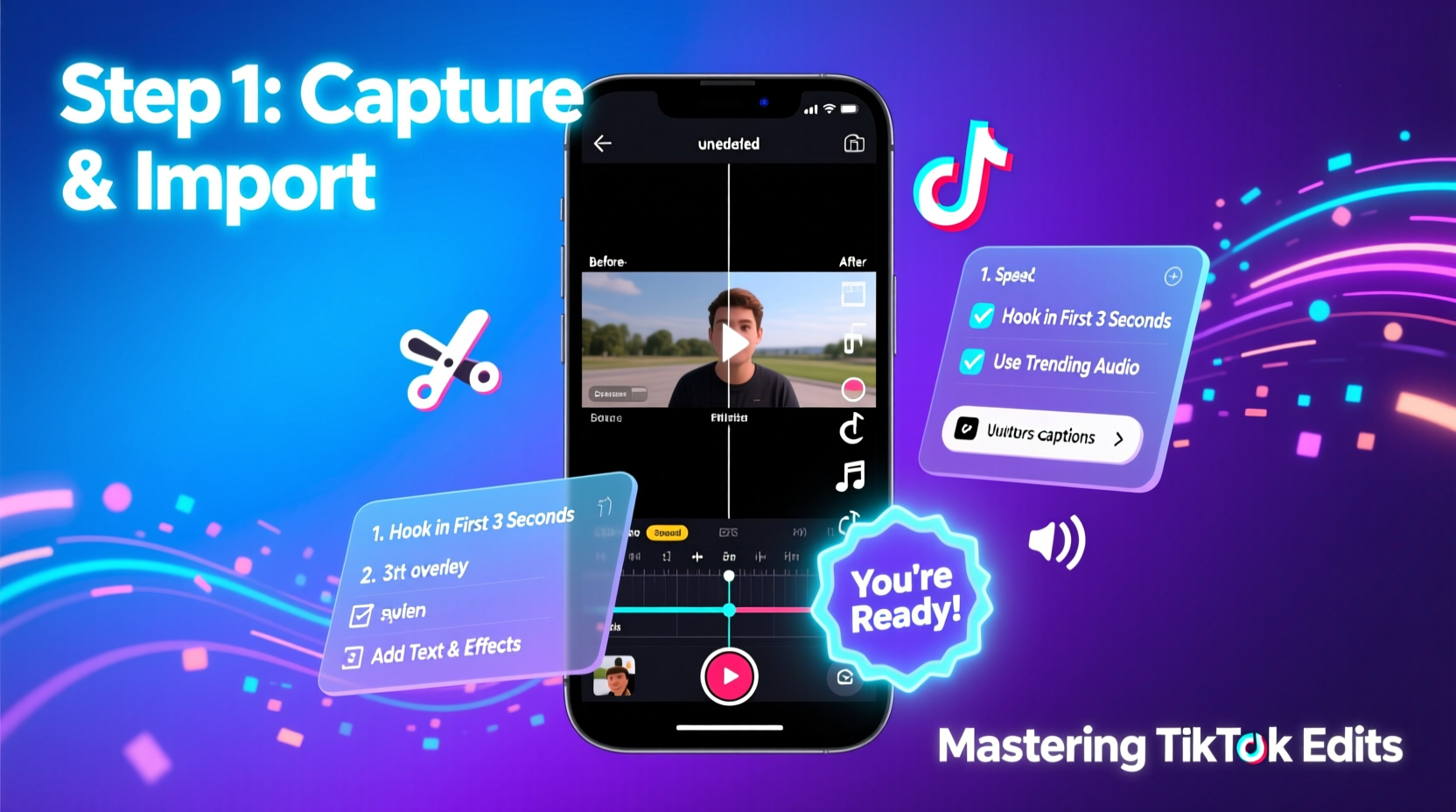
On TikTok, first impressions happen in less than two seconds. If your video doesn’t grab attention immediately, viewers scroll past. Strong editing compensates for average lighting, modest setups, or even shaky footage by directing focus exactly where you want it. It controls rhythm, builds suspense, and emphasizes key moments—turning raw clips into compelling narratives.
Professional-level edits don’t require expensive gear. Most top creators use only smartphones and free apps. What they do possess is an understanding of timing, visual hierarchy, and platform-specific trends. The best edits feel effortless but are built on repeatable strategies anyone can learn.
The Essential Editing Workflow
Creating consistently engaging videos starts with a reliable process. Follow this timeline to build effective edits efficiently:
- Plan Your Concept (5–10 minutes) – Define the message, hook, and desired outcome before recording.
- Record Raw Footage (15–30 minutes) – Shoot multiple takes with clean audio and stable framing.
- Select Best Clips (10 minutes) – Trim out mistakes, long pauses, or off-topic moments.
- Add Transitions & Effects (10–15 minutes) – Apply subtle zooms, slides, or flash effects at cut points.
- Synchronize Music & Sound (10 minutes) – Align beats with visual actions for maximum impact.
- Insert Text & Captions (5 minutes) – Highlight key phrases with animated text overlays.
- Review & Optimize (5 minutes) – Watch without sound to ensure visuals tell the story.
This seven-step workflow ensures consistency across uploads and reduces editing fatigue over time.
Top 5 Editing Techniques That Boost Engagement
These proven methods are used by millions of successful creators to increase retention and shareability.
1. Beat Syncing
Align scene changes, zooms, or text pops with the beat of the music. This creates a subconscious sense of satisfaction and professionalism. Even simple clap sounds or bass drops can serve as natural transition markers.
2. Dynamic Transitions
Instead of plain cuts, use whip pans, object wipes, or match cuts. For example, wave a hand across the lens in one clip and reveal the next scene behind it. These tricks make edits feel intentional and cinematic.
3. Caption Emphasis
Over 70% of TikTok videos are watched without sound. Use bold, animated captions that appear in sync with speech. Highlight punchlines or questions with larger fonts and contrasting backgrounds.
4. Speed Ramping
Alternate between fast-motion and slow-motion to emphasize actions. Speed up setup scenes (e.g., cooking prep), then slow down the payoff (e.g., pouring sauce). This builds anticipation and focuses attention.
5. Layered Audio
Combine background music with voiceover, sound effects, and ambient noise. Lower music volume during speech (ducking), and add subtle cues like “ding” for tips or “whoosh” for transitions.
Do’s and Don’ts of TikTok Editing
| Do’s | Don’ts |
|---|---|
| Keep intros under 2 seconds | Start with long introductions |
| Use auto-captions and edit for clarity | Rely solely on spoken words |
| Edit vertical video natively (9:16) | Stretch horizontal footage to fit |
| Stick to 1–2 core messages per video | Cram too many ideas into one clip |
| Test different hooks in first three posts | Assume your first style will go viral |
“Editing is where personality meets polish. The best TikTokers aren’t always the most talented—they’re the ones who know how to frame their talent.” — Jordan Lee, Digital Content Strategist
A Real Example: From Zero to 100K Followers
Take Maya, a 22-year-old makeup enthusiast who started posting tutorials with basic phone recordings. Her early videos gained little traction despite good technique. After studying top beauty creators, she revamped her editing approach:
- She began using CapCut to add beat-synced transitions between steps.
- Added floating text labels like “Blend outward!” and “Setting spray = glow lock.”
- Used speed ramping to compress application time while highlighting blending close-ups.
- Started every video with a result shot—“This took 5 minutes. Here’s how.”
Within six weeks, her average view count rose from 800 to over 50,000. One video explaining “no-makeup makeup for oily skin” hit 1.2 million views after being picked up by TikTok’s algorithm due to high completion rates. Her secret? She edited not just for information, but for entertainment value.
Essential Tools and Apps
You don’t need a desktop editor. Mobile apps now offer professional-grade features optimized for TikTok’s format.
- CapCut – Free, intuitive, packed with templates, effects, and auto-beat detection.
- InShot – Great for precise trimming, adding music, and stabilizing shaky footage.
- VN Video Editor – Clean interface, excellent color grading tools, no watermarks.
- Adobe Premiere Rush – For advanced users needing multi-track control and cloud sync.
All support 1080x1920 resolution, direct export to TikTok, and real-time previewing. Choose one and master it rather than switching frequently.
Checklist: Pre-Publish Edit Review
Before posting, run through this checklist to ensure quality and engagement readiness:
- ✅ Hook appears in the first 1.5 seconds
- ✅ No dead air or awkward silences
- ✅ Captions are accurate and easy to read
- ✅ Music complements rather than drowns speech
- ✅ Visual flow guides the eye naturally
- ✅ Video ends with a call-to-action (“Save this,” “Try it,” “Follow for more”)
- ✅ File size is under 250MB for smooth upload
Frequently Asked Questions
How long should my TikTok videos be?
Most high-performing videos range from 15 to 35 seconds. Shorter videos often have higher completion rates. Only go longer (45–60 seconds) if the content demands it—like tutorials or storytelling arcs.
Can I edit videos after posting?
No, TikTok does not allow editing of published videos. You must delete and re-upload any revised version, which resets likes, comments, and view count. Always review thoroughly before publishing.
Should I use filters and effects?
Moderation is key. Subtle color correction enhances quality; overuse of flashy filters distracts and appears unprofessional. Stick to one dominant effect per video unless layering serves a clear purpose.
Final Thoughts: Edit Like a Pro, Think Like an Audience
Mastering TikTok edits isn’t about mastering software—it’s about mastering attention. Every cut, caption, and sound choice should serve the viewer’s experience. The most technically perfect video fails if it doesn’t connect emotionally or deliver value quickly.
Start small. Pick one technique—beat syncing, jump cuts, or dynamic captions—and apply it consistently for a week. Measure how your watch time and shares respond. Refine based on data, not guesswork. Over time, your editing intuition will sharpen, and your content will stand out in an oversaturated feed.




 浙公网安备
33010002000092号
浙公网安备
33010002000092号 浙B2-20120091-4
Comments
No comments yet. Why don't you start the discussion?