
For many, a wristwatch is more than a tool for telling time—it’s a statement of precision, craftsmanship, and personal style. Yet even the most elegant timepieces lose their appeal if they display the wrong date or day. While adjusting these settings may seem straightforward, doing so incorrectly can damage internal mechanisms, especially in mechanical and automatic watches. Understanding how to properly set the date and day ensures accuracy, preserves longevity, and honors the engineering behind your watch.
Understanding Your Watch Movement Type
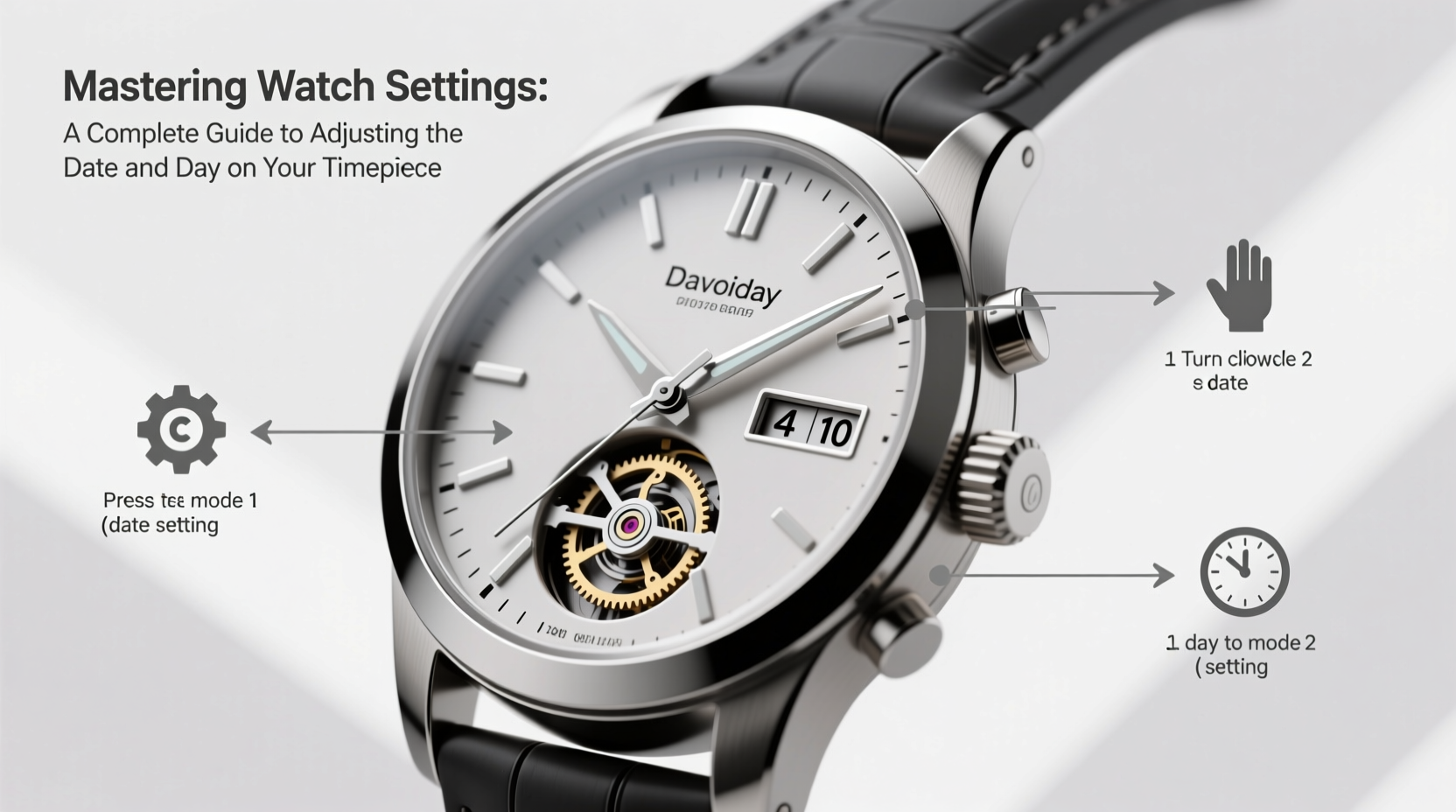
Before making any adjustments, it’s essential to identify your watch’s movement type. The method for changing the date and day varies significantly between mechanical, automatic, and quartz movements.
- Mechanical/Manual: Powered by hand-winding; requires careful handling during adjustment.
- Automatic/Self-Winding: Functions like mechanical but winds itself via motion; sensitive to timing around midnight.
- Quartz: Battery-powered; generally more forgiving when setting functions.
Most watches use a stem (crown) located at the 3 o’clock position. Pulling it out to different positions activates various functions: winding, time-setting, and calendar adjustment.
“Misadjusting a watch near midnight can stress the gear train. Always avoid setting the date between 9 PM and 3 AM.” — Daniel Reeves, Master Watchmaker at Horology Studio NYC
Step-by-Step Guide to Adjusting Date and Day
Follow this universal procedure for most analog watches with dual calendar display. Note that some vintage or specialty models may differ slightly.
- Check the current time: Ensure you know whether it’s AM or PM to avoid confusion when resetting.
- Pull the crown gently: For most watches, pull the crown to the first detent (one click out). This usually engages the date function.
- Rotate to adjust the date: Turn the crown clockwise until the correct date appears. If your watch also shows the day, continue rotating past 24 hours to change both fields.
- Advance to second position (if needed): If the first detent only adjusts the date, pull the crown fully out to adjust the time, which cycles the day and date together.
- Set the correct time: Rotate the hands forward (never backward on many models) until the proper time is reached. As the hour passes midnight, the date should flip automatically.
- Push crown back in: Once set, securely push the crown flush to maintain water resistance.
Do’s and Don’ts When Setting Calendar Functions
| Do’s | Don’ts |
|---|---|
| Adjust the date before 9 PM or after 3 AM | Change the date between 9 PM and 3 AM |
| Use gentle pressure when pulling the crown | Force the crown into position |
| Set time forward when cycling day/date | Turn hands counterclockwise on older models |
| Securely reseat the crown after adjustment | Leave the crown partially pulled out |
| Consult the manual for brand-specific quirks | Assume all watches operate the same way |
Real Example: Fixing a Stuck Date on a Vintage Seiko
Mark, an enthusiast restoring a 1972 Seiko 5, noticed the date hadn’t changed in three days. He assumed the watch had stopped, but the hands were moving normally. After checking online forums, he realized his model required advancing the time past midnight to update the date—not just turning the crown in the first position.
He carefully pulled the crown to the second position and advanced the hands forward from 8 PM to 1 AM. The date wheel clicked over correctly. Then, he continued to set the accurate time. By avoiding the 9 PM–3 AM window for repeated adjustments and using full rotations, he preserved the mechanism and restored reliable performance.
This case underscores why understanding your specific model matters. Not all watches allow direct date correction without cycling through 24 hours.
Tips for Specific Watch Brands
Different manufacturers design their calendar systems uniquely. Here are key insights for popular brands:
- Rolex Datejust: Features a quickset date via rapid crown rotation in the first position. The day (on cyclops models) changes with full 24-hour cycles.
- Omega Speedmaster: Most models require time advancement to change the date. No quickset function on older versions.
- Casio (analog quartz): Often has a dedicated mode button or stem pull for independent date/day setting.
- Longines & Tissot: Many modern models include a semi-quickset feature—date advances quickly, while day updates with time.
Frequently Asked Questions
Why won’t my watch’s date change at midnight?
The most common reason is incorrect time setting. If the internal 12-hour cycle doesn’t align with real midnight, the change occurs at noon or another hour. Reset the time precisely, ensuring AM/PM alignment, so the mechanism triggers at the right moment.
Can I break my watch by adjusting the date too often?
Yes—especially if done between 9 PM and 3 AM. During this period, the date mechanism is engaged in transitioning, and forcing adjustment can shear delicate gears. Frequent improper use accelerates wear and may require costly repairs.
My watch shows two languages for the day—how do I change which one appears?
Some watches (e.g., Rolex with “TWD” dials) offer bilingual day displays (e.g., “Mon” and “Lun”). To switch, advance the time in 24-hour increments until the desired language appears. There's no shortcut; it depends on factory programming.
Essential Checklist Before Adjusting Your Watch
- Confirm the correct AM/PM before starting
- Ensure the watch is not within the 9 PM – 3 AM danger zone
- Inspect the crown for looseness or damage
- Determine if your model supports quickset date/day
- Refer to the manufacturer’s manual if available
- Wash and dry hands to prevent moisture or debris entering the case
- Perform adjustments slowly and deliberately
- Press crown firmly back into place afterward
Maintaining Accuracy Beyond the Calendar
Properly setting the date and day is part of broader watch care. A misaligned calendar can indicate deeper issues—such as low power reserve in automatics or battery depletion in quartz models. Regular servicing every 3–5 years keeps complications functioning smoothly. Even minor dust accumulation inside the movement can interfere with date jumps.
If your watch consistently skips dates or jams, it may need professional cleaning or gear replacement. Never attempt to disassemble the case unless trained. Water-resistant watches, in particular, risk seal damage if opened improperly.
Conclusion
Mastering your watch settings isn’t merely about convenience—it reflects respect for precision engineering and attention to detail. Whether you own a vintage heirloom or a modern daily beater, knowing how to safely adjust the date and day enhances both functionality and longevity. Avoid the high-risk hours around midnight, understand your movement type, and follow best practices to protect your investment.




 浙公网安备
33010002000092号
浙公网安备
33010002000092号 浙B2-20120091-4
Comments
No comments yet. Why don't you start the discussion?