
In an age of digital calendars and automated reminders, the humble notebook remains one of the most powerful tools for managing time and boosting productivity. When used intentionally, a physical notebook offers clarity, focus, and flexibility that screens often lack. Nowhere is this more evident than in meeting scheduling—where coordination, memory, and preparation intersect. By integrating a notebook into your workflow, you can streamline the entire process from initial request to post-meeting follow-up, ensuring nothing slips through the cracks.
The Power of Analog in a Digital World
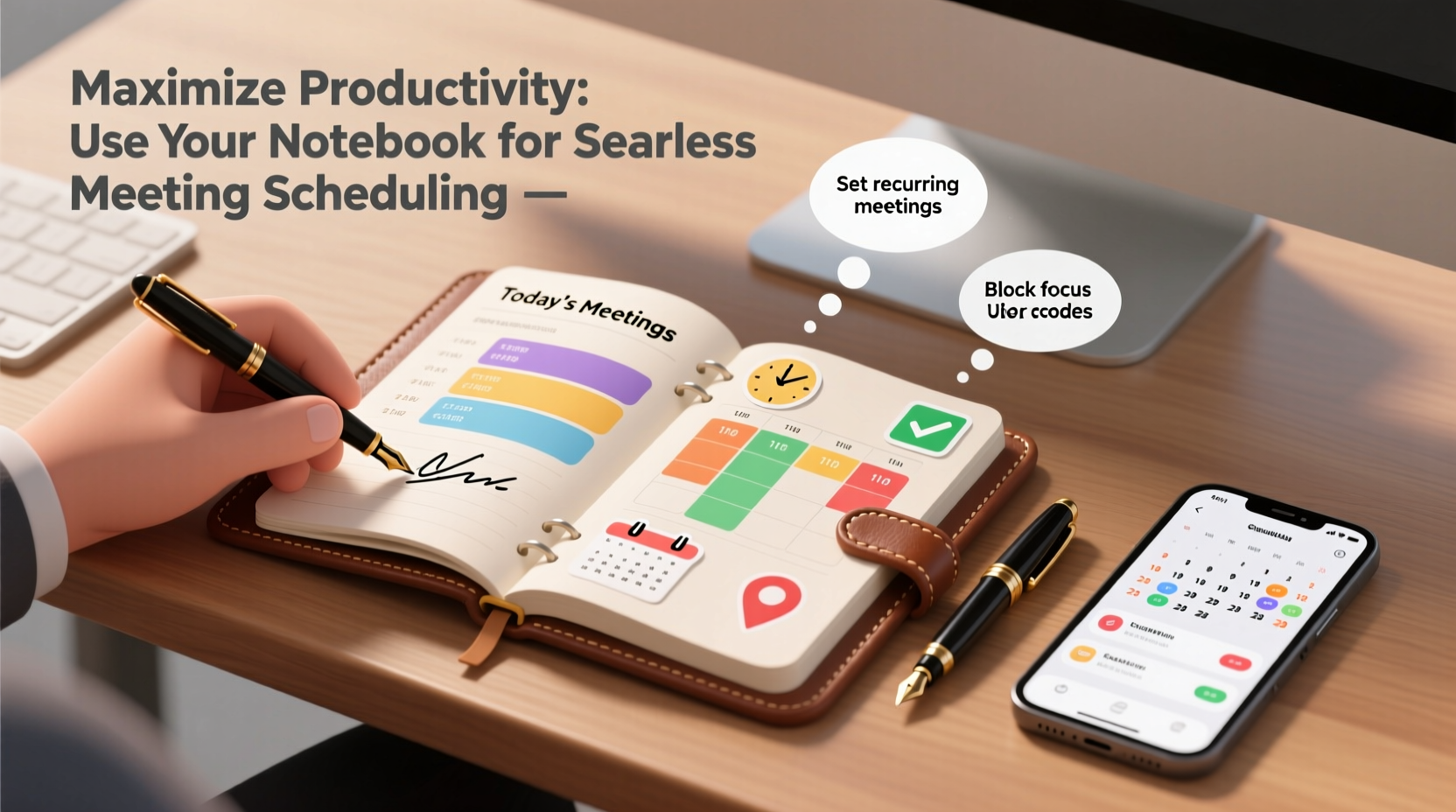
Digital tools offer convenience, but they also bring distractions. Notifications, pop-ups, and the temptation to multitask can fragment attention during critical moments like setting up or preparing for meetings. A notebook, by contrast, forces deliberate action. Writing down meeting details requires engagement—engagement that strengthens memory and intentionality.
Studies show that handwriting information improves retention and cognitive processing. When you jot down a meeting time, location, attendees, and purpose, you’re not just recording data—you're internalizing it. This mental anchoring helps prevent double-booking, missed commitments, and last-minute scrambles.
Step-by-Step: Building Your Meeting Scheduling System
A well-structured notebook system turns chaotic scheduling into a smooth, repeatable process. Follow these steps to create a reliable framework:
- Divide your notebook into sections: Use tabs or labeled pages for “Pending Requests,” “Confirmed Meetings,” “Follow-Ups,” and “Meeting Notes.”
- Start with availability mapping: On the first few pages, block out your weekly rhythm—fixed commitments, deep work hours, and buffer times.
- Log incoming requests immediately: When someone asks to meet, write it in the “Pending” section with date received, proposed time, and urgency level.
- Schedule deliberately: Cross-reference your availability, then confirm the meeting in the “Confirmed” log with full details.
- Prepare in advance: One day before, transfer key discussion points to a dedicated meeting note page.
- Record outcomes and action items: After the meeting, update the notes and move tasks to your follow-up list.
This method keeps all meeting-related information centralized, chronological, and actionable—without relying on search functions or app navigation.
Optimizing Layouts: Tables That Work
Structure enhances usability. Consider using tables in your notebook (drawn neatly or printed on inserts) to organize recurring types of meetings. Here’s an example layout for tracking key details:
| Date & Time | Attendees | Purpose | Status | Follow-Up Due |
|---|---|---|---|---|
| Oct 5, 10:00 AM | Jamie Lee, Alex Tran | Q3 Budget Review | Confirmed | Oct 7 |
| Oct 6, 2:30 PM | Morgan Kim | Project Kickoff | Pending | - |
| Oct 4, 9:00 AM | Sales Team | Weekly Sync | Completed | Oct 5 |
This format allows at-a-glance visibility and makes it easy to scan for overdue actions or upcoming commitments during daily reviews.
Real-World Example: How Sarah Streamlined Her Week
Sarah, a project manager at a mid-sized tech firm, was constantly juggling overlapping meetings and forgetting small but critical follow-ups. She relied solely on her email calendar, which led to frequent rescheduling and frustration among her team.
She decided to test a notebook-based system for one month. Each morning, she reviewed her handwritten schedule and transferred key items to her digital calendar as backups—but kept all notes, drafts, and action items in her notebook. She color-coded entries: blue for client meetings, green for internal syncs, red for urgent items.
Within two weeks, her meeting punctuality improved by 90%. Her team noticed she came better prepared, referenced past discussions accurately, and followed up faster. By month-end, she had reduced redundant meetings by identifying overlaps manually—something her digital tools had never flagged.
Sarah’s experience underscores a key truth: analog systems don’t replace digital ones—they enhance them by adding intentionality and context.
“Productivity isn’t about doing more—it’s about being present for what matters. A notebook forces you to slow down and make conscious choices about your time.” — Dr. Lena Patel, Cognitive Psychologist & Time Management Researcher
Common Pitfalls and How to Avoid Them
Even the best systems fail without consistency. Below are common mistakes people make when using notebooks for scheduling—and how to fix them:
- Mistake: Using multiple notebooks. Solution: Stick to one master notebook. If needed, use dividers for different functions.
- Mistake: Failing to review regularly. Solution: Set a daily 5-minute ritual to update and scan your notebook each morning and evening.
- Mistake: Not backing up critical info. Solution: While the notebook is primary, enter confirmed times into a digital calendar as a failsafe.
- Mistake: Overcomplicating layouts. Solution: Start simple. Use bullet points and clear headings before adding tables or symbols.
Checklist: Your 7-Day Notebook Scheduling Challenge
Ready to implement this system? Follow this checklist over seven days to build lasting habits:
- Choose a notebook with at least 80 pages and a cover that lies flat.
- Label four sections: Pending, Confirmed, Notes, and Follow-Ups.
- Map your fixed weekly commitments (e.g., team meetings, workouts).
- Log every new meeting request by hand—no exceptions.
- Each evening, review the next day’s meetings and prepare notes.
- After each meeting, record decisions and action items within 15 minutes.
- At week’s end, audit completed vs. pending follow-ups and adjust your rhythm.
By day seven, you’ll notice sharper focus, fewer scheduling conflicts, and a greater sense of control over your time.
Frequently Asked Questions
Can I still use digital calendars alongside my notebook?
Absolutely. The notebook should serve as your primary thinking and planning space, while digital calendars act as secondary reminders and sharing tools. Sync confirmed times across both, but keep creative and reflective work in the notebook.
What if I lose my notebook?
To minimize risk, avoid writing sensitive data like passwords. For added security, maintain a basic backup log in a secure note-taking app with only dates, names, and locations—no detailed discussions. Most importantly, store your notebook in a consistent place, like your bag or desk drawer.
How do I handle last-minute changes?
Cross out old entries lightly and rewrite updated details nearby. Add a star or highlight to indicate changes. This maintains transparency and helps you track adjustments over time.
Conclusion: Take Back Control of Your Time
Effective meeting scheduling isn’t about speed—it’s about precision, presence, and preparation. A notebook gives you the space to think clearly, plan deliberately, and execute consistently. Unlike digital tools that encourage reactive behavior, a notebook fosters proactive decision-making. You decide what goes in, when it happens, and how it connects to your broader goals.
Start today. Open a fresh notebook, draw your first availability grid, and treat each meeting as a meaningful commitment—not just another block on a screen. With practice, your notebook will become more than a scheduler—it will become a trusted partner in your productivity journey.




 浙公网安备
33010002000092号
浙公网安备
33010002000092号 浙B2-20120091-4
Comments
No comments yet. Why don't you start the discussion?