
In the world of competitive first-person shooter (FPS) gaming, every millisecond counts. From reaction time to crosshair placement, precision is non-negotiable. One of the most critical components influencing that precision is the mouse—specifically, the sensor technology it uses. For years, gamers have debated whether mechanical or optical sensors deliver superior performance in fast-paced FPS titles like CS2, Valorant, or Apex Legends. But here's the catch: the term \"mechanical gaming mouse\" is often misunderstood. Most modern gaming mice are neither purely mechanical nor optical in the way many assume. The real comparison lies between older mechanical roller-ball tracking systems and today’s advanced optical and laser sensors. Understanding this distinction is essential to making an informed decision about what actually enhances FPS accuracy.
The Evolution of Mouse Tracking Technology
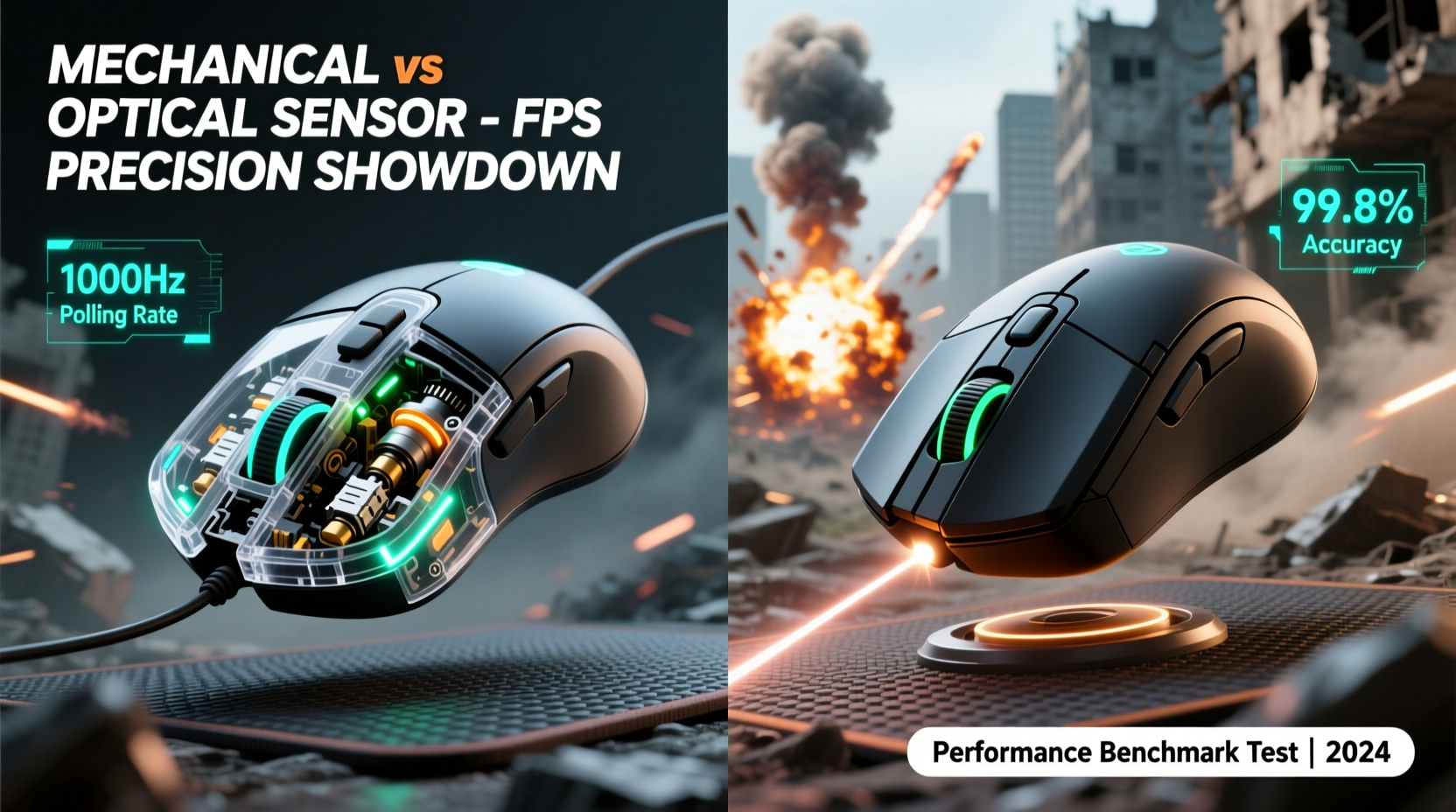
Before diving into the FPS-specific advantages of each sensor type, it's important to clarify what we mean by “mechanical” and “optical” mice. A true mechanical mouse relies on a rubber or steel ball beneath the device that rolls as the mouse moves. This ball turns two perpendicular rollers connected to encoders, which translate motion into cursor movement. These were standard in the 1980s and 1990s but are now obsolete for gaming due to their susceptibility to dust, inconsistent tracking, and physical wear.
In contrast, optical mice use a tiny camera and LED (usually red or infrared) to take thousands of snapshots per second of the surface beneath them. By analyzing changes between frames, the sensor calculates movement with high precision. Laser sensors, a subtype of optical, use a laser beam instead of an LED, allowing for higher sensitivity (DPI) and better performance on reflective surfaces.
Today, when people refer to a “mechanical” gaming mouse, they’re often mistakenly describing the switch mechanism (e.g., mechanical switches like Omron) rather than the tracking system. The actual tracking in nearly all modern gaming mice—regardless of brand—is optical or laser-based. So the real question isn’t mechanical vs. optical tracking—it’s about understanding how optical sensor advancements have rendered mechanical tracking irrelevant, especially in FPS contexts.
Why Optical Sensors Dominate FPS Gaming
Optical sensors have become the gold standard for FPS gaming due to several key technical advantages:
- No moving parts: Unlike mechanical mice with internal rollers and balls, optical sensors have no physical components that degrade over time from friction or debris.
- Higher polling rates: Modern optical sensors support 1000Hz polling rates (1ms response), ensuring near-instantaneous feedback—critical for flick shots and tracking enemies.
- Pixel-level accuracy: High-end optical sensors like PixArt’s PMW3389 or PAW3395 can track at up to 26,000 DPI with minimal acceleration or jitter, delivering consistent 1:1 movement translation.
- Better surface compatibility: With proper mousepad pairing, optical sensors perform reliably across cloth, hybrid, and hard pads—unlike mechanical mice, which struggled even on clean desks.
“Optical sensors eliminated the latency and inconsistency that plagued early mechanical designs. For FPS players, consistency is king.” — David Lin, Senior Peripheral Engineer at Razer
In competitive environments where pixel-perfect control determines victory, optical sensors offer unmatched reliability. Mechanical mice, by comparison, introduce micro-stuttering, require frequent cleaning, and suffer from ‘ball lag’—a delay caused by dirt buildup or uneven rolling resistance. Even under ideal conditions, their maximum effective DPI rarely exceeds 400, far below the 1600–3200 range preferred by professional FPS players.
Performance Comparison: Real-World FPS Scenarios
To understand how these technologies impact actual gameplay, consider three common FPS actions: tracking, flicking, and micro-adjustments.
| Action | Mechanical Mouse Performance | Optical Mouse Performance |
|---|---|---|
| Tracking a moving target | Inconsistent; prone to skipping or sticking due to ball resistance | Smooth, continuous tracking with sub-millimeter precision |
| Flick shots (quick 180° turns) | Likely to overshoot or undershoot due to inertia and delayed response | Predictable acceleration curves and instant lift-off detection |
| Micro-adjustments for headshots | Grainy movement; difficult to make fine corrections | Crisp, responsive adjustments down to single-pixel level |
| Durability over 1 year of daily use | Rolled components wear out; requires frequent disassembly and cleaning | No moving tracking parts; lifespan typically exceeds 5+ years |
A mini case study illustrates this clearly: During a 2018 retro LAN event, a group of CS:GO players attempted to compete using original 1998-era mechanical mice. Despite familiarity with the hardware, average K/D ratios dropped by 42% compared to their usual performance on modern gear. Players reported “ghost inputs,” missed flicks, and difficulty maintaining crosshair discipline—issues directly tied to mechanical tracking limitations.
One participant noted: “It felt like trying to draw with a pencil that skips every few millimeters. You know where you want to go, but the tool fights you.” This disconnect between intent and execution is exactly what optical sensors were designed to eliminate.
Modern Misconceptions and Marketing Confusion
The confusion between mechanical switches and mechanical tracking persists in online forums and product descriptions. Many gamers see “mechanical switches” advertised on a mouse and assume the entire device operates on outdated mechanical principles. In reality, these switches refer only to the button actuation mechanism—such as Kailh or Omron mechanical microswitches—which provide tactile feedback and faster click registration.
An optical mouse can—and usually does—contain mechanical switches for buttons while using an entirely optical sensor for tracking. This hybrid design offers the best of both worlds: durable, responsive clicks and flawless motion detection. Conversely, some budget peripherals still use inferior optical sensors with poor signal-to-noise ratios, leading users to unfairly blame “optical tech” when the issue lies in component quality, not the tracking method itself.
High-end optical sensors now include features like adaptive surface calibration, tilt detection, and dynamic DPI shifting—all impossible with mechanical systems. Brands like Logitech (HERO sensor), SteelSeries (TrueMove core), and Glorious (Coulomb) have pushed optical tracking to near-perfect levels of consistency, making them the undisputed choice for esports professionals.
Step-by-Step Guide to Choosing the Right Mouse for FPS
Selecting the optimal mouse isn’t just about sensor type—it’s about matching hardware to your playstyle, grip, and sensitivity preferences. Follow this timeline to make an informed decision:
- Week 1: Assess your current setup – Note your current DPI, polling rate, mousepad type, and any tracking issues (skipping, acceleration, jitter).
- Week 2: Research sensor specs – Look for mice using proven sensors like PixArt PAW3370, PAW3395, or Logitech HERO. Avoid unbranded or generic optical modules.
- Week 3: Test grip compatibility – Decide if you use palm, claw, or fingertip grip. Measure your hand size and compare it to mouse dimensions.
- Week 4: Prioritize weight and balance – Lighter mice (60–80g) favor speed; heavier ones (90g+) suit controlled tracking. Consider modularity for customization.
- Final Step: Validate with real-game testing – Use aim trainers like Aim Lab or Kovaak’s, then test in live matches. Focus on consistency, not raw speed.
Frequently Asked Questions
Can I still buy a mechanical tracking mouse today?
True mechanical mice are no longer manufactured for mainstream use. Any new “mechanical” mouse you find likely refers to the switch type, not the sensor. If you encounter a ball-based mouse, it’s either vintage or low-quality surplus.
Do optical sensors work on glass or glossy surfaces?
Standard optical sensors struggle on transparent or highly reflective surfaces. However, some premium models (e.g., Logitech MX Master series) use specialized laser-assisted sensors for glass compatibility. For gaming, always use a dedicated mousepad to ensure stable tracking.
Is laser better than optical for FPS games?
No. While laser sensors achieve higher DPI, they often introduce angular error and surface filtering artifacts. Optical sensors provide more accurate 1:1 tracking, which is why nearly all pro FPS players use DPI-limited optical mice on cloth pads.
Checklist: What to Look for in an FPS Gaming Mouse
- ✅ Uses a reputable optical sensor (PixArt, HERO, etc.)
- ✅ Polling rate of 1000Hz (1ms report rate)
- ✅ Adjustable DPI with on-board memory
- ✅ Lightweight design (under 85g preferred)
- ✅ Consistent lift-off distance (2mm or less)
- ✅ Compatible with your grip style and hand size
- ✅ Durable mechanical switches rated for 50M+ clicks
- ✅ Non-slip coating and cable management (or wireless with low latency)
Conclusion: Optical Wins—But Smart Selection Matters Most
The debate between mechanical and optical sensors for FPS precision isn’t close. Optical technology has decisively won—not through marketing hype, but through measurable improvements in accuracy, durability, and responsiveness. Mechanical tracking belongs in computing history books, not in a gamer’s arsenal. That said, not all optical mice are created equal. The difference between a $30 no-name model and a well-tuned device with a PixArt PAW3395 lies in consistency, firmware optimization, and build quality.
Your mouse is the primary interface between your reflexes and the game world. Choosing one with a proven optical sensor ensures that your movements are translated faithfully, without interference from outdated mechanics or unreliable tracking. Combine that with proper ergonomics, a good mousepad, and deliberate practice, and you’ll have everything you need to gain a tangible edge in competitive play.




 浙公网安备
33010002000092号
浙公网安备
33010002000092号 浙B2-20120091-4
Comments
No comments yet. Why don't you start the discussion?