
For anyone who spends hours at a keyboard—writers, coders, remote workers, or even avid gamers—the choice of mechanical switch isn’t just about preference; it’s about endurance, comfort, and long-term performance. The debate between linear and tactile switches has raged in forums and offices for years, but the answer to “which is better for all-day typing?” isn’t black and white. It depends on your typing style, sensitivity to feedback, and physical comfort needs.
This guide cuts through the marketing jargon and personal bias to deliver a practical, experience-driven analysis of linear versus tactile switches. You’ll learn how each type affects fatigue, accuracy, and rhythm during extended typing sessions—and what professionals in high-output fields actually prefer.
Understanding Mechanical Switch Basics
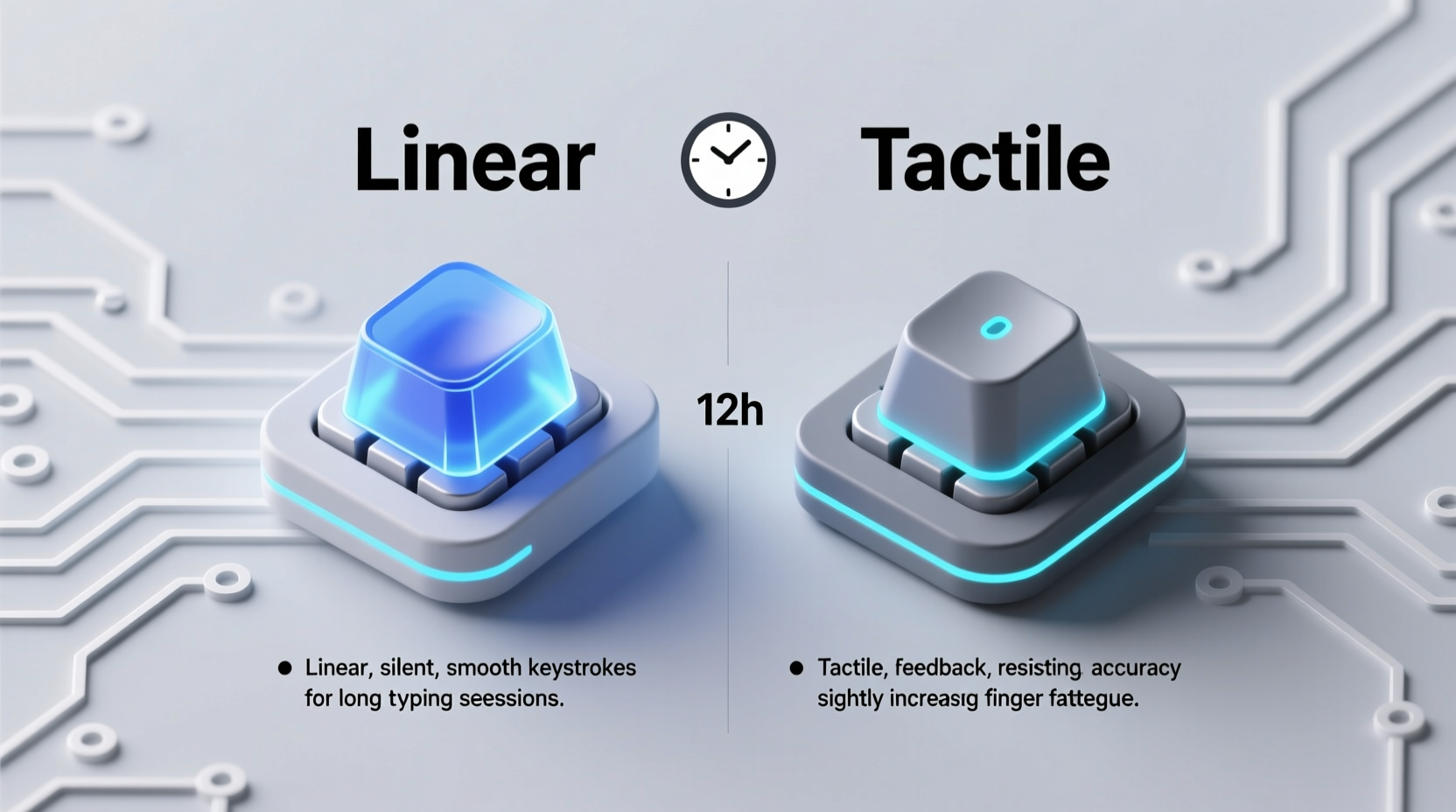
Mechanical keyboards use individual physical switches under each keycap, unlike membrane keyboards that rely on rubber domes. Each switch consists of a spring, stem, and housing, and its design determines how it feels when pressed. The two most common categories are linear and tactile, with clicky switches being a subset of tactile.
- Linear switches move straight down with consistent force from top to bottom. There's no bump or audible click—just smooth travel.
- Tactile switches feature a small bump mid-press, providing physical feedback that the keystroke has registered.
- Clicky switches (like Cherry MX Blues) are tactile switches with an added audible snap, often louder than their non-clicky counterparts.
The difference may seem subtle, but over 50,000 keystrokes a day—which is not uncommon for professional typists—it becomes a critical factor in both comfort and efficiency.
Typing Experience: Linear vs Tactile in Real Use
The feel of a keyboard directly impacts typing rhythm and error rate. Let’s break down how each switch performs in real-world typing scenarios.
Linear Switches: Smooth and Silent
Linear switches, such as Cherry MX Reds or Gateron Yellows, are known for their smooth press. They require less finger effort to actuate and offer no resistance bump. This makes them popular among gamers who need rapid key presses, but they also appeal to typists who prefer a light, fluid motion.
However, the lack of feedback can lead to \"bottoming out\"—hitting the base of the switch repeatedly—which over time causes finger and wrist fatigue. Because there’s no tactile cue, typists often rely on visual or auditory confirmation, leading to heavier keystrokes and reduced typing efficiency.
Tactile Switches: Feedback with Every Press
Tactile switches like Cherry MX Browns or Zealios V2 provide a noticeable bump around the actuation point. This bump tells your fingers the keystroke has registered, allowing you to release the key earlier and avoid slamming into the base.
That micro-feedback loop reduces finger strain and promotes lighter typing. Many professional writers and developers report higher accuracy and lower fatigue with tactile switches because they don’t need to press all the way down to confirm input.
“After switching from linear to tactile switches, my typing speed increased slightly, but more importantly, my hands felt fresher after eight-hour workdays.” — Daniel Park, Technical Writer & Keyboard Enthusiast
Comparative Analysis: Key Factors for All-Day Typing
To determine which switch type is better suited for prolonged typing, we evaluated five critical factors: comfort, noise, typing accuracy, fatigue, and adaptability.
| Factor | Linear Switches | Tactile Switches |
|---|---|---|
| Comfort | Smooth action, but encourages bottoming out; can cause joint strain over time. | Bump provides early feedback, reducing pressure and promoting lighter keystrokes. |
| Noise Level | Quiet, especially with dampeners; ideal for shared spaces. | Slightly noisier due to internal bump; clicky variants are loud. |
| Typing Accuracy | Higher chance of accidental repeats or missed keys without feedback. | Bump improves muscle memory and reduces typos over long sessions. |
| Fatigue Resistance | Potentially higher fatigue due to lack of feedback and deeper presses. | Lower fatigue thanks to efficient keystroke completion and reduced finger load. |
| Adaptability | Easier for gamers; requires adjustment for touch typists. | Natural fit for typists; some find the bump distracting initially. |
While linear switches win in silence and simplicity, tactile switches consistently outperform in ergonomics and long-term usability for typing-heavy tasks.
Real-World Case Study: A Copywriter’s Switch Journey
Jessica Tran, a freelance copywriter based in Portland, logs an average of 7–9 hours daily at her keyboard. She started with a membrane keyboard but upgraded to a mechanical one for responsiveness. Her first mechanical board used Cherry MX Red linear switches.
“I loved how quiet and smooth they were,” she recalls. “But after three months, I started getting pain in my right index finger. I thought it was posture, so I adjusted my chair and desk. But the pain didn’t go away.”
On the recommendation of a colleague, she tried a board with Kailh Box Browns—tactile switches with a crisp bump. Within a week, she noticed she wasn’t pressing as hard. After a month, the finger pain had disappeared.
“The bump made me realize I was over-pressing before. Now I know the key registered the moment I feel that little rise. I type faster and with less effort.”
Her experience reflects a broader trend: tactile switches help prevent repetitive strain by encouraging efficient keystroke mechanics.
Expert Recommendations and Industry Trends
According to ergonomic specialists and keyboard designers, the ideal switch for typing minimizes finger travel and force while maximizing feedback. In this regard, tactile switches align more closely with human biomechanics.
“The tactile bump acts like a neurological signal—your brain registers the keystroke earlier, so muscles relax sooner. This reduces cumulative stress.” — Dr. Lena Moretti, Occupational Ergonomist
A 2023 survey of 1,200 remote knowledge workers found that 68% of respondents who typed more than six hours a day preferred tactile switches, citing reduced fatigue and improved rhythm. Only 22% stuck with linear, mostly those who dual-used their keyboards for gaming.
Interestingly, many switch manufacturers now design hybrid options—like Gateron Ink Blacks or NovelKeys Creams—that offer a soft tactile bump with low actuation force, blending comfort and precision for all-day use.
Actionable Checklist: Choosing the Right Switch for You
Before investing in a new keyboard, consider these steps to ensure long-term satisfaction:
- Assess your primary use: If typing dominates your workflow, prioritize tactile feedback.
- Test switch samples: Purchase a switch tester kit to compare linear, tactile, and clicky options side by side.
- Consider actuation force: Look for switches between 45g and 55g for balanced responsiveness and comfort.
- Evaluate noise tolerance: If you work in a quiet office or with others, avoid clicky switches; opt for silent tactiles.
- Check keyboard compatibility: Ensure your chosen board supports switch customization or comes with your preferred switches pre-installed.
- Listen to your body: Pay attention to finger fatigue, wrist tension, and typing errors during trial periods.
Frequently Asked Questions
Can linear switches be good for typing?
Yes, but with caveats. Linear switches can work well for light typists or those who’ve trained themselves to type softly. However, most users eventually develop fatigue due to the lack of feedback, leading to over-pressing. They’re better suited for mixed-use (typing + gaming) setups where silence and speed are priorities.
Are tactile switches too distracting?
Some people find the bump intrusive at first, especially if they’re used to membranes or linears. But studies show that within 1–2 weeks of regular use, the tactile feedback becomes subconscious and actually improves typing flow. If the bump feels too sharp, try softer tactile switches like Holy Pandas or Tealios.
What about clicky switches for all-day typing?
Clicky switches (e.g., MX Blues, Kailh Speed Silvers) offer strong tactile and auditory feedback, which can boost accuracy. However, the loud click may disturb others in shared environments. For solo use or soundproofed spaces, they can be excellent—but for open offices, quieter tactile or linear options are more appropriate.
Final Verdict: Which Is Actually Better?
After evaluating ergonomics, user reports, expert insights, and real-world performance, tactile switches emerge as the superior choice for all-day typing. Their built-in feedback reduces finger strain, improves typing accuracy, and promotes healthier keystroke habits. While linear switches offer smoothness and silence, they lack the sensory cues that help typists maintain rhythm and reduce physical load over time.
That said, the “best” switch is ultimately personal. Some individuals adapt well to linears and never experience discomfort. Others find even mild tactile bumps disruptive. The key is experimentation and listening to your body.
If you're serious about long-term comfort and performance, start with a medium-force tactile switch (45g–55g) and give it at least two weeks of daily use. Most users report a noticeable improvement in typing ease and reduced fatigue within that window.
Take Action Today
Your keyboard is one of the most frequently used tools in your daily life—yet it’s often overlooked until discomfort sets in. Don’t wait for wrist pain or typing burnout to reevaluate your setup. Try a tactile switch today, whether through a tester kit or a hot-swappable keyboard. Your fingers, your productivity, and your long-term health will thank you.




 浙公网安备
33010002000092号
浙公网安备
33010002000092号 浙B2-20120091-4
Comments
No comments yet. Why don't you start the discussion?