
Choosing the right mechanical keyboard switch isn't just about preference—it's about performance, comfort, and long-term usability. With so many options on the market, two main categories dominate discussions: linear and tactile switches. Each has distinct characteristics that influence how they feel under your fingers during typing and gaming. Understanding the differences between them can help you make a smarter decision based on your daily tasks, work environment, and personal comfort.
The debate over linear versus tactile switches often centers around responsiveness, feedback, noise level, and fatigue. Gamers might prioritize speed and consistency, while typists may value precision and tactile confirmation. The good news? There’s no single “best” switch—only what works best for you. But to find that sweet spot, you need a clear breakdown of how each type performs in real-world scenarios.
Understanding Mechanical Keyboard Switches
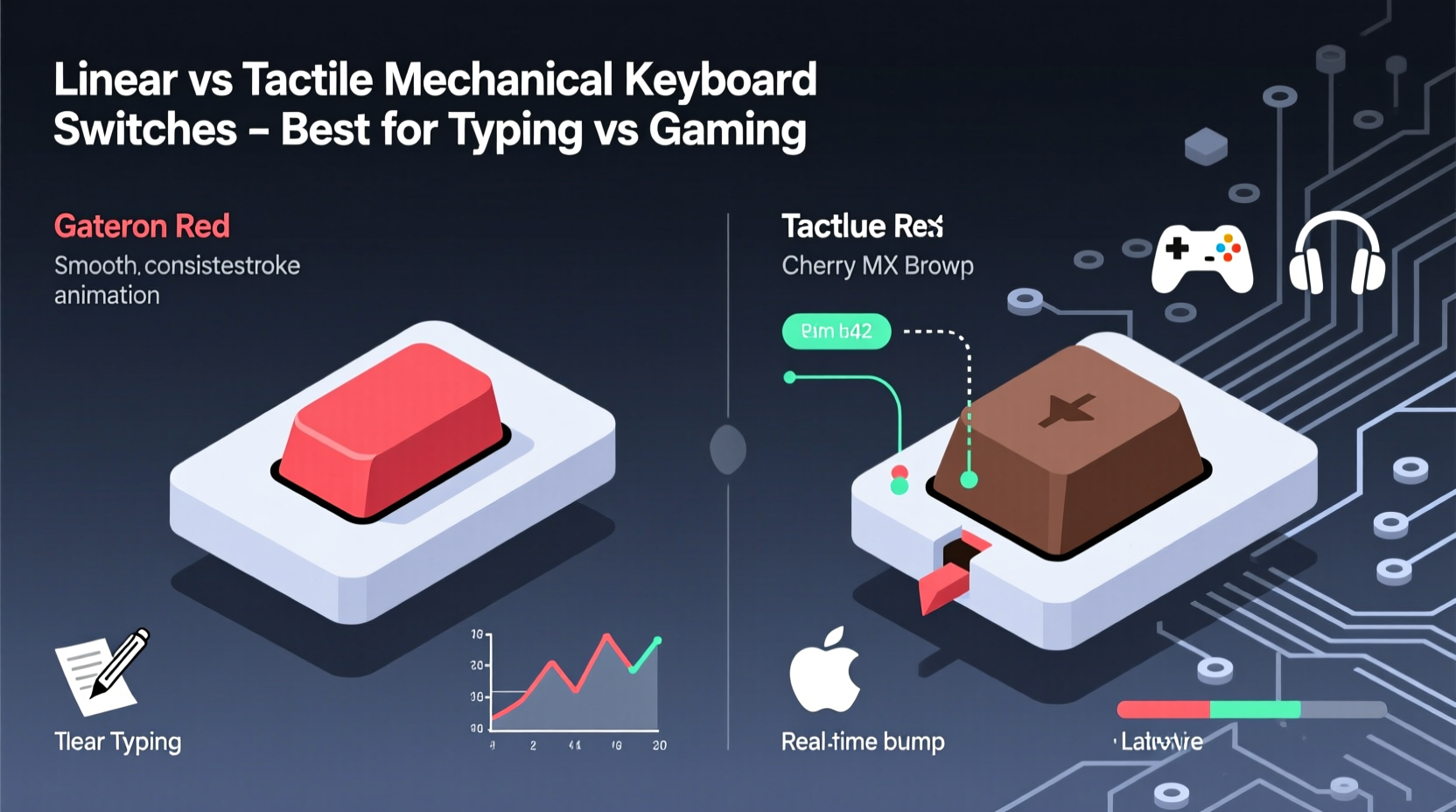
Mechanical switches are individual mechanisms beneath each keycap that register keystrokes when pressed. Unlike membrane keyboards, where keys press down on a rubber dome, mechanical switches offer consistent actuation force, durability (often rated for 50 million keystrokes), and customizable feel. Among the most popular brands are Cherry MX, Gateron, Kailh, and Razer, all producing variations of linear and tactile switches.
Linear switches provide a smooth, uninterrupted keystroke from top to bottom. They don’t have a bump or click—just a straight path with consistent resistance until actuation. This makes them predictable and fast, ideal for rapid inputs.
Tactile switches, on the other hand, feature a noticeable bump mid-press that signals actuation. You can feel when the key registers without needing to bottom out, offering physical feedback that many typists appreciate. Some tactile switches are also clicky, meaning they produce an audible snap along with the bump.
The core difference lies in sensory feedback: linear switches emphasize speed and silence; tactile switches prioritize awareness and control.
Performance in Typing: Precision, Comfort, and Fatigue
For writers, coders, and office professionals, typing efficiency is critical. Long sessions demand switches that minimize finger strain while maximizing accuracy. Here’s where tactile switches often shine.
The bump in tactile switches acts as a built-in confirmation point. Once you learn to type without bottoming out, you can restrike keys faster because you know exactly when the input was registered. This reduces finger travel and can increase typing speed over time. Users frequently report greater satisfaction with tactile switches for prolonged text entry due to this feedback loop.
“Tactile feedback creates muscle memory faster. After a week of use, most typists adapt to not bottoming out, improving both speed and ergonomics.” — Daniel Lin, Ergonomic Keyboard Designer at KeyFlow Labs
However, not all tactile switches are created equal. A strong bump like in Cherry MX Clear or Zealios V2 can be too pronounced for some, leading to finger fatigue. Softer tactility, such as Gateron Milky Yellows or Kailh Box Navy, offers a middle ground—detectable feedback without excessive resistance.
Linear switches aren't inherently bad for typing. Many users, especially those transitioning from laptop keyboards, prefer their smoothness. However, the lack of feedback means you're more likely to bottom out (press the key all the way down), which increases impact noise and joint stress over hours of use. That said, lighter linear switches like Gateron Yellow or Cherry MX Red (45g actuation) reduce this issue significantly.
Gaming Performance: Speed, Consistency, and Control
In competitive gaming, milliseconds matter. Gamers need switches that allow rapid double-taps, easy roll-over, and minimal resistance. Linear switches are widely considered the gold standard here—and for good reason.
Because there’s no bump to overcome, linear switches let you press and release keys quickly and consistently. This is crucial for actions like rapid crouch-spamming (in games like CS:GO), strafing, or executing combos in fighting games. The smooth travel allows for \"hover tapping,\" where players lightly tap keys without fully releasing, maintaining momentum.
Cherry MX Red and Gateron Yellow are favorites among gamers precisely because they balance light actuation with enough stability to avoid accidental presses. Heavier linears like Cherry MX Black (60g) suit those who rest their fingers heavily on keys and want to prevent misfires.
Tactile switches can still perform well in gaming, but they introduce variables. The bump requires extra force to pass through, which may slow down repeated inputs slightly. Additionally, inconsistent pressure across multiple keys (e.g., pressing W and A simultaneously) could lead to missed inputs if one switch doesn’t actuate cleanly. Still, casual and MOBA/RPG players often don’t notice these differences.
One overlooked factor is noise. Clicky tactile switches like Cherry MX Blue or Kailh Box Jade are loud—great for feedback, but disruptive in shared spaces or voice chats. Even non-clicky tactiles produce more sound than linears due to the bump-induced vibration.
| Switch Type | Best For | Limits |
|---|---|---|
| Linear (e.g., Red, Yellow) | FPS, fast-paced games, quiet environments | Less typing feedback, potential for fatigue if heavy |
| Tactile (non-clicky, e.g., Brown, Teal) | Typing-heavy workflows, hybrid use | Slight delay in rapid keypresses, inconsistent feel |
| Clicky Tactile (e.g., Blue, Green) | Typists who love feedback, isolated rooms | Noisy, fatiguing for gaming, not office-friendly |
Real-World User Scenarios: Who Uses What?
Let’s look at a realistic example: Sarah, a software developer and part-time streamer, spends six hours a day coding and two hours playing Apex Legends. She initially used a keyboard with Cherry MX Browns (tactile) because they were marketed as “balanced.” But after months of wrist discomfort and mistimed sprint commands in-game, she switched to Gateron Yellow linears.
At first, she missed the bump feedback while typing. But within two weeks, her muscle memory adapted. She found herself typing faster and making fewer errors because she stopped over-pressing keys. In-game, her response times improved noticeably—especially during quick peeking maneuvers. Her only regret? Not trying linears sooner.
Contrast this with James, a novelist who writes 3,000 words a day in a quiet home office. He uses a custom keyboard with Holy Pandas—a high-end tactile switch known for its crisp, satisfying bump. To him, each keystroke feels intentional. He rarely games, but when he does, he plays turn-based strategy titles where speed matters less than precision. For James, tactile feedback enhances focus and reduces typos.
These examples highlight a key truth: context shapes preference. There’s no universal winner—only trade-offs aligned with lifestyle and priorities.
How to Choose: A Step-by-Step Decision Guide
Selecting the right switch doesn’t have to be overwhelming. Follow this practical timeline to narrow down your choice:
- Assess Your Primary Use: Spend a week noting how much time you spend typing vs. gaming. If it’s more than 70% typing, lean toward tactile. If gaming dominates, go linear.
- Evaluate Your Environment: Do you work in a shared space? Avoid clicky switches. Are you sensitive to noise? Opt for smoother, quieter linears or silent tactiles like Kailh Box Silent Browns.
- Test Actuation Force: Lighter switches (45g) favor speed and comfort; heavier ones (60g+) reduce accidental presses. Try both ranges via sample kits.
- Try Before You Buy: Purchase a switch tester kit ($20–$30) with multiple types. Type sentences and simulate gaming inputs (rapid taps, combos).
- Consider Modding Options: Lubing switches or using different keycaps (PBT vs ABS) can alter feel significantly. Linears benefit most from lubing for ultra-smooth performance.
- Make a Hybrid Choice (Optional): Some users opt for split setups—one keyboard for work (tactile), one for play (linear). Others choose mid-ground switches like Gateron Clear or TTC Gold Pink, which offer mild tactility with low force.
Expert Tips for Maximizing Switch Performance
- Use PBT keycaps—they’re more durable and provide better grip than ABS, enhancing control.
- Lube your switches (especially linears) with dielectric grease to reduce friction and noise.
- Enable N-key rollover in BIOS or software to ensure every keystroke registers during intense gaming.
- Adjust keyboard angle with feet or a wrist rest to align your hands naturally, reducing strain regardless of switch type.
Frequently Asked Questions
Can I use tactile switches for gaming?
Yes, especially if you play slower-paced games like RPGs, MMOs, or strategy titles. However, for competitive FPS or fast-action games, linear switches generally offer better responsiveness and consistency.
Are linear switches worse for typing?
Not necessarily. While they lack physical feedback, many typists adapt quickly, especially with lighter linears. Over time, reduced finger travel can even improve speed. The key is proper technique—typing with intent rather than relying on bottoming out.
What’s the quietest option for an office setting?
Opt for linear switches with dampened housings (like Gateron Silent Reds) or low-noise tactiles (Kailh Box Silent Browns). Pair them with O-rings or foam mods inside the case to further reduce sound.
Final Recommendations by Use Case
- Professional Writers & Coders
- Medium-tactile switches: Gateron Milky Yellows, Zeal PC Zebrawood, or Kailh Box Brown.
- Competitive Gamers
- Light linear switches: Gateron Yellow, Cherry MX Red, or Razer Orange (low-noise linear).
- Hybrid Users (Work + Play)
- Mild tactile or balanced linears: Gateron Brown, TTC Gold Brown, or Durock Linear Pro.
- Office Workers in Shared Spaces
- Silent linears or soft tactiles: Kailh Low Profile Silent Red, Gateron Silent Brown.
Conclusion: Make the Choice That Serves Your Lifestyle
The choice between linear and tactile mechanical switches ultimately comes down to how you interact with your keyboard—not what others recommend. Linear switches deliver speed and simplicity, making them ideal for gamers and minimalist typists. Tactile switches reward precision and awareness, appealing to writers and detail-oriented users. Neither is objectively superior.
Take the time to understand your habits. Test different switches. Listen to your fingers. Your ideal keyboard should feel like an extension of your intent—not a compromise.




 浙公网安备
33010002000092号
浙公网安备
33010002000092号 浙B2-20120091-4
Comments
No comments yet. Why don't you start the discussion?