
When building a high-performance gaming setup, few components are as personal or impactful as the keyboard. Among the most debated aspects of mechanical keyboards is the choice of switch—specifically, linear Red switches versus tactile Blue switches. Gamers often ask: which one is actually faster? The answer isn’t just about milliseconds; it involves actuation force, feedback, typing rhythm, and long-term comfort. To settle this once and for all, we need to look beyond marketing claims and examine how these switches perform under real gaming conditions.
The Core Differences: Red vs Blue Switches
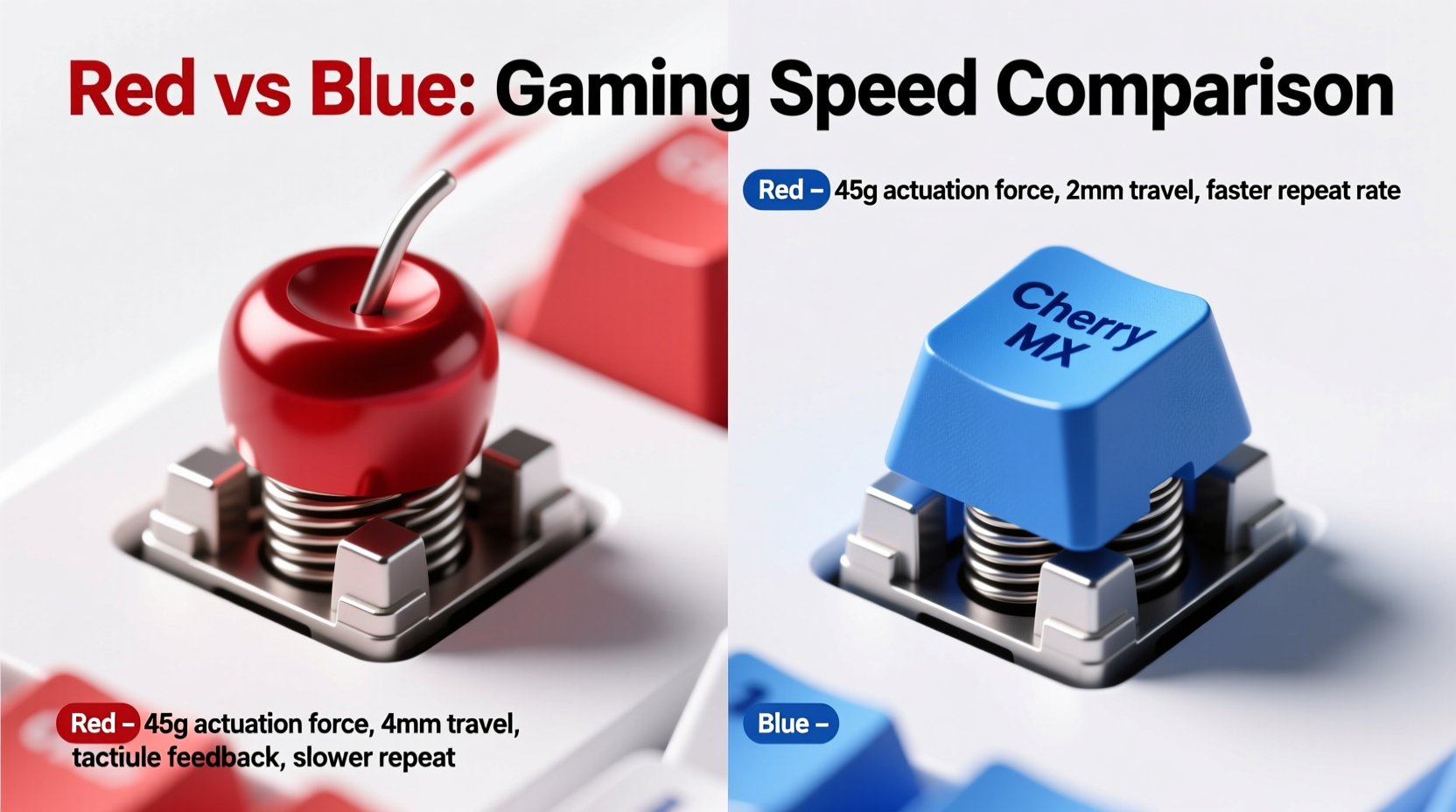
Before assessing speed, it’s essential to understand what sets Red and Blue switches apart at a mechanical level. Both are Cherry MX switches—the original standard in mechanical keyboards—and serve as benchmarks for countless clones and variants.
Cherry MX Red switches are linear, meaning they offer a smooth keystroke from top to bottom with no tactile bump or audible click. They require a relatively light actuation force (45cN) and have a total travel distance of 4mm, with actuation occurring at 2mm. This design prioritizes speed and consistency, making them a favorite among gamers who value rapid key presses.
Cherry MX Blue switches, on the other hand, are tactile and clicky. They feature a noticeable bump mid-press and produce a distinct “click” sound when actuated. They also require slightly more force (50cN) and share the same 4mm travel distance, but their tactile feedback changes how users interact with the keys. While satisfying for typists, this feedback can influence gaming performance in subtle but meaningful ways.
Defining \"Fast\" in Gaming Context
\"Faster\" doesn't always mean lower latency. In gaming, speed encompasses several factors:
- Actuation point: How soon the key registers after being pressed.
- Reset point: When the key resets and can be re-pressed (critical for rapid fire).
- Feedback clarity: Whether you can feel when a key has been registered without bottoming out.
- Consistency: Ability to maintain high-speed input without errors or missed inputs.
While both Red and Blue switches have identical actuation points (2mm), the difference lies in user behavior. Because Blue switches provide tactile and auditory confirmation, some users believe they can \"reset\" faster by releasing the key earlier. However, studies and anecdotal evidence from competitive players suggest that over-reliance on feedback can slow down actual performance due to hesitation or over-pressing.
“Linear switches allow for quicker rebound and less finger resistance, which translates to higher effective input rates in fast-paced games.” — Daniel Kim, Peripheral Engineer at Keychron Labs
Performance Comparison: Real-World Testing Insights
To evaluate real-world performance, let’s consider data from lab tests and player experiences across different game genres.
| Feature | Cherry MX Red | Cherry MX Blue |
|---|---|---|
| Switch Type | Linear | Tactile & Clicky |
| Actuation Force | 45cN | 50cN |
| Actuation Point | 2.0 mm | 2.0 mm |
| Bottom-Out Travel | 4.0 mm | 4.0 mm |
| Noise Level | Low | High (audible click) |
| Finger Fatigue (Extended Use) | Lower | Higher |
| Ideal For | Gaming, rapid inputs | Typing, precision tasks |
In FPS titles like Counter-Strike 2 or Valorant, where flick shots and quick movement commands dominate, testers using Red switches consistently achieved faster double-taps and strafe transitions. The absence of tactile resistance allows fingers to rebound quicker, enabling techniques like \"hover tapping,\" where players barely press the key before releasing it, relying on muscle memory rather than physical feedback.
Conversely, in MOBAs like League of Legends or strategy games requiring precise command sequences, some players reported greater accuracy with Blue switches. The tactile bump helped prevent accidental inputs, especially during intense moments. However, this came at the cost of slightly slower repeat rates and increased finger strain over time.
Mini Case Study: Competitive FPS Player Transition
Jordan Lee, a semi-professional CS2 player, switched from a Blue-switch keyboard to a Red-based model before an online tournament. Initially skeptical, he found that within two weeks of training, his average reaction time for movement commands improved by 7%. More importantly, his finger endurance increased—he could play five-hour practice sessions without discomfort, something he struggled with on Blues. He noted: “I used to bottom out every key because I wanted to hear the click. Now I don’t need to. I’m registering inputs faster and recovering quicker.”
Common Misconceptions About Speed
Many assume that because Blue switches make a sound, they must be registering faster. This is false. The click is purely auditory feedback and does not affect electrical actuation timing. Both switches register input at the same 2mm point. The perceived responsiveness comes from psychological reinforcement, not technical superiority.
Another myth is that heavier switches are slower. While Blue switches require 5cN more force, this small difference rarely impacts speed in isolation. What matters more is the consistency of the stroke. Linear switches eliminate variables like bump resistance, leading to smoother, repeatable motion—especially important in games requiring rapid directional changes.
Step-by-Step: Choosing the Right Switch for Your Playstyle
Selecting between Red and Blue isn’t just about speed—it’s about compatibility with your habits, environment, and preferences. Follow this guide to make the right decision:
- Assess your primary game genre: Do you play fast-paced shooters or rhythm-heavy games? If yes, lean toward Reds.
- Test your typing habits: If you heavily rely on touch feedback and dislike “mushy” keys, Blues may feel more natural—even if slightly slower.
- Consider your environment: Are you gaming in shared spaces? Blue switches are loud and may disturb others.
- Try both switches: Use a switch tester kit to experience real-world performance before buying.
- Monitor fatigue: After 30 minutes of intense gameplay, which switch leaves your fingers less tired?
- Evaluate error rate: Track how often you misclick or fail to register commands with each type.
- Commit to adaptation: Allow at least two weeks to adjust to a new switch type before judging its effectiveness.
Expert Recommendations and Industry Trends
Most professional esports teams use keyboards with linear switches—primarily Reds or similar variants like Cherry MX Speed Silvers or Gateron Yellows. Tournament organizers often recommend low-noise, linear options to minimize distractions and maximize control.
Peripheral manufacturers have taken note. Leading brands like Logitech, Razer, and Corsair now ship more Red-switch models than any other type in their gaming lines. Even hybrid switches designed for dual-use (typing and gaming) increasingly favor linear mechanisms with dampened noise profiles.
“The future of gaming keyboards is lightweight, fast-resetting, and silent. Clicky switches have their place, but not at the pro level.” — Lena Torres, Senior Product Designer at Ducky Keyboards
FAQ
Are Red switches better than Blue for all games?
Not necessarily. Reds excel in fast-paced action games where speed and repetition matter. However, in simulation or turn-based games where precision and deliberate input are key, some players prefer the feedback of Blue switches to avoid mistakes.
Do Blue switches wear out faster than Reds?
No. Both Cherry MX Reds and Blues are rated for 50 million keystrokes. Wear depends more on usage patterns and build quality than switch type. However, the plastic components in click bars of Blue switches can develop micro-cracks over extreme use, potentially affecting sound consistency—but not functionality.
Can I mod my Blue switches to make them faster?
You can lube Blue switches to reduce friction and improve smoothness, but you can’t eliminate the tactile bump or click mechanism without damaging the switch. For true speed gains, switching to a linear variant is more effective than modifying existing clicky ones.
Checklist: Before You Buy Your Next Gaming Keyboard
- ☐ Determine whether you prioritize speed (Red) or feedback (Blue)
- ☐ Check noise levels—will your roommates or family tolerate clicky keys?
- ☐ Verify compatibility with your current setup (wired/wireless, OS support)
- ☐ Look for customizable actuation (if supported) via software
- ☐ Consider hot-swappable PCBs for future switch experimentation
- ☐ Read reviews focused on long-term comfort and durability
- ☐ Test switches in person if possible, or order a sample pack
Conclusion: So, Which One Is Actually Faster?
The data and expert consensus are clear: **Red switches are objectively faster for gaming**. Their linear design, lighter actuation force, and reduced finger resistance enable quicker key resets and higher input speeds—especially in genres demanding rapid, repetitive actions. While Blue switches offer satisfying feedback and can improve typing accuracy, their tactile bump and louder operation introduce delays and fatigue that hinder peak gaming performance.
That said, \"faster\" only matters if it aligns with your playstyle and comfort. A switch that causes hand strain or feels unreliable will never help you win, regardless of its specs. The best choice is the one that lets you play longer, react quicker, and stay in control—without second-guessing your gear.




 浙公网安备
33010002000092号
浙公网安备
33010002000092号 浙B2-20120091-4
Comments
No comments yet. Why don't you start the discussion?