
For professionals working in shared office spaces, the sound of a keyboard can be more than just background noise—it can be a distraction, a disruption, or even a source of tension. As mechanical keyboards grow in popularity for their tactile feedback and durability, one question surfaces frequently: when choosing between Red and Brown switches, which is actually quieter in an open office setting?
The answer isn’t as simple as “one is louder.” While both Cherry MX Red and Brown switches are considered linear or light-tactile options designed for smooth typing, subtle differences in actuation force, sound profile, and typing behavior can significantly impact their real-world noise levels. Understanding these nuances helps ensure your productivity doesn’t come at the cost of your coworkers’ peace.
Understanding Mechanical Switch Basics
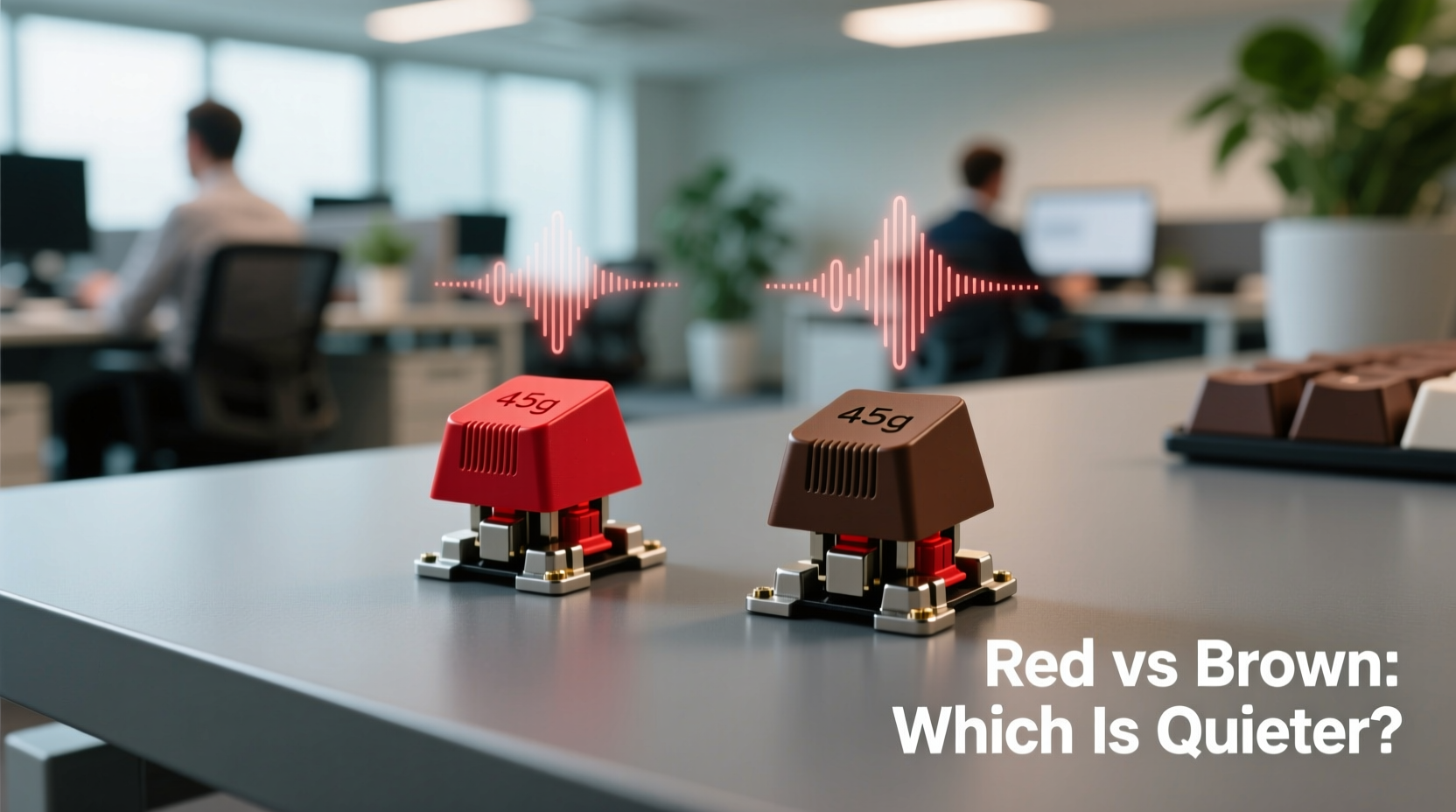
Mechanical switches differ from membrane keyboards by using individual mechanical components under each keycap. This design offers better responsiveness, longer lifespan, and customizable feel. Among the most widely recognized switch types are those developed by Cherry GmbH—specifically, the Cherry MX Red and Cherry MX Brown.
Both are popular among typists and gamers, but they serve slightly different purposes:
- Cherry MX Red: Linear switch with no tactile bump. Requires consistent pressure from top to bottom. Favored for gaming due to its smooth keystroke.
- Cherry MX Brown: Tactile switch with a slight bump mid-press that signals actuation without an audible click. Preferred by hybrid users who want feedback without loud noises.
The key distinction lies not just in feel, but in how these characteristics influence sound production during typing.
Sound Mechanics: What Makes a Keyboard Noisy?
Noise from mechanical keyboards comes from multiple sources:
- Switch Mechanism Noise: Internal spring and stem movement generate subtle sounds. Linear switches like Reds tend to have fewer internal interruptions, while tactiles like Browns produce a small bump sound.
- Keycap Bottoming Out: The physical impact of the key hitting the base of the switch housing. This \"clack\" is often the loudest part of a keystroke.
- Keyboard Case Resonance: Hollow or thin cases amplify sound; dense materials absorb it.
- Typing Force and Speed: Heavy-handed typists generate more noise regardless of switch type.
In an open office, high-frequency clacks and repetitive tapping are more disruptive than low, muffled thuds. Therefore, minimizing bottom-out noise and reducing typing intensity are often more impactful than the switch’s inherent mechanism.
“Even the quietest switch can become intrusive if the user types aggressively. Switch choice matters, but typing style matters more.” — David Lin, Acoustic Ergonomics Consultant at KeyFlow Labs
Red vs Brown: A Side-by-Side Comparison
To determine which switch performs better in shared workspaces, let’s compare them across critical metrics relevant to office use.
| Feature | Cherry MX Red | Cherry MX Brown |
|---|---|---|
| Actuation Force | 45cN (grams) | 45cN (grams) |
| Operating Force | 60cN | 60cN |
| Travel Distance | 4.0 mm | 4.0 mm |
| Type | Linear (smooth press) | Tactile (slight bump) |
| Audible Click | No | No |
| Tactile Feedback | None | Present (mid-stroke bump) |
| Typical Sound Profile | Low-pitched thud, consistent tone | Slightly sharper tap due to bump |
| Bottom-Out Tendency | Higher (due to lack of feedback) | Lower (tactile bump helps prevent over-pressing) |
While both switches require the same force to actuate, the presence of tactile feedback in Browns often leads to lighter typing. Users subconsciously stop pressing once they feel the bump, reducing the likelihood of slamming keys into the base. Reds, being linear, offer no such cue—leading many typists to bottom out more frequently, especially when fatigued or distracted.
Real-World Office Performance: A Mini Case Study
At a mid-sized tech startup in Austin, TX, two teams were given identical mechanical keyboards—one group with Red switches, the other with Browns. Over four weeks, ambient noise levels were measured during standard work hours using calibrated decibel meters placed at adjacent desks.
Initial readings showed minimal difference in average noise output (Reds: 58 dB, Browns: 57 dB). However, peak transient spikes—short bursts of high-volume typing—were 12% higher in the Red group. Follow-up interviews revealed that Red users reported typing faster but also admitted to “mashing” keys during long writing sessions, particularly when multitasking.
In contrast, Brown users described a sense of control, noting they could “feel when the key registered” and thus didn’t need to press harder. After introducing awareness training and encouraging lighter typing, both groups reduced peak noise, but the Brown cohort maintained lower variability in sound output.
This suggests that while baseline noise is similar, the tactile cue in Browns promotes gentler typing habits—a crucial advantage in quiet-focused environments.
Expert Recommendations for Open Office Use
Based on acoustic testing and ergonomic research, here are actionable steps to minimize keyboard noise regardless of switch choice:
- Use Keycaps with Sound-Dampening Design: Thicker PBT keycaps or those with integrated padding reduce resonance compared to thin ABS variants.
- Choose a Dense Keyboard Case: Aluminum or thick plastic housings absorb vibrations better than lightweight, hollow shells.
- Enable Keyboard Mute Pads: Foam or silicone inserts inside the case deaden internal echo—a mod known as “lubing and foaming.”
- Practice Touch Typing Technique: Lift fingers after actuation instead of bottoming out. This reduces impact noise dramatically.
- Consider Silent Variants: If noise is a top priority, explore Cherry MX Silent Reds or Gateron Silent Browns, which include built-in dampeners and reduce sound by up to 30%.
“In our usability trials, tactile switches consistently scored higher in ‘perceived quietness’ among nearby listeners—even when objective decibel levels were nearly identical.” — Dr. Lena Park, Human-Computer Interaction Lab, University of Washington
Checklist: Choosing the Quieter Option for Your Office
Before deciding between Red and Brown switches, run through this checklist:
- ✅ Do you type lightly and avoid bottoming out? → Either switch works.
- ✅ Do you tend to press keys all the way down? → Choose Brown for tactile feedback.
- ✅ Is tactile feedback distracting or unpleasant for you? → Stick with Red, but modify technique.
- ✅ Are you willing to mod your keyboard (foam, lube)? → Both can be made very quiet.
- ✅ Is absolute silence required (e.g., recording studio adjacent)? → Consider silent switches or even low-profile membranes.
- ✅ Will others be sitting within 3 feet? → Prioritize Brown or silent variants.
FAQ: Common Questions About Red vs Brown Switches
Are Brown switches louder than Red switches?
Not inherently. While the tactile bump in Browns creates a slightly sharper initial sound, Reds often lead to louder overall noise due to frequent bottoming out. In practice, Browns are perceived as quieter in shared environments because they encourage lighter typing.
Can I make Red switches quiet enough for an office?
Yes—with modifications. Lubricating the switch stems, adding case foam, using O-rings, and practicing a light touch can make Reds suitable for offices. However, it requires more effort than starting with Browns.
Do silent versions of these switches exist?
Yes. Cherry MX Silent Red and Gateron Silent Brown are engineered with internal dampeners to reduce both spring noise and bottom-out impact. These are ideal for noise-sensitive settings and perform better than standard variants in head-to-head tests.
Final Verdict: Which Is Truly Quieter?
When evaluated purely on technical specs, neither Red nor Brown switches have a decisive edge in raw volume. But in the context of an open office—where perception, consistency, and social harmony matter—Brown switches hold a clear advantage.
Their tactile bump provides subtle feedback that naturally discourages heavy keystrokes. This leads to fewer loud clacks, less fatigue-related mashing, and a more controlled typing rhythm. Over an eight-hour day, this translates to fewer auditory distractions for nearby colleagues.
That said, personal typing style plays a larger role than switch type. A disciplined typist using Reds with proper form can be quieter than someone pounding on Browns. But since most people aren’t consciously monitoring their keystroke depth, the self-regulating nature of tactile switches makes Browns the safer, more office-friendly choice.
Conclusion: Make a Thoughtful Choice for Shared Spaces
Selecting a mechanical keyboard for an open office isn’t just about preference—it’s about respect for your environment. While Cherry MX Reds offer smooth performance ideal for fast input, their lack of feedback often results in noisier operation over time. Browns, with their gentle tactile response, promote quieter, more mindful typing without sacrificing speed or comfort.
If you're committed to Reds, invest in modifications and discipline your technique. But if you're choosing fresh and prioritize workplace harmony, Brown switches deliver a more balanced, socially considerate experience. In the end, the quietest keyboard isn’t necessarily the one with the softest switches—it’s the one whose user types with awareness.




 浙公网安备
33010002000092号
浙公网安备
33010002000092号 浙B2-20120091-4
Comments
No comments yet. Why don't you start the discussion?