
Choosing the right mechanical keyboard switch isn’t just about preference—it’s about performance, comfort, and long-term usability. Whether you're a writer spending hours at your desk or a competitive gamer reacting in milliseconds, the difference between tactile and linear switches can significantly impact your experience. These two dominant switch types offer distinct actuation feedback, noise profiles, and durability characteristics that cater to different needs. Understanding their mechanics, strengths, and trade-offs allows you to make an informed decision based on your primary use case: typing or gaming.
How Mechanical Switches Work
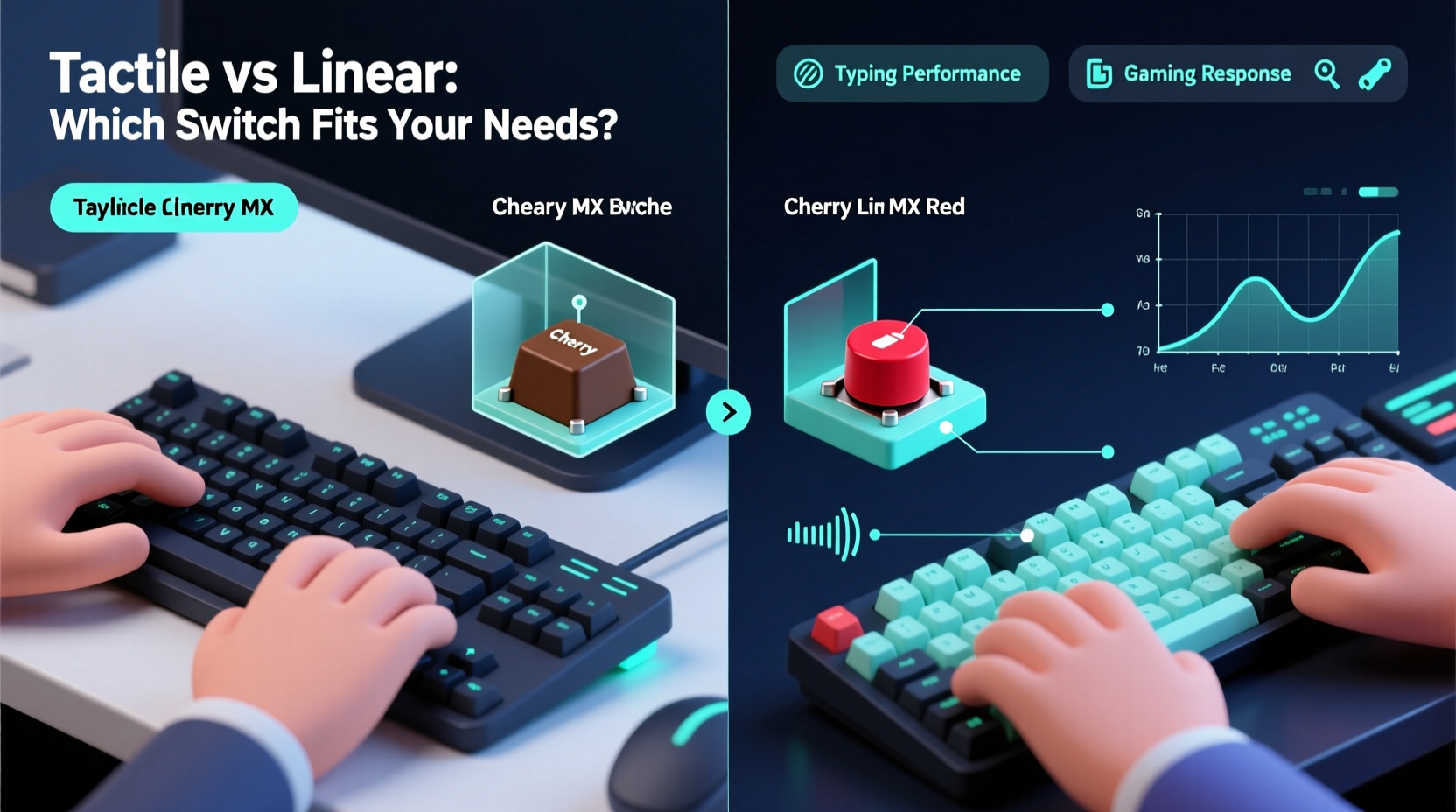
Mechanical keyboards use individual physical switches beneath each keycap, unlike membrane keyboards that rely on rubber domes. Each switch contains a spring and a housing mechanism that determines how it feels when pressed. The three main categories are linear, tactile, and clicky—though this article focuses on tactile versus linear, as clicky switches are essentially a subset of tactile with audible feedback.
At the heart of every switch is the stem, spring, and contact point. When a key is pressed, the stem moves down, compressing the spring until the contacts register the keystroke (actuation point). The reset point occurs when the key returns to a state where it can register another press. This mechanism defines responsiveness and fatigue over time.
Linear switches provide a smooth, consistent downward motion with no bump or resistance change. Tactile switches, by contrast, feature a noticeable bump mid-press that signals actuation through touch rather than sound. This subtle but critical difference shapes how users interact with their keyboards.
Tactile Switches: Precision and Feedback for Typists
Tactile switches are often favored by typists due to their responsive feedback. The bump provides confirmation that a keystroke has been registered without needing to bottom out the key. This leads to faster typing rhythms and reduced finger fatigue over extended sessions.
Popular examples include Cherry MX Brown, Zealios V2 Tactile, and Gateron Brown. These switches typically have actuation forces between 45g and 60g, making them light enough for comfort but firm enough to prevent accidental presses. Their tactile peak usually sits around 2mm into the 4mm total travel, offering early feedback.
The absence of loud clicking sounds makes many tactile switches office-friendly compared to clicky variants like Cherry MX Blue. However, some users find the bump inconsistent or distracting during rapid input, especially in fast-paced games requiring repeated key mashing.
“Tactile feedback reduces cognitive load during typing because your fingers ‘feel’ the registration. It’s like muscle memory with physical confirmation.” — David Lin, Ergonomic Design Consultant at KeyFlow Labs
For writers, coders, and anyone who spends more than two hours daily on text input, tactile switches often strike the ideal balance between speed, accuracy, and comfort. They encourage lighter keystrokes, which over months and years can reduce strain on tendons and joints.
Linear Switches: Speed and Consistency for Gamers
Linear switches deliver a straight-line press from top to bottom with no tactile interruption. This uninterrupted path allows for rapid successive keystrokes—a crucial advantage in gaming scenarios such as double-tapping movement keys or executing combos in fighting games.
Common choices include Cherry MX Red, Gateron Clear, and Kailh Speed Silver. These switches typically range from 40g to 50g in actuation force, with shorter pre-travel distances and sometimes reduced total travel (e.g., Kailh Speed Silver at 3.2mm total travel). The smoothness enables faster actuation resets, giving players a microsecond edge in reaction time.
Gamers also benefit from the predictability of linear switches. There’s no surprise bump to interfere with blind pressing or rolling motions across multiple keys. In genres like first-person shooters or MOBAs, consistency under pressure matters more than auditory or tactile cues.
However, the lack of feedback means users may develop a habit of bottoming out—slamming keys all the way down—which increases hand fatigue and noise over time. Without the tactile cue, typists might also experience higher error rates unless they adapt their technique.
Comparative Analysis: Tactile vs Linear
| Feature | Tactile Switches | Linear Switches |
|---|---|---|
| Feedback Type | Bump sensation at actuation | No bump; smooth press |
| Actuation Force | 45g–60g (average) | 40g–50g (average) |
| Total Travel Distance | 4.0mm | 3.4mm–4.0mm |
| Best For | Typing, programming, office work | Gaming, fast inputs, key rollover |
| Noise Level | Moderate (depends on build) | Moderate to high (bottoming out) |
| Fatigue Resistance | High (encourages light touch) | Medium (often leads to heavy pressing) |
| Learning Curve | Low to moderate | Low |
This comparison shows that while both switch types perform well mechanically, their optimal use cases diverge clearly. Tactile switches promote efficiency in deliberate, repetitive tasks like writing emails or coding. Linear switches excel in environments demanding speed and minimal resistance, particularly in competitive gaming.
Real-World Example: A Developer Who Games
Consider Mark, a software engineer by day and a ranked Apex Legends player by night. He initially used Cherry MX Blues for their crisp feedback but found them too loud and fatiguing after eight-hour coding sessions. After switching to Gateron Browns (tactile), his typing became more accurate and less straining. However, he noticed slight delays in sprint-jump sequences during intense matches.
He then tried a split approach: a Gateron Brown keyboard for work and a secondary board with Kailh Speed Silvers (linear) for gaming. Within weeks, he reported improved productivity and better K/D ratios. His experience highlights that hybrid users may benefit from owning two specialized keyboards rather than compromising on one.
Alternatively, newer switch designs like the Durock U4T offer a soft tactile bump with short travel, attempting to bridge the gap between typing comfort and gaming speed. While not perfect for either extreme, such hybrids are gaining traction among generalists.
Choosing Based on Your Primary Use Case
Most users fall into one of three categories: typists, gamers, or balanced users. Your choice should align with whichever activity dominates your keyboard usage.
- If you type 70%+ of the time: Prioritize tactile switches. Look for moderate actuation force and a defined but gentle bump. Examples: Zeal PC Tactile Pro, Holy Pandas, or even quieter options like Gazzew Boba U4T.
- If you game intensely 5+ hours weekly: Choose linear switches with fast actuation and low force. Consider lubed-out Gateron Yellows or Kailh Speeds for smoother performance.
- If you do both equally: Test medium-weight linears (like Cherry MX Reds) or soft tactiles. Avoid heavy springs (>60g) or overly stiff builds unless you prefer a firm press.
Actionable Checklist: Picking the Right Switch
- Evaluate your daily keyboard usage: % typing vs % gaming
- Determine your preferred actuation force (light, medium, heavy)
- Decide on noise tolerance (quiet home office vs private gaming setup)
- Test switches via a hot-swappable keyboard or sample kit
- Read user reviews focusing on long-term comfort and durability
- Consider customization options (lubing, spring swaps, housing materials)
- Purchase a keyboard that allows switch replacement or uses standard layouts
Frequently Asked Questions
Can I use tactile switches for gaming?
Yes, absolutely. Many casual and even professional gamers use tactile switches successfully. The bump doesn’t hinder performance in most titles, though fast-paced games with rapid directional inputs may feel slightly less fluid compared to linear switches.
Are linear switches bad for typing?
Not inherently. Some typists prefer linears for their smoothness and low resistance. However, without tactile feedback, you may need to rely more on visual confirmation or bottom out keys, increasing finger strain over time. Proper technique can mitigate this.
Do tactile switches wear out faster?
No. Both tactile and linear switches from reputable brands (Cherry, Gateron, Kailh, etc.) are rated for 50–100 million keystrokes. Wear depends more on build quality and maintenance than switch type.
Final Recommendation: Match Switch to Lifestyle
The debate between tactile and linear switches isn't about superiority—it's about suitability. Tactile switches enhance precision and reduce errors in typing-heavy workflows, offering satisfying feedback that supports rhythm and endurance. Linear switches prioritize speed and consistency, making them ideal for gamers who value seamless execution and quick resets.
There is no universal “best” switch. Instead, there is the best switch for you. If you're uncertain, start with a mid-range option like Cherry MX Browns (tactile) or Reds (linear), both widely available and well-regarded. Use them for a week in your typical environment before deciding. Many enthusiasts eventually collect multiple keyboards tailored to specific tasks—and there’s wisdom in that specialization.
“The right switch doesn’t just feel good—it disappears. You stop noticing the keyboard and focus entirely on what you’re creating or playing.” — Lena Park, Mechanical Keyboard Designer at Typewise Studio
Take Action Today
Don’t settle for a keyboard that fights your workflow. Whether you're drafting novels, debugging code, or climbing leaderboards, your tools should empower—not hinder—you. Explore switch testers, join enthusiast communities, and invest time in finding your ideal match. Your fingers—and your productivity—will thank you.




 浙公网安备
33010002000092号
浙公网安备
33010002000092号 浙B2-20120091-4
Comments
No comments yet. Why don't you start the discussion?