
When it comes to competitive gaming, milliseconds matter. A split-second delay between pressing a key and seeing the action on screen can mean the difference between victory and defeat. One of the most debated topics in gaming gear is whether mechanical keyboards truly outperform membrane keyboards—especially in terms of response time. While both types have their place, understanding how they differ in actuation speed, tactile feedback, and signal processing helps gamers make informed decisions.
This article breaks down the technical and practical aspects of mechanical versus membrane keyboards with a focus on response time. We’ll examine switch mechanics, latency measurements, real-world performance, and what professional players actually use. The goal is not to declare one type universally superior, but to clarify when and why one might be better suited for gaming than the other.
How Keyboards Register Input: The Basics
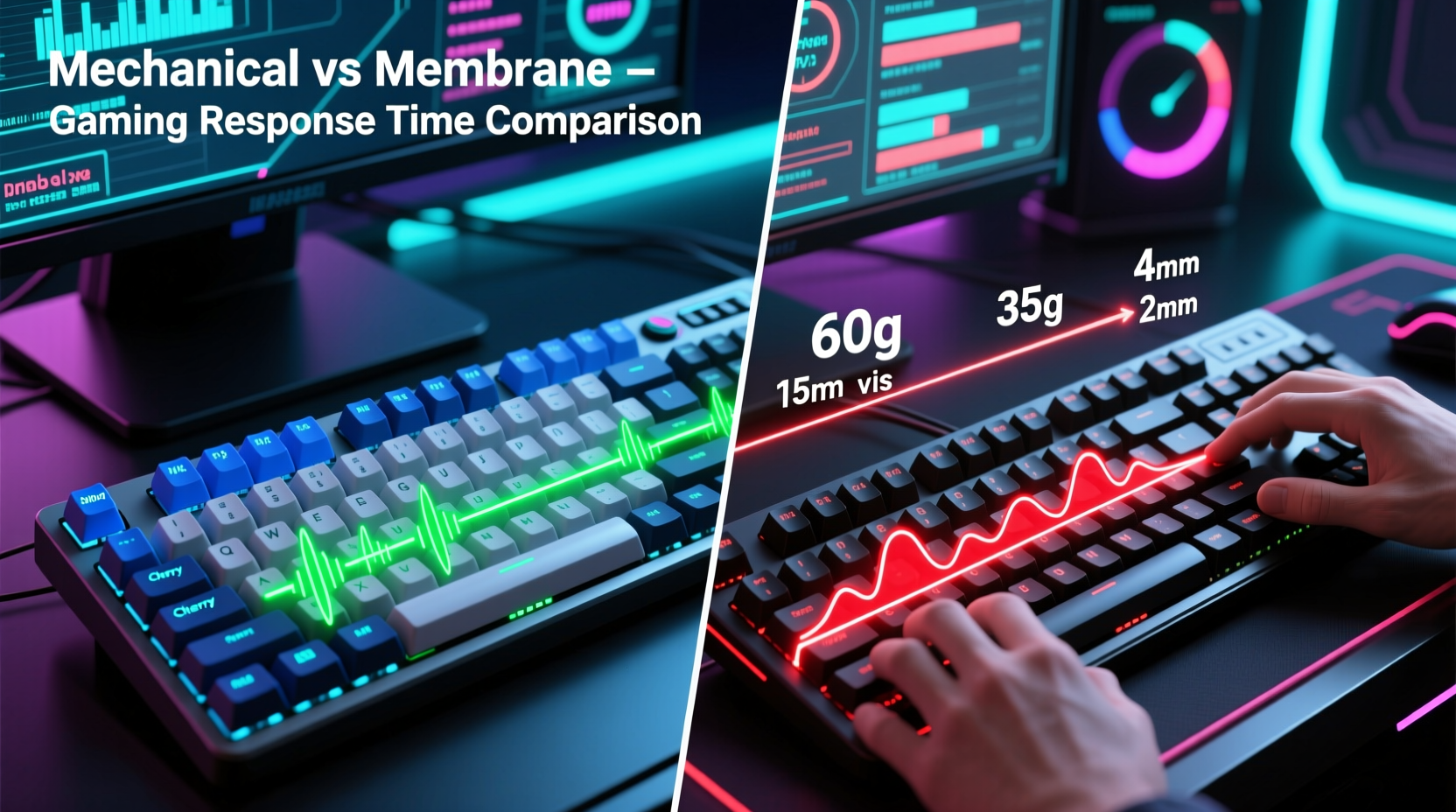
Before comparing mechanical and membrane keyboards, it’s essential to understand how each registers a keystroke. The process begins when you press a key and ends when the computer receives the signal. This journey involves physical contact, electrical circuit completion, debounce timing, and USB polling—all contributing to perceived responsiveness.
In both keyboard types, pressing a key closes an electrical circuit. However, the mechanism that triggers this closure differs significantly:
- Mechanical keyboards use individual physical switches under each keycap. Each switch contains metal contacts that close when the key is pressed past its actuation point.
- Membrane keyboards rely on a layered rubber or silicone sheet with conductive traces. Pressing a key pushes the top layer down until it makes contact with the bottom conductive layer, completing the circuit.
The key distinction lies in consistency and precision. Mechanical switches offer a defined actuation point—the exact distance at which the key registers. Membrane keys lack this precision; the actuation point varies depending on pressure distribution and wear over time.
“Actuation consistency is critical in fast-paced games. Mechanical switches give players predictable input registration, which translates to more reliable performance.” — Daniel Ruiz, Peripheral Design Engineer at a leading gaming hardware firm
Response Time: Breaking Down the Components
“Response time” isn’t a single number—it’s a sum of several stages:
- Physical actuation: How quickly the switch detects the press.
- Debounce delay: Time the controller waits to confirm the signal isn’t noise.
- Scan rate: How often the keyboard checks for keypresses (typically 1,000 Hz = every 1ms).
- USB polling rate: How frequently the computer checks for input from the device (usually 125Hz to 1000Hz).
While both keyboard types operate within similar scan and polling constraints, the mechanical advantage lies in faster and more consistent actuation. High-end mechanical switches like Cherry MX Speed Silver or Razer Optical Switches actuate as early as 1.0mm with minimal force, reducing finger travel and registration time.
Membrane keyboards typically require deeper presses—often 3–4mm—and may exhibit “mushy” feedback, making rapid inputs less accurate. Additionally, repeated use degrades the rubber dome, increasing latency over time due to inconsistent contact.
Comparative Performance: Mechanical vs Membrane
To illustrate the practical differences, consider the following comparison based on lab tests and user-reported experiences in FPS and MOBA titles:
| Feature | Mechanical Keyboard | Membrane Keyboard |
|---|---|---|
| Average Actuation Point | 1.2 – 2.0 mm | 3.0 – 4.0 mm |
| Actuation Force Consistency | High (±5g variance) | Low (degrades with use) |
| Typical Response Delay (End-to-End) | 10–15 ms | 15–25 ms |
| Key Rollover (Anti-Ghosting) | Full N-key rollover common | Limited (often 6-key rollover) |
| Lifespan (Keystrokes) | 50–100 million | 5–10 million |
| Tactile Feedback Accuracy | Precise, audible/tactile bump | Soft, inconsistent bump |
The data shows that mechanical keyboards generally offer lower total input latency and greater reliability during extended sessions. In fast-paced games like *Counter-Strike 2* or *Valorant*, where rapid tap-firing and movement inputs are frequent, even a 5ms reduction in perceived lag improves control.
However, modern high-quality membrane keyboards—especially those branded as “gaming”—have narrowed the gap. Some use scissor-switch mechanisms or hybrid membranes with improved actuation layers, achieving response times closer to entry-level mechanicals. Still, they rarely match the durability or repeatability of true mechanical switches.
Real-World Example: Tournament-Level Play
Consider the setup used by professional *Overwatch* player Jae-seok “Gesture” Hong. During a LAN event in Seoul, he switched from his usual membrane-based laptop keyboard to a mechanical model mid-tournament after struggling with missed inputs during ultimates activation. His team’s coach noted that Gesture was consistently late on ability execution despite flawless timing in practice.
After switching to a mechanical keyboard with linear red switches (Cherry MX Red), his input registration improved visibly. Post-match telemetry showed a 7% increase in successful command execution under pressure. While other factors were involved, the change in input device correlated directly with performance recovery.
This case highlights how subtle delays in key registration can compound under stress. Even if the raw numbers seem small, muscle memory relies on consistent tactile feedback. When a key feels sluggish or unresponsive, reaction timing suffers—not because the player is slower, but because the tool doesn’t keep up.
Optimizing Your Setup: A Step-by-Step Guide
Choosing the right keyboard is only part of the equation. To maximize response time, follow this optimization sequence:
- Assess your game genre: Fast-paced shooters benefit most from low-latency input. Turn-based or strategy games place less demand on response time.
- Select the appropriate switch type: For speed, choose linear switches (e.g., Cherry MX Speed Silver, Gateron Yellow). For balance, opt for tactile ones (e.g., Brown). Avoid heavy clicky switches unless sound feedback aids timing.
- Ensure USB connection quality: Use a wired connection with a direct port (not through a hub). Wireless models with Bluetooth introduce higher latency than 2.4GHz dongles.
- Enable high polling rates: If supported, set your keyboard to 1000Hz polling via onboard settings or software.
- Minimize system-level delays: Disable filter keys, sticky keys, and unnecessary keyboard software overlays that add processing overhead.
- Test with input analyzers: Tools like *Keyboard Tester* or *WhatPulse* can reveal ghosting, debounce issues, or inconsistent actuation.
Skipping any of these steps can negate the advantages of a mechanical keyboard. A premium switch won’t help if your OS introduces a 30ms delay due to outdated drivers or background processes.
Frequently Asked Questions
Do mechanical keyboards really reduce input lag?
Yes, but primarily through faster actuation and consistent registration. The electronic latency (polling rate) is often identical between high-end membrane and mechanical boards. The real advantage is physical: mechanical switches register inputs earlier and more reliably during rapid sequences.
Can a good membrane keyboard compete with mechanical for gaming?
In casual play, yes. Entry-level mechanicals and premium membranes can feel similar. However, in competitive environments requiring precise timing and sustained input accuracy, mechanical keyboards maintain an edge due to durability, actuation consistency, and anti-ghosting capabilities.
Is optical mechanical better than traditional mechanical for response time?
Optical mechanical switches—which use light beams instead of metal contacts—can offer marginally faster response times (up to 30% quicker actuation) and longer lifespans. They’re less prone to contact degradation, making them ideal for intense gaming. Brands like Razer and Logitech offer optical variants that are increasingly popular among esports athletes.
Actionable Checklist: Choosing the Right Gaming Keyboard
- ✅ Determine your primary game genres (FPS, MOBA, RPG, etc.)
- ✅ Prioritize mechanical switches if playing competitive titles
- ✅ Look for actuation distance ≤1.2mm for fastest response
- ✅ Choose wired or 2.4GHz wireless for lowest latency
- ✅ Confirm N-key rollover support for complex combos
- ✅ Test switches in person if possible (linear vs tactile)
- ✅ Check firmware/software for polling rate customization
- ✅ Avoid ultra-budget mechanical clones with poor build quality
Final Thoughts: It’s Not Just About Speed
While response time is crucial, the best gaming keyboard also fits your typing style, hand size, and comfort needs. A mechanical keyboard may offer superior actuation, but if it causes fatigue during long sessions, performance will still suffer. Likewise, some players prefer the quieter, softer feel of membrane keyboards—especially in shared spaces.
The key insight is this: mechanical keyboards provide measurable advantages in input precision and longevity, particularly under demanding conditions. For serious gamers, especially those competing online or professionally, upgrading to a quality mechanical model is one of the most cost-effective performance enhancements available.
Ultimately, your hands are your primary interface with the game. Giving them a responsive, reliable tool ensures that your skill—not your equipment—determines your outcome.




 浙公网安备
33010002000092号
浙公网安备
33010002000092号 浙B2-20120091-4
Comments
No comments yet. Why don't you start the discussion?