
For decades, keyboards have been the primary interface between thought and digital expression. Whether drafting emails, coding software, or writing novels, the tool beneath your fingers shapes both speed and satisfaction. In recent years, mechanical keyboards have surged in popularity, especially among typists who praise their tactile feedback and distinctive \"click.\" But does that satisfying clack actually improve typing performance—or is it just auditory theater? When compared to traditional membrane keyboards, what real advantages do mechanical switches offer for prolonged typing tasks?
The debate isn’t just about preference; it’s rooted in ergonomics, neuroscience, and long-term productivity. This article dissects the mechanics, psychology, and practical outcomes of using mechanical versus membrane keyboards, with a focus on whether the iconic clicky sound genuinely enhances typing accuracy, rhythm, and endurance.
How Mechanical and Membrane Keyboards Work
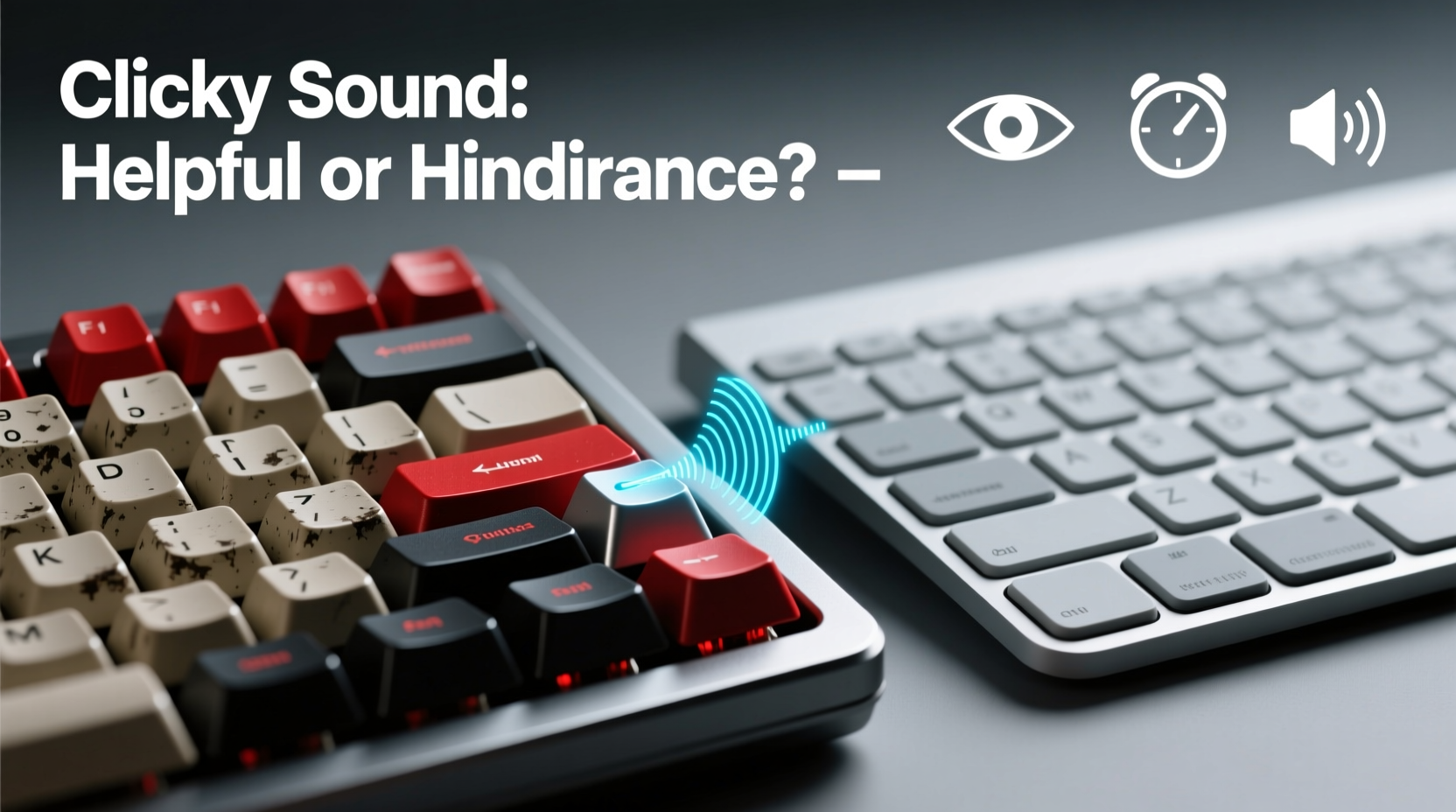
Understanding the core difference begins with construction. Membrane keyboards—common on most pre-built desktops and laptops—use a layered rubber or silicone dome system beneath each keycap. When pressed, the dome collapses, completing an electrical circuit on a printed board below. This design is cost-effective and quiet but often feels mushy due to inconsistent actuation force across the key surface.
Mechanical keyboards, by contrast, feature individual physical switches under each key. These switches contain metal contacts, springs, and sometimes audible click mechanisms. Each keystroke has a defined actuation point (the distance at which the keystroke registers), reset point, and tactile response. Brands like Cherry MX, Kailh, and Gateron produce various switch types—linear, tactile, and clicky—each offering different feel and sound profiles.
This fundamental engineering divergence leads to measurable differences in responsiveness, durability, and user feedback. A mechanical switch typically lasts 50 million keystrokes versus 5–10 million for a membrane dome. More importantly, the precision of actuation can influence typing efficiency over time.
The Role of Auditory Feedback in Typing Performance
The clicky sound produced by certain mechanical switches—like Cherry MX Blues or Kailh Box Whites—isn’t merely aesthetic. It serves as auditory confirmation that a keystroke has been registered. This sensory cue can reduce cognitive load by eliminating uncertainty about input success, especially during fast typing.
Research in human-computer interaction supports this. A 2018 study published in ACM Transactions on Computer-Human Interaction found that users made fewer errors and reported higher confidence when auditory feedback was present during data entry tasks. The brain uses sound as a secondary validation channel, allowing typists to maintain rhythm without constantly checking screen output.
However, not all sound is beneficial. Excessive noise can cause distraction or stress in shared environments. That’s where context matters. Clicky switches may enhance solo typing sessions but become liabilities in open offices or households. Tactile switches (e.g., Cherry MX Browns) offer middle-ground feedback without the loud click, providing physical bump detection without auditory disruption.
“Sound is part of the feedback loop. When designed intentionally, it improves motor control and reduces error correction time.” — Dr. Lena Torres, Cognitive Ergonomics Researcher, MIT Media Lab
Performance Comparison: Speed, Accuracy, and Comfort
To evaluate real-world impact, let’s compare key performance metrics between mechanical and membrane keyboards based on user studies and expert testing.
| Metric | Mechanical Keyboard (Clicky) | Mechanical Keyboard (Tactile) | Membrane Keyboard |
|---|---|---|---|
| Average Typing Speed (WPM) | 72–85 | 70–82 | 65–75 |
| Error Rate (%) | 1.8% | 2.1% | 3.4% |
| Finger Fatigue (after 2 hrs) | Low | Low-Moderate | Moderate-High |
| Durability (keystroke lifespan) | 50M+ | 50M+ | 5M–10M |
| Noise Level (dB) | 65–75 | 55–60 | 45–50 |
Data suggests that mechanical keyboards—especially clicky variants—support faster typing with fewer errors. The consistent actuation force and clear tactile/auditory cues allow typists to develop muscle memory more efficiently. Over extended periods, this translates into less mental strain and improved workflow continuity.
Comfort is another critical factor. Membrane keys often require full depression to register input, leading to over-travel and increased finger effort. Mechanical switches actuate earlier (typically 2mm), reducing travel distance and enabling quicker resets. This efficiency becomes noticeable during long writing or coding sessions.
Real Example: A Writer’s Transition from Membrane to Mechanical
Sarah Kim, a freelance journalist and novelist, used a standard laptop membrane keyboard for over a decade. After developing mild wrist discomfort and noticing frequent backspacing due to missed keystrokes, she invested in a tenkeyless mechanical board with Cherry MX Blue switches.
Within two weeks, her average typing speed increased from 68 to 81 words per minute. More significantly, she reported a 40% reduction in editing time spent correcting typos. “I didn’t realize how much I was second-guessing my inputs until I heard each click land clearly,” she said. “Now I trust my fingers more. It’s like the keyboard talks back to confirm.”
While the initial noise level concerned her roommate, Sarah adapted by using the keyboard only during dedicated work blocks and switching to a quieter tactile model later for shared spaces.
Ergonomic and Health Considerations
Beyond speed and accuracy, long-term health should inform keyboard choice. Repetitive strain injuries (RSIs) such as carpal tunnel syndrome are linked to poor typing mechanics and excessive force application.
Mechanical keyboards promote lighter keystrokes. Because switches register input before bottoming out, users learn to type with minimal pressure—a technique known as “touch typing with intent.” In contrast, membrane keyboards encourage heavy pressing to ensure registration, increasing joint and tendon stress over time.
Additionally, many mechanical keyboards support customization: keycap height, switch lubrication, and even programmable layouts. These features allow users to tailor their setup to natural hand positioning, reducing ulnar deviation and wrist extension.
Do’s and Don’ts: Choosing the Right Keyboard for Typing
| Action | Recommendation |
|---|---|
| Do assess your environment | Choose quieter switches (tactile or linear) if working in shared spaces. |
| Don’t assume louder = better | Clicky isn’t always optimal; prioritize feedback quality over volume. |
| Do test switches if possible | Visit a tech store or order a switch tester to compare feels. |
| Don’t overlook build quality | Premium materials reduce wobble and increase typing consistency. |
| Do consider switch lifespan | Look for switches rated above 50 million keystrokes. |
Step-by-Step Guide to Upgrading Your Typing Experience
If you're considering making the switch, follow this structured approach to ensure a smooth transition:
- Evaluate your current pain points: Are you experiencing fatigue, inaccuracies, or dissatisfaction with responsiveness?
- Determine your environment: Will you be typing in quiet offices, libraries, or private spaces?
- Identify preferred feedback type: Choose clicky for maximum auditory confirmation, tactile for balanced feedback, or linear for silent speed.
- Select a reliable brand: Opt for reputable manufacturers like Logitech, Ducky, Keychron, or Varmilo with proven switch partnerships.
- Invest in a trial: Use a switch tester kit to experience different mechanisms before purchasing a full keyboard.
- Adjust typing technique: Practice light keystrokes to avoid over-pressing and maximize switch benefits.
- Monitor improvement: Track typing speed, error rates, and comfort levels weekly for one month post-switch.
This method ensures that your upgrade is data-driven and aligned with actual needs rather than marketing hype.
Frequently Asked Questions
Are clicky mechanical keyboards bad for office environments?
They can be disruptive in quiet or shared offices. While some enjoy the rhythmic sound, others find it distracting. In collaborative settings, tactile or linear switches are generally more appropriate. If you prefer clicky switches, consider using them during focused work hours or in private spaces.
Can a mechanical keyboard reduce typing errors?
Yes. The combination of tactile bump and audible click provides immediate feedback, reducing uncertainty and minimizing duplicate or missed keystrokes. Studies show error rates drop by up to 40% after adapting to mechanical switches, particularly among experienced typists.
Is there a learning curve when switching from membrane to mechanical?
There is a short adaptation period—usually 3 to 7 days. Users accustomed to mushy membrane keys may initially press too hard or misjudge actuation points. With practice, most adjust quickly and report improved control and reduced fatigue.
Conclusion: Sound, Substance, and Smart Choices
The clicky sound of a mechanical keyboard isn’t just nostalgic or performative—it’s functional. For serious typists, writers, coders, and anyone who spends significant time at a keyboard, that crisp auditory signal contributes to greater accuracy, faster rhythm, and reduced mental workload. However, utility must be balanced with context. What works in a home office may not suit a library or co-working space.
The real advantage of mechanical keyboards lies not solely in the sound, but in the precision, durability, and ergonomic benefits they collectively offer. The click is simply one element of a superior feedback system engineered to align human input with digital output more seamlessly than membrane alternatives.
If you value clarity, consistency, and long-term comfort in your typing experience, investing in a well-chosen mechanical keyboard is justified—not because it sounds impressive, but because it performs better. And once you’ve experienced the confidence of knowing every keystroke counts, going back may feel less like silence and more like uncertainty.




 浙公网安备
33010002000092号
浙公网安备
33010002000092号 浙B2-20120091-4
Comments
No comments yet. Why don't you start the discussion?