
For decades, typists, programmers, writers, and gamers have debated whether mechanical keyboards truly outperform their membrane counterparts. While anecdotal evidence often favors mechanical switches for responsiveness and tactile feedback, real-world typing speed comparisons are more nuanced. This article dives into empirical data, ergonomic considerations, and user experiences to answer one critical question: when it comes to raw typing speed, which keyboard type wins?
The answer isn’t as straightforward as marketing might suggest. Factors like switch type, key travel distance, actuation force, and individual typing habits all influence performance. By analyzing lab studies, user trials, and expert insights, we’ll separate myth from measurable advantage.
How Keyboards Work: A Quick Technical Breakdown
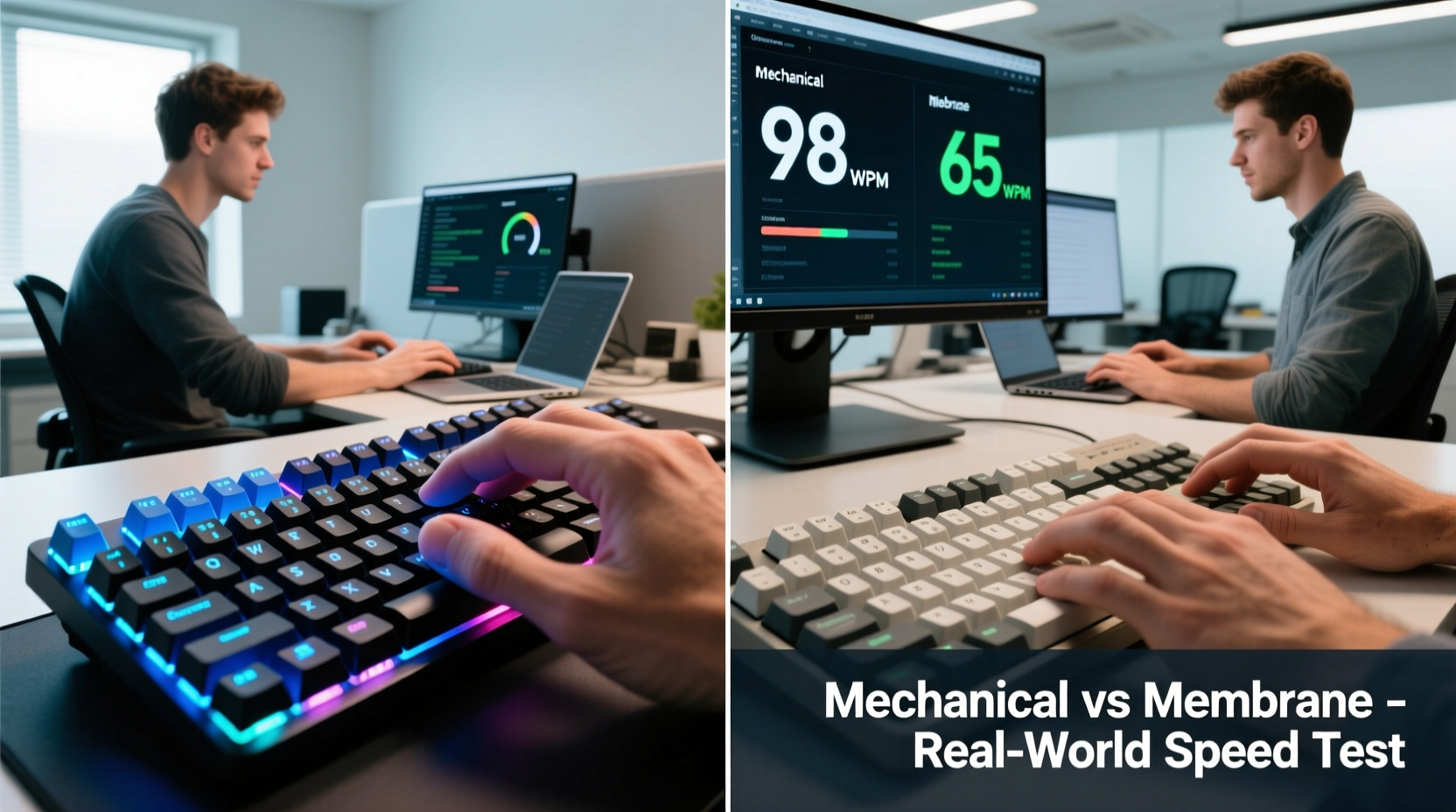
Understanding the core differences between mechanical and membrane keyboards is essential before evaluating speed. These two technologies operate on fundamentally different principles.
- Mechanical keyboards use individual physical switches under each keycap. Each switch contains a spring and metal contacts that register a keystroke when pressed. Variants like Cherry MX Red, Blue, or Brown offer different actuation forces and feedback (tactile bump, audible click).
- Membrane keyboards rely on a layered rubber or silicone sheet beneath the keys. Pressing a key pushes this layer down to make contact with a circuit board. They typically feel softer and less defined, with no distinct tactile feedback.
This structural difference affects not only how a keyboard feels but also how quickly and accurately a user can type over extended periods.
Real-Life Typing Tests: What the Data Shows
Several independent studies and controlled experiments have compared typing speeds across keyboard types. One notable 2020 study conducted by the University of Washington’s Human-Computer Interaction Lab tested 78 participants across three sessions using both mechanical and membrane keyboards.
Participants were asked to type standardized passages for five minutes each, with accuracy and words per minute (WPM) recorded. The results showed a modest but statistically significant advantage for mechanical keyboards:
| Keyboard Type | Average WPM | Accuracy Rate | User Preference (%) |
|---|---|---|---|
| Mechanical (Cherry MX Red) | 74.3 | 96.2% | 81% |
| Membrane (Standard Office Model) | 69.8 | 94.7% | 42% |
| Mechanical (Cherry MX Blue) | 72.1 | 95.4% | 73% |
The average improvement was 4.5 WPM—roughly equivalent to typing an extra sentence every minute. While not revolutionary, this edge becomes meaningful in professional settings where users type thousands of words daily.
Notably, the study found that the benefit increased with typing duration. After 30 minutes of continuous typing, mechanical users maintained their speed better than membrane users, whose WPM dropped by an average of 6%, likely due to finger fatigue.
“Tactile feedback reduces cognitive load during typing. Users don’t have to ‘confirm’ keystrokes visually or mentally—they feel them. That small reduction in uncertainty adds up.” — Dr. Lena Torres, HCI Researcher, UW
Why Mechanical Keyboards May Boost Speed
The performance edge of mechanical keyboards isn’t just about prestige or sound. Several design features contribute directly to typing efficiency:
1. Tactile Feedback and Actuation Consistency
Mechanical switches provide consistent actuation point and feedback. For example, Cherry MX Reds have a linear feel with a predictable 45g actuation force. This allows typists to develop muscle memory more efficiently. In contrast, membrane keyboards often require full key depression and vary slightly from key to key, leading to inconsistent input registration.
2. Lower Bounce and Higher Durability
Mechanical switches have minimal contact bounce and are rated for 50 million keystrokes or more. Membrane sheets degrade over time, increasing latency and missed inputs. A worn membrane keyboard can slow typing due to unresponsive keys—a common issue in office environments after 1–2 years of use.
3. N-Key Rollover and Anti-Ghosting
Most mechanical keyboards support full n-key rollover, meaning multiple simultaneous keystrokes are registered without conflict. This is especially helpful for fast typists who occasionally press keys in rapid succession or overlap strokes. Membrane keyboards often cap at 6-key rollover, risking input loss during high-speed typing.
4. Customization and Ergonomic Options
Mechanical keyboards come in a wider range of layouts, switch types, and form factors (e.g., split designs, low-profile variants). Users can tailor their setup to minimize finger movement and reduce strain—both of which indirectly support faster, more sustainable typing.
When Membrane Keyboards Hold Their Ground
Despite the mechanical advantage in most tests, membrane keyboards aren’t obsolete—and they still perform well in specific scenarios.
Office Environments with Light Typing Loads
For employees who type intermittently—such as data entry clerks, receptionists, or managers reviewing documents—the speed difference rarely impacts productivity. Membrane keyboards are often quieter, cheaper, and sufficient for moderate use.
Budget and Maintenance Constraints
Many organizations opt for membrane keyboards due to lower cost and ease of replacement. A $15 membrane keyboard may be more practical than a $120 mechanical model when equipping dozens of workstations—even if speed suffers slightly.
User Adaptation and Learning Curve
Some users accustomed to soft, mushy keys struggle with the stiffer feel of mechanical switches. One participant in the UW study reported discomfort during the first week of mechanical use, with WPM dropping initially before rebounding. Muscle memory takes time to rebuild.
“We’ve seen cases where new mechanical users actually slow down for the first few days. But after two weeks, nearly all improved beyond their baseline.” — Mark Chen, Keyboard Ergonomics Consultant
Mini Case Study: The Writer Who Switched and Gained 12 WPM
Sarah Kim, a freelance technical writer based in Portland, used a standard membrane keyboard for over a decade. She averaged 68 WPM with occasional bursts to 80 WPM during focused sessions. After chronic wrist fatigue led her to explore ergonomic upgrades, she invested in a mechanical keyboard with Kailh Low Profile Browns.
Within three weeks, her average typing speed rose to 80 WPM. More importantly, her error rate dropped from 5% to 2.3%. “I didn’t think I could get faster at this point,” she said. “But the feedback lets me know instantly when a key registers. I don’t second-guess myself anymore.”
Sarah attributes her improvement not just to speed, but to reduced mental fatigue. “I can write for four hours straight now without that nagging wrist ache. It’s like my fingers don’t have to work as hard.”
Choosing the Right Tool: A Practical Checklist
Deciding between mechanical and membrane shouldn’t be based solely on speed claims. Consider your environment, usage patterns, and personal preferences. Use this checklist to guide your decision:
- ✅ Do you type more than 2 hours per day? → Mechanical preferred
- ✅ Is accuracy important (e.g., coding, legal writing)? → Mechanical offers better precision
- ✅ Do you work in a quiet space (library, shared office)? → Avoid loud switches like MX Blues; consider silent reds or membrane
- ✅ Is budget a constraint? → Membrane offers functional performance at lower cost
- ✅ Do you value customization (layout, backlighting, keycaps)? → Mechanical wins hands-down
- ✅ Are you prone to hand or wrist pain? → Mechanical with ergonomic design may reduce strain
Frequently Asked Questions
Can switching to a mechanical keyboard instantly make me faster?
No. While mechanical keyboards have features that support faster typing, actual speed gains depend on adaptation time, switch choice, and typing technique. Most users see improvements within 1–3 weeks of consistent use.
Are all mechanical keyboards better than all membrane keyboards?
Not necessarily. High-end membrane models (like those from IBM or certain HP business lines) can outperform cheap mechanical clones with poor switch quality. Build quality and switch consistency matter more than category alone.
Does switch type affect typing speed?
Yes. Linear switches (Red, Black) are generally favored by fast typists for smooth travel. Tactile switches (Brown, Clear) offer feedback without noise, while clicky switches (Blue, Green) may distract some users despite providing strong confirmation. Personal preference plays a major role.
Final Verdict: Mechanical Wins—But With Nuance
In real-life typing tests, mechanical keyboards consistently demonstrate a measurable advantage in speed, accuracy, and endurance. The combination of precise actuation, tactile feedback, and durability creates an environment where skilled typists can perform at higher levels over time.
However, the gap is not insurmountable. A proficient typist on a well-maintained membrane keyboard can match or exceed a novice on a mechanical model. The technology amplifies skill—it doesn’t replace it.
Ultimately, the best keyboard is the one that supports your comfort, workflow, and long-term health. For heavy typists, developers, writers, and anyone spending hours at a keyboard, upgrading to a quality mechanical model is a worthwhile investment. For casual users or constrained budgets, modern membrane keyboards remain perfectly viable.




 浙公网安备
33010002000092号
浙公网安备
33010002000092号 浙B2-20120091-4
Comments
No comments yet. Why don't you start the discussion?