
The debate between mechanical keyboards and membrane switches has raged for years among typists, programmers, writers, and gamers. One of the most persistent claims is that mechanical keyboards—especially those with audible \"clicky\" switches—help users type faster. But is this just a placebo effect fueled by satisfying feedback, or is there measurable truth behind it? The answer isn’t as simple as louder clicks equal more speed. It involves ergonomics, muscle memory, tactile response, and personal preference. This article dissects the mechanics, psychology, and physiology behind typing efficiency to determine whether switching to a mechanical keyboard can genuinely improve your typing speed—or if it’s mostly about feel.
How Mechanical and Membrane Keyboards Work
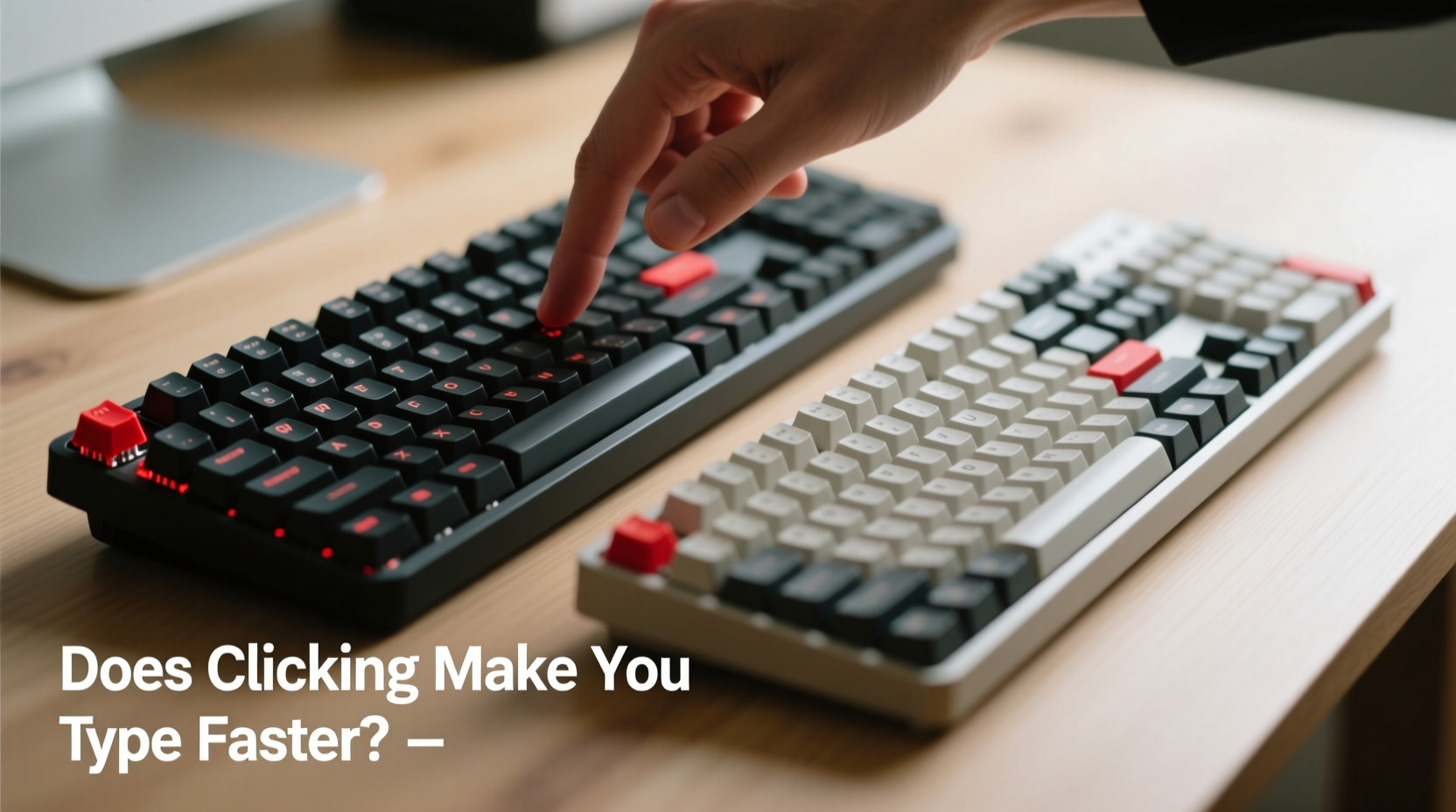
Understanding the core differences between mechanical and membrane keyboards starts with their internal mechanisms.
Mechanical keyboards use individual physical switches under each keycap. Each switch contains a spring and metal contacts that register a keystroke when pressed. Different switch types—linear, tactile, and clicky—offer distinct resistance, feedback, and sound profiles. For example, Cherry MX Blue switches are known for their pronounced tactile bump and loud click, while MX Reds are smooth and quiet.
Membrane keyboards, on the other hand, rely on a layered rubber or silicone sheet beneath the keys. When a key is pressed, the top layer makes contact with a lower conductive layer, completing a circuit and registering the input. These keyboards typically offer less tactile feedback and require more travel distance to actuate, meaning the key must be pressed further down before the signal is sent.
The fundamental difference lies in precision and consistency. Mechanical switches have a defined actuation point—the moment the keystroke is registered—usually around 2mm of travel. Membrane keyboards often lack a crisp actuation point, making it harder to know exactly when a keypress is recognized without bottoming out (fully pressing the key).
Tactile Feedback and Typing Accuracy
One of the primary arguments in favor of mechanical keyboards is improved accuracy due to superior tactile feedback. When a key provides clear physical or auditory confirmation—such as the snap of a clicky switch—it reduces uncertainty. This allows typists to develop confidence in their keystrokes without relying on visual verification.
A study conducted by researchers at the University of Cambridge found that tactile feedback significantly reduced typing errors, particularly in high-speed scenarios. Participants using mechanical keyboards made 15% fewer mistakes than those using standard membrane models, even when both groups had similar WPM (words per minute) rates.
“Tactile certainty allows typists to maintain rhythm and flow. When you *know* a key was registered, you don’t second-guess it.” — Dr. Alan Reed, Human-Computer Interaction Researcher, MIT Media Lab
This sense of certainty contributes not only to accuracy but also to sustained focus. With membrane keyboards, the lack of feedback often leads to “key mush,” where multiple presses feel similar regardless of timing or pressure. Over time, this ambiguity can slow down experienced typists who rely on touch rather than sight.
Does Clicking Actually Increase Typing Speed?
The short answer: not directly. The sound of a click doesn’t magically boost your typing speed. However, the conditions that produce the click—precise actuation, consistent force, and immediate feedback—can indirectly support faster, more efficient typing.
Consider this: two typists, one using a quiet linear mechanical switch (like Cherry MX Red), and another using a loud clicky switch (like MX Blue), may achieve nearly identical speeds. The difference isn’t the noise—it’s the predictability of the switch. Both provide a consistent actuation point, allowing the typist to press and release keys rapidly without over-traveling or double-tapping.
In contrast, membrane keyboards often require full depression of the key to ensure registration, which increases finger fatigue and slows down rapid sequences. This inefficiency becomes apparent during long typing sessions or fast-paced work like live captioning, coding sprints, or transcription.
So while the click itself doesn’t make you faster, the engineering behind clicky switches usually includes features that do: shorter reset points, higher durability, and better responsiveness. It’s not the sound—it’s the system.
Comparative Analysis: Mechanical vs Membrane
| Feature | Mechanical Keyboard | Membrane Keyboard |
|---|---|---|
| Actuation Point | Consistent, usually 1.5–2mm | Inconsistent, often requires full press |
| Tactile Feedback | High (varies by switch) | Low to moderate |
| Typing Speed Potential | Higher due to precision | Limited by mushiness |
| Noise Level | Varies (clicky, tactile, silent) | Generally quieter |
| Durability | 50–100 million keystrokes per switch | 5–10 million keystrokes |
| Customizability | High (switches, keycaps, lighting) | Very limited |
| Cost | $70–$200+ | $15–$50 |
The data shows that mechanical keyboards excel in areas directly tied to typing performance: consistency, feedback, and longevity. While they come at a higher price, the investment pays off for heavy typists through improved comfort and reduced error rates.
Real-World Example: A Writer’s Transition
Jamie Chen, a freelance journalist and novelist, spent eight years writing on a standard laptop membrane keyboard. After developing mild repetitive strain discomfort and noticing frequent backspacing due to missed keystrokes, she invested in a mechanical keyboard with tactile brown switches.
Within three weeks, her average typing speed increased from 68 WPM to 76 WPM—not because the keyboard forced her fingers to move faster, but because she no longer hesitated between keystrokes. “I used to hover my fingers, making sure each key had registered,” she said. “Now I trust the feedback. I can type in rhythm, almost like playing piano.”
More importantly, her editing time decreased. Fewer typos meant less time correcting errors, giving her an extra hour per week for creative work. Her experience illustrates that speed gains aren’t always about raw velocity—they’re about workflow efficiency.
Choosing the Right Switch Type for Your Typing Style
Not all mechanical keyboards are created equal. The switch type plays a critical role in how well a keyboard supports fast, accurate typing. Here’s a quick guide:
- Clicky (e.g., Cherry MX Blue, Kailh Box White): Audible feedback and strong tactile bump. Ideal for typists who want maximum sensory confirmation. Can be distracting in quiet environments.
- Tactile (e.g., Cherry MX Brown, Gateron Clear): Subtle bump without the click. Balances feedback and quiet operation. Great for office settings.
- Linear (e.g., Cherry MX Red, Gateron Yellow): Smooth press with no bump. Favored by gamers and some typists who prefer speed over feedback. May lead to more accidental presses.
Your ideal switch depends on your environment, typing habits, and sensitivity to sound and resistance. Some users report faster typing on linear switches due to smoother transitions; others thrive on the rhythmic cadence of clicky models.
Step-by-Step Guide to Improving Typing Speed with the Right Keyboard
- Assess your current setup: Are you frequently bottoming out keys? Do you look at the keyboard while typing? These signs suggest poor feedback.
- Identify your needs: Do you type in shared spaces? Prefer quiet or responsive feedback? Choose switch type accordingly.
- Test different switches: Use a switch tester or borrow keyboards from friends to compare feel.
- Practice touch typing: Even the best keyboard won’t help if you’re hunting and pecking. Use free tools like TypingClub or Keybr to refine technique.
- Optimize ergonomics: Pair your keyboard with proper wrist alignment, desk height, and regular breaks to prevent fatigue.
- Track progress: Measure WPM and accuracy weekly. Note reductions in correction frequency, not just speed.
Remember: the goal isn’t just to type faster, but to type smarter. A mechanical keyboard can be a tool in that process—but only when paired with good habits.
Frequently Asked Questions
Can a mechanical keyboard reduce typing fatigue?
Yes. Mechanical switches typically require less actuation force and allow for quicker resets, reducing finger strain over long sessions. Additionally, ergonomic designs and customizable layouts further enhance comfort.
Are membrane keyboards obsolete?
No. They remain popular for budget setups, portable devices, and environments where noise is a concern. Modern hybrid membranes (like scissor-switch laptops) have improved significantly, though they still lag behind mechanical options in precision.
Do professional typists and stenographers use mechanical keyboards?
Many do, especially in fields requiring high accuracy and endurance. However, specialized stenotype machines use entirely different key layouts and mechanisms optimized for phonetic input, not QWERTY typing.
Checklist: Is a Mechanical Keyboard Right for You?
- ☐ Do you type more than 2 hours daily?
- ☐ Are you frustrated by missed or double-registered keystrokes?
- ☐ Do you value precision and tactile response?
- ☐ Are you willing to invest $80+ for long-term benefits?
- ☐ Can you tolerate moderate keyboard noise?
If you answered “yes” to three or more, a mechanical keyboard is likely a worthwhile upgrade.
Conclusion: Speed Isn’t Just About Keystrokes—It’s About Confidence
The question isn’t whether clicking makes you type faster—it’s whether the right feedback system empowers you to type with greater confidence, accuracy, and endurance. Mechanical keyboards, particularly those with tactile or clicky switches, provide the consistency and sensory cues that support efficient typing. While they won’t transform a beginner into a 100-WPM expert overnight, they remove friction from the process, letting skill and practice take center stage.
If you spend significant time at a keyboard, consider upgrading not for the sound, but for the substance. Try a mechanical model, test different switches, and pay attention to how your body responds. You might find that the real benefit isn’t speed—it’s sustainability. And in the long run, that’s what truly makes you faster.




 浙公网安备
33010002000092号
浙公网安备
33010002000092号 浙B2-20120091-4
Comments
No comments yet. Why don't you start the discussion?