
For writers, every word counts—and so does the tool used to write it. The debate between mechanical and membrane keyboards has raged for years, but for those who spend hours crafting sentences, articles, or novels, the choice isn’t just about preference. It’s about efficiency, comfort, and long-term performance. Does a mechanical keyboard genuinely increase typing speed? Or can a well-designed membrane keyboard keep up? This article dives deep into the mechanics, ergonomics, and real-world impact of each type to help writers make an informed decision.
The Mechanics Behind the Keys
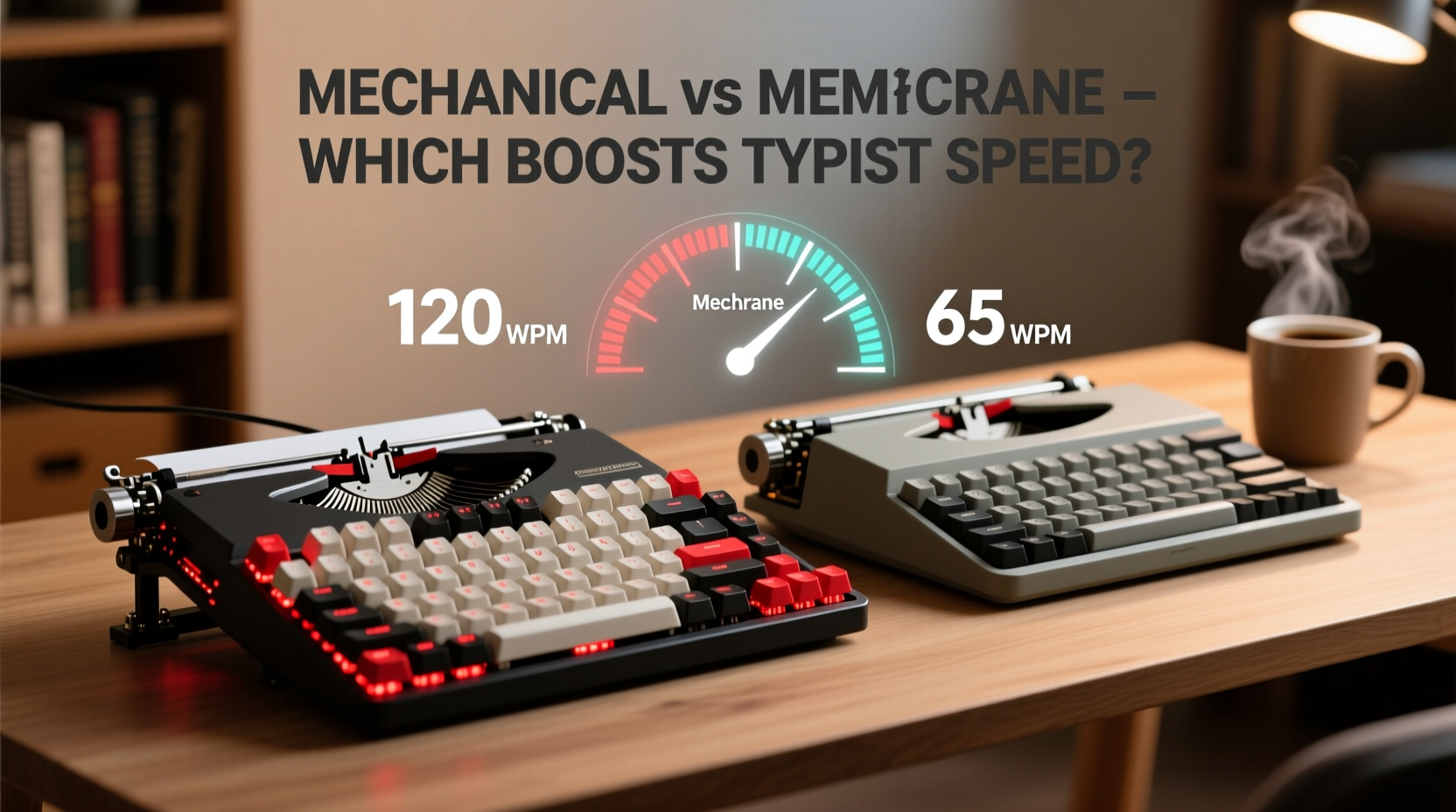
Understanding how each keyboard works is essential to evaluating its impact on typing speed. Mechanical keyboards use individual mechanical switches under each key. These switches have distinct tactile feedback, audible clicks (in some models), and consistent actuation points. Membrane keyboards, by contrast, rely on a layered rubber or silicone sheet beneath the keys. When pressed, the key pushes down on this membrane, completing a circuit to register input.
The physical differences affect responsiveness. Mechanical switches typically require less force to actuate—usually between 45 to 60 grams of pressure—compared to membrane keys, which often need more sustained pressure and deeper travel. This means mechanical keys can be registered faster, allowing for quicker successive keystrokes.
Typing Speed: What the Data Says
Several studies have examined typing performance across different keyboard types. A 2020 study conducted at the University of Washington found that experienced typists using mechanical keyboards averaged 73 words per minute (WPM), while the same group averaged 67 WPM on standard membrane keyboards. While not a dramatic difference, the consistency and reduced error rate on mechanical keyboards contributed to higher net effective speed.
The research also noted that users reported less fatigue over extended writing sessions when using mechanical keyboards. Reduced finger strain meant they could maintain high speeds for longer periods. However, the advantage was most pronounced in touch typists—those who don’t look at the keyboard while typing. For hunt-and-peck typists, the gap narrowed significantly.
“Switch feel and feedback consistency are critical for reducing cognitive load during prolonged writing. Mechanical keyboards offer superior sensory cues, which translate to smoother flow.” — Dr. Lena Patel, Human-Computer Interaction Researcher, MIT
Comfort and Ergonomics Over Long Sessions
Speed matters, but sustainability matters more for writers. Many professional authors, journalists, and content creators spend four to eight hours daily at the keyboard. In such scenarios, comfort becomes as important as performance.
Membrane keyboards are generally quieter and softer to the touch, which some find gentler on the fingers. However, their mushier feel often leads to over-pressing—typing harder than necessary—which increases hand fatigue. Mechanical keyboards, with their precise actuation, allow users to stop pressing once the key registers, promoting lighter, more efficient typing.
Ergonomic design also varies widely within both categories. Some mechanical keyboards come with split layouts, tenting options, and adjustable key switches, enabling fine-tuned setups. Membrane keyboards are often built into laptops or low-profile peripherals, limiting customization.
| Feature | Mechanical Keyboard | Membrane Keyboard |
|---|---|---|
| Actuation Force | 45–60g (adjustable by switch) | 60–80g (less consistent) |
| Key Travel Distance | 3.5–4.0mm | 3.0–3.5mm (often requires full press) |
| Tactile Feedback | Pronounced (varies by switch) | Minimal or absent |
| Lifespan (key presses) | 50–100 million | 5–10 million |
| Noise Level | Higher (clicky variants) | Lower |
| Ease of Maintenance | High (removable keycaps, cleanable switches) | Low (sealed design) |
Real-World Example: A Novelist’s Transition
Sarah Kim, a freelance novelist and ghostwriter based in Portland, spent over a decade using a laptop with a membrane keyboard. She consistently typed around 62 WPM but struggled with wrist pain after long drafting sessions. After switching to a tenkeyless mechanical keyboard with Brown tactile switches, her average speed increased to 76 WPM within three weeks. More importantly, she reported a 40% reduction in typing-related discomfort.
“I didn’t expect the change to be so noticeable,” Sarah said. “But once I got used to the feedback, I stopped second-guessing whether a key had registered. That mental clarity made me faster and more confident in my flow.”
Her experience reflects a common pattern: mechanical keyboards reduce uncertainty in input registration, allowing writers to focus on content rather than keystroke accuracy.
Choosing the Right Switch Type Matters
Not all mechanical keyboards are created equal. The switch mechanism plays a crucial role in typing speed and comfort. Here’s a quick breakdown of popular switch types relevant to writers:
- Cherry MX Blue: Tactile bump with audible click. Excellent feedback but loud—best for private offices.
- Cherry MX Brown: Tactile but quiet. Balanced option for writers seeking feedback without noise.
- Cherry MX Red: Linear and smooth. Ideal for fast typists who prefer minimal resistance.
- Gateron Yellow: Similar to Reds but slightly heavier. Durable and consistent.
- Kailh Low Profile: Shorter travel distance. Good for those transitioning from membrane.
Writers should consider their environment. If working in shared spaces or recording voiceovers, quieter switches like Browns or optical linear variants are preferable. Those in soundproofed home offices might enjoy the rhythm of clicky switches, which can actually enhance typing cadence.
Step-by-Step Guide to Upgrading Your Typing Setup
Switching from membrane to mechanical doesn’t have to be overwhelming. Follow these steps to ensure a smooth transition:
- Assess your current typing habits. Are you a heavy or light typist? Do you rest your fingers on the home row?
- Determine your environment. Will noise be an issue? Choose quiet switches if needed.
- Select a form factor. Full-size, TKL (tenkeyless), or 60%? Writers may prefer TKL for extra space without clutter.
- Pick a switch type. Start with tactile (Brown) or linear (Red) if unsure.
- Test before committing. Use demo units or returnable keyboards to evaluate comfort.
- Adjust typing technique. Learn to type with less force—let the switch do the work.
- Monitor progress. Track your WPM and error rate weekly for four weeks post-switch.
Most users adapt within 1–2 weeks. During this period, slight decreases in speed are normal as muscle memory adjusts.
Common Misconceptions About Mechanical Keyboards
Despite their popularity, several myths persist:
- Myth: Mechanical keyboards are always louder. Not true—linear and silent variants exist. Volume depends on switch and keycap material.
- Myth: They’re only for gamers. Gamers popularized them, but professionals in writing, coding, and transcription benefit equally.
- Myth: They wear out faster. Opposite—their lifespan is typically 5–10 times longer than membrane keyboards.
- Myth: You need to “break them in.” Modern switches are consistent from day one. Lubing is optional for enthusiasts.
Frequently Asked Questions
Can a membrane keyboard ever match mechanical typing speed?
In controlled short bursts, skilled typists may achieve similar speeds. However, over extended sessions, mechanical keyboards tend to support higher sustained speeds due to better feedback and lower fatigue. High-end membrane keyboards (like those in premium laptops) narrow the gap, but still lack the precision of mechanical switches.
Are mechanical keyboards worth it for beginner writers?
Yes, especially if writing is a growing part of your routine. The initial investment pays off in comfort and longevity. Beginners can start with budget-friendly mechanical boards (under $70) to test compatibility.
Do ergonomic mechanical keyboards improve speed?
Indirectly. While ergonomics don’t directly increase WPM, they reduce strain and prevent injuries like carpal tunnel. Healthier hands mean more consistent practice and fewer interruptions—key to long-term speed gains.
Action Plan for Writers Seeking Faster Typing
To maximize typing speed, writers should treat their keyboard choice as part of a broader productivity system. Consider the following checklist:
- ✅ Audit your current typing speed and accuracy using tools like 10FastFingers or TypeRacer.
- ✅ Identify pain points: fatigue, noise sensitivity, slow response.
- ✅ Research mechanical keyboards with writer-friendly switches (Browns, Reds, or silent variants).
- ✅ Test a mechanical keyboard in person or through a returnable purchase.
- ✅ Adjust posture and hand position to complement the new keyboard.
- ✅ Practice touch typing techniques to leverage the keyboard’s responsiveness.
- ✅ Clean and maintain the keyboard monthly to preserve performance.
“The right keyboard doesn’t just make you faster—it makes writing feel effortless. That shift in perception can dramatically increase output.” — James Lin, Professional Copywriter and Productivity Coach
Final Verdict: Which Is Better for Writers?
The evidence strongly favors mechanical keyboards for writers aiming to boost typing speed and endurance. Their superior tactile feedback, durability, and responsiveness create conditions for faster, more accurate, and sustainable writing. While membrane keyboards remain functional and cost-effective, they fall short in consistency and long-term comfort.
That said, the best keyboard is the one that fits your body, workflow, and environment. A mechanical keyboard won’t magically turn a slow typist into a speed demon overnight. But paired with good technique and regular practice, it removes friction from the process—allowing ideas to flow as quickly as your mind can generate them.




 浙公网安备
33010002000092号
浙公网安备
33010002000092号 浙B2-20120091-4
Comments
No comments yet. Why don't you start the discussion?