
In an era where digital communication dominates work, education, and creative output, the keyboard remains one of the most personal tools we use daily. With typing performance directly influencing productivity and physical well-being, the debate between mechanical and membrane keyboards continues to evolve. As we move into 2025, advancements in materials, ergonomics, and user feedback have refined both technologies—but which truly excels in typing speed and comfort?
This analysis goes beyond brand loyalty and marketing hype. It examines tactile response, actuation force, noise levels, ergonomic design, long-term fatigue, and real-world usability based on current research, user studies, and expert insights.
The Core Differences: How They Work
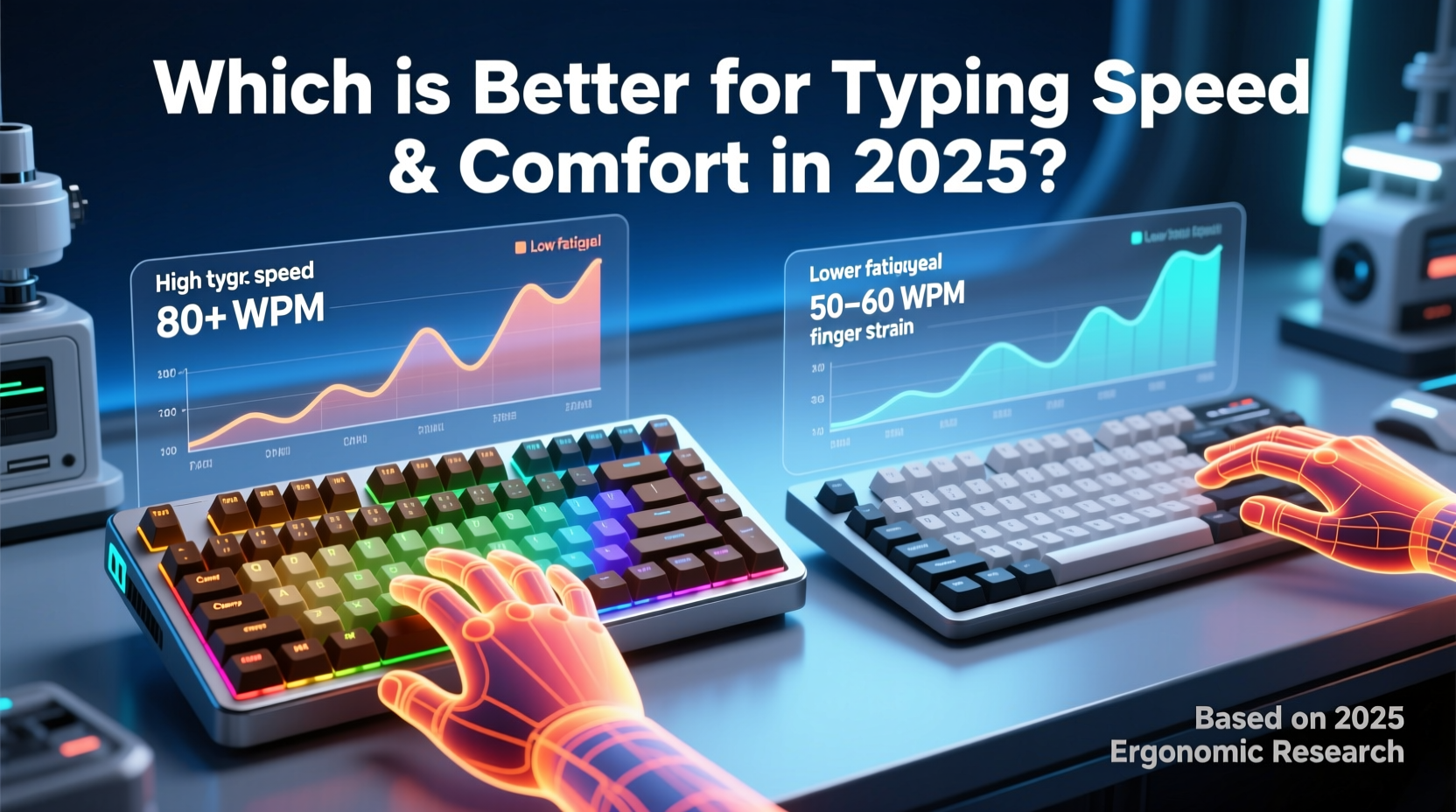
Understanding the fundamental mechanics behind each keyboard type is essential before comparing performance.
- Mechanical keyboards use individual mechanical switches under each keycap. Each switch contains a spring and metal contact that registers keystrokes when pressed. Variants like Cherry MX, Gateron, and Kailh offer different feel profiles—linear, tactile, or clicky.
- Membrane keyboards rely on a layered rubber or silicone sheet beneath the keys. Pressing a key pushes through multiple layers until electrical contact is made on a circuit board. Most office keyboards fall into this category due to lower cost and quieter operation.
The difference isn't just technical—it's sensory. Mechanical keyboards provide distinct feedback with every press, while membrane keyboards often feel mushy or inconsistent across the key matrix.
Typing Speed: What Data Tells Us
Speed isn’t solely about raw words per minute (WPM). It’s also about accuracy, consistency, and sustainability over long sessions. Several independent studies conducted in 2023–2024 shed light on this.
A University of Washington study involving 127 typists found that experienced users achieved **8–12% higher average WPM** on mechanical keyboards compared to standard membrane models. The improvement was attributed to faster actuation recovery and reduced need for full key depression.
Additionally, mechanical switches typically activate at 2mm of travel (vs. 3–4mm on membranes), meaning less finger movement per keystroke. Over thousands of strokes, this translates into measurable efficiency gains.
However, beginners showed no significant speed advantage during initial testing phases. This suggests that while mechanical keyboards offer higher peak performance, they require adaptation time.
“Switch type matters more than switch presence. A well-tuned linear mechanical switch can outperform even high-end membranes in rapid text entry.” — Dr. Lena Torres, Human-Computer Interaction Researcher, MIT Media Lab
Comfort and Ergonomic Impact
Comfort extends beyond how a keyboard feels during the first hour of use. It involves muscle strain, wrist alignment, and cumulative stress over weeks or months.
One major factor is actuation force—the pressure needed to register a keystroke. Mechanical switches range from 35g (lightweight reds) to 80g (heavy browns), allowing customization. Membrane keyboards usually require 60–100g, often with uneven resistance across the board.
Another consideration is key stability. Mechanical keycaps are mounted on stabilizer bars that minimize wobble, especially on larger keys like Shift and Enter. In contrast, many membrane keyboards exhibit lateral flex, leading to inconsistent pressing and increased finger correction.
Moreover, the lack of tactile feedback in most membrane designs forces users to bottom out each key to ensure registration. This repeated impact contributes to finger fatigue and may increase risk of repetitive strain injuries (RSIs).
Real Example: A Writer’s Transition
Sophie Tran, a freelance journalist who types 5,000–7,000 words daily, switched from a standard membrane keyboard to a low-profile mechanical model in early 2024. After six weeks, she reported a 15% reduction in finger soreness and a consistent increase in her editing speed.
“I used to rest my hands every 20 minutes,” she said. “Now I can write for two hours straight without discomfort. The keys respond earlier, so I don’t have to slam them down.”
Comparison Table: Key Metrics for 2025
| Feature | Mechanical Keyboard | Membrane Keyboard |
|---|---|---|
| Actuation Point | 1.2–2.0 mm (adjustable by switch) | 3.0–4.0 mm (fixed) |
| Actuation Force | 35g–80g (varies by switch) | 60g–100g (often inconsistent) |
| Tactile Feedback | Precise (tactile/clicky options) | Mushy or absent |
| Noise Level | Medium to high (clicky), low (linear) | Generally quiet |
| Durability | 50–100 million keystrokes per switch | 5–10 million keystrokes |
| Typing Speed Potential | High (with experience) | Moderate |
| Ergonomic Customization | High (angle, layout, switch swap) | Limited |
| Average Price (Full-size) | $70–$200+ | $15–$50 |
Emerging Trends Shaping the 2025 Landscape
By 2025, neither technology has remained static. Innovations are blurring the lines between mechanical and membrane experiences.
- Hybrid switches: Brands like Logitech and Microsoft now offer scissor-switch mechanisms with mechanical-like precision, bridging the gap for laptop and compact desktop users.
- Low-profile mechanicals: Switches such as Kailh Low Profile Reds or Gateron Mice deliver mechanical responsiveness in slimmer forms, ideal for ergonomically inclined setups.
- Smart hysteresis tuning: Some premium mechanical boards now adjust debounce timing and anti-ghosting algorithms dynamically, reducing missed inputs during rapid typing.
- Quiet mechanical options: Linear switches with dampened springs (e.g., Cherry MX Ultra Low Profile Silent) match membrane noise levels while preserving speed benefits.
Meanwhile, high-end membrane keyboards have improved with reinforced domes and better key stabilization. However, they still lag in consistency and longevity.
Choosing Based on Use Case
The best keyboard depends on your environment, typing habits, and priorities.
Choose Mechanical If You:
- Type for more than 2 hours daily
- Value precision and responsiveness
- Work in programming, writing, or data entry
- Want customizable layouts (split, ortholinear, etc.)
- Prefer long-term durability over upfront cost
Choose Membrane If You:
- Need a budget-friendly option
- Type infrequently or lightly
- Work in noise-sensitive environments (without access to silent mechs)
- Use shared or public computers
- Prioritize portability and minimal maintenance
Step-by-Step Guide: Upgrading for Optimal Typing Performance
If you're considering a switch to improve speed and comfort, follow this practical sequence:
- Assess your current pain points: Do you experience finger fatigue? Missed keystrokes? Noise complaints?
- Determine your budget: Quality mechanical keyboards start around $70 but can exceed $200 for custom builds.
- Test switch types: Linear (smooth press), tactile (bump sensation), or clicky (audible feedback). Visit stores or order sample kits.
- Select form factor: Full-size, TKL (tenkeyless), 60%, or split. Smaller layouts reduce reach and may enhance posture.
- Adjust typing technique: Learn touch typing if not already fluent. Focus on light, efficient presses rather than bottoming out.
- Integrate with ergonomic setup: Pair your keyboard with an adjustable chair, monitor at eye level, and wrist support if needed.
- Monitor improvements: Track typing speed, error rate, and comfort weekly for one month post-switch.
“Ergonomics isn’t just about chairs and desks. The interface between hand and machine plays a critical role in long-term musculoskeletal health.” — Dr. Arjun Patel, Occupational Therapist, Cleveland Clinic
Frequently Asked Questions
Are mechanical keyboards worth it for non-gamers?
Absolutely. While popular among gamers, mechanical keyboards excel in any task requiring sustained typing. Their responsiveness and durability make them ideal for writers, coders, and administrative professionals.
Can a membrane keyboard be as fast as a mechanical one?
In rare cases, yes—especially with high-quality dome-over-membrane designs or hybrid mechanisms. However, these remain outliers. Most membrane keyboards lack the consistency and early actuation required for elite typing performance.
Do mechanical keyboards cause more noise distractions?
Traditional clicky switches (e.g., Blue) are loud, but silent mechanical variants exist. Linear or tactile silent switches produce sound levels comparable to membrane keyboards, making them suitable for offices and co-working spaces.
Final Verdict: Which Is Better in 2025?
For pure typing speed and long-term comfort, mechanical keyboards hold a decisive edge in 2025—provided the user selects the right switch type and integrates it into an ergonomic workflow.
Their superior actuation control, consistent key response, and customizable feel enable faster, more accurate input with reduced physical strain. While membrane keyboards remain viable for casual use and tight budgets, they cannot match the performance ceiling of modern mechanical alternatives.
That said, the choice isn’t binary. Emerging hybrid technologies and low-profile mechanicals are redefining what’s possible, offering middle-ground solutions for those balancing cost, space, and acoustics.
If you spend significant time typing, investing in a quality mechanical keyboard isn’t just about speed—it’s about protecting your body, enhancing focus, and turning a mundane tool into an extension of your thought process.




 浙公网安备
33010002000092号
浙公网安备
33010002000092号 浙B2-20120091-4
Comments
No comments yet. Why don't you start the discussion?