
The keyboard you use every day does more than just transmit keystrokes—it shapes your typing experience, influences your productivity, and even affects your mood. Among the most debated topics in the world of input devices is the choice between mechanical and membrane keyboards. At the heart of this debate lies a single, often polarizing feature: the clicky sound. Advocates praise it as a tactile confirmation of each keypress, while critics argue it’s an unnecessary distraction. But beyond the noise, what are the real differences? And for most users, is that signature click truly worth the trade-offs?
How Mechanical and Membrane Keyboards Work
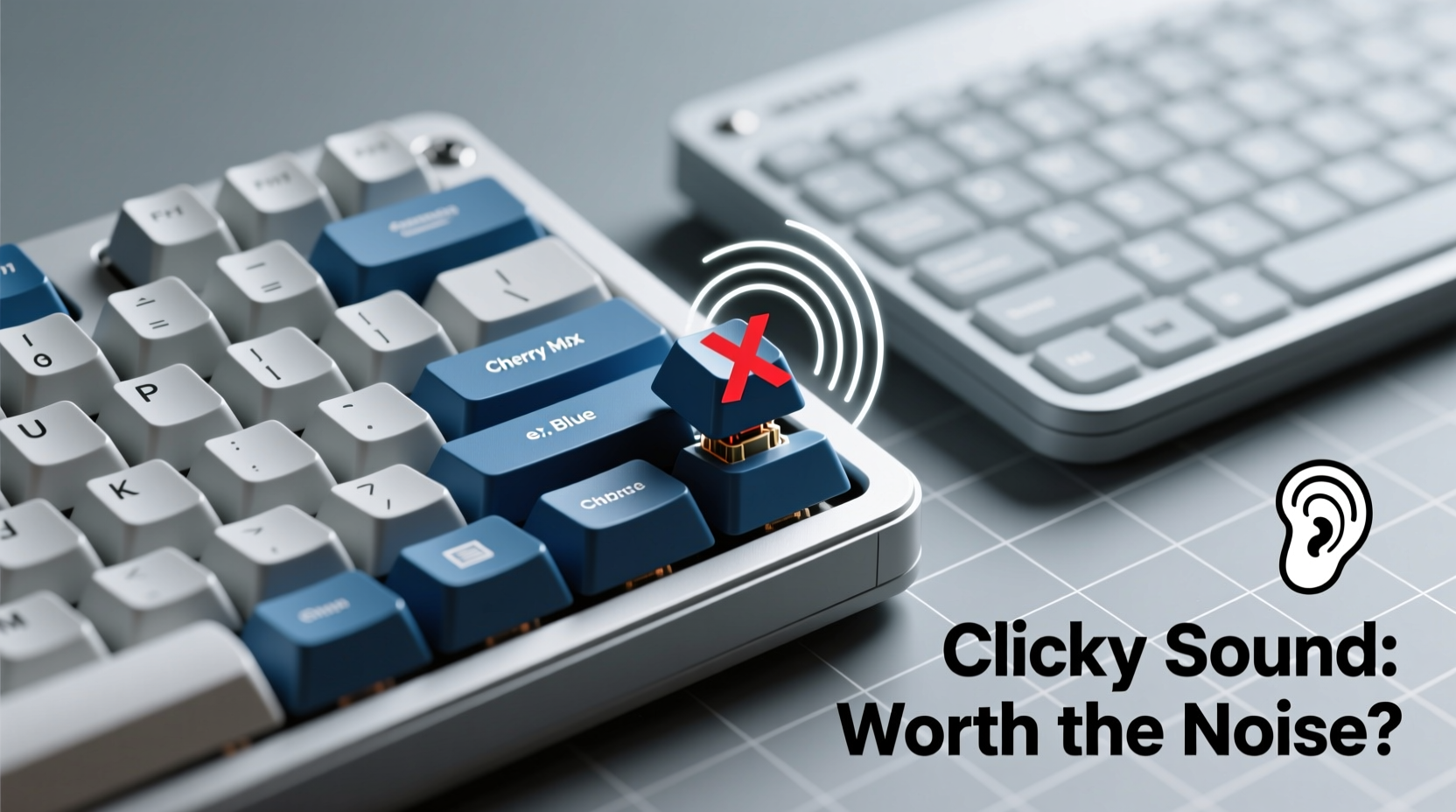
Understanding the fundamental mechanics behind these two types of keyboards is essential to evaluating their performance.
Mechanical keyboards use individual mechanical switches under each keycap. These switches consist of a spring, a stem, and metal contacts. When pressed, the spring compresses, and the stem actuates the switch, sending a signal to the computer. Different switch types—linear, tactile, and clicky—offer varying levels of feedback. The most iconic are the clicky variants (like Cherry MX Blue), which produce an audible snap with each keystroke due to a secondary mechanism inside the switch.
Membrane keyboards, on the other hand, rely on a layered rubber or silicone sheet beneath the keys. Pressing a key pushes down through a dome that makes contact with a conductive layer, completing a circuit. This design lacks discrete switches and instead offers a uniform, mushier feel across all keys. Because there’s no physical switch mechanism, membrane keyboards are nearly silent during regular use.
Performance and Typing Experience Compared
The difference in build translates directly into how each keyboard feels and performs during extended use.
Typists who spend hours at a keyboard often report that mechanical models reduce finger fatigue. The distinct actuation point—the moment a keystroke registers—allows for faster, more accurate typing because users can “bottom out” less frequently. This efficiency is especially valuable for programmers, writers, and data entry professionals.
Clicky switches enhance this feedback with both tactile bump and auditory confirmation. That crisp sound tells your brain the key has registered, potentially reducing errors and increasing typing rhythm. However, this benefit comes at a cost: noise. In quiet environments, the repetitive clicking can be disruptive, not only to others but also to the typist’s own concentration over time.
Membrane keyboards, while generally less precise, offer a smoother, quieter experience. They require slightly more force to actuate and lack the crisp response of mechanical switches, leading some users to press harder than necessary. Over long sessions, this can contribute to hand strain. Still, for casual users—those who check email, browse, or write the occasional document—the performance gap may not be noticeable.
“The tactile and auditory feedback from clicky mechanical switches can improve typing accuracy by up to 15% in experienced typists.” — Dr. Lena Patel, Human-Computer Interaction Researcher, MIT Media Lab
Real-World Trade-Offs: Noise, Durability, and Cost
Choosing between mechanical and membrane isn’t just about preference—it’s about practicality.
| Feature | Mechanical Keyboard | Membrane Keyboard |
|---|---|---|
| Lifespan | 50+ million keystrokes per switch | 5–10 million keystrokes |
| Noise Level | High (especially clicky switches) | Low to silent |
| Price Range | $70–$200+ (premium models higher) | $15–$50 |
| Customizability | High (swappable switches, keycaps) | None |
| Portability | Heavier, bulkier | Lightweight, slim |
Durability is one area where mechanical keyboards clearly win. Individual switches are rated for tens of millions of presses, far exceeding the lifespan of most membrane keyboards. Additionally, mechanical models allow for repairs—individual switches can be replaced without discarding the entire unit. Membrane keyboards, once the rubber domes degrade or tear, are typically non-repairable.
Cost is a significant barrier for many. While budget mechanical options exist (some under $50), they often compromise on build quality or switch authenticity. Genuine mechanical keyboards with reliable switches start around $70. Membrane keyboards remain the go-to for cost-conscious buyers, especially in corporate settings where hundreds of units are deployed.
A Day in the Life: Two Users, Two Choices
Case Study: Sarah, Remote Software Developer
Sarah works from a home office adjacent to her living room. She initially bought a loud Cherry MX Blue mechanical keyboard for its precision and responsiveness. While she loved the typing feel, her partner complained about the constant clicking during video calls and evening relaxation. After three months, Sarah switched to a mechanical keyboard with linear, silent switches (Cherry MX Reds). She retained the tactile benefits without the noise, improving household harmony without sacrificing performance.
Case Study: James, University Student
James lives in a dorm with thin walls and shares a room with a roommate who studies late. He considered a mechanical keyboard for coding assignments but worried about disturbing others. Instead, he chose a mid-range membrane model with a scissor-switch hybrid design—offering slight tactile feedback and near-silent operation. While not as responsive as a full mechanical board, it met his needs without social friction.
Finding Your Ideal Switch: A Step-by-Step Guide
If you're considering a mechanical keyboard but unsure whether the click is right for you, follow this process to make an informed decision:
- Assess your environment: Do you type in shared spaces? Are you sensitive to background noise? If yes, prioritize quieter switches.
- Identify your primary use case: Heavy typing or gaming favors mechanical; light browsing may not justify the investment.
- Test different switch types: Visit electronics stores or purchase switch testers online. Feel the difference between linear (smooth), tactile (bump), and clicky (bump + sound).
- Consider long-term maintenance: Mechanical keyboards last longer but may require cleaning or switch replacement. Factor in effort and cost.
- Budget accordingly: Set a realistic range. Don’t overspend on features you won’t use, but avoid ultra-cheap clones with poor switch quality.
Switch Type Comparison: What Each Offers
Not all mechanical keyboards are created equal. The switch type defines the experience:
- Clicky (e.g., Cherry MX Blue, Kailh Box White): Audible click and tactile bump. Best for typists who want feedback. Worst for quiet environments.
- Tactile (e.g., Cherry MX Brown, Gateron Clear): Noticeable bump without the click. Balanced option for mixed-use scenarios.
- Linear (e.g., Cherry MX Red, Gateron Yellow): Smooth press from top to bottom. Favored by gamers for rapid actuation.
Many modern mechanical keyboards now use proprietary switches (like Logitech’s Romer-G or Microsoft’s low-profile mechanics) designed to reduce noise while preserving responsiveness. These hybrids blur the line between traditional categories and are worth exploring if you want mechanical precision without the clatter.
FAQ: Common Questions About Mechanical vs Membrane Keyboards
Are mechanical keyboards better for typing speed?
Yes, for trained typists. The consistent actuation point and tactile feedback allow for faster, more accurate keystrokes. However, beginners may not notice a significant difference until they develop muscle memory.
Can I reduce the noise of a mechanical keyboard?
Absolutely. Use O-rings to dampen key travel, choose quieter switch types (like Browns or Clears), or opt for lubed switches. Sound-dampening foam inside the case also helps. For extreme quiet, consider silent switches like Cherry MX Ultra Low Profile or Zilents.
Do membrane keyboards wear out faster?
Generally, yes. Rubber domes degrade over time, leading to inconsistent keystrokes or unresponsive keys. Most membrane keyboards last 3–5 years with daily use, whereas mechanical ones can exceed a decade.
Action Plan: How to Choose Your Next Keyboard
Before making a purchase, run through this checklist to ensure you’re getting the right tool for your needs:
- ✅ Define your primary use: typing, gaming, general browsing?
- ✅ Evaluate your workspace: quiet office, shared apartment, private study?
- ✅ Decide on budget: $50, $100, or premium tier?
- ✅ Test switches if possible: use a switch tester or visit a retailer.
- ✅ Consider ergonomics: look for adjustable feet, wrist rests, or split designs.
- ✅ Check connectivity: wired for reliability, wireless for clutter-free setup?
- ✅ Prioritize build quality: aluminum frames last longer than plastic housings.
“People don’t buy keyboards—they buy experiences. The click is just one part of a larger sensory feedback loop that affects focus and satisfaction.” — Mark Tran, Senior UX Designer at InputLabs
Conclusion: Is the Click Worth It?
The allure of the clicky mechanical keyboard is real. There’s undeniable satisfaction in hearing and feeling each keystroke register with precision. For many, it transforms typing from a chore into a rhythmic, almost meditative activity. But that same sound can become a liability in shared environments, turning a personal pleasure into a communal annoyance.
The truth is, the “best” keyboard isn’t defined by noise level alone. It’s determined by how well it aligns with your habits, environment, and priorities. You don’t have to sacrifice performance for peace. With the wide variety of mechanical switches available today—from silent linears to soft tactiles—you can enjoy the durability and responsiveness of mechanical design without the disruptive clatter.
Ultimately, the clicky sound isn’t inherently worth or worthless. Its value depends entirely on context. For a freelance writer in a soundproof home office, it might be perfect. For a student in a crowded dorm, it could be social suicide. The smart approach isn’t to default to one technology over another, but to match the tool to the task—and to the space.




 浙公网安备
33010002000092号
浙公网安备
33010002000092号 浙B2-20120091-4
Comments
No comments yet. Why don't you start the discussion?