
Basements are notorious for weak Wi-Fi signals. Thick concrete walls, metal pipes, and their below-ground location make them one of the most challenging areas to cover with reliable wireless internet. Many homeowners turn to extenders or mesh systems to solve this problem—but which solution actually delivers stronger, more consistent Wi-Fi in a basement environment?
The answer isn’t always straightforward. While both range extenders and mesh routers aim to expand your network’s reach, they operate differently and yield vastly different results—especially in tough environments like basements. Understanding these differences can help you make an informed decision that improves streaming, gaming, smart home functionality, and remote work performance in lower-level spaces.
How Basements Challenge Wi-Fi Signals
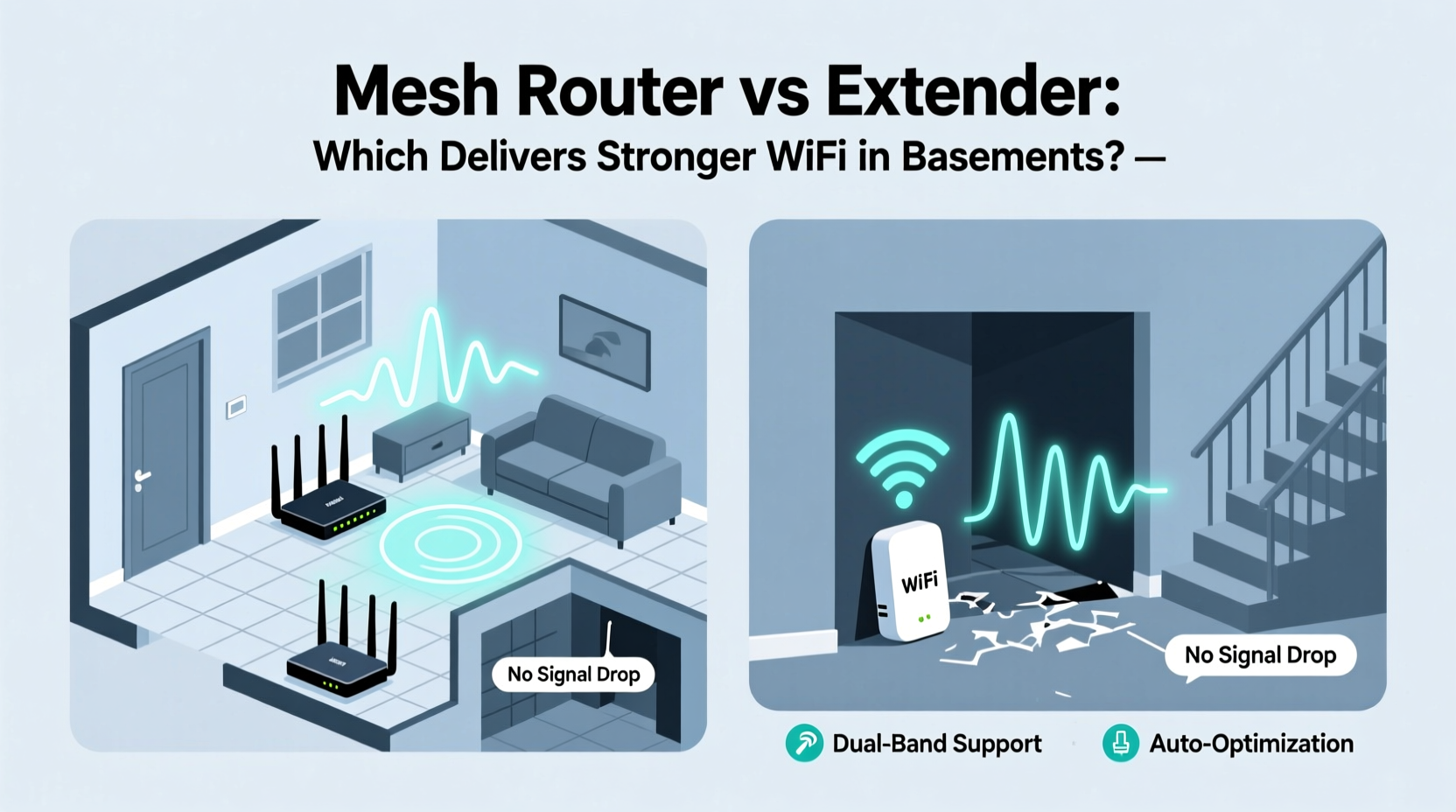
Before comparing devices, it's essential to understand why basements struggle with connectivity. Several physical and structural factors contribute:
- Concrete and cinder block walls – These materials absorb and block radio frequencies, especially the 5 GHz band used by modern high-speed Wi-Fi.
- Metal support beams and ductwork – Act as signal reflectors or shields, creating dead zones.
- Distance from the main router – Often located on upper floors, the signal must travel down through multiple levels, losing strength at each obstacle.
- Below-ground positioning – Earth itself attenuates signals, reducing propagation efficiency.
In such conditions, simply adding a device that \"boosts\" the signal may not be enough. The technology behind how that boost is delivered becomes critical.
Range Extenders: How They Work (and Why They Fall Short)
A Wi-Fi range extender picks up the existing signal from your primary router, amplifies it, and rebroadcasts it as a new network (or same SSID). This seems simple—and cost-effective—but comes with significant trade-offs.
Extenders operate on the same frequency band they receive from the router. That means if your original signal uses 5 GHz, the extender receives and retransmits on 5 GHz. Since most extenders use a single radio, they can't send and receive simultaneously. This halves bandwidth due to \"repeat mode\" operation.
In a basement scenario, where the incoming signal might already be at 20–30% strength, the extender further degrades speed and latency. You might see a Wi-Fi symbol, but actual performance often fails basic tasks like HD video streaming or Zoom calls.
Mesh Routers: A Smarter Approach to Whole-Home Coverage
Mesh Wi-Fi systems consist of multiple nodes (a main router and satellite units) that communicate seamlessly to create one unified network. Unlike extenders, mesh systems are designed from the ground up for multi-room, multi-floor coverage.
High-end mesh kits use tri-band technology: two bands for backhaul (communication between nodes) and one for client devices. This means data doesn’t have to compete for airtime—the node-to-node link stays separate from your phone or laptop connection.
When placing a mesh node in the basement, you’re not relying on a weakened signal to be rebroadcast. Instead, the system intelligently routes traffic through the strongest available path. Some advanced models even use dedicated 5 GHz or 6 GHz backhaul channels, preserving full-speed throughput.
Additionally, mesh systems offer seamless roaming. As you move from upstairs to basement, your device automatically connects to the nearest node without dropping the session—critical for voice calls or cloud backups.
“Mesh networks are fundamentally superior to extenders in environments with poor line-of-sight and dense building materials. For basements, a well-placed mesh node outperforms any repeater.” — David Lin, Senior Network Engineer at HomeNet Labs
Direct Comparison: Mesh Router vs Extender in Basement Use
| Feature | Wi-Fi Range Extender | Mesh Router System |
|---|---|---|
| Signal Strength in Basement | Low to moderate (depends heavily on source signal) | Moderate to strong (dedicated node provides local power) |
| Bandwidth Retention | Loses ~50% due to repeating | Retains 70–90% with dual/tri-band backhaul |
| Latency (Ping) | High (increased hops) | Low to moderate (optimized routing) |
| Setup Complexity | Simple plug-and-play | Easy app-based setup |
| Network Name (SSID) | Dual SSIDs common (can confuse users) | Single SSID across all nodes |
| Roaming Support | Poor (device sticks to weak signal) | Excellent (fast handoff between nodes) |
| Cost (Entry-Level) | $30–$60 | $150–$300 (multi-pack) |
| Best For | Small homes, light usage, budget fixes | Large homes, multi-floor layouts, basements, heavy streaming/gaming |
Real-World Example: Fixing a Cold Basement Office
Consider Mark, a freelance graphic designer who converted his unfinished basement into a home office. His ISP-provided router sat upstairs near the front door. Despite being only 20 feet away horizontally, the signal barely reached downstairs.
He first tried a $40 Wi-Fi extender. It showed three bars on his laptop, but video conferences froze every few minutes, file uploads stalled, and large design files took over 10 minutes to sync to cloud storage. Speed tests revealed download speeds under 10 Mbps—less than 20% of his subscribed 100 Mbps plan.
Frustrated, he invested in a three-pack mesh system (TP-Link Deco X20). He placed the main unit near the modem upstairs, one satellite halfway down the stairs, and the third in the basement corner near his desk. After setup via the app, his devices automatically connected to the strongest node.
Results were immediate: basement speeds jumped to 85 Mbps, ping dropped from 98 ms to 18 ms, and Zoom calls ran smoothly. More importantly, his phone stayed connected as he moved between floors—no more dropped notifications or re-logins.
This case illustrates a key truth: signal bars don’t equal performance. Mesh systems deliver usable bandwidth where it matters most.
Step-by-Step: Optimizing Your Basement Wi-Fi
If you're deciding between an extender and a mesh system—or already have one but want better results—follow this sequence:
- Test your current signal – Use a free app like Wi-Fi Analyzer (Android) or built-in macOS tools to measure signal strength (RSSI) and speed in the basement. Anything below -70 dBm is considered weak.
- Evaluate your router’s location – Is it tucked in a cabinet or far from stairs? Repositioning the main router even slightly toward the center of the house can improve downstream reach.
- Choose the right solution – If basement signal is below -75 dBm, skip extenders. Opt for a mesh system with at least one dedicated basement node.
- Place the node strategically – Avoid placing mesh satellites directly against concrete walls or near washing machines/dryers (EM interference). Elevate off the floor and keep within reasonable distance (~20–30 ft) of the previous node.
- Use Ethernet backhaul if possible – If your basement has a wired connection (even coaxial cable), consider MoCA adapters or a wired mesh node. Wired backhaul eliminates wireless bottlenecks entirely.
- Update firmware regularly – Manufacturers release updates that improve stability, security, and roaming logic. Enable auto-updates in your mesh app.
- Monitor performance weekly – Re-run speed tests after changes and note improvements in real application performance (e.g., buffering time, upload success).
Checklist: Choosing the Right Solution for Basement Wi-Fi
- ☐ Measure current basement signal strength before buying equipment
- ☐ Rule out Wi-Fi extenders if initial signal is below -75 dBm
- ☐ Prioritize tri-band mesh systems for best performance
- ☐ Confirm app-based management and guest network support
- ☐ Check for parental controls and Quality of Service (QoS) features
- ☐ Consider future needs (smart home devices, security cameras)
- ☐ Look for models with wired Ethernet ports in each node
- ☐ Verify return policy in case placement doesn’t work as expected
FAQ: Common Questions About Basement Wi-Fi Solutions
Can a Wi-Fi extender work in a basement at all?
Yes, but only if the original signal reaching the extender is reasonably strong (above -65 dBm). In most cases, basements don’t meet this threshold, making extenders ineffective. Even when they connect, speeds are often too slow for modern applications.
Do I need a full mesh system, or can I add just one satellite?
You don’t need a full multi-node kit unless your entire home has coverage issues. Many brands sell single mesh satellites compatible with existing systems. For example, if you have an Asus ZenWiFi or Google Nest Wifi, you can purchase an additional point separately to target the basement.
Is powerline networking a better alternative?
Powerline adapters can work well in older homes where wiring is consistent. They transmit data over electrical circuits, bypassing walls. However, performance varies widely based on circuit age and load. Modern mesh systems typically offer faster, more stable connections, especially for 4K streaming or online gaming.
Conclusion: Invest in Performance, Not Just Bars
When it comes to basement Wi-Fi, signal strength isn’t about how many bars appear on your phone—it’s about what you can actually do with the connection. A Wi-Fi extender might show connectivity, but it rarely delivers the throughput needed for today’s bandwidth-heavy applications.
Mesh router systems, though more expensive upfront, provide stronger, more reliable, and scalable coverage. Their intelligent routing, dedicated backhaul, and seamless roaming make them the superior choice for basements, particularly those used as living spaces, offices, or entertainment areas.
Don’t settle for spotty service in half your home. Evaluate your current setup, test your basement signal, and choose a solution designed for real-world performance—not just theoretical reach.




 浙公网安备
33010002000092号
浙公网安备
33010002000092号 浙B2-20120091-4
Comments
No comments yet. Why don't you start the discussion?