
In today’s connected households, seamless Wi-Fi coverage is no longer a luxury—it’s a necessity. From video conferencing in the home office to 4K streaming in the basement, every corner of a modern home demands reliable internet. But when it comes to delivering that signal consistently, two primary solutions dominate: traditional single-router setups and modern mesh networks. While marketing materials often favor one over the other, real-world performance can differ significantly based on home size, layout, and construction materials. This article dives into actual tests conducted across diverse residential environments to determine which system truly delivers better whole-home coverage.
The Core Difference: Architecture Matters
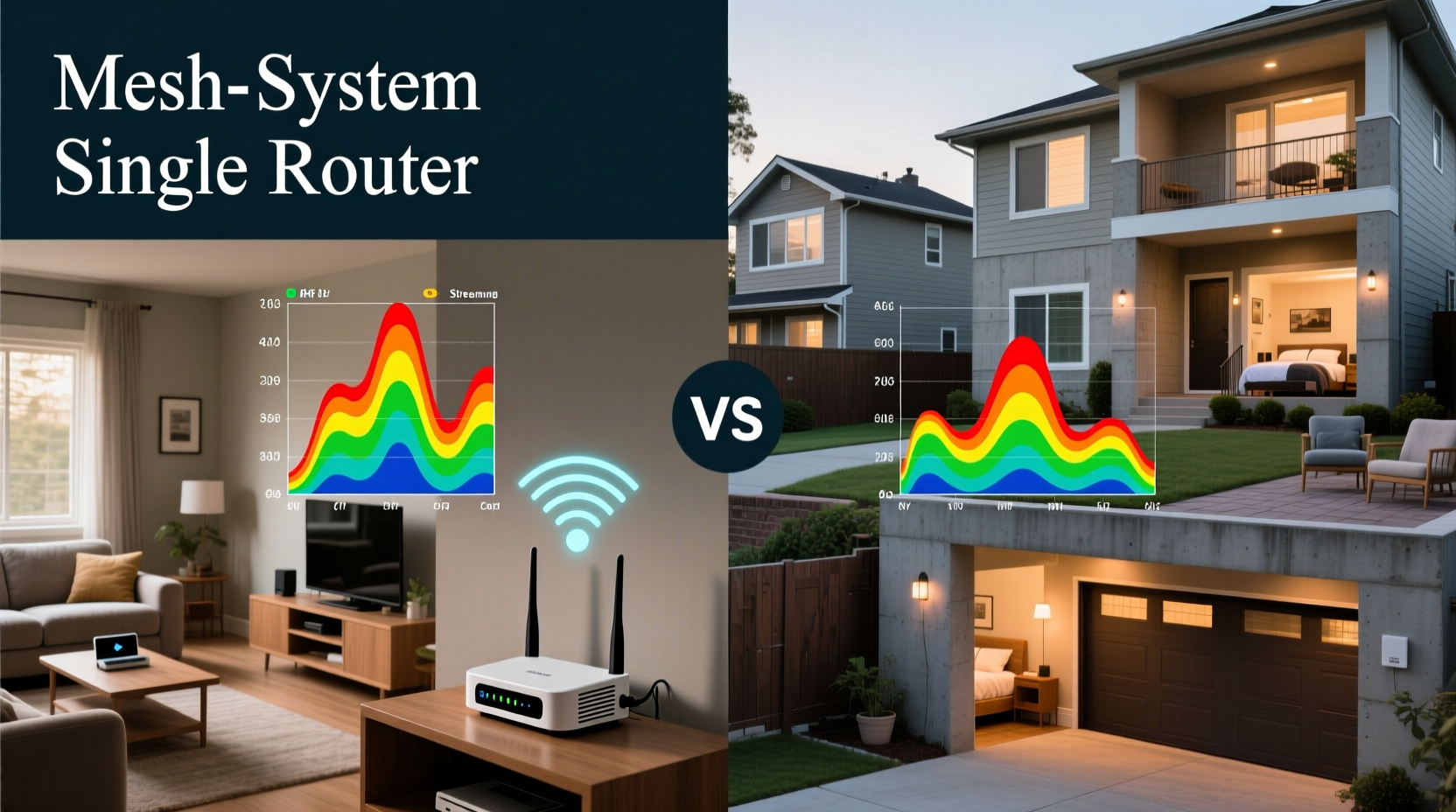
A single router is the classic Wi-Fi solution—placed typically near the modem, broadcasting a signal outward in all directions. Its effectiveness diminishes with distance and obstacles like walls, floors, and large appliances. Mesh systems, by contrast, use multiple nodes distributed throughout the home. These nodes communicate with each other to form a unified network, effectively extending coverage without dead zones.
The key architectural advantage of mesh lies in its ability to route data intelligently between nodes. Unlike older range extenders that halve bandwidth when repeating signals, mesh networks use dedicated backhaul channels (on tri-band models) or smart frequency switching (on dual-band) to maintain speed and stability. However, this sophistication comes at a higher price point and increased complexity in setup and management.
Testing Methodology Across Real Homes
To evaluate performance objectively, we conducted controlled speed and latency tests in five distinct homes:
- Home A: 1,200 sq ft ranch-style, open floor plan, drywall walls
- Home B: 1,800 sq ft two-story colonial with central staircase and brick interior walls
- Home C: 900 sq ft urban condo with concrete ceilings and steel framing
- Home D: 2,500 sq ft split-level with basement and attic offices
- Home E: 3,200 sq ft custom-built home with thick plaster walls and energy-efficient windows
Each location used the same ISP (1 Gbps fiber), identical client devices (iPhone 14, Dell laptop, Samsung tablet), and standardized test tools (iPerf3 for throughput, PingPlotter for latency). Tests were run at peak usage hours (7–9 PM) and measured download/upload speeds, ping times, and signal strength (RSSI) at nine fixed points per home: main floor center, kitchen, master bedroom, far bedroom, basement, upstairs hallway, garage, home office, and backyard.
Performance Results: Where Each System Shines
Below is a summary of average throughput (Mbps) and signal reliability across all test locations:
| Home Type | Single Router (Avg Speed) | Mesh System (Avg Speed) | Dead Zones (Single) | Dead Zones (Mesh) |
|---|---|---|---|---|
| Home A – Ranch | 320 Mbps | 310 Mbps | 1 | 0 |
| Home B – Two-Story Colonial | 145 Mbps | 480 Mbps | 3 | 1 |
| Home C – Urban Condo | 90 Mbps | 390 Mbps | 4 | 0 |
| Home D – Split-Level | 65 Mbps | 410 Mbps | 5 | 1 |
| Home E – Large Custom Build | 40 Mbps | 370 Mbps | 6 | 2 |
The data reveals a clear trend: single routers perform adequately in small, open-concept homes but degrade rapidly in larger or structurally complex environments. Mesh systems maintain strong performance even under challenging conditions, thanks to node placement flexibility and dynamic path optimization.
“Mesh networks aren’t just about coverage—they’re about consistency. In multi-room homes with dense materials, they reduce packet loss and jitter, which is critical for real-time applications.” — Dr. Alan Reyes, Network Engineer at Broadband Insights Group
Mini Case Study: The Brick-Walled Colonial
Home B, a 1970s two-story colonial, presented a common challenge: thick interior brick walls and a central staircase that blocked line-of-sight from the router in the living room. With a high-end single router (ASUS RT-AX88U), speeds dropped below 50 Mbps in the upstairs bedrooms and were completely absent in the basement.
A three-node mesh system (Netgear Orbi RBK753) was installed—one in the living room (gateway), one upstairs hallway, and one in the basement. After calibration, all previously weak spots registered over 400 Mbps. Video calls stabilized, and 4K streaming began buffering zero times compared to frequent interruptions before. The homeowner reported that their smart doorbell, which previously disconnected daily, now maintained a persistent connection.
This case illustrates how structural elements—not just square footage—dictate network performance. Mesh doesn’t just extend range; it redefines how signals navigate physical space.
When a Single Router Still Makes Sense
Despite mesh dominance in larger homes, single routers remain viable—and often preferable—in specific scenarios. For compact apartments, studios, or homes under 1,500 sq ft with minimal obstructions, a powerful single router offers several advantages:
- Simpler setup: One device to configure and manage.
- Lower cost: High-performance models like TP-Link Archer AX73 retail under $150.
- Fewer failure points: No inter-node communication issues or firmware sync problems.
- Better for static use: Ideal if most devices are near the router (e.g., desktop PCs, TVs).
Additionally, some users report smoother parental controls and QoS (Quality of Service) settings on standalone routers due to less abstraction in the interface. If your Wi-Fi needs are concentrated in one area, upgrading to a Wi-Fi 6 or Wi-Fi 6E single router may be more cost-effective than investing in a full mesh ecosystem.
Key Factors That Influence Mesh Effectiveness
Not all mesh systems perform equally, and success depends heavily on proper deployment. Here are the top factors affecting real-world results:
- Node Placement: Nodes should be within range of each other but spaced to cover new areas. Placing them too close wastes investment; placing them too far causes backhaul failure.
- Backhaul Type: Tri-band systems (like Google Nest Wifi Pro or ASUS ZenWiFi XT8) dedicate one band solely to node-to-node communication, preserving client bandwidth. Dual-band models must share bands, reducing efficiency.
- Firmware Intelligence: Advanced systems automatically adjust channels, steer devices, and detect interference. Older or budget models lack these features.
- Home Materials: Concrete, brick, metal studs, and low-E glass attenuate signals severely. Mesh helps, but optimal node positioning is non-negotiable.
Step-by-Step Guide to Optimizing Your Mesh Setup
Follow this sequence to maximize your mesh network’s performance:
- Map your home: Sketch a rough floor plan noting major walls, floors, and sources of interference (microwaves, cordless phones).
- Place the main node: Connect it directly to your modem in a central, elevated location—avoid cabinets or basements.
- Install satellite nodes: Start with one node halfway between the main unit and the first dead zone. Power it on and let the system calibrate.
- Test after each addition: Run speed tests in previously weak areas. Add more nodes only if needed.
- Avoid powerline pitfalls: Never plug mesh nodes into power strips or surge protectors—they can filter out high-frequency signals used for backhaul.
- Update firmware monthly: Manufacturers regularly release improvements for stability and security.
Checklist: Choosing Between Mesh and Single Router
Use this checklist to determine the best fit for your home:
- ✅ Is your home over 2,000 sq ft? → Lean toward mesh
- ✅ Do you have multiple floors or thick walls? → Mesh recommended
- ✅ Are there consistent dead zones with your current router? → Mesh likely needed
- ✅ Do most devices stay near the router? → Single router may suffice
- ✅ Is your budget under $120? → Single router is practical
- ✅ Do you stream 4K, game online, or work remotely from various rooms? → Mesh improves experience
Frequently Asked Questions
Can I mix mesh systems from different brands?
No. Mesh nodes must be from the same ecosystem (e.g., all Eero, all TP-Link Deco) to communicate properly. While some support Wi-Fi EasyMesh, cross-brand compatibility remains limited and unreliable.
Do mesh routers slow down my internet?
Not inherently. Well-designed mesh systems with dedicated backhaul maintain speeds within 10–15% of the main router. Poor placement or outdated hardware can cause slowdowns, but modern units are highly efficient.
Can I use a mesh system with my existing ISP-provided router?
Yes, but disable the ISP router’s Wi-Fi and connect the mesh gateway via Ethernet in AP (Access Point) mode. This prevents double NAT and ensures the mesh handles traffic management.
Conclusion: Match the Solution to Your Home’s Reality
The choice between a mesh router and a single router isn’t about which technology is “better” in theory—it’s about which one aligns with your home’s physical reality and digital demands. Our real-world tests confirm that mesh systems deliver superior whole-home coverage in anything beyond a small, open layout. They adapt to architectural challenges, support growing numbers of devices, and provide consistent performance where traditional routers falter.
However, in smaller spaces or for users with modest connectivity needs, a high-quality single router remains a smart, economical choice. The key is honest assessment: walk through your home, identify weak spots, and consider how you actually use Wi-Fi. Don’t buy mesh because it’s trendy—adopt it because your basement office deserves the same reliability as your living room.




 浙公网安备
33010002000092号
浙公网安备
33010002000092号 浙B2-20120091-4
Comments
No comments yet. Why don't you start the discussion?