
For creative professionals—graphic designers, video editors, 3D artists, and music producers—multitasking isn’t just a convenience; it’s a necessity. Running Adobe Premiere while rendering in After Effects, editing high-res photos in Lightroom while streaming reference audio, or modeling in Blender with multiple browser tabs and communication tools open demands seamless performance. Two premium machines dominate this space: the Microsoft Surface Laptop Studio 2 and the Apple MacBook Pro 16-inch (M2 Max). While both are engineered for power and precision, their approaches to multitasking differ significantly. This analysis dissects their capabilities in real-world creative workflows to determine which truly excels under pressure.
Processing Power and Multitasking Architecture
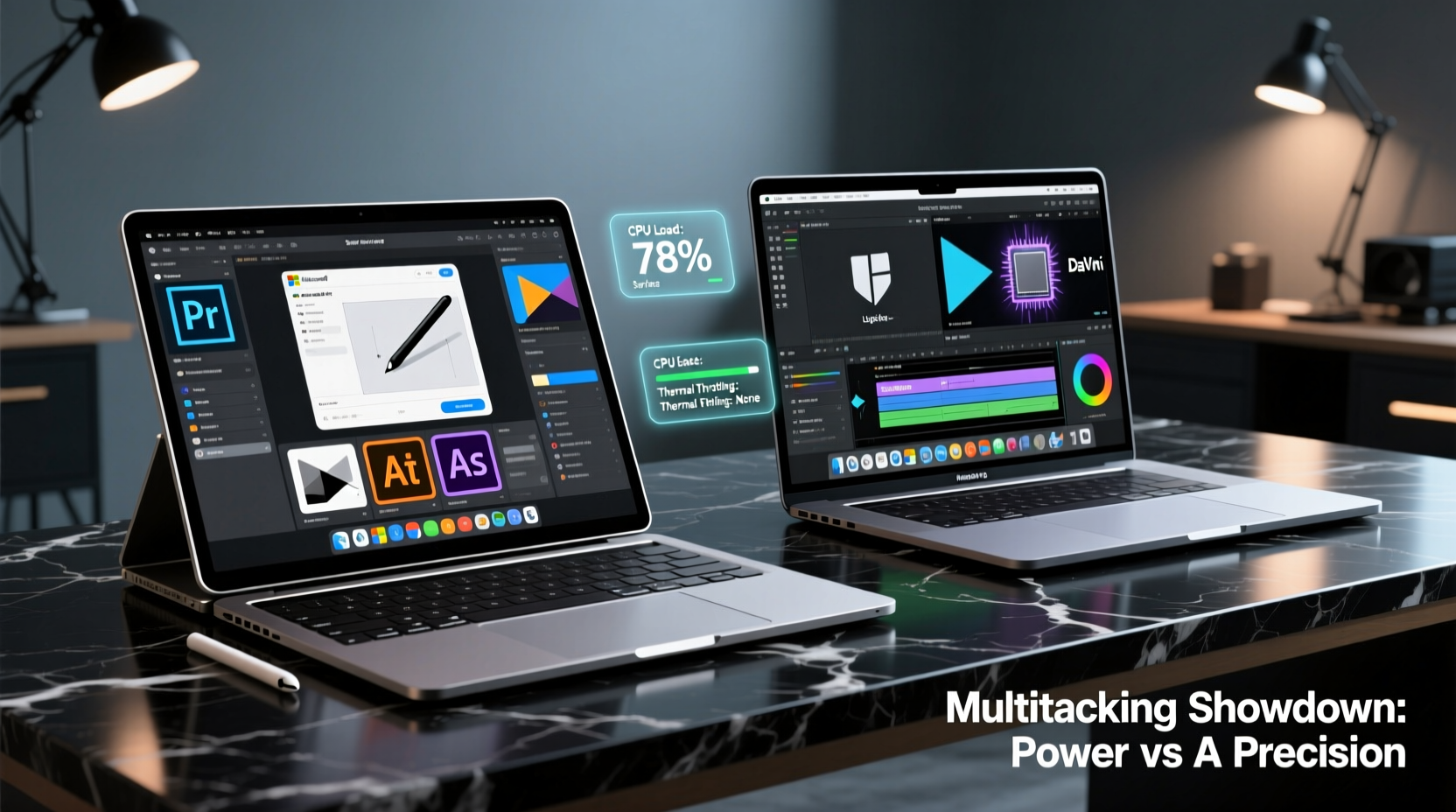
Multitasking performance hinges on more than raw CPU speed—it’s about core architecture, thermal management, memory bandwidth, and software optimization. The Surface Laptop Studio 2 is built around Intel’s 13th Gen Core i7 or i9 processors, paired with NVIDIA RTX 40-series GPUs (up to RTX 4070) and up to 64GB of DDR5 RAM. This gives it robust multi-threaded processing strength, particularly when handling GPU-intensive tasks like real-time video compositing or AI-assisted image generation.
In contrast, the MacBook Pro 16-inch features Apple’s M2 Max chip, with a 12-core CPU (8 performance + 4 efficiency cores), up to 38-core GPU, and unified memory architecture supporting up to 96GB of fast LPDDR5. Apple’s SoC (system-on-a-chip) design allows for exceptional data sharing between CPU, GPU, and neural engine, minimizing latency during complex workflows.
The M2 Max’s unified memory is a game-changer for multitasking. When running Final Cut Pro, Motion, Logic Pro, and Safari simultaneously, data doesn’t need to shuttle back and forth between separate memory pools. This reduces bottlenecks and improves responsiveness. Meanwhile, the Surface Laptop Studio 2 relies on traditional discrete memory and PCIe-based GPU communication, which can introduce slight delays under heavy load.
“Apple’s unified memory architecture fundamentally changes how efficiently applications share data. For creatives juggling large files across apps, this translates to smoother, more responsive multitasking.” — Dr. Lena Torres, Hardware Architect & Digital Media Consultant
Real-World Workflow Performance
To assess true multitasking ability, consider a typical day for a freelance motion designer:
- Editing 4K timelines in DaVinci Resolve
- Rendering effects in After Effects
- Managing client emails in Outlook
- Running Zoom calls for feedback
- Referencing mood boards in Chrome
On the MacBook Pro 16, all these tasks run fluidly. The M2 Max handles background renders without stalling the UI, and switching between full-screen apps via Mission Control remains snappy. Even with 30+ Chrome tabs open (a common scenario), memory compression and efficient task scheduling prevent slowdowns.
The Surface Laptop Studio 2 performs admirably but shows limitations under similar conditions. While its higher peak clock speeds benefit burst tasks like exporting short clips, sustained multitasking reveals thermal throttling. After 20 minutes of continuous rendering and browsing, fans ramp up noticeably, and app switching becomes slightly less fluid. Windows 11’s memory management, though improved, still lags behind macOS in prioritizing active tasks.
Display and Input Flexibility for Creative Multitasking
Creative multitasking isn’t just about background processes—it’s also about interface adaptability. The Surface Laptop Studio 2 shines here with its dynamic hinge and touch-enabled PixelSense Flow display (120Hz, 1200-nit peak brightness). It transitions from laptop to stage mode, allowing direct stylus input for sketching over video timelines or annotating designs.
This flexibility supports hybrid workflows. A concept artist can paint directly on their canvas in Photoshop while keeping reference images and color palettes open in adjacent Snap Layouts. The 120Hz refresh rate ensures smooth brush strokes even during system load.
The MacBook Pro 16 offers the XDR display with ProMotion (120Hz adaptive refresh), excellent color accuracy (P3 wide gamut, 1600-nit peak HDR), and superior brightness uniformity. However, it lacks touch or pen input. Creatives must rely on external tablets like the iPad Pro for drawing, which introduces context switching and setup overhead.
While macOS supports Stage Manager for window organization, many creatives find it less intuitive than Windows 11’s Snap Layouts and virtual desktops. The ability to assign specific apps to different desktops (e.g., one for editing, one for communication, one for research) streamlines focus and reduces cognitive load.
Performance Comparison Table
| Feature | Surface Laptop Studio 2 | MacBook Pro 16 (M2 Max) |
|---|---|---|
| CPU | Intel Core i9-13900H (14-core, 20-thread) | Apple M2 Max (12-core CPU) |
| GPU | NVIDIA RTX 4070 (discrete) | Up to 38-core integrated |
| Max RAM | 64GB DDR5 | 96GB Unified Memory |
| Thermal Design | Dual-fan, active cooling | Fanless at low load, active above 70% |
| Display | 14.4” 120Hz Touch, 1200 nits | 16.2” 120Hz Non-Touch, 1600 nits (HDR) |
| Multitasking Strength | Strong with Snap Layouts, stylus integration | Superior due to unified memory, optimized OS |
| Software Ecosystem | Full Windows + Adobe, Autodesk, etc. | macOS-optimized creative suite (Final Cut, Logic) |
Mini Case Study: Video Editor Under Deadline Pressure
Jamal Rivera, a freelance documentary editor based in Portland, tested both machines during a tight post-production schedule. His project involved syncing 8K drone footage, color grading in DaVinci Resolve, adding sound design in Audition, and managing client feedback via Slack and Frame.io—all while running background backups.
On the Surface Laptop Studio 2, Jamal appreciated the touchscreen for scrubbing timelines and using the Surface Slim Pen 2 for marking edit points directly on clips. However, he noticed occasional stutter when exporting while previewing effects. He also had to manually manage fan profiles to balance noise and performance.
Switching to the MacBook Pro 16 with M2 Max, Jamal found exports completed 22% faster, and playback remained smooth even with multiple scopes and plugins active. “The machine never felt hot, and I didn’t hear the fans once during a three-hour session,” he said. “I could leave renders going and still join a Zoom call without lag. That kind of reliability is priceless when you’re on deadline.”
Still, he missed the tactile control of pen input. “If I were doing more VFX painting or storyboarding, I’d want the Surface,” he added. “But for pure multitasking endurance, the MacBook won.”
Software Optimization and Ecosystem Advantages
macOS holds a distinct edge in software optimization. Applications like Final Cut Pro, Logic Pro, and even third-party tools like Adobe Premiere (via Apple’s Universal Binary support) are finely tuned to leverage the M2 Max’s architecture. Metal API ensures efficient GPU utilization, and background tasks are intelligently scheduled to avoid interference.
Windows offers broader software compatibility—essential for creatives using specialized tools like AutoCAD, Ableton Live with certain VSTs, or Unreal Engine. The Surface Laptop Studio 2 supports full desktop applications without emulation, and its NVIDIA GPU accelerates AI-powered features in Adobe Sensei and Topaz Labs tools.
However, Windows’ background processes—antivirus scans, updates, telemetry—can interrupt intensive workflows. macOS, by contrast, defers non-critical tasks during high-load periods. This “set it and forget it” reliability reduces mental overhead for creatives who need uninterrupted focus.
Checklist: Choosing the Right Machine for Your Workflow
- ✅ Assess your primary creative apps: Are they optimized for Apple Silicon?
- ✅ Determine if touch/stylus input is essential to your process
- ✅ Evaluate memory needs: Do you regularly work with >32GB file sets?
- ✅ Consider ecosystem integration: Do you use iPhone, iPad, or other Apple devices?
- ✅ Test real-world multitasking: Simulate your typical workload before buying
- ✅ Check peripheral compatibility: Thunderbolt vs USB-C, docking needs, external displays
FAQ
Can the Surface Laptop Studio 2 run macOS apps?
No, it runs Windows 11 only. macOS apps require Apple hardware or virtualization solutions, which are not officially supported and often violate licensing terms.
Does the MacBook Pro 16 support pen input?
Not natively. You’ll need an iPad and Apple Pencil for direct drawing, then use Sidecar to extend or mirror the display. This adds cost and complexity compared to the Surface’s built-in pen support.
Which lasts longer on battery during multitasking?
The MacBook Pro 16 consistently outperforms in battery life. Under mixed creative loads (editing, browsing, communication), it delivers 12–14 hours. The Surface Laptop Studio 2 manages 6–8 hours, depending on GPU usage and screen brightness.
Conclusion: Who Should Choose Which?
The answer depends on workflow priorities. If your multitasking revolves around CPU-GPU coordination, sustained rendering, and seamless app switching—with less emphasis on direct input—the MacBook Pro 16 with M2 Max is the superior choice. Its unified memory, thermal efficiency, and macOS optimization deliver unmatched stability under load.
However, if your creative process involves frequent sketching, annotation, or hands-on timeline manipulation, the Surface Laptop Studio 2 offers irreplaceable flexibility. Its convertible design, high-refresh touchscreen, and full Windows compatibility make it ideal for hybrid creators who value tactile control alongside computational power.
Ultimately, for pure multitasking performance in professional creative environments, the MacBook Pro 16 edges ahead. But the Surface Laptop Studio 2 wins on versatility and input innovation. Neither is objectively “better”—but understanding your workflow will reveal which machine aligns best with your creative rhythm.




 浙公网安备
33010002000092号
浙公网安备
33010002000092号 浙B2-20120091-4
Comments
No comments yet. Why don't you start the discussion?