
In an age where smartphones are extensions of our minds, it’s easy to accumulate digital clutter without realizing the toll it takes. The average person checks their phone over 100 times a day, often pulled in by relentless notifications and an overwhelming number of apps. A minimalist phone setup isn’t about stripping functionality—it’s about reclaiming attention, reducing stress, and aligning your device with intention rather than distraction. By simplifying your home screen, managing notifications strategically, and auditing your digital habits, you can transform your phone from a source of anxiety into a tool of purpose.
Why Minimalism Matters on Your Phone
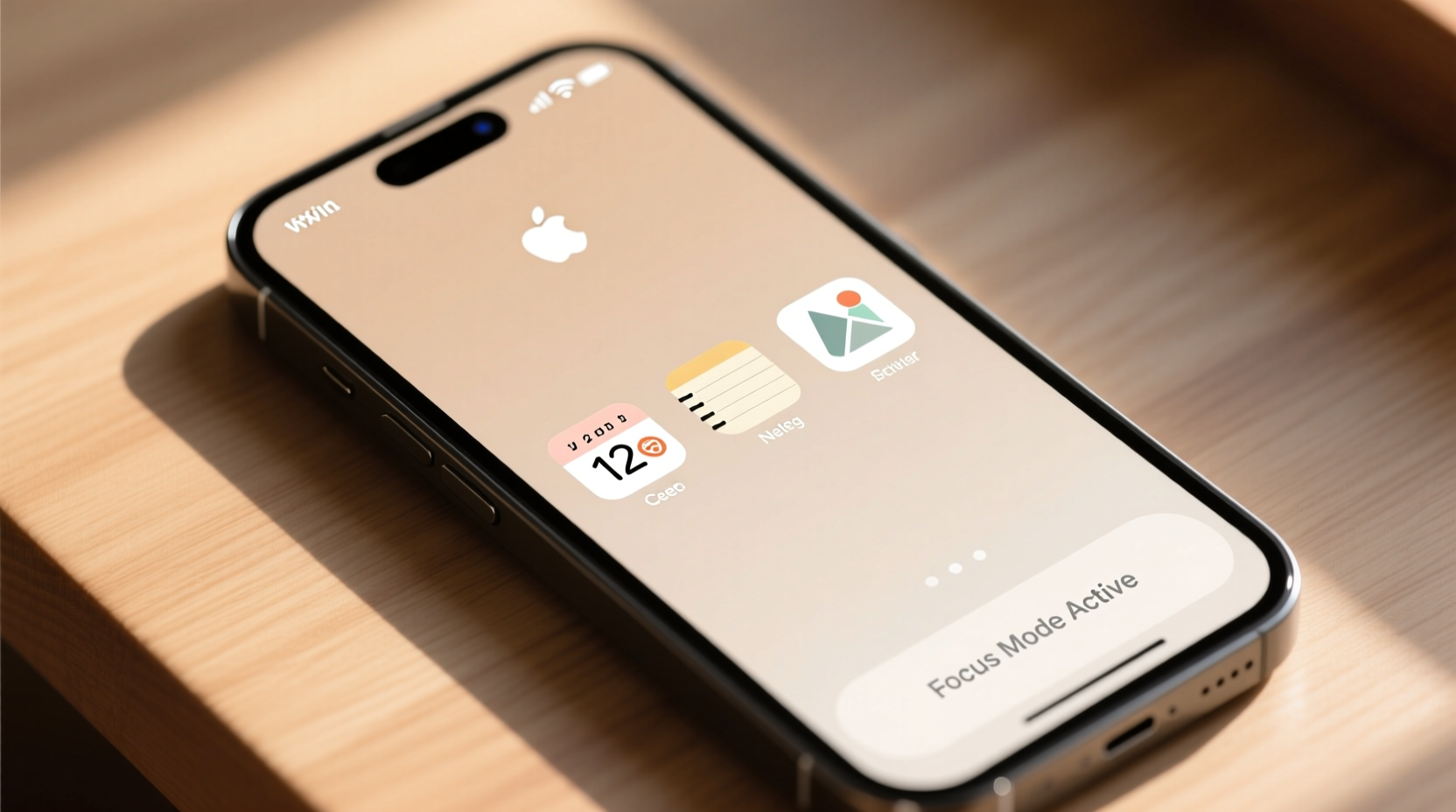
Minimalism in digital spaces mirrors its physical counterpart: less clutter leads to greater clarity. When your phone is overloaded with apps and constant alerts, cognitive load increases. Every notification competes for your attention, fragmenting focus and making deep work nearly impossible. Research from the University of California, Irvine, found that it takes an average of 23 minutes to regain full concentration after a single interruption. Multiply that by dozens of daily pings, and it becomes clear why so many feel mentally drained by midday.
A minimalist phone setup reduces decision fatigue. Fewer apps mean fewer choices. Fewer notifications mean fewer distractions. This intentional curation fosters mindfulness and supports long-term digital well-being. As Cal Newport, author of *Digital Minimalism*, puts it:
“Clutter is costly. The more attention residue you leave behind after switching tasks, the harder it becomes to engage deeply with anything.” — Cal Newport, Computer Science Professor & Author
The goal isn’t to eliminate technology but to use it deliberately. A clean interface supports better habits, improves sleep hygiene (by reducing late-night scrolling), and enhances overall life satisfaction.
Step-by-Step Guide to Declutter Your Home Screen
Your home screen should reflect your priorities, not your download history. Follow this timeline to systematically simplify your phone’s layout.
- Day 1: Audit All Installed Apps
Open your app library or settings and scroll through every app. Categorize each as Essential, Occasional Use, or Junk. Be ruthless—ask whether you’ve used it in the past 30 days. - Day 2: Remove Junk Apps
Delete anything labeled “Junk.” If it hasn’t served you recently and doesn’t align with current goals, let it go. This includes expired subscriptions, trial apps, and duplicates (e.g., multiple note-taking tools). - Day 3: Group Remaining Apps Logically
Create folders based on function: Communication, Finance, Creativity, Health, etc. Avoid naming folders “Misc” or “Utilities”—if it doesn’t have a clear purpose, reconsider keeping it. - Day 4: Design a Clean Home Screen
Limit your home screen to 5–7 essential apps: phone, messages, calendar, camera, maps, one social media (if necessary), and a notes app. Everything else goes into folders on secondary screens. - Day 5: Enable Grayscale Mode Temporarily
Switch your display to grayscale (found under Accessibility settings). This reduces visual appeal, making mindless scrolling less enticing while reinforcing habit awareness.
Mastering Notification Management
Notifications are the primary drivers of compulsive phone use. Most people never customize alert settings, accepting every ping from every app. But silence is a superpower when reclaimed.
Start by disabling non-essential notifications entirely. Go to Settings > Notifications and review each app one by one. Ask: Does this alert require immediate action? Is it time-sensitive? If not, turn it off.
Prioritize human-first communication. Allow alerts only from direct messages (SMS, WhatsApp, iMessage) and critical calls. For email, limit notifications to VIP contacts or use scheduled check-ins instead of real-time pings.
Use “Do Not Disturb” modes proactively. Set automatic rules for sleep hours, meetings, and focus periods. On iOS, use Focus Modes; on Android, leverage Digital Wellbeing schedules. These tools suppress interruptions except for selected contacts or repeat callers.
Notification Do’s and Don’ts
| Do | Don’t |
|---|---|
| Allow alerts for urgent communications (family, emergencies) | Enable badges or sounds for social media likes/shares |
| Use summary delivery for low-priority apps (daily digest at 5 PM) | Permit push notifications for games or promotional content |
| Schedule notification windows (e.g., check emails only at 10 AM, 2 PM, 5 PM) | Leave all alerts enabled “just in case” |
| Enable silent vibration for calendar reminders | Rely on pop-ups for news updates unless breaking events are relevant to your work |
Real Example: From Overwhelmed to Intentional
Take Sarah, a freelance graphic designer who once had 147 apps installed and received over 200 notifications daily. She described her phone as “a slot machine she couldn’t stop playing.” After adopting a minimalist setup, she deleted 109 apps, including redundant productivity tools, shopping platforms, and social networks she hadn’t actively used in months.
She moved remaining apps into categorized folders and reduced her home screen to six core tools: Messages, Phone, Calendar, Notes, Browser, and Spotify. She disabled all social media notifications and set Focus Mode during client work hours.
Within two weeks, Sarah reported a 60% drop in daily screen time. More importantly, she felt calmer, slept better, and completed projects faster. “I didn’t realize how much mental energy I was wasting just deciding whether to tap an alert,” she said. “Now my phone works for me, not the other way around.”
Essential Checklist for a Minimalist Phone Setup
Use this checklist to implement lasting change:
- ✅ Delete all unused or redundant apps
- ✅ Limit home screen to 5–7 essential apps
- ✅ Organize remaining apps into labeled folders
- ✅ Disable notifications for non-critical apps
- ✅ Schedule notification summaries instead of real-time alerts
- ✅ Activate Focus/Do Not Disturb during key hours
- ✅ Turn off badge counts and lock screen previews
- ✅ Switch to grayscale mode for one week to reset habits
- ✅ Review app usage weekly via Screen Time or Digital Wellbeing reports
- ✅ Replace habitual scrolling with intentional alternatives (reading, journaling, walking)
Advanced Tactics for Sustained Simplicity
Maintaining a minimalist phone requires ongoing vigilance. New apps tempt us daily, and old habits creep back. To stay consistent, adopt these advanced strategies:
App Trial Periods: Before installing any new app, give yourself a 48-hour trial. If it doesn’t prove indispensable by then, uninstall it. This prevents accumulation of “maybe useful” tools.
Single-Purpose Devices: Consider using dedicated devices for specific functions. For example, read books on a Kindle instead of your phone, or use a physical alarm clock to avoid nighttime screen exposure.
Monthly Digital Detox: Once a month, power down your smartphone for 24 hours. Use a basic phone or tablet for emergencies. This resets dependency and highlights which features you truly rely on.
Reverse Chronological Home Screen: Arrange your most important apps from bottom to top, left to right—placing them where they’re hardest to reach. This adds friction to opening them, discouraging idle taps.
“We shape our tools, and thereafter our tools shape us.” — Marshall McLuhan, Media Theorist
This quote underscores the importance of designing your digital environment intentionally. Every app icon and alert sound shapes behavior over time. Choose them wisely.
Frequently Asked Questions
Can I still use social media with a minimalist phone setup?
Yes—but with boundaries. Keep only one platform if possible, disable all push notifications, and access it only through a browser (not a native app). Schedule specific times to check in, such as 15 minutes after lunch. Many users find they maintain connections without falling into endless scrolling loops.
What if I need quick access to certain apps for work?
Essential work tools belong on your home screen, but consider separating personal and professional use. Use a second user profile (on Android) or a separate Apple ID to compartmentalize roles. Alternatively, keep work apps in a folder labeled “Work Zone” and open it only during designated hours.
Won’t turning off notifications make me miss important updates?
Most “important” updates aren’t urgent. True emergencies come through calls or texts from known contacts. For everything else—software updates, newsletter drops, friend requests—batch processing once or twice a day is more efficient than constant reactivity. You’ll actually respond faster because you’re not constantly distracted.
Conclusion: Reclaim Your Attention
A minimalist phone setup is not a one-time cleanup—it’s a mindset shift. It acknowledges that attention is your most valuable resource and refuses to surrender it to algorithms designed for addiction. By reducing app clutter and silencing unnecessary noise, you create space for presence, creativity, and deeper connection.
Start small. Delete five unused apps today. Silence three noisy notifications tomorrow. Each step pulls you further from digital chaos and closer to intentional living. Your phone doesn’t have to own your time. Take back control—one tap at a time.




 浙公网安备
33010002000092号
浙公网安备
33010002000092号 浙B2-20120091-4
Comments
No comments yet. Why don't you start the discussion?