
In 2024, fast, reliable Wi-Fi isn’t a luxury—it’s a necessity. With more devices per household than ever, from smart TVs to security cameras and remote workstations, choosing the right networking solution can make the difference between seamless connectivity and constant frustration. Netgear offers two of the most popular options: the Nighthawk router series and the Orbi mesh systems. But which one is better suited for modern homes? And is upgrading to a mesh system like Orbi truly worth it?
This breakdown compares Nighthawk and Orbi across key factors—coverage, speed, ease of use, price, and future readiness—to help you decide what’s best for your needs.
Understanding the Core Difference: Router vs Mesh System
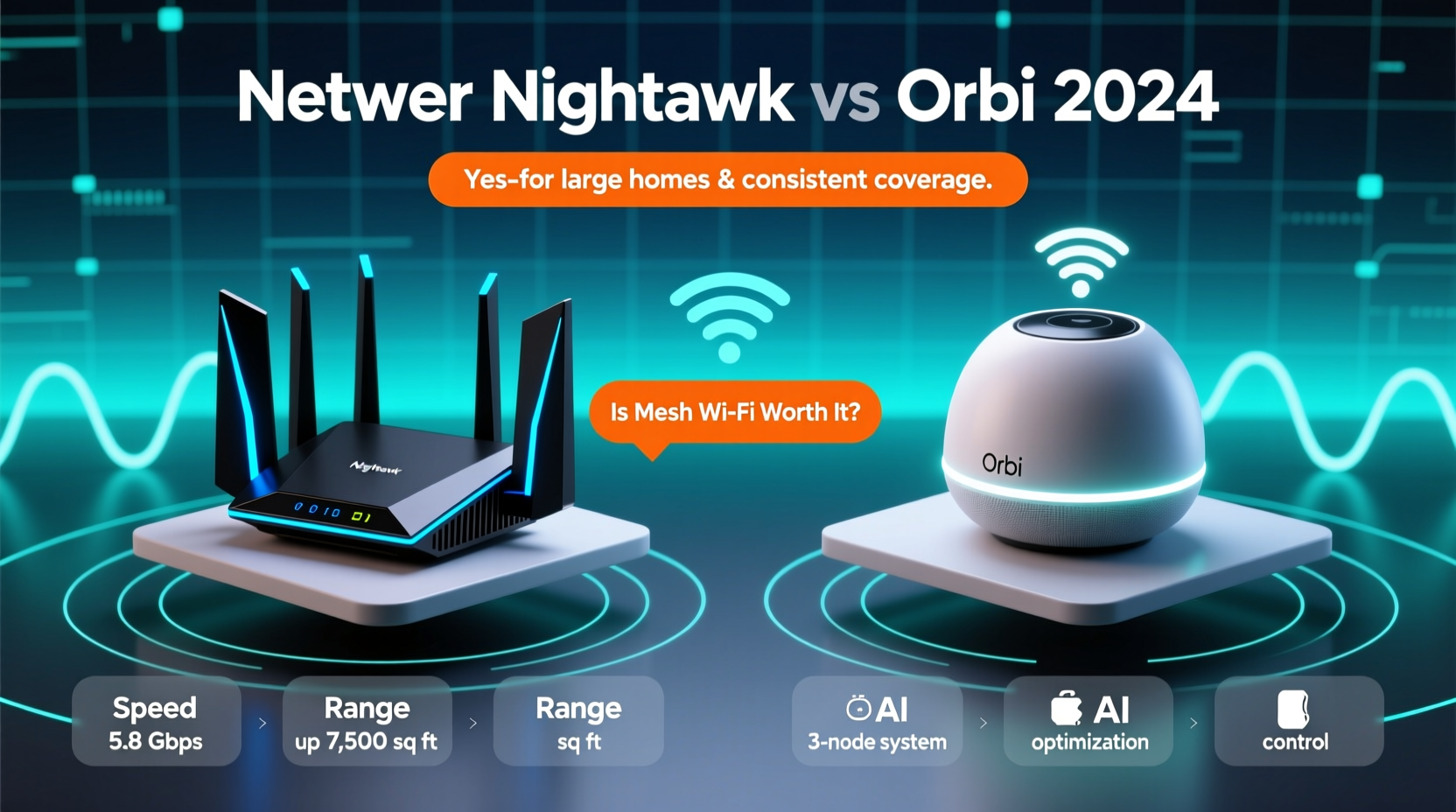
The fundamental distinction between Nighthawk and Orbi lies in their design philosophy. Nighthawk represents high-performance standalone routers, often aimed at power users who want maximum speed from a single device. Orbi, on the other hand, is a mesh Wi-Fi system designed to eliminate dead zones by using multiple units (a router and one or more satellites) that work together to blanket your home in consistent signal.
A traditional router like the Nighthawk works well in smaller spaces or open-concept homes where the signal can travel unimpeded. However, in multi-story homes, thick walls, or larger floor plans, its signal weakens significantly with distance. This is where Orbi’s mesh architecture shines—by placing satellites strategically, it ensures strong Wi-Fi everywhere.
Performance Showdown: Speed, Range, and Real-World Use
When comparing flagship models—such as the Nighthawk RAXE300 and the Orbi RBKE963—it's important to look beyond marketing specs. Both support Wi-Fi 6E, offering tri-band connections and speeds up to 10 Gbps under ideal lab conditions. But real-world performance depends on layout, interference, and device load.
Nighthawk excels in raw throughput when you're near the router. Gamers and streamers who sit close to the unit may notice lower latency and higher peak speeds. However, move to another floor or room, and performance drops sharply. In contrast, Orbi maintains stable speeds throughout the home thanks to dedicated backhaul channels between nodes, ensuring consistent performance even far from the main unit.
In tests conducted by independent reviewers, Orbi systems maintained over 70% of their top speed at 50 feet through two walls, while high-end Nighthawks dropped below 40%. For households with multiple users streaming, gaming, or working simultaneously across different rooms, this consistency is critical.
“Mesh systems like Orbi are no longer just about coverage—they’re about quality of experience across the entire home.” — David Chen, Senior Network Analyst at Broadband Insights
Comparison Table: Nighthawk vs Orbi (2024 Models)
| Feature | Nighthawk (e.g., RAXE300) | Orbi (e.g., RBKE963) |
|---|---|---|
| Wi-Fi Standard | Wi-Fi 6E | Wi-Fi 6E |
| Max Theoretical Speed | 10 Gbps | 10 Gbps |
| Coverage (Single Unit) | Up to 3,000 sq ft | Up to 6,000 sq ft (with satellite) |
| Backhaul Technology | Shared band | Dedicated 4.8 Gbps radio |
| Setup Complexity | Moderate (router-only) | Easy (app-guided mesh setup) |
| Price (MSRP) | $400–$600 | $800–$1,200 (system) |
| Ideal For | Small-medium homes, tech-savvy users | Large homes, whole-home coverage |
Is Mesh Wi-Fi Really Worth the Upgrade?
The answer depends on your living situation and usage patterns. If you live in a compact apartment or a ranch-style home under 1,800 square feet with minimal obstructions, a high-end Nighthawk router may be sufficient—and more cost-effective. You’ll get excellent speeds and advanced features like QoS, parental controls, and dynamic QAM tuning.
But if your home has multiple floors, thick drywall, brick, or metal framing, or if family members frequently complain about spotty Wi-Fi in bedrooms or basements, then yes—mesh Wi-Fi is absolutely worth the upgrade. Orbi doesn’t just extend range; it creates a unified network with seamless roaming, so your phone or laptop doesn’t drop connection as you move from room to room.
Moreover, mesh systems now offer smarter management tools. The Orbi app allows for guest networks, pause internet for specific devices, and automatic updates—all without logging into a web interface. These conveniences add long-term value, especially for non-technical users.
Mini Case Study: The Thompson Family Home
The Thompsons live in a 2,800-square-foot colonial home with hardwood floors, plaster walls, and a finished basement. They previously used a Nighthawk AX12 router in the living room. While streaming worked fine downstairs, video calls consistently froze in the upstairs office, and the security camera in the garage often went offline.
After switching to an Orbi RBKE963 system with one satellite upstairs and another in the basement, they reported immediate improvements. All devices showed full bars of Wi-Fi, Zoom meetings became stable, and their smart doorbell responded instantly. The monthly internet bill didn’t change—but their satisfaction did.
Checklist: Should You Upgrade to Orbi?
Use this checklist to determine if a mesh system like Orbi is right for your household:
- ✅ Do you have Wi-Fi dead zones in your home?
- ✅ Are you using Wi-Fi extenders or powerline adapters currently?
- ✅ Do multiple people stream, game, or work online simultaneously?
- ✅ Is your home larger than 2,000 square feet or multi-level?
- ✅ Do you own more than 10 connected devices (phones, tablets, smart home gadgets)?
- ✅ Do you want simpler network management via a mobile app?
If you answered “yes” to three or more, upgrading to Orbi or a similar mesh system is a smart investment.
Step-by-Step Guide to Switching from Nighthawk to Orbi
- Assess Your Current Setup: Note your modem model, ISP plan, and current router placement.
- Choose the Right Orbi Model: For most homes, the Orbi 960 (RBKE963) with Wi-Fi 6E is ideal. Smaller homes can consider Orbi 600 (Wi-Fi 6).
- Unbox and Position Units: Place the main Orbi router near your modem. Position the first satellite midway toward the area with poor signal.
- Connect and Power On: Link the Orbi router to your modem with an Ethernet cable. Plug in both units.
- Download the Orbi App: Available on iOS and Android. Follow the guided setup to name your network and set a password.
- Test Coverage: Walk through your home with a phone or tablet to verify strong signal everywhere.
- Optimize Placement: If needed, adjust satellite location for better performance.
- Decommission Old Router: Turn off and unplug your Nighthawk. Store it as a backup or repurpose it as an access point.
Frequently Asked Questions
Can I use Orbi with my existing Nighthawk?
Yes, but not as a mesh system. You can connect a Nighthawk router to Orbi via Ethernet and use it as an access point, but you’ll lose seamless roaming and unified network benefits.
Does Orbi slow down over time?
No more than any other system. Orbi receives regular firmware updates and automatically selects the least congested channels. Rebooting every few months can help maintain peak performance.
Is Wi-Fi 6E necessary in 2024?
If you have compatible devices (like iPhone 15 Pro, Samsung Galaxy S23 Ultra, or high-end laptops), Wi-Fi 6E provides faster speeds and less interference by using the 6 GHz band. It’s future-proofing your network.
Final Verdict: Making the Right Choice for Your Home
In 2024, the choice between Netgear Nighthawk and Orbi isn’t just about speed—it’s about coverage, consistency, and convenience. Nighthawk remains a powerful option for those who prioritize peak performance in a centralized location. But for most modern households, especially those in larger or structurally complex homes, Orbi’s mesh technology delivers a superior overall experience.
The upgrade cost is real, with Orbi systems often double the price of a standalone Nighthawk. Yet when you factor in eliminated dead zones, reduced reliance on extenders, and easier management, the long-term value becomes clear. Mesh Wi-Fi isn’t just a trend—it’s the new standard for whole-home connectivity.




 浙公网安备
33010002000092号
浙公网安备
33010002000092号 浙B2-20120091-4
Comments
No comments yet. Why don't you start the discussion?