
When it comes to portable gaming, two devices dominate the conversation: the Nintendo Switch OLED and the Steam Deck. While both offer unique experiences, their approach to indie games couldn’t be more different. Indie titles—games developed by small teams or solo creators—are a cornerstone of modern gaming culture, offering innovation, narrative depth, and creative freedom often absent in big-budget releases. For players who prioritize access to these titles, choosing between the Switch OLED and the Steam Deck isn’t just about hardware—it’s about ecosystem, openness, and long-term value.
The Nintendo Switch OLED is a refined version of an already successful handheld hybrid, with improved screen quality and audio. It thrives on polished, first-party Nintendo exclusives and carefully curated third-party indie titles. The Steam Deck, on the other hand, runs full Steam OS and gives users access to nearly every PC game ever released on Valve’s platform—including tens of thousands of indie titles. But raw numbers alone don’t tell the whole story. Performance, discoverability, control schemes, and update longevity all influence how well each device serves the indie gaming community.
Indie Game Ecosystem: Philosophy and Access
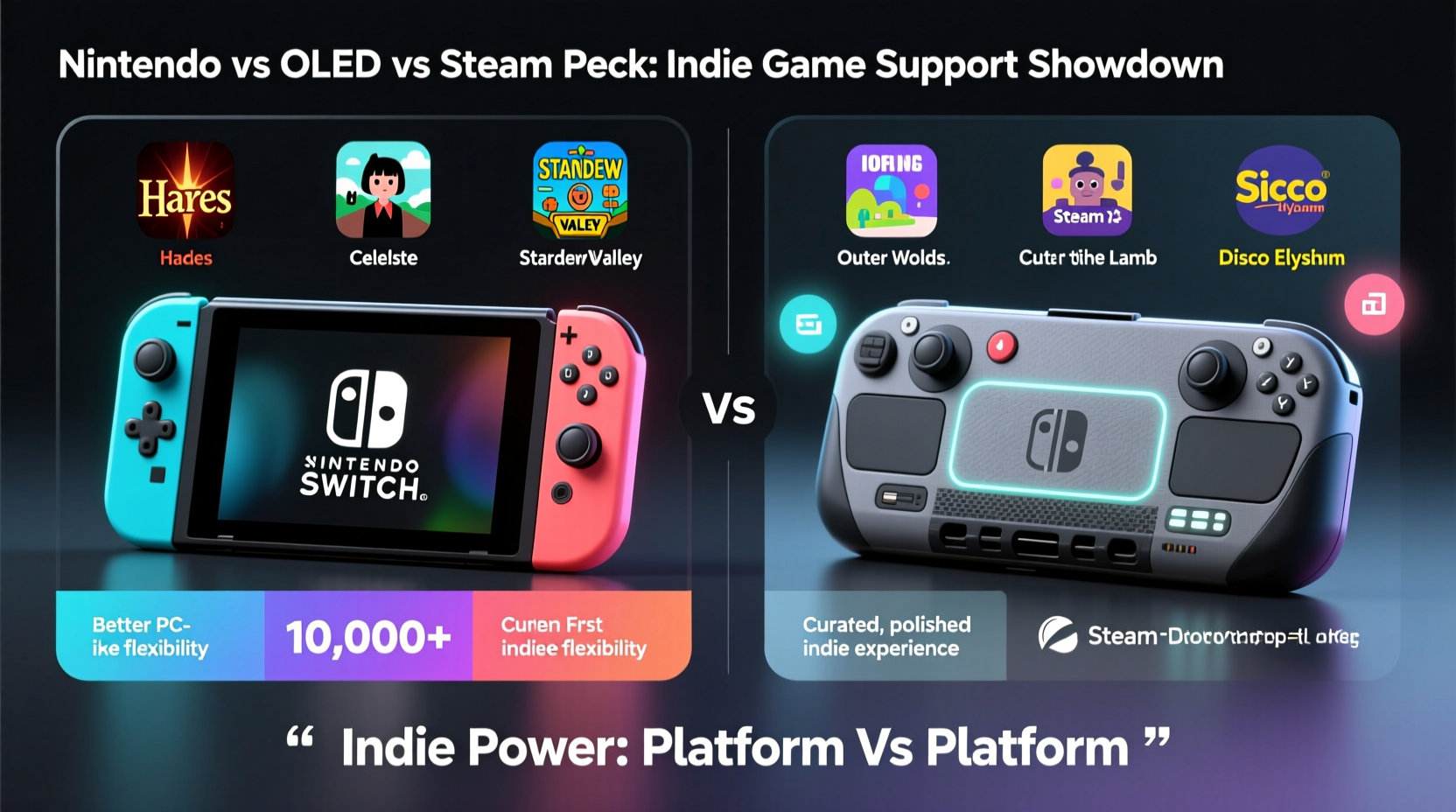
The fundamental difference between the two systems lies in their underlying philosophy. The Nintendo Switch operates as a closed, curated platform. Indie developers must go through Nintendo’s approval process and publish via the eShop, which limits what can appear and how frequently updates are pushed. In contrast, the Steam Deck is built on open PC architecture. It runs Linux-based SteamOS but allows full access to desktop mode, meaning users can install any game, mod, or emulator they choose—no gatekeeping involved.
This distinction shapes the indie landscape dramatically. On the Switch, indie games are hand-picked for quality, performance, and market appeal. Titles like Hades, Celeste, Stardew Valley, and Undertale have found massive success here due to strong optimization and visibility. However, many smaller or niche projects never make it to the eShop due to technical restrictions or lack of publisher backing.
On the Steam Deck, virtually every indie title on Steam is playable—over 50,000 at last count. Even obscure experimental games, early-access prototypes, and region-locked titles are accessible. Valve has also implemented Proton compatibility layers that allow most Windows-based indie games to run smoothly without developer intervention. This means that even if a game isn’t officially “Deck Verified,” it may still work perfectly fine.
Performance and Hardware Comparison
While both devices are designed for portability, their hardware reflects vastly different priorities. The Switch OLED features a custom NVIDIA Tegra X1 chip, 4GB of RAM, and a 7-inch OLED display with 720p resolution. Its strength lies in efficiency and tight software integration, allowing even modest hardware to deliver smooth gameplay for well-optimized titles.
The Steam Deck uses an AMD APU with Zen 2 CPU cores and RDNA 2 graphics, 16GB of RAM, and a slightly larger 7-inch LCD screen at 1280x800 resolution. Though heavier and less power-efficient, this configuration enables far greater processing headroom—critical for running demanding indie engines like Unity or Unreal, especially when mods or high-resolution textures are involved.
| Feature | Nintendo Switch OLED | Steam Deck |
|---|---|---|
| Processor | Custom NVIDIA Tegra X1 | AMD Zen 2 + RDNA 2 (4nm) |
| RAM | 4GB LPDDR4 | 16GB LPDDR5 |
| Display | 7\" OLED, 720p | 7\" LCD, 1280x800 |
| Storage (Base) | 64GB (expandable via microSD) | 64GB eMMC / 256GB NVMe SSD |
| Battery Life | 4–9 hours | 2–8 hours (varies by game) |
| Indie Game Library Size | ~1,500–2,000 curated titles | 50,000+ (entire Steam catalog) |
| Mod Support | No | Yes (via desktop mode) |
The Steam Deck clearly outperforms the Switch OLED in raw capability, but battery life suffers accordingly—especially with graphically intense indie titles. Meanwhile, the Switch excels in energy efficiency, making it ideal for longer play sessions of lightweight or retro-styled indies. However, its limited RAM and older GPU mean some modern indie games either won’t release on the platform or arrive years after their initial launch.
User Experience and Controls
Control layout significantly impacts how enjoyable indie games feel on either system. The Switch OLED benefits from versatile Joy-Con configurations, HD rumble, motion controls, and detachable controllers—ideal for local multiplayer indies like Overcooked! or Snipperclips. Its button layout is intuitive, and touchscreen support adds functionality for point-and-click adventures or puzzle games.
The Steam Deck introduces a more complex but powerful control scheme: dual trackpads, four rear grip buttons (shoulder triggers), analog sticks with adjustable sensitivity, and full keyboard/mouse emulation in desktop mode. These features shine in strategy games, roguelikes, or RPGs where precise input matters. For example, binding hotkeys to rear buttons in Dead Cells or using trackpads for camera control in Outer Wilds enhances gameplay beyond what traditional consoles offer.
“Open platforms like the Steam Deck empower indie developers to experiment with input methods and accessibility options we simply can't implement on locked-down systems.” — Lena Park, Indie Developer & Co-founder of Pixel Forge Studios
However, the learning curve is steeper. First-time users may struggle with button mapping or understanding Steam Input settings. The Switch, by contrast, offers plug-and-play simplicity—ideal for casual players or families introducing younger gamers to indie titles.
Discoverability and Long-Term Value
Finding great indie games shouldn’t require a treasure map. On the Switch, Nintendo organizes its eShop with featured sections, seasonal sales, and editorial picks. This curation helps surface hidden gems, but it also means lesser-known titles get buried unless they go viral or receive marketing boosts.
Steam takes a different approach. With advanced filters, user reviews, community tags, and algorithmic recommendations, discovery is highly personalized. Players can search by genre, controller support, moddability, or even specific mechanics (“metroidvania,” “time manipulation,” “procedural generation”). The Steam Deck’s verification program further streamlines this by labeling compatible indie games with clear status indicators: Verified, Playable, Unsupported, or Unknown.
Longevity is another key factor. The Switch receives system updates, but backward compatibility is limited to its own library. Once a game leaves the eShop, it may become inaccessible unless already purchased. The Steam Deck, being essentially a mini-PC, supports homebrew, archival tools, and offline backups. You retain ownership of your games indefinitely, and future firmware updates from Valve suggest ongoing support for newer indie releases and engine versions.
Mini Case Study: Launching an Indie Title Across Platforms
Consider the hypothetical release of *Lunar Rift*, a 2D pixel-art adventure with physics-based puzzles. The development team, Nebula Games, wants maximum exposure while minimizing porting complexity.
They begin by launching on Steam, where immediate access to the full player base allows them to gather feedback during early access. Thanks to Proton compatibility, the game runs flawlessly on the Steam Deck without additional optimization. Within weeks, it earns “Verified” status, boosting visibility among portable players.
Porting to Switch proves more challenging. The team must adapt the game to fit within 4GB of RAM, optimize shaders for the older GPU, and submit to Nintendo’s certification process—which takes six weeks. By the time the Switch version launches, it lacks several post-launch updates available on PC.
In the end, the Steam Deck version sees higher engagement, faster iteration, and stronger word-of-mouth growth. While the Switch release brings in revenue from fans loyal to Nintendo’s ecosystem, it requires disproportionate effort for delayed returns.
Step-by-Step Guide: Choosing the Right Device for Your Indie Gaming Needs
- Assess your gaming habits: Do you prefer short, pick-up-and-play sessions or deep, immersive experiences? The Switch suits quick bursts; the Steam Deck handles longer campaigns.
- Evaluate your existing library: If you already own dozens of indie games on Steam, the Deck offers instant access. If you’re invested in Nintendo’s universe, the OLED model complements that world.
- Test control preferences: Try emulating Steam Input layouts online or borrow a friend’s device. Comfort matters over time.
- Check storage needs: Indie games vary in size. A single title like Disco Elysium – Definitive Edition exceeds 50GB. The Switch’s base 64GB fills quickly; consider upgrading to the 256GB Steam Deck model if budget allows.
- Factor in modding and customization: Want to enhance visuals or add new content? Only the Steam Deck supports mods natively.
- Review battery expectations: For travel, the Switch’s consistent 4–9 hour range beats the Steam Deck’s variable 2–8 hours under load.
FAQ
Can I play all Steam indie games on the Steam Deck?
Most can be played, though not all are officially verified. Unverified games often work via Proton compatibility, but performance varies. Check the SteamDB page or community forums for specific titles before purchasing.
Are there exclusive indie games on the Nintendo Switch?
Yes. Some developers release timed exclusives on Switch due to marketing partnerships or ease of development. Examples include Tchia and Little Kitty, Big City. However, most eventually come to PC and thus the Steam Deck.
Is the Steam Deck harder to use than the Switch?
Initially, yes. Navigating SteamOS, managing updates, and configuring inputs takes time. But once set up, it offers deeper customization and broader access. Casual users may prefer the Switch’s simplicity.
Checklist: What to Consider Before Buying
- ☐ Prioritize curated, family-friendly indie games → Lean toward Switch OLED
- ☐ Want access to thousands of niche or experimental indies → Choose Steam Deck
- ☐ Prefer lightweight design and longer battery life → Switch OLED wins
- ☐ Need mod support, keyboard input, or desktop functionality → Steam Deck only
- ☐ Already own many Steam indie games → Steam Deck maximizes value
- ☐ Value physical cartridges and resale options → Switch offers cartridge-based games
- ☐ Play locally with friends often → Switch supports easy multiplayer setups
Conclusion
The Nintendo Switch OLED and Steam Deck represent two philosophies of portable gaming. The Switch delivers a polished, accessible experience ideal for enjoying top-tier indie hits in comfort and style. The Steam Deck embraces openness, power, and freedom—perfect for explorers, tinkerers, and those hungry for the full breadth of indie creativity.
If your definition of “better indie support” centers on quantity, flexibility, and long-term access, the Steam Deck is unmatched. But if you value ease of use, consistent performance, and seamless integration with beloved franchises, the Switch OLED remains compelling.
Ultimately, the best choice depends on how you play, what you value in gaming, and how much control you want over your experience. Both devices celebrate indie games—but one opens the door to the entire universe of them.




 浙公网安备
33010002000092号
浙公网安备
33010002000092号 浙B2-20120091-4
Comments
No comments yet. Why don't you start the discussion?