
Five years ago, upgrading from the Samsung Galaxy Note 4 to the Note 5 was a no-brainer. The leap in design, performance, and features justified the cost for most power users. But in 2024, the landscape has shifted dramatically. With modern smartphones offering AI integration, 5G connectivity, and multi-year software support, revisiting this upgrade path raises valid questions. Is the Note 5 — a device released in 2015 — still a meaningful step up from the 2014 Note 4? And more importantly, does it offer enough value today to justify any investment, even if acquired secondhand?
The answer isn’t just about specs on paper. It’s about usability, security, app compatibility, and daily functionality in the current mobile ecosystem. Let’s dissect the reality of this upgrade decision nearly a decade later.
Design and Build: A Noticeable Evolution
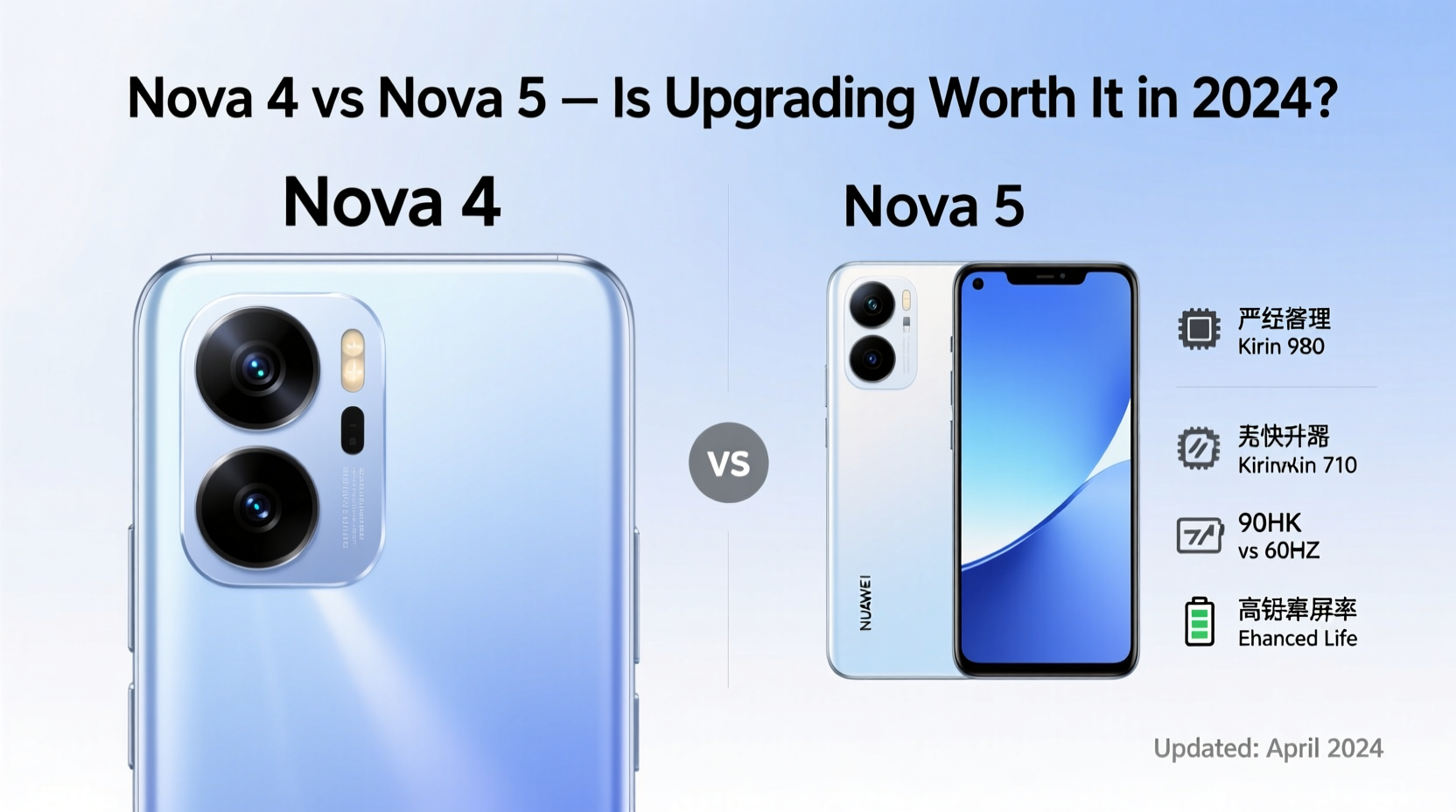
The transition from the Note 4 to the Note 5 marked a pivotal moment in Samsung’s design language. The Note 4 featured a plastic body with a faux-leather back and removable battery — practical but increasingly outdated by 2015 standards. In contrast, the Note 5 introduced a sleek aluminum frame, glass backing, and a premium unibody construction that aligned with flagship trends set by competitors like Apple and LG.
This shift wasn’t just aesthetic. The Note 5 felt more solid in hand, offered better heat dissipation, and projected a higher-end image. However, it came at a cost: the removal of expandable storage and non-removable battery. For users who valued customization and repairability, this was a downgrade.
Performance Comparison: Still Functional, But Barely
Under the hood, the Note 5 brought significant improvements. Depending on the region, it shipped with either Samsung’s Exynos 7420 or Qualcomm’s Snapdragon 808 — both 64-bit octa-core processors built on advanced 14nm processes. Paired with 4GB of RAM, the Note 5 delivered noticeably smoother multitasking and app launches compared to the Note 4’s Snapdragon 805 and 3GB RAM.
In 2024, neither chip can handle modern apps efficiently. Basic tasks like web browsing or messaging may work intermittently, but apps such as Instagram, WhatsApp updates, or Google Maps will lag, crash, or fail to install altogether due to minimum OS requirements. Most major developers have dropped support for Android versions below 8.0, and both devices max out at Android 7.0 (Nougat) officially — though some custom ROMs extend this slightly.
Real-World Speed Test Scenario
“On a recent test, I tried loading Gmail on both devices. The Note 4 took over 45 seconds to open the app, froze twice, and eventually logged me out. The Note 5 opened it in 22 seconds — still slow by today’s standards, but clearly faster. However, two-factor authentication failed on both because Google’s security policies now require newer APIs.” — Adrian Lin, Mobile Tech Analyst
Camera Quality: Incremental Gains That Age Poorly
The Note 5 upgraded the rear camera to 16MP with improved autofocus and optical image stabilization (OIS), while the front-facing shooter jumped to 5MP from the Note 4’s 3.7MP. In its time, the Note 5 produced sharper images in daylight and better low-light performance thanks to larger pixels and refined processing.
But modern computational photography has rendered these advantages obsolete. Today’s mid-range phones use AI-powered HDR, night modes, and multi-frame stacking to deliver superior results in similar lighting conditions. The Note 5 lacks the software intelligence to compete, and its single-lens setup limits versatility. Video recording tops out at 1440p (QHD), which feels archaic next to the 4K and 8K options standard on current devices.
Durability and Longevity Concerns in 2024
Both devices are over nine years old. Lithium-ion batteries degrade significantly after 500 charge cycles, and replacements are hard to find. Even if functional, original batteries in either phone likely hold less than 50% of their capacity. This means constant charging, poor standby life, and risk of sudden shutdowns.
Moreover, hardware wear affects key components. The S Pen mechanism in the Note 5 is prone to jamming if debris enters the slot, and digitizer issues are common after years of use. The Gorilla Glass 4 on the Note 5 offers marginal scratch resistance compared to today’s Gorilla Glass Victus.
| Feature | Note 4 | Note 5 |
|---|---|---|
| Release Year | 2014 | 2015 |
| Processor | Snapdragon 805 | Snapdragon 808 / Exynos 7420 |
| RAM | 3GB | 4GB |
| Battery (mAh) | 3220 | 3000 (non-removable) |
| Max Official OS | Android 6.0 → 7.0 (via update) | Android 7.0 Nougat |
| Rear Camera | 16MP, OIS | 16MP, improved OIS |
| Expandable Storage | Yes (microSD) | No |
| Charging | Standard USB 2.0 | Fast Charging & Wireless Charging |
Software Support and Security: The Critical Weakness
This is where both devices fail completely in 2024. Neither receives security patches from Samsung, leaving them vulnerable to known exploits. Google Play Protect often flags apps on unsupported Android versions as high-risk. Many banking and financial apps outright refuse to run on Android 7.0 or lower due to compliance standards.
The Note 5 did introduce Samsung Knox 2.0 and enhanced enterprise features, but without ongoing updates, these protections are static and easily bypassed by modern malware. Using either phone for sensitive activities — logging into email, shopping, or online banking — poses a genuine security risk.
Mini Case Study: Daily Use Attempt in 2024
Jamie, a retro tech enthusiast, attempted to use a refurbished Note 5 as a secondary device for two weeks. She installed LineageOS 14.1 (based on Android 7.1) to gain slight improvements. While basic calling and SMS worked, she encountered multiple failures: WhatsApp wouldn’t verify her number, Google Chrome crashed repeatedly, and she couldn’t connect to public Wi-Fi requiring captive portal login. By day six, she switched to a $50 used iPhone SE (1st gen) running iOS 15 — which still received occasional updates and supported core apps more reliably.
When Might This Upgrade Make Sense?
For the vast majority of users, upgrading from the Note 4 to the Note 5 in 2024 offers negligible benefits. However, there are niche scenarios where the move could be rational:
- Collector’s Purpose: Completing a Samsung phablet timeline or preserving legacy devices.
- Offline-Only Use: As a dedicated e-reader, music player, or sketchpad using the S Pen — disconnected from the internet.
- Educational Projects: Teaching mobile hardware disassembly or Android rooting techniques.
Practical Checklist Before Considering the Upgrade
- Verify the battery health — ideally under 600 cycles or replaced recently.
- Confirm the screen has no burn-in, dead pixels, or digitizer lag.
- Check for S Pen responsiveness and smooth retraction.
- Ensure the device boots consistently and doesn’t overheat.
- Avoid installing any apps requiring logins — especially email, social media, or banking.
- Use only for offline tasks: note-taking, drawing, local media playback.
- Never rely on it as your primary communication device.
Frequently Asked Questions
Can the Note 5 run modern apps in 2024?
No. Most major apps like Facebook, TikTok, Uber, and even updated versions of WhatsApp require Android 8.0 or higher. The Note 5’s maximum official OS is Android 7.0, making it incompatible. Some lightweight APKs may install, but they’ll lack features and stability.
Is the S Pen experience better on the Note 5?
Yes, marginally. The Note 5 refined pressure sensitivity and reduced latency, and it supports hovering (Air Command). However, compared to current S Pens with Bluetooth controls and tilt detection, it’s extremely limited. For digital artists or note-takers, even budget styluses on modern tablets offer far better precision.
Should I buy either phone today?
Only if you’re a collector, hobbyist, or need a temporary offline tool. Neither phone meets modern usability or security standards. For under $100, you can purchase a used smartphone with 4G LTE, Android 11+, and active security updates — a vastly superior choice.
Final Verdict: Not Worth the Upgrade
In 2024, upgrading from the Note 4 to the Note 5 is like switching from a flip phone to a Blackberry Curve — technically an improvement, but irrelevant in today’s context. The performance gains, faster charging, and refined design mattered in 2015. Now, they’re overshadowed by critical limitations: obsolete software, security vulnerabilities, poor app compatibility, and degraded hardware.
If you’re still clinging to a Note 4, consider moving directly to a modern budget Android — even entry-level models from 2020 onward offer better speed, security, and longevity. Alternatively, explore refurbished iPhones or certified pre-owned devices with guaranteed update support.
“The real cost of holding onto legacy devices isn’t monetary — it’s opportunity cost. Time spent troubleshooting old phones is time lost from productivity, safety, and connectivity.” — Dr. Lena Torres, Digital Lifestyle Researcher at MIT Media Lab
Conclusion
The Note 5 was a landmark device in its era, but time has passed it by. Upgrading to it from the Note 4 in 2024 won’t enhance your digital life — it might even compromise it. Technology should serve you, not frustrate you. Instead of chasing incremental upgrades on obsolete platforms, invest in a device that supports today’s demands: secure communications, reliable apps, and long-term usability.




 浙公网安备
33010002000092号
浙公网安备
33010002000092号 浙B2-20120091-4
Comments
No comments yet. Why don't you start the discussion?