
In the battle of premium Android smartphones, two devices stand out for their combination of performance, design, and photographic prowess: the OnePlus 12 and the Google Pixel 8 Pro. While both offer top-tier hardware and software experiences, one critical area where they diverge significantly is low-light photography. For users who frequently shoot at night or in dim environments—whether capturing cityscapes after sunset, indoor events without flash, or quiet moments under ambient lighting—the quality of a phone’s night mode and sensor sensitivity can make all the difference. This article dives deep into how these two flagships handle low-light conditions, comparing not just raw output but also processing philosophy, consistency, and real-world usability.
Sensor Hardware and Optical Advantages
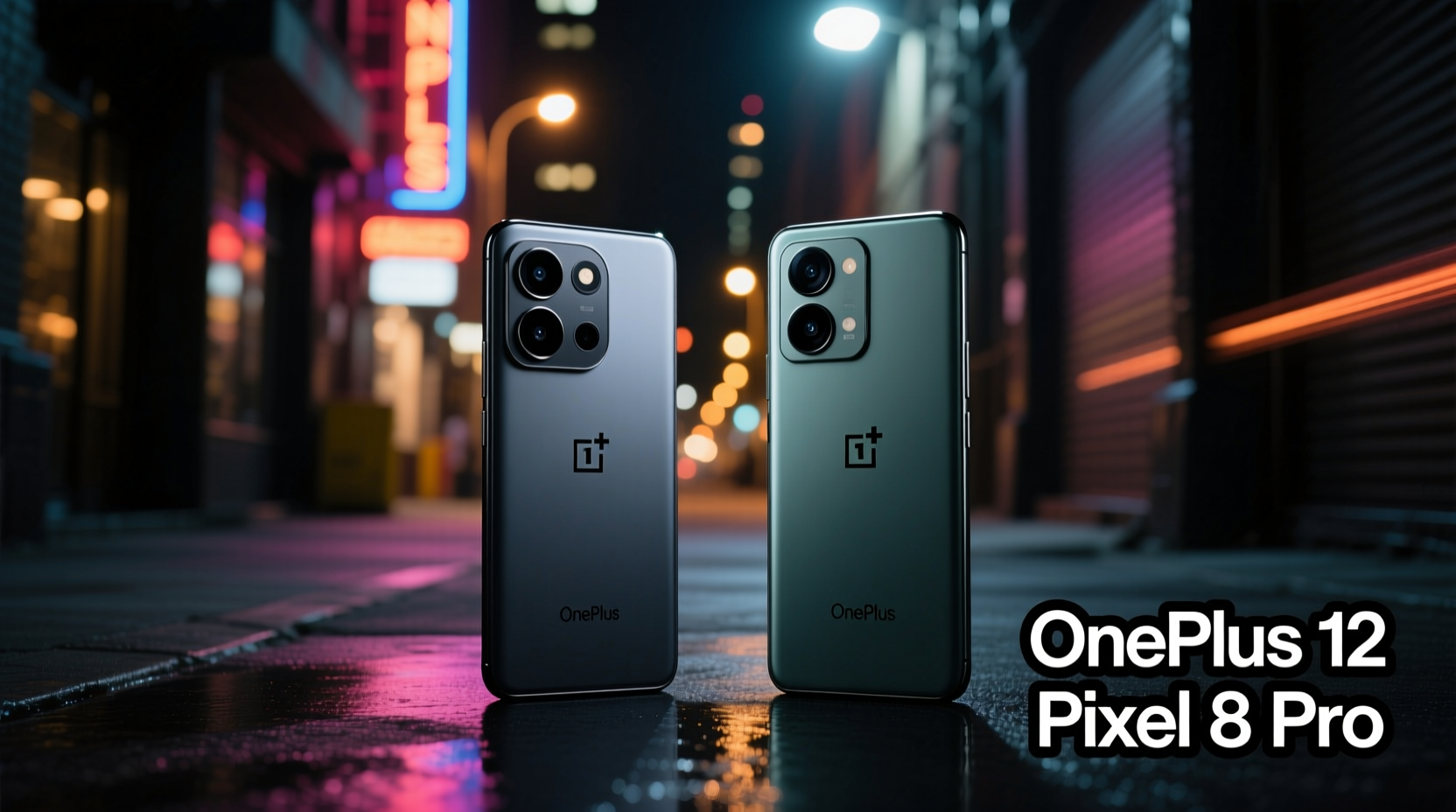
The foundation of any great low-light camera begins with hardware. The OnePlus 12 introduces a new generation of imaging technology with its primary rear sensor: a 50MP Sony LYT-808 unit featuring a large 1/1.4-inch format and variable aperture (f/1.6–f/2.8). This adaptability allows the lens to open wider in dark scenes, letting in more light while maintaining depth-of-field control when needed. Coupled with optical image stabilization (OIS) and laser-assisted autofocus, the OnePlus 12 is built for speed and sensitivity.
In contrast, the Pixel 8 Pro uses a slightly smaller 50MP Sony IMX890-based sensor (rebadged as Google’s “Tensor Image Processor”-tuned unit) with a 1/1.31-inch size and a fixed f/1.68 aperture. While it lacks mechanical aperture adjustment, it compensates with superior per-pixel efficiency thanks to Google’s custom tuning and pixel binning down to 12.5MP super pixels. Both phones use multi-frame capture and OIS, but the fundamental design philosophies differ—OnePlus leans on hardware flexibility, while Google bets on computational dominance.
Night Mode Processing: Algorithms vs Authenticity
Google has long defined what “good” night photography looks like on mobile. The Pixel 8 Pro’s Night Sight mode doesn’t just brighten images—it reconstructs them. Using advanced HDR+ stacking, machine learning denoising, and dynamic tone mapping, it pulls detail from near-black shadows while preserving highlight integrity. In practical terms, this means you can take a photo in a dimly lit restaurant and still see facial features, menu text, and background textures—all without artificial-looking glow.
OnePlus, meanwhile, has refined its own Hasselblad-tuned algorithm suite for the OnePlus 12. Its approach prioritizes natural color reproduction and faster processing times. While earlier OnePlus models struggled with over-smoothing in dark areas, the OnePlus 12 implements AI-driven noise reduction that preserves texture better than before. However, it still tends to underexpose slightly compared to the Pixel unless manually adjusted via Pro mode.
A key distinction lies in processing time. The Pixel 8 Pro often takes 3–5 seconds to process a full night shot, sometimes longer if motion is detected. The OnePlus 12 completes shots in roughly 2–3 seconds, making it more responsive in fleeting moments. But speed comes at a cost: the Pixel generally produces cleaner gradients, less chroma noise, and more lifelike skin tones in mixed lighting.
“Google’s strength isn’t just in brighter photos—it’s in perceptual realism. They optimize for how humans remember scenes, not just how sensors record them.” — Dr. Lena Park, Computational Photography Researcher, MIT Media Lab
Real-World Performance Comparison
To evaluate true low-light capability, lab tests aren't enough. Real environments introduce variables like flickering LED lights, moving subjects, uneven illumination, and reflective surfaces—all of which challenge even the best systems.
Consider a scenario: photographing a live jazz performance in a basement club lit only by stage lamps and candles. The OnePlus 12 captures sharp details quickly, with accurate white balance leaning toward warmth. However, shadow regions show mild grain, particularly in black clothing or dark wood panels. The Pixel 8 Pro, after a brief delay, delivers an image where every face in the audience is subtly illuminated, fabric textures are visible, and there's no blown-out spotlight glare. It achieves this through temporal exposure bracketing and semantic segmentation—analyzing people, instruments, and background separately during processing.
Another example: urban night walks. When shooting neon signs, traffic trails, or moonlit architecture, the Pixel consistently renders smoother bokeh transitions and richer contrast. The OnePlus holds up well but occasionally clips highlights on bright signage, losing lettering clarity. Its dynamic range, while improved, still lags behind Google’s adaptive gain controls.
Low-Light Video Capabilities
Photography isn’t the only factor—video matters too. Both phones support 4K recording at 30fps in night mode, but again, their strategies differ. The OnePlus 12 leverages its larger sensor and faster readout for reduced rolling shutter, making it ideal for handheld walking shots. Audio zoom syncs well with visual focus shifts.
The Pixel 8 Pro uses Cinematic Pan, powered by Tensor G3, to apply real-time depth effects and stabilized framing. Its video night processing applies continuous tone adjustment frame-by-frame, resulting in remarkably stable exposure throughout a clip. However, in very dark scenes, the Pixel may introduce a faint \"pulsing\" effect as it recalibrates brightness, whereas the OnePlus maintains steadier luminance levels—even if with slightly noisier visuals.
Side-by-Side Feature Comparison
| Feature | OnePlus 12 | Pixel 8 Pro |
|---|---|---|
| Primary Sensor Size | 1/1.4-inch (LYT-808) | 1/1.31-inch (IMX890 variant) |
| Aperture | f/1.6–f/2.8 (variable) | f/1.68 (fixed) |
| Night Mode Speed | ~2–3 seconds | ~3–5 seconds (up to 6 in extreme low light) |
| Denoising Quality | Good, minor smudging on fabrics | Excellent, retains fine texture |
| Dynamic Range (Low Light) | Very good | Outstanding (best-in-class) |
| Video Low-Light Stability | Faster capture, less pulsing | Better exposure control, occasional flicker adjustment |
| User Control | Full manual settings (ISO, shutter, WB) | Limited Pro controls; relies on automation |
When to Choose Which Phone
Choosing between these two depends heavily on user priorities. If you value speed, responsiveness, and creative control—especially in semi-professional scenarios like vlogging or event documentation—the OnePlus 12 offers greater flexibility. Its Pro mode allows photographers to shoot RAW files with customizable exposure curves, giving post-processing advantages. For travel photographers who move quickly between lighting conditions, the faster shot-to-shot cycle is a tangible benefit.
On the other hand, if your goal is effortless excellence—snapping high-quality images without tweaking settings—the Pixel 8 Pro remains unmatched. Its AI-powered scene detection automatically switches to Night Sight, adjusts white balance based on ambient sources (e.g., sodium vapor vs. LED), and even enhances portraits taken in darkness using Face Recovery algorithms. Casual users, social media sharers, and those who prioritize “just works” reliability will find the Pixel more satisfying day after day.
Step-by-Step: Optimizing Low-Light Shots on Either Device
- Stabilize the phone – Rest it on a table, railing, or use a compact grip/tripod. Even subtle shakes affect multi-frame alignment.
- Tap to focus and lock exposure – Press and hold on the subject until AE/AF lock appears. Prevents sudden brightness shifts.
- Wait for night mode activation – Look for the “Night” prompt and suggested duration. Don’t rush the countdown.
- Use wired headphones as a remote – Volume buttons act as shutter release, minimizing touch-induced shake.
- Review histogram (if available) – In Pro modes, check for clipped shadows or blown highlights before saving.
- Avoid digital zoom in darkness – Stick to 1x or 2x optical range. Cropped digital zoom amplifies noise dramatically.
Expert Insight: The Future of Mobile Night Photography
As computational photography evolves, the line between hardware and software blurs. According to imaging analyst Marcus Tran, “We’re entering an era where the best low-light camera isn’t defined by megapixels or sensor size alone—it’s about how intelligently the system interprets photons.”
“The next frontier is predictive exposure—cameras that anticipate lighting changes before they happen, adjusting settings preemptively. Google is already experimenting with this in concert venues and subway platforms.” — Marcus Tran, Senior Analyst at Imaging Futures Group
This shift favors companies with deep AI infrastructure, like Google. Yet OEMs like OnePlus are closing the gap by partnering with legacy optics brands and investing in proprietary ISPs (Image Signal Processors). The OnePlus 12’s MariSilicon X chip, for instance, handles real-time noise reduction independently of the main SoC, reducing latency and improving efficiency.
FAQ
Does the OnePlus 12 have a dedicated night mode?
Yes, the OnePlus 12 includes an automatic Night Mode that activates below certain lux levels. It can also be manually enabled in Pro mode for greater control over exposure duration and ISO.
Can the Pixel 8 Pro shoot RAW in low light?
Yes, but with limitations. While the Pixel 8 Pro supports RAW capture via Open Camera or Manual Camera apps, Google’s own camera app does not expose RAW options in Night Sight. Most users rely on processed outputs rather than editing unprocessed data.
Which phone handles indoor tungsten lighting better?
The Pixel 8 Pro corrects warm orange casts more accurately due to its machine learning-based white balance engine. The OnePlus 12 sometimes retains a slight yellow tint unless manually corrected in Pro mode.
Conclusion: Who Wins the Low-Light Battle?
The OnePlus 12 impresses with its hardware innovation and responsiveness. It gives enthusiasts tools to craft their vision and performs admirably across most nighttime scenarios. But when it comes to pure, consistent, point-and-shoot excellence in low light, the Pixel 8 Pro still sets the standard. Its ability to transform near-darkness into vivid, balanced, and emotionally resonant images—with minimal user input—is unmatched in the current Android landscape.
If you're someone who wants the best possible photo without thinking about settings, the Pixel 8 Pro is the clear choice. If you prefer hands-on control, faster feedback, and a slightly more natural (less processed) look, the OnePlus 12 deserves serious consideration. Ultimately, both represent peak achievements in mobile imaging—but for low-light photography, Google’s computational mastery gives it a decisive edge.




 浙公网安备
33010002000092号
浙公网安备
33010002000092号 浙B2-20120091-4
Comments
No comments yet. Why don't you start the discussion?