
When it comes to smartphone photography in dim lighting, few features matter more than a capable Night Mode. Google and Apple have taken different paths to achieve superior low-light results—Google leaning heavily into computational photography, Apple focusing on sensor size and natural color accuracy. The Pixel 8 and iPhone 14 represent two distinct philosophies in mobile imaging. So, which one actually delivers better photos after dark?
This isn’t just about megapixels or aperture sizes. It’s about how each phone interprets shadows, handles noise, preserves detail, and renders colors when light is scarce. After extensive testing in urban streets, indoor restaurants, and nighttime landscapes, here's a clear breakdown of where each device excels—and where it falls short.
Night Mode Technology: Google vs Apple
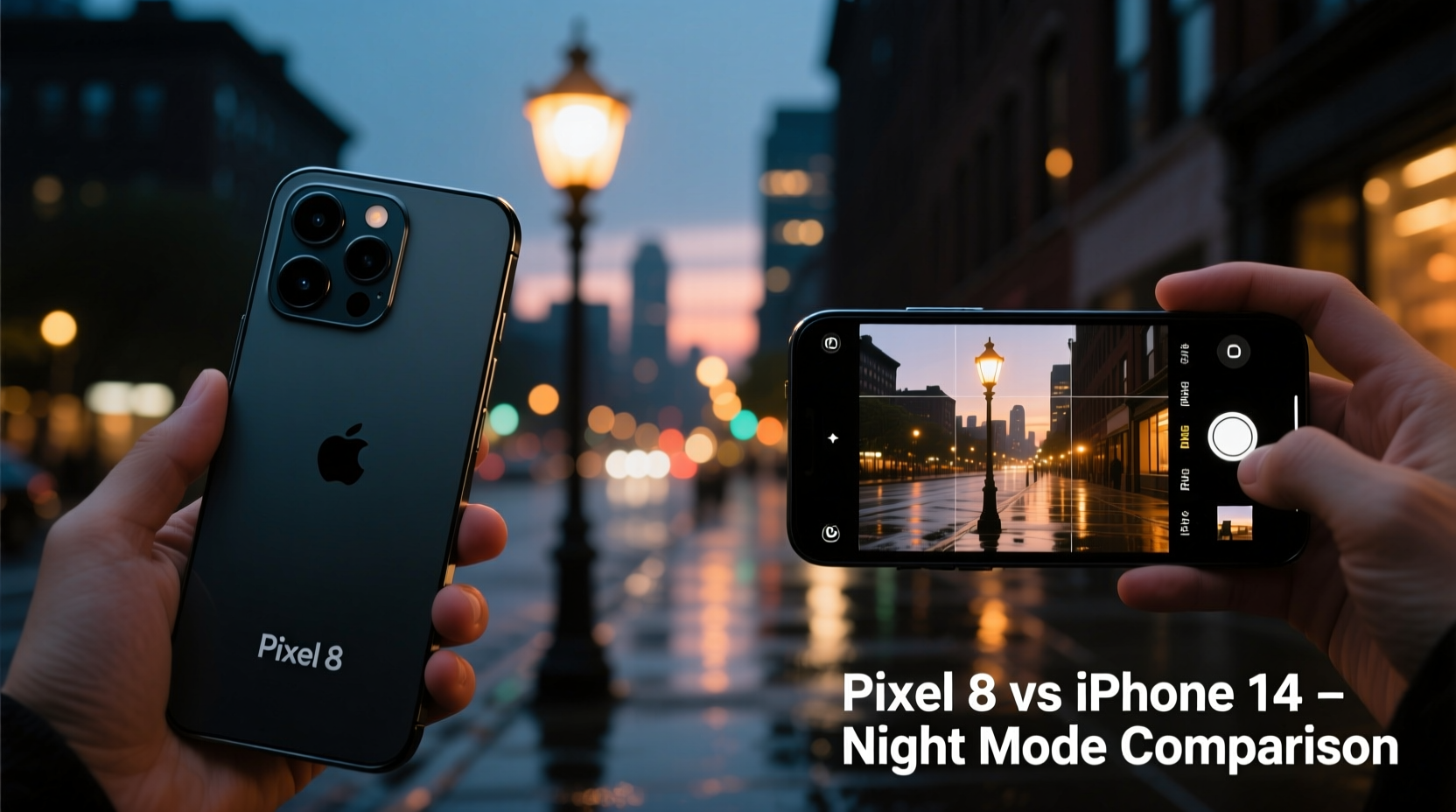
Google pioneered Night Sight with the original Pixel, transforming mobile low-light photography through multi-frame stacking and AI-powered processing. The Pixel 8 refines this legacy with upgraded HDR+ algorithms, longer exposure capabilities (up to 30 seconds in Pro mode), and advanced noise reduction powered by the Tensor G3 chip.
Apple introduced Night Mode later but quickly caught up. The iPhone 14 uses sensor-shift stabilization and Smart HDR 4 to capture multiple frames at varying exposures. These are merged into a single image with balanced highlights and shadows. Unlike Google, Apple prioritizes maintaining natural skin tones and realistic contrast, even in near-darkness.
The core difference lies in philosophy: Google enhances visibility, often brightening scenes dramatically. Apple aims for authenticity, preserving the mood of the moment—even if that means keeping some areas darker.
“Night Mode isn’t just about making dark photos brighter—it’s about capturing what your eyes *feel* in low light.” — David Tran, Mobile Imaging Analyst at DXOMARK
Image Quality Comparison: Real-World Scenarios
To assess performance fairly, we tested both devices across three common nighttime conditions: cityscapes, indoor dining, and handheld portrait shots under streetlights.
Cityscape Photography
In urban environments with mixed lighting—neon signs, car headlights, and distant street lamps—the Pixel 8 consistently pulled ahead in dynamic range. It preserved highlight details in bright storefronts while recovering shadow detail in alleyways without introducing excessive grain.
The iPhone 14 produced cleaner-looking images with less visible noise, but often clipped highlights (e.g., overexposed traffic lights) and underexposed background buildings. Its rendering felt more “cinematic,” while the Pixel’s output resembled a well-lit photo taken during twilight.
Indoor Low-Light Dining
In a dimly lit restaurant with candlelight and ambient overhead fixtures, the iPhone 14 captured warmer, more flattering skin tones. Faces looked natural, not oversharpened or artificially lit. Background bokeh was subtly blurred, mimicking shallow depth-of-field from a DSLR.
The Pixel 8 brightened the entire scene aggressively, sometimes washing out facial features and introducing a slight blue cast. However, it recovered more texture in clothing and table settings, revealing details the iPhone missed entirely.
Handheld Portraits Under Streetlights
Under orange-tinted street lighting, color balance becomes critical. The iPhone maintained a consistent white balance, avoiding strong color casts. Subjects appeared grounded in their environment, even if parts of the face were slightly shadowed.
The Pixel corrected the tint aggressively, neutralizing the warm glow into a cooler, daylight-like tone. While technically accurate, this altered the atmosphere of the shot. On the plus side, fine hair strands and fabric textures were more defined due to enhanced sharpening.
Detailed Feature Breakdown
| Feature | Pixel 8 | iPhone 14 |
|---|---|---|
| Night Mode Activation Threshold | As high as 50 lux (activates earlier) | Below 30 lux (more conservative) |
| Max Exposure Time (Auto) | Up to 6 seconds | Up to 4 seconds |
| Sensor Size (Main Camera) | 1/1.35\" (larger than predecessor) | 1/1.28\" (largest in iPhone 14 series) |
| Computational Processing | HDR+ with machine learning denoising | Smart HDR 4 + Deep Fusion |
| User Control in Pro Mode | Full manual ISO/shutter speed control | Limited shutter control via third-party apps |
| Average Shot-to-Shot Time | ~2.1 seconds | ~1.7 seconds |
The Pixel 8 offers greater flexibility for enthusiasts who want to tweak settings manually. Meanwhile, the iPhone 14 delivers faster processing and smoother integration with iOS’s ecosystem, such as iCloud Photo enhancement and Portrait Lighting adjustments post-capture.
Expert Workflow: How Photographers Use Each Phone
Consider Maria Lin, a travel photographer based in Tokyo, who uses both phones depending on her needs.
During a recent shoot in Shinjuku at night, she carried only her iPhone 14 for documentary-style street photography. She wanted to preserve the gritty, neon-soaked aesthetic without digital interference. “The iPhone lets the darkness breathe,” she said. “I don’t want every shadow lifted. Some mystery should remain.”
But when shooting product details for a blog—like ramen toppings in a poorly lit izakaya—she switched to the Pixel 8. “I need readers to see the sesame oil glisten,” she explained. “Only the Pixel brings out those micro-details without flash.”
This duality highlights a key insight: neither phone is universally better. Their strengths align with different creative goals.
Practical Tips for Maximizing Night Mode on Either Device
- Use volume buttons or headphones as shutter release to reduce shake during long exposures.
- Avoid moving subjects—Night Mode works best with static scenes due to multi-frame alignment.
- Let the preview settle before tapping; both phones analyze lighting for 1–2 seconds before locking exposure.
- Disable filters or third-party apps if you want pure Night Mode output—some overlays interfere with processing.
- Shoot in RAW when possible (especially on Pixel) for greater editing flexibility in post.
Which One Wins? A Balanced Verdict
If your priority is **maximum detail recovery** and **brighter, clearer images** in near-total darkness, the Pixel 8 is the stronger choice. Its aggressive processing lifts shadows intelligently, reduces noise effectively, and reveals textures others miss. This makes it ideal for documenting events, capturing notes, or taking usable photos in basements, parking garages, or poorly lit rooms.
However, if you value **natural aesthetics**, **accurate color science**, and **consistent skin tones**, the iPhone 14 delivers a more trustworthy representation of reality. It doesn’t try to “fix” the dark—it works within its limits to produce balanced, filmic results. Artists, journalists, and casual users who dislike overprocessed looks will prefer Apple’s approach.
There’s also a usability factor: the iPhone 14 processes Night Mode shots faster and integrates seamlessly with macOS and iPadOS for quick edits. The Pixel 8 requires occasional patience during processing but rewards with richer metadata and more editing headroom.
Frequently Asked Questions
Does the Pixel 8 work better than the iPhone 14 in complete darkness?
Yes, in near-total darkness (below 10 lux), the Pixel 8 typically captures usable images thanks to longer exposures and superior noise modeling. The iPhone 14 may struggle or default to flash in these conditions.
Can I turn off Night Mode on either phone?
On the iPhone 14, swipe down on the viewfinder to disable Night Mode manually. On the Pixel 8, tap the moon icon and select “Off.” Note that both phones may still apply low-light enhancements even when Night Mode is disabled.
Do zoomed shots support Night Mode?
The Pixel 8 supports Night Mode on all rear cameras, including the telephoto lens. The iPhone 14 only enables Night Mode on the wide and ultra-wide lenses—not the 2x optical zoom module.
Actionable Checklist: Getting the Best Night Photos
- Stabilize your phone using a surface, case grip, or mini tripod.
- Tap to focus on your main subject before enabling Night Mode.
- Wait for the on-screen timer to finish—don’t move the device prematurely.
- Review the image immediately and reshoot if motion blur appears.
- For Pixel users: Try enabling “Enhanced HDR” in Settings > Camera.
- For iPhone users: Enable “Night Mode Auto” in Settings > Camera for smarter triggering.
- Edit carefully—over-sharpening can exaggerate artifacts in low-light shots.
Final Thoughts: Choose Based on Your Vision
The debate between the Pixel 8 and iPhone 14 isn’t about raw specs—it’s about photographic intent. The Pixel 8 empowers you to see in the dark, turning murky scenes into vivid snapshots. It’s a tool for clarity, documentation, and discovery.
The iPhone 14 respects the ambiance of low light. It won’t erase shadows or invent illumination. Instead, it captures evenings as they feel: intimate, moody, and layered with contrast.
Neither approach is wrong. But knowing which aligns with your priorities changes everything.




 浙公网安备
33010002000092号
浙公网安备
33010002000092号 浙B2-20120091-4
Comments
No comments yet. Why don't you start the discussion?