
Choosing between the Google Pixel 9 and the Samsung Galaxy S24 isn’t just about brand loyalty or design preferences—it’s a decision shaped by real-world usability, especially in photography. Both phones represent the cutting edge of smartphone imaging, but they take very different approaches. The Pixel leans heavily on computational photography and Google’s AI expertise, while the S24 combines high-end hardware with intelligent software enhancements. For users considering a switch, the central question remains: Is the Google camera truly better—and worth changing ecosystems for?
Camera Philosophy: Software vs. Hardware
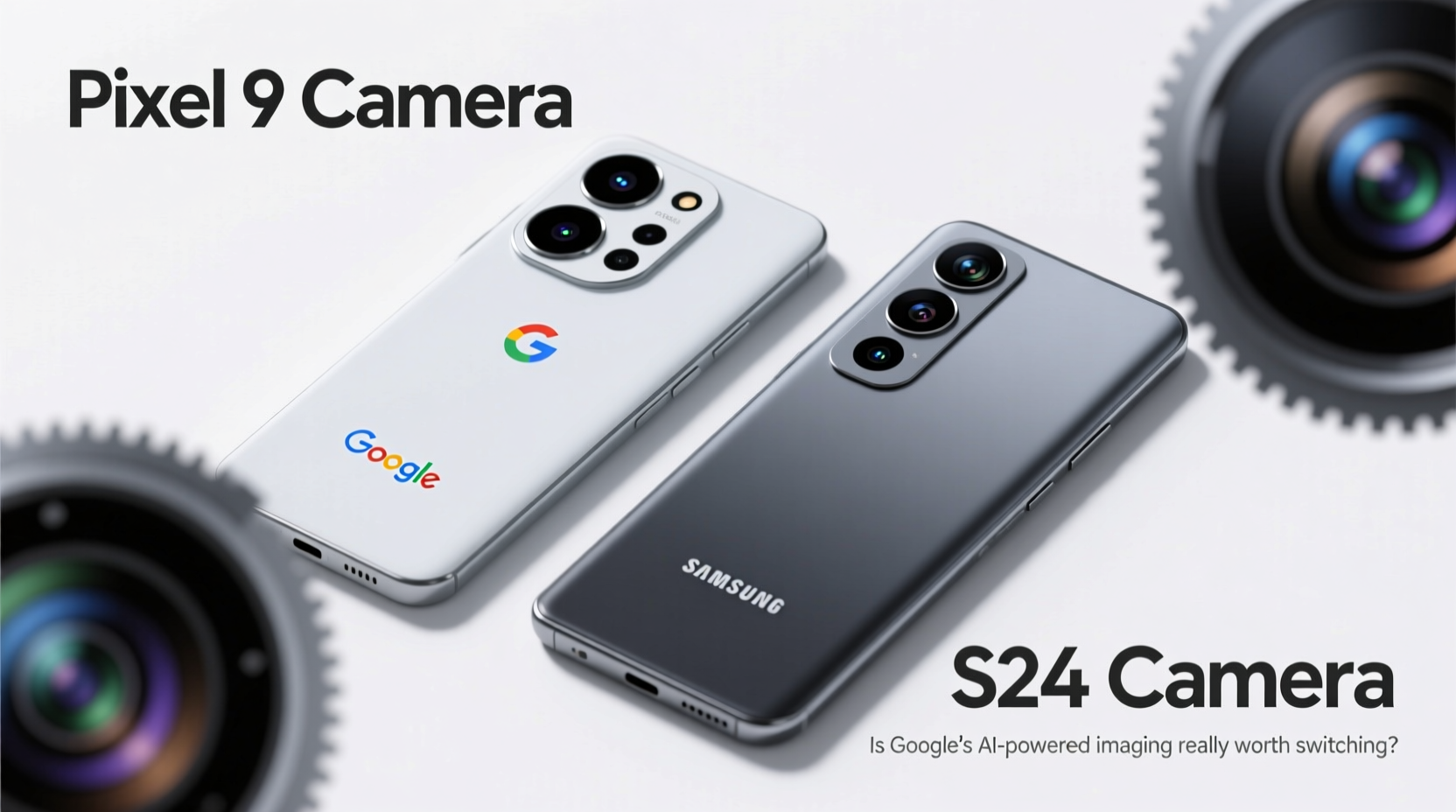
The fundamental difference between the Pixel 9 and Galaxy S24 lies in their photographic philosophy. Google has long championed a “less is more” sensor strategy, using a single primary camera with exceptional tuning and powerful processing. The Pixel 9 continues this trend, relying on Google’s Tensor G4 chip to deliver HDR+ processing, Night Sight, Super Res Zoom, and now, advanced AI-driven photo editing tools like Magic Editor and Best Take.
Samsung, on the other hand, equips the S24 with a triple-lens system: a 50MP main sensor, a 12MP ultra-wide, and a 10MP telephoto with 3x optical zoom. It also uses AI—particularly through its GenAI suite—but places greater emphasis on optical flexibility and manual control via Pro Mode.
This contrast means that while both devices produce excellent photos, they excel in different scenarios. The Pixel often wins in consistency and low-light clarity, while the S24 offers more versatility for zoom and creative framing.
“Google’s approach proves that raw megapixels don’t define image quality. Their machine learning models can extract detail and dynamic range where others fail.” — David Kim, Mobile Imaging Analyst at DXOMARK
Detailed Camera Comparison
| Feature | Google Pixel 9 | Samsung Galaxy S24 |
|---|---|---|
| Main Sensor | 50MP (f/1.7, Dual Pixel AF) | 50MP (f/1.8, OIS) |
| Ultra-Wide | 12MP (f/2.2) | 12MP (f/2.2) |
| Telephoto | No dedicated lens (Super Res Zoom up to 8x) | 10MP (f/2.4, 3x optical zoom) |
| Night Mode | Excellent, fast processing, natural color tone | Very good, slightly cooler white balance |
| Video Recording | 4K@60fps, stabilized, great audio focus | 8K@30fps, Director’s View, enhanced stabilization |
| AI Features | Magic Editor, Audio Eraser, Best Take, Photo Unblur | Object Eraser, Generative Edit, AI-powered scene optimizer |
| Front Camera | 10.5MP (f/2.2) | 12MP (f/2.2, autofocus) |
The table highlights a key trade-off: the Pixel sacrifices optical zoom for superior computational results, while the S24 provides physical zoom capability but may not match Pixel’s natural-looking skin tones or shadow recovery.
Real-World Performance: When the Pixel Wins
In everyday use, the Pixel 9 delivers a remarkably consistent experience. Whether under fluorescent office lights or during golden hour walks, colors remain balanced, exposure is accurate, and dynamic range is impressive without looking over-processed. This is particularly evident in backlit portraits, where the Pixel’s HDR+ algorithm preserves facial details while toning down harsh skies.
A mini case study illustrates this: Sarah, a travel blogger based in Portland, switched from an S23 to a Pixel 8 Pro last year. After testing the upcoming Pixel 9 during a trip to Iceland, she noted that her glacier shots retained texture in snow-covered areas where her Samsung previously clipped highlights. “The shadows in the ice caves were cleaner, and I didn’t have to edit as much,” she said. “It felt like the phone understood what I wanted before I did.”
Google’s new Face Unblur and Motion Mode further enhance usability. These features analyze micro-movements and apply selective sharpening or motion blur effects intelligently—something few competitors match seamlessly.
Where the S24 Holds Its Ground
The Galaxy S24 counters with flexibility. Its telephoto lens allows true optical 3x magnification, which is invaluable for candid shots or architecture. Users who enjoy manual photography will appreciate Samsung’s Pro Mode, which lets them adjust ISO, shutter speed, white balance, and even RAW output.
Additionally, the S24 supports 8K video recording—a feature absent on the Pixel 9. While most consumers won’t need 8K, creators distributing content on high-resolution platforms find it useful for cropping and reframing in post-production.
Moreover, Samsung’s latest update includes generative AI editing tools similar to Google’s Magic Editor, allowing users to move or remove objects with realistic background reconstruction. However, some testers report that Samsung’s AI edits occasionally introduce artifacts around edges, whereas Google’s segmentation tends to be more precise due to its dedicated Tensor core.
Step-by-Step: How to Test Which Camera Suits You
- Shoot in mixed lighting: Take identical photos indoors near windows using both auto modes. Compare shadow detail and white balance accuracy.
- Test night mode: Capture a cityscape or dimly lit room. Note how quickly each phone processes the shot and whether noise appears in darker areas.
- Zoom in realistically: Use 3x zoom on both devices. The S24 should maintain clarity via optics; the Pixel relies on digital enhancement.
- Try AI editing tools: Use object removal features on both phones. Evaluate how naturally the background fills in.
- Evaluate front camera performance: Take selfies in natural light and low light. Check for over-smoothing or poor autofocus.
Checklist: Should You Switch to Pixel for the Camera?
- ✅ You value automatic, reliable photos with minimal editing
- ✅ Low-light and portrait photography are priorities
- ✅ You trust AI-powered editing and want innovative tools like Audio Eraser
- ❌ You regularly shoot distant subjects and rely on optical zoom
- ❌ You prefer full manual control over camera settings
- ❌ You create video content requiring 8K resolution
Frequently Asked Questions
Is the Pixel camera better than Samsung in low light?
Yes, in most head-to-head tests, the Pixel series consistently ranks higher in low-light performance due to longer exposure stacking, smarter noise reduction, and superior tone mapping. The Pixel 9 improves further with faster processing, reducing blur from hand movement.
Can the S24 compete with Pixel’s AI photo features?
Samsung has closed the gap with its Galaxy AI suite, offering object erase, translation in images, and summary generation. However, Google’s decade-long investment in on-device AI gives it an edge in accuracy and speed, particularly in complex tasks like relighting or repositioning subjects.
Do I need to be in the Google ecosystem to benefit from the Pixel camera?
While integration with Google Photos enhances the experience—especially with unlimited original-quality backup for Pixels—the camera app works well standalone. That said, features like Magic Editor require cloud processing and perform best within the Google ecosystem.
Final Verdict: Is the Google Camera Worth Switching?
The answer depends on your priorities. If you want a phone that takes outstanding photos with zero effort—where every snapshot looks professionally balanced and edited—the Pixel 9 is unmatched. Its camera “just works,” and Google’s AI tools add creative possibilities that feel futuristic yet intuitive.
But if you value optical zoom, higher-resolution video, and greater creative control, the Galaxy S24 remains a compelling choice. It doesn’t always beat the Pixel in stills, but it offers broader functionality for enthusiasts.
Ultimately, the Pixel 9’s camera is worth switching for if photography is central to how you use your phone. For casual shooters and social media creators, Google’s seamless blend of hardware and AI delivers a noticeable upgrade—one that saves time, reduces editing, and consistently impresses.




 浙公网安备
33010002000092号
浙公网安备
33010002000092号 浙B2-20120091-4
Comments
No comments yet. Why don't you start the discussion?