
Moving from a Pixel phone to an iPhone is more than just swapping devices—it's stepping into a different philosophy of design, software integration, and user experience. Google’s Pixel line emphasizes clean Android, AI-driven features, and deep software-hardware synergy with Google services. Apple’s iPhone, on the other hand, prioritizes seamless ecosystem integration, long-term software support, and privacy-first design. As a Pixel user making the switch, you’re likely to notice both gains and losses. Understanding what you might be leaving behind—and what you’re gaining—can help you adapt faster and make the most of your new device.
1. The Shift in Software Philosophy
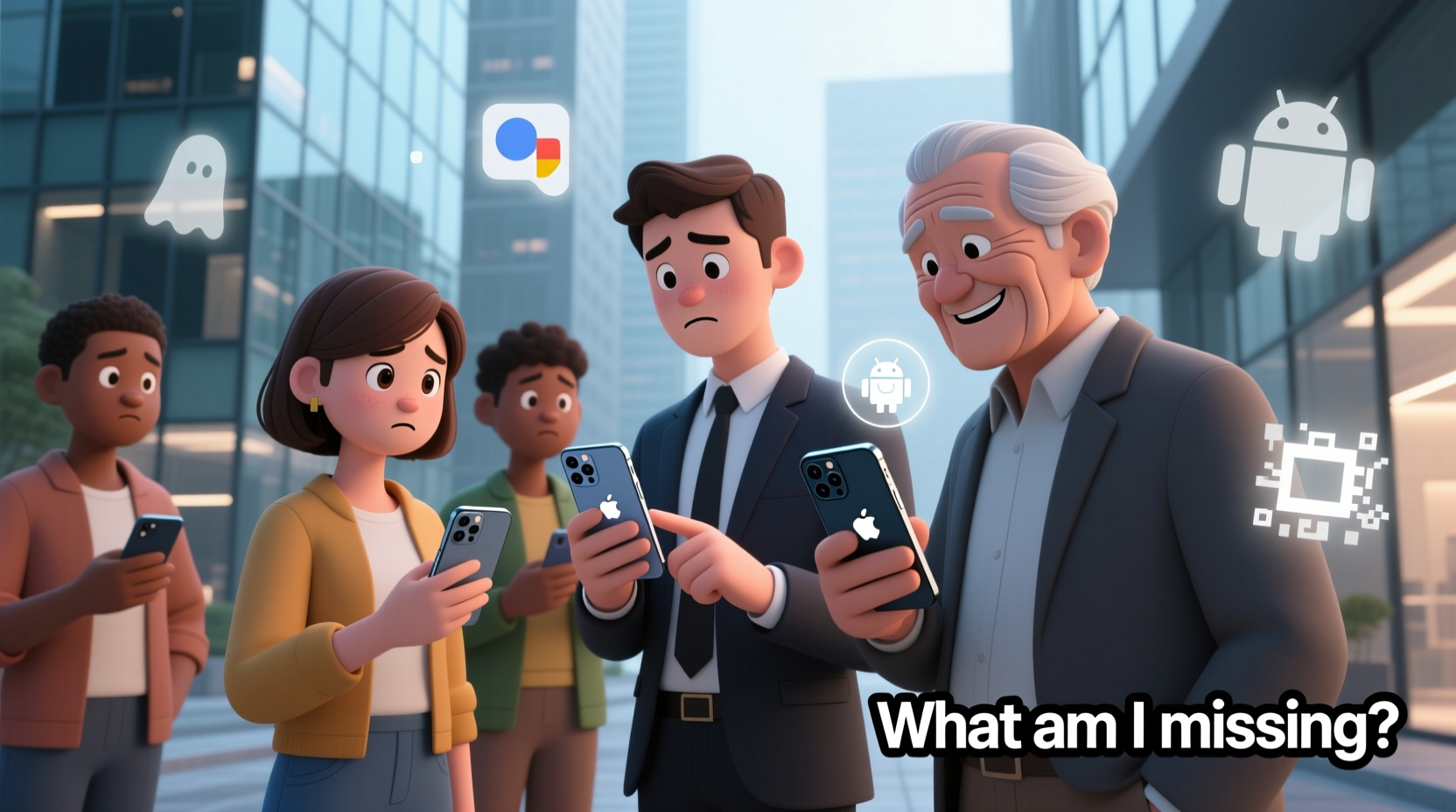
One of the most immediate differences you’ll feel is how each operating system handles customization and control. Android, especially in its purest form on Pixel devices, gives you granular control over settings, default apps, and system behaviors. You can change launchers, use third-party app stores, and deeply tweak notification behavior. iOS, by contrast, is intentionally restrictive. It offers less flexibility but compensates with consistency, stability, and tighter security.
For example, on a Pixel, you could set Firefox as your default browser and Telegram as your default messaging app with ease. On an iPhone, while you can now change defaults, the process is buried in Settings, and not all apps fully integrate (e.g., links still sometimes open in Safari). This reflects Apple’s “walled garden” approach—security and uniformity over openness.
2. What You Might Be Missing from Pixel Features
The Pixel experience includes several standout features that don’t have direct equivalents on iPhone. These aren’t just conveniences—they shape how you interact with your phone daily.
- Call Screen & Hold for Me: Google’s AI-powered call handling lets you screen spam calls or have Google Assistant hold your place in automated phone queues. iPhones lack this level of proactive call assistance.
- Better Google App Integration: Pixel phones get first access to Google’s AI features, like Magic Eraser, Photo Unblur, and real-time transcription. While these tools exist in Google apps on iPhone, they often roll out later or with reduced functionality.
- Always-On Display Customization: Pixel allows rich AOD with widgets, notifications, and custom clock styles. iPhone’s Always-On Display is minimal—showing only the wallpaper and time.
- Gesture Customization: Pixel supports active edge squeezing and customizable double-tap-to-wake. iPhone gestures are limited to swipe-based navigation.
“Google’s AI integrations in Pixel are years ahead in utility, but Apple’s focus on privacy means similar features come slower and more cautiously.” — Mark Liu, Mobile UX Analyst at TechInsight Group
3. Ecosystem Advantages You’re Gaining
While you may lose some Pixel-exclusive features, switching to iPhone opens up one of the most tightly integrated ecosystems in consumer tech. If you use other Apple devices—or plan to—the benefits compound quickly.
| Feature | Pixel Experience | iPhone Experience |
|---|---|---|
| Device Handoff | Limited (via Chrome/Android Messages) | Seamless (Handoff, Universal Clipboard) |
| AirDrop | Google Nearby Share (slower, less reliable) | Fast, secure file sharing between Apple devices |
| Continuity Camera | Not available | Use iPhone as a Mac webcam instantly |
| End-to-End Encryption | Messages (RCS), limited backup encryption | iMessage, iCloud+ with Advanced Data Protection |
| Software Updates | 3–5 years (Pixel) | 5–7+ years (iPhone) |
The iPhone’s ecosystem strength lies in its predictability. When you copy text on your iPhone, it’s instantly available on your Mac. When you start writing an email on your iPad, it appears mid-draft on your phone. This kind of fluid continuity is unmatched—even if it comes at the cost of openness.
4. Real User Experience: From Pixel 7 to iPhone 15
Sarah, a digital marketer in Austin, used Pixels exclusively for five years before switching to an iPhone 15 Pro last year. She loved the camera quality and stock Android experience but found herself frustrated by fragmentation when collaborating with colleagues on MacBooks and iPads.
“I missed being able to AirDrop files during meetings. My team would send me links instead of just zipping a folder over. Once I got the iPhone, collaboration became effortless. But I still miss Call Screen—I get way more spam calls now.”
Sarah also noticed her battery lasted longer over time thanks to optimized background processes and consistent iOS updates. However, she spent weeks adjusting to the lack of customization. “I didn’t realize how much I relied on gesture shortcuts until they were gone,” she said.
5. Practical Tips for a Smoother Transition
Switching platforms doesn’t have to be jarring. With the right preparation, you can preserve your productivity and comfort while embracing the iPhone’s strengths.
Checklist: First 7 Days on iPhone
- Set up two-factor authentication with an authenticator app (not SMS).
- Install essential Google apps: Gmail, Drive, Photos, Keep, Maps.
- Customize Control Center for quick access to flashlight, timer, and screen recording.
- Enable iCloud Keychain or switch to a third-party password manager.
- Turn on Find My iPhone and activate Activation Lock.
- Explore the Shortcuts app to automate routines (e.g., “Good Morning” script).
- Adjust notification settings per app—iOS defaults can be overly aggressive.
6. Frequently Asked Questions
Will my Google Photos sync automatically?
Yes, but not in the same way. Install the Google Photos app and sign in. You can back up photos to Google Photos while keeping originals on your iPhone. However, Live Photos and HEIC formats may not display perfectly in the Google app. Consider enabling “Convert HEIC to JPEG” in Settings > Camera > Formats.
Can I still use Google Assistant as my main voice assistant?
You can install the Google Assistant app, but it won’t replace Siri system-wide. It works within the app or via a home screen widget. For hands-free commands, you’ll need to say “Hey Google” inside the app. Many users find Siri sufficient once they learn its capabilities, especially with iOS 17+ improvements.
Is the iPhone camera better than Pixel?
It depends on your priorities. Pixel cameras excel in computational photography—especially low-light shots, HDR, and AI enhancements like Best Take. iPhones prioritize natural color science, dynamic range, and video quality (Cinematic Mode, ProRes). For social media and print, both are excellent. For vlogging or professional video work, the iPhone has a clear edge.
Conclusion: Embrace the Trade-Offs
Switching from Pixel to iPhone isn’t about which phone is “better”—it’s about which ecosystem aligns with your lifestyle. You may miss Google’s AI smarts and Android’s flexibility, but you gain unparalleled device harmony, long-term support, and refined hardware-software integration. The key is not to resist the change, but to leverage the strengths of both worlds. Use Google apps where they shine, adopt Apple’s ecosystem perks, and customize your iPhone experience through tools like Shortcuts and Focus modes.




 浙公网安备
33010002000092号
浙公网安备
33010002000092号 浙B2-20120091-4
Comments
No comments yet. Why don't you start the discussion?