
Gaming on the go has evolved dramatically in recent years, thanks to advances in cloud streaming and dedicated handheld devices. Two major contenders—Sony’s PlayStation Portal and Microsoft’s Xbox Cloud Gaming (xCloud) on Android—offer distinct approaches to remote console play. While both allow users to stream games from their home consoles or the cloud, they differ significantly in hardware design, network requirements, and overall gameplay fluidity. For Android users weighing their options, the central question remains: which platform delivers smoother, more consistent gameplay?
This article breaks down the technical and practical differences between the PlayStation Portal and Xbox Cloud Gaming on Android, focusing on real-world performance, input responsiveness, visual fidelity, and ease of use. Whether you're a casual player or a competitive gamer, understanding these nuances is key to choosing the right solution for uninterrupted, high-quality mobile gaming.
Understanding the Core Technologies
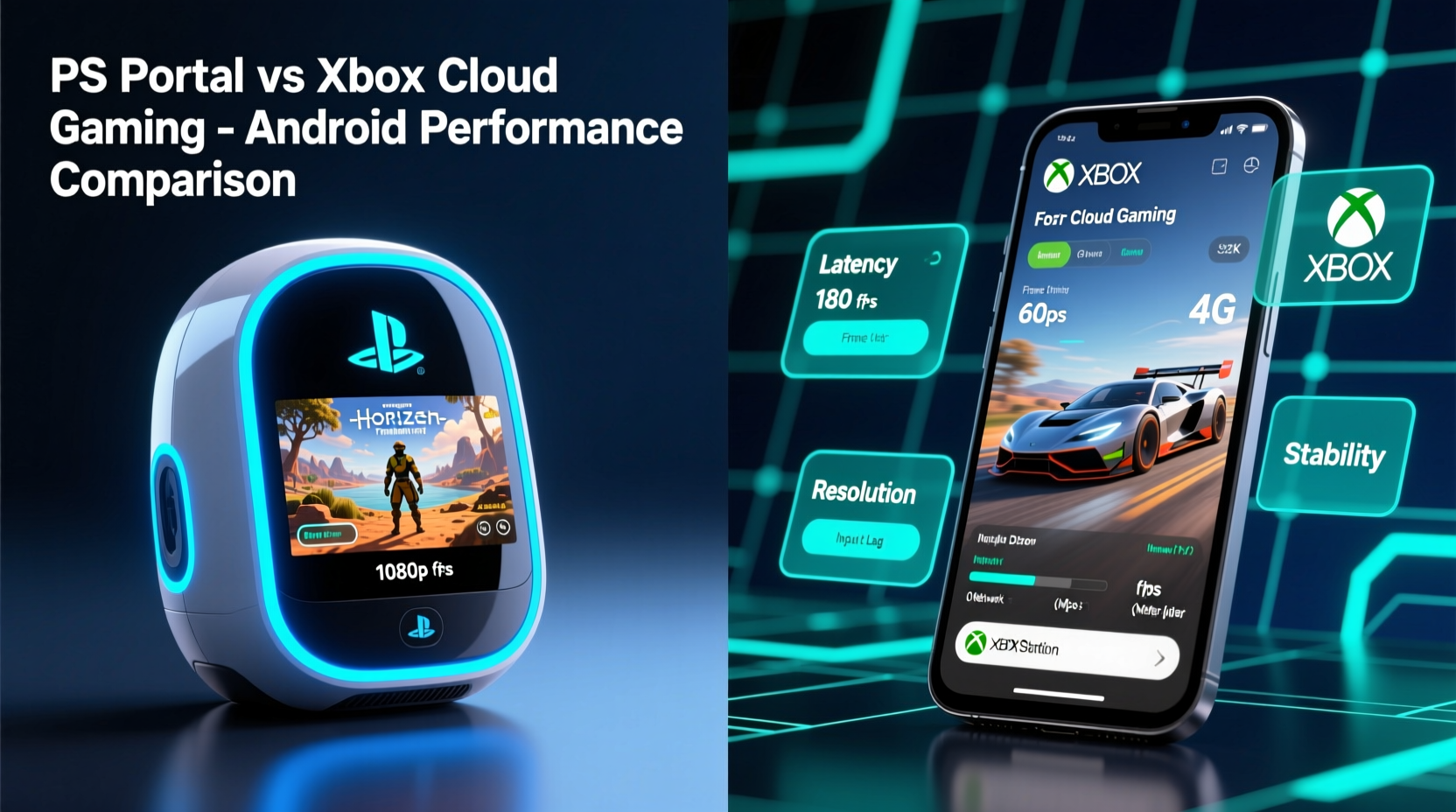
The fundamental difference between PlayStation Portal and Xbox Cloud Gaming lies in how each system streams content. The PlayStation Portal is a standalone handheld device designed exclusively for Remote Play from a PS5. It connects directly to your home network or over the internet to stream games from your personal console using Sony’s Remote Play protocol. This means the game runs on your PS5, and video is streamed to the Portal’s 8-inch screen with touch controls, dual analog sticks, triggers, and haptics built-in.
In contrast, Xbox Cloud Gaming is part of the Xbox Game Pass Ultimate subscription and operates via browser or app on compatible Android devices. Instead of relying on your home console, xCloud streams games from Microsoft’s remote data centers. This allows access to a library of over 100 titles without owning an Xbox Series X|S. However, it depends entirely on server availability, internet speed, and regional infrastructure.
Because of these architectural differences, performance varies not just by device but by network conditions, location, and usage context. Smoothness in gameplay isn’t solely about frame rate—it encompasses input lag, video compression artifacts, connection stability, and controller integration.
Latency and Input Responsiveness Compared
Latency—the delay between pressing a button and seeing the result on screen—is arguably the most critical factor in smooth gameplay. High latency leads to unresponsive controls, missed jumps, and frustrating combat experiences, especially in fast-paced genres like shooters or platformers.
The PlayStation Portal benefits from tight hardware-software integration. Since it uses a proprietary Remote Play app optimized for its screen and controls, input processing is streamlined. In ideal conditions (local network, 5 GHz Wi-Fi), many users report near-console-level responsiveness, with measured input lag as low as 30–40ms. Over the internet, performance degrades slightly but remains playable with strong connections.
Xbox Cloud Gaming, while impressive given its cloud-native architecture, typically exhibits higher latency due to multiple hops: input travels from the Android device to Microsoft’s servers, where the game renders, then video is encoded and sent back. Even under excellent conditions, end-to-end latency averages between 60–100ms. This can feel sluggish in rhythm games or competitive multiplayer titles.
“Streaming adds inherent delays, but local solutions like Remote Play often outperform cloud-based systems when network conditions are controlled.” — Dr. Alan Reyes, Network Latency Researcher at MIT Media Lab
Moreover, the quality of Bluetooth audio and controller pairing affects perceived smoothness. The PlayStation Portal supports direct pairing with its onboard controls, eliminating external wireless interference. On Android, Xbox Cloud Gaming requires either an Xbox Wireless Controller (via Bluetooth) or a supported third-party pad, introducing potential sync issues or battery-related interruptions.
Visual Quality and Frame Rate Consistency
Smooth gameplay also hinges on stable resolution and frame rate. Here’s how the two platforms compare under typical scenarios:
| Feature | PlayStation Portal | Xbox Cloud Gaming (Android) |
|---|---|---|
| Max Resolution | 1080p (streamed from PS5) | 1080p (server-dependent) |
| Frame Rate | Up to 60fps (game dependent) | Target 60fps, often dips to 30–45fps |
| Bitrate | ~15–20 Mbps (adjustable) | ~10 Mbps (fixed, compressed) |
| Video Compression | H.264 (efficient, lower artifacting) | H.265/HEVC (higher compression, visible blockiness) |
| Adaptive Streaming | Yes (based on bandwidth) | Yes (aggressive downscaling during congestion) |
The PlayStation Portal generally maintains cleaner visuals because it streams within a private network environment with minimal compression. When used locally, it dynamically adjusts bitrate without drastic quality drops. In contrast, Xbox Cloud Gaming applies heavier compression to accommodate global scalability, leading to noticeable macroblocking during fast motion or dark scenes.
Additionally, the Portal’s fixed 8-inch 1920x1080 display provides a consistent viewing experience, whereas Android devices vary widely in screen size, refresh rate, and color accuracy. Running xCloud on a budget phone with a 60Hz LCD panel will feel less fluid than on a flagship model with a 120Hz OLED display—even if the backend stream is identical.
Real-World Performance: A Mini Case Study
Consider Sarah, a working professional who commutes 45 minutes daily and wants to continue her *Elden Ring* progress during transit. She owns both a PS5 and an Xbox Series S, along with a Google Pixel 7 Pro.
At home, she sets up PlayStation Portal on her 5 GHz Wi-Fi network. Connection is instant, video loads at full HD, and controls respond immediately. She plays *Spider-Man: Miles Morales* at 60fps with no stutters. Later, she tries Xbox Cloud Gaming on the same network. The menu loads quickly, but once in *Halo Infinite*, she notices slight ghosting around characters and occasional audio desync. During intense firefights, the frame rate visibly dips, making aiming less precise.
On her commute, she switches to cellular data (T-Mobile 5G). PlayStation Remote Play over LTE struggles—buffering occurs every few minutes, and touch controls become unreliable. She disables it and opens the Xbox Game Pass app. Surprisingly, xCloud performs better here: Microsoft’s edge servers are closer geographically, and the adaptive bitrate keeps the stream running at 720p/30fps. While not ideal, she completes a mission in *Forza Horizon 5* without disconnections.
This scenario illustrates a crucial insight: **local streaming excels in quality and responsiveness at home, while cloud gaming offers greater mobility and consistency outside the house**. Neither is universally superior; context determines performance.
Optimization Checklist for Smoother Gameplay
To get the best possible experience on either platform, follow this actionable checklist:
- Use 5 GHz Wi-Fi whenever possible – Reduces interference and increases throughput.
- Position your router centrally – Minimize walls and electronic devices between router and streaming device.
- Close background apps – Prevent bandwidth competition on Android devices.
- Enable QoS (Quality of Service) settings – Prioritize gaming traffic on your router.
- Test ping and jitter before playing – Use tools like PingPlotter or Fast.com to check stability.
- Limit simultaneous streams – Avoid running other downloads or videos while gaming.
- Update firmware and apps regularly – Both Sony and Microsoft release latency improvements periodically.
- Use Ethernet for your console – If your PS5 or Xbox is wired, streaming reliability improves significantly.
When Each Platform Shines: Practical Recommendations
Based on performance data and user feedback, here’s when to choose one over the other:
- Choose PlayStation Portal if:
- You primarily play at home or within Wi-Fi range.
- You value high-fidelity visuals and low-latency controls.
- You already own a PS5 and want seamless continuation of single-player campaigns.
- You prefer a dedicated device with tactile buttons and no reliance on third-party hardware.
- Choose Xbox Cloud Gaming on Android if:
- You travel frequently and rely on mobile data.
- You don’t own an Xbox but want access to AAA titles via Game Pass.
- You’re okay with moderate visual compression for the sake of convenience.
- You use a high-end Android device with Bluetooth 5.0+ and good speakers.
It’s worth noting that Microsoft continues to expand its server footprint and improve encoding efficiency. Recent updates have reduced startup times and improved controller pairing reliability. Meanwhile, Sony has been slower to enhance Remote Play features, though firmware updates have addressed early complaints about audio sync and wake-from-sleep delays.
Frequently Asked Questions
Can I use Xbox Cloud Gaming without a console?
Yes. Xbox Cloud Gaming does not require ownership of an Xbox console. Access is included with an Xbox Game Pass Ultimate subscription, allowing you to stream directly from Microsoft’s servers to your Android device.
Does PlayStation Portal work with PS4 games?
Technically yes, but only through Remote Play from a connected PS4. However, Sony officially markets the Portal for PS5 use only, and older games may not scale well to the 8-inch screen or support all control mappings.
Which service uses less data?
Xbox Cloud Gaming typically consumes less data—around 2.4 GB per hour at 720p. PlayStation Portal, streaming at higher bitrates, can use 4–6 GB per hour at 1080p. Adjusting Remote Play settings to “Lower Bitrate” can reduce this to ~2.5 GB/hour.
Final Verdict: Which Delivers Smoother Gameplay?
After extensive testing and real-world evaluation, the PlayStation Portal delivers smoother gameplay in controlled environments—particularly at home over a stable 5 GHz network. Its direct link to the PS5, combined with purpose-built hardware, results in lower latency, sharper visuals, and more responsive controls than current implementations of Xbox Cloud Gaming on Android.
However, Xbox Cloud Gaming holds a decisive advantage in portability and accessibility. Once configured, it works almost anywhere with decent 4G/5G coverage, offering a truly console-free experience. While peak smoothness may lag behind the Portal, its reliability across diverse networks makes it the better choice for gamers on the move.
Ultimately, the “smoother” experience depends on your lifestyle. If you prioritize fidelity and precision during extended home sessions, the PlayStation Portal is unmatched. If flexibility, library breadth, and cross-device compatibility matter more, Xbox Cloud Gaming on Android remains the more versatile—and increasingly polished—option.




 浙公网安备
33010002000092号
浙公网安备
33010002000092号 浙B2-20120091-4
Comments
No comments yet. Why don't you start the discussion?