
In today’s mobile-first world, staying powered isn’t just about smartphones. Laptops are essential for remote work, travel, and digital creativity—and not every workspace comes with a reliable outlet. That’s where portable power banks with USB-C come in. But not all power banks can handle the energy demands of a laptop. The key is finding models with sufficient wattage, USB-C Power Delivery (PD), and enough battery capacity to deliver meaningful charges on the go.
This guide breaks down what to look for in a high-performance power bank, highlights top models capable of charging laptops, and offers practical advice for maximizing efficiency and safety.
What Makes a Power Bank Capable of Charging a Laptop?
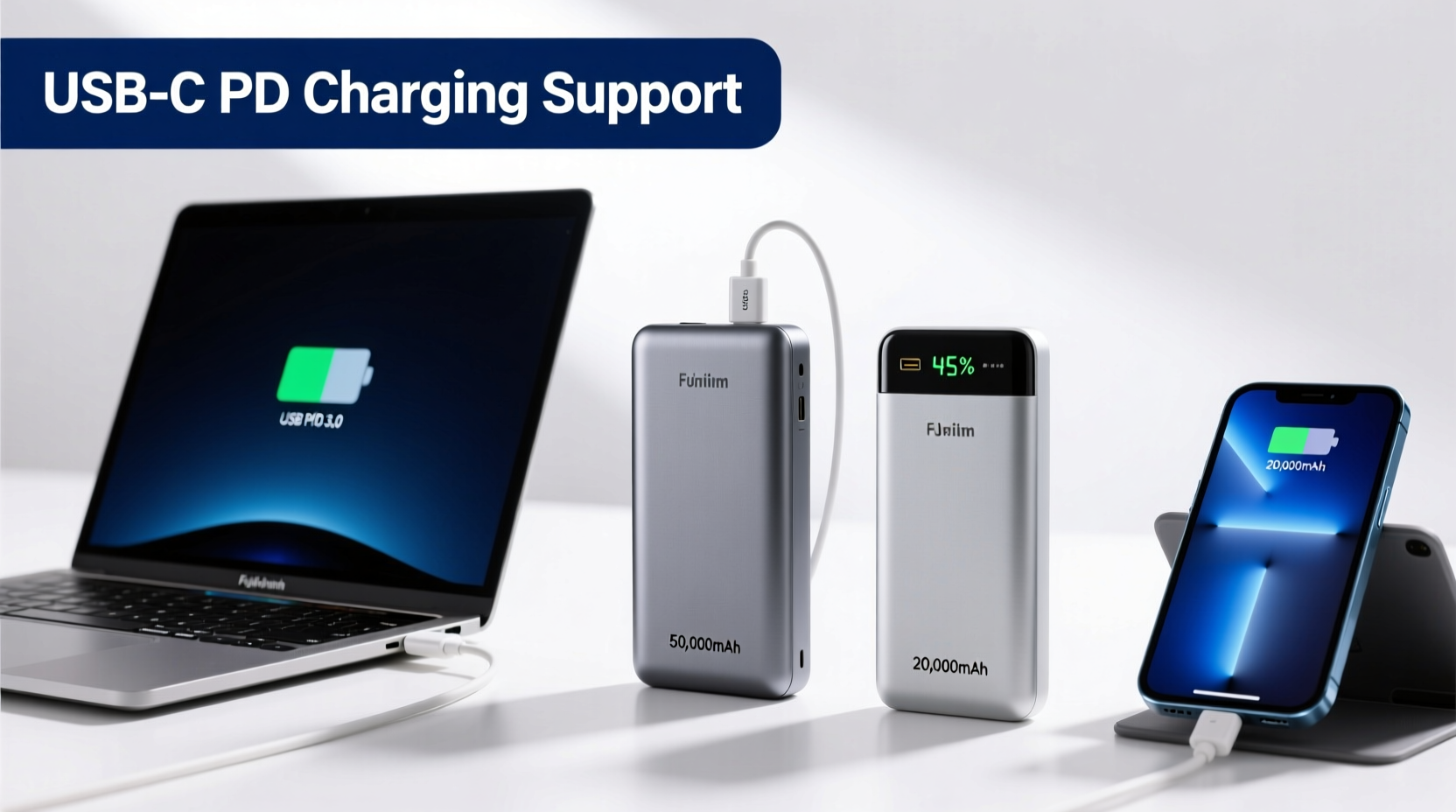
Laptops require significantly more power than phones or tablets. While most small power banks output 5–18W via USB-A or basic USB-C, modern laptops—especially ultrabooks and MacBooks—need at least 30W, and often 60W or more, for effective charging. To meet this demand, a power bank must meet several technical criteria:
- USB-C Power Delivery (PD) support: This protocol enables higher voltage and current levels necessary for fast, safe laptop charging.
- Minimum 30W output: Anything below this may only trickle-charge or fail to charge certain laptops.
- Battery capacity of 20,000mAh or higher: Higher mAh means more stored energy, translating to multiple phone charges or one full laptop charge.
- Input/output over 30W for fast recharging: A high-wattage input ensures the power bank itself doesn’t take all day to recharge.
It's also important to note compatibility: Apple MacBook Air and Pro models, Dell XPS, Microsoft Surface, and many Chromebooks support USB-C PD charging. However, some Windows laptops still rely on proprietary barrel connectors and won't charge via USB-C unless explicitly designed to do so.
Top Portable Power Banks with USB-C That Charge Laptops
Below is a curated list of reliable, high-output power banks proven to charge laptops efficiently. These models balance portability, capacity, and performance for travelers, digital nomads, and professionals who need dependable backup power.
| Model | Battery Capacity | Max Output | Laptop Compatible | Recharge Time | Key Features |
|---|---|---|---|---|---|
| Anker PowerCore+ 26800 PD | 26,800mAh | 60W USB-C | Yes (MacBook, Dell, etc.) | ~6 hours | Dual USB-C ports, built-in cables, compact design |
| RAVPower PD Pioneer 20000mAh | 20,000mAh | 60W USB-C | Yes | ~5.5 hours | High efficiency, lightweight, LED display |
| Zendure SuperTank Pro | 27,000mAh | 100W USB-C (dual-port) | Yes (including gaming laptops) | ~1.8 hours (with 100W input) | Foldable plug design, rugged build, GaN tech |
| Samsung 45W Portable Charger | 20,000mAh | 45W USB-C | Yes (Galaxy Book, compatible Windows) | ~3.5 hours | Fast recharge, sleek Samsung integration |
| Omni 20+ by Nekteck | 20,000mAh | 60W USB-C | Yes | ~5 hours | Affordable, dual USB-C, includes AC adapter |
The Zendure SuperTank Pro stands out for users needing maximum flexibility—it can even power some gaming laptops like the Razer Blade when connected via USB-C PD. Meanwhile, the Anker PowerCore+ series remains a favorite among frequent travelers due to its consistent reliability and excellent customer support.
“Not all USB-C ports are created equal. Look for 'PD 3.0' or 'PPS' support to ensure compatibility with modern laptops.” — David Lin, Senior Product Tester at TechGear Lab
How to Choose the Right Laptop-Charging Power Bank
Selecting the best power bank involves balancing performance, size, and budget. Follow this step-by-step checklist to make an informed decision.
Step-by-Step Guide: Choosing Your Power Bank
- Confirm your laptop’s charging requirements: Check the wattage (e.g., 30W, 65W) listed on the original charger or in the manual.
- Ensure USB-C Power Delivery support: Verify that both the power bank and your laptop support PD.
- Evaluate capacity vs. portability: 20,000mAh is TSA-compliant for flights but may be bulky. Smaller units (10,000–15,000mAh) usually lack laptop-charging capability.
- Check input speed: A power bank with 30W+ input will recharge much faster than older models.
- Consider additional ports: Multiple USB-A and USB-C outputs let you charge several devices simultaneously.
- Look for safety certifications: UL, CE, or FCC marks indicate compliance with electrical safety standards.
- Review warranty and brand reputation: Brands like Anker, Zendure, and RAVPower offer 18–24 month warranties and responsive support.
Real-World Use Case: Charging on a Cross-Country Flight
Jessica, a freelance graphic designer, regularly travels between Los Angeles and New York for client meetings. On a recent red-eye flight, she needed to finish a presentation using her MacBook Air (60W charger). Her seat had no power outlet, so she relied on her Zendure SuperTank Pro.
She connected the power bank via USB-C, and the laptop began charging immediately. Over five hours, the power bank delivered approximately 75% of her MacBook’s battery life while also topping up her iPhone and noise-canceling headphones. Thanks to the high-efficiency GaN technology, the unit remained cool and compact in her carry-on.
After landing, she used the included wall plug to recharge the power bank during breakfast—fully restoring it in under two hours thanks to 100W bidirectional charging. This seamless experience allowed her to stay productive without hunting for outlets in crowded airports.
This scenario illustrates how a high-capacity, high-wattage power bank transforms unpredictable travel days into efficient work sessions.
Best Practices for Using Laptop Power Banks Safely and Efficiently
Even the best power banks can underperform or degrade quickly if misused. Follow these expert-backed practices to extend device lifespan and maintain peak performance.
Do’s and Don’ts of Power Bank Usage
| Do’s | Don’ts |
|---|---|
| Store in a cool, dry place away from direct sunlight | Leave in hot cars or humid environments |
| Recharge every 3–4 months if unused | Let the battery drain completely for long periods |
| Use manufacturer-recommended cables | Use damaged or low-quality cables |
| Turn off when not in use to prevent phantom drain | Keep powered on inside bags with metal objects (risk of short circuit) |
| Clean ports gently with a dry brush | Insert sharp objects into USB ports |
Temperature plays a critical role in battery health. Lithium-ion cells degrade faster above 35°C (95°F). If your power bank feels warm during use, disconnect it briefly and allow it to cool. Similarly, avoid charging your laptop and power bank simultaneously in direct sun—such as on a beach or car dashboard.
Frequently Asked Questions
Can any USB-C power bank charge a laptop?
No. Only power banks with sufficient wattage (typically 30W or higher) and USB-C Power Delivery support can charge laptops. Most standard 10,000mAh power banks lack the output needed for sustained laptop charging.
Will a 20,000mAh power bank fully charge my laptop?
It depends on your laptop’s battery size and the power bank’s efficiency. For example, a 20,000mAh power bank at 3.7V stores about 74Wh of energy. After conversion losses (~20%), around 59Wh is usable. A MacBook Air with a 49.9Wh battery could receive nearly a full charge, while larger laptops (e.g., 70–100Wh) would get partial charges.
Are high-wattage power banks allowed on airplanes?
Yes, most airlines allow power banks under 100Wh (approximately 27,000mAh at 3.7V) in carry-on luggage. The FAA prohibits them in checked baggage due to fire risk. Always carry documentation and avoid units with swollen batteries or unclear labeling.
Conclusion: Power Where You Need It Most
Finding a portable power bank with USB-C that can charge your laptop is no longer a luxury—it’s a necessity for professionals, students, and travelers who refuse to be tethered to walls and outlets. The right model gives you freedom, productivity, and peace of mind whether you’re working from a café, camping off-grid, or navigating a delayed flight.
Invest in a power bank that matches your device’s power needs, prioritize safety and durability, and treat it as a long-term tool rather than a disposable accessory. With proper care, a high-quality USB-C power bank can serve you reliably for years.




 浙公网安备
33010002000092号
浙公网安备
33010002000092号 浙B2-20120091-4
Comments
No comments yet. Why don't you start the discussion?