
Bluetooth speakers have become essential companions for music lovers, outdoor adventurers, and remote workers alike. Their portability and wireless convenience make them ideal for use at home, on the beach, or during travel. However, one common frustration users face is shortened battery performance over time. The good news? With a few smart habits, you can significantly extend both the lifespan and daily usability of your speaker’s battery. These strategies go beyond simply turning down the volume—they involve understanding battery chemistry, usage patterns, and environmental factors that influence longevity.
Understand Your Speaker’s Battery Type
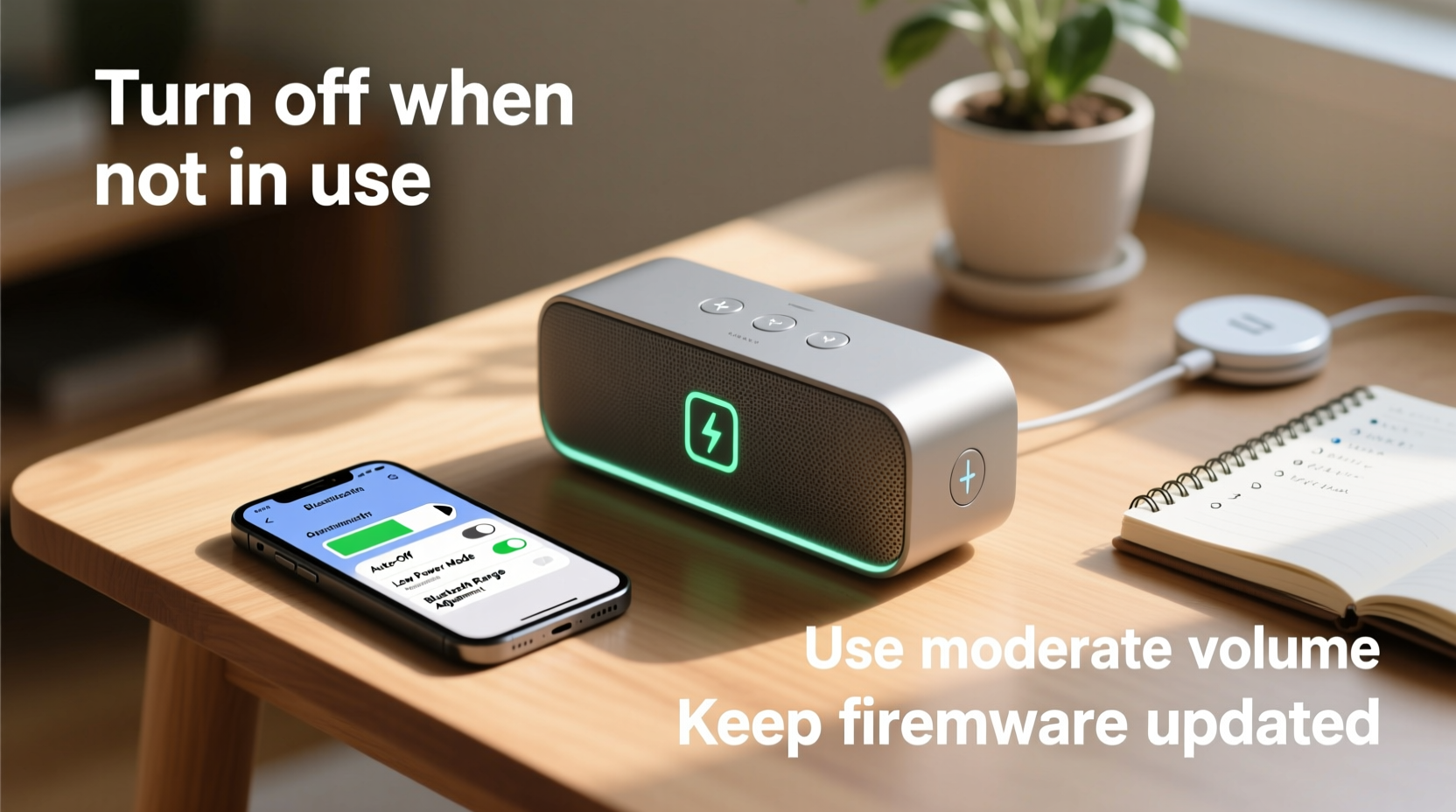
Most modern Bluetooth speakers use lithium-ion (Li-ion) batteries, known for their high energy density and relatively long cycle life. Unlike older nickel-based batteries, Li-ion cells don’t suffer from memory effect but are sensitive to extreme charging conditions. They perform best when kept between 20% and 80% charge rather than being fully drained or constantly topped off at 100%.
Lithium-ion batteries degrade gradually with each full charge cycle—typically defined as using 100% of the battery’s capacity over multiple sessions. Most are designed for 300–500 full cycles before holding less than 80% of their original capacity. Knowing this helps explain why consistent partial charging is more beneficial than frequent deep discharges.
“Lithium-ion batteries thrive on moderation. Avoiding the extremes of 0% and 100% regularly can nearly double usable battery lifespan.” — Dr. Alan Zhou, Battery Technology Researcher at GreenCell Labs
Optimize Charging Habits
How you charge your Bluetooth speaker has a direct impact on how long the battery lasts over months and years. Many users assume it's safe to leave their speaker plugged in overnight or after reaching full charge, but prolonged exposure to peak voltage stresses the battery.
Additionally, avoid using fast chargers not approved by the manufacturer. While convenient, higher amperage can generate excess heat, accelerating internal degradation. Always use the provided cable and adapter, or certified equivalents, to maintain safe charging parameters.
Step-by-Step: Ideal Charging Routine
- Charge the speaker when battery drops to around 20–30%.
- Use the manufacturer-recommended charger.
- Monitor charging progress and unplug near 80–90% if possible.
- If storing long-term, charge to 50% before powering off.
- Recharge every 3 months during storage to prevent deep discharge.
Manage Volume and Audio Settings
Volume level is one of the biggest factors affecting real-time battery drain. Playing audio at 70–80% volume consumes significantly more power than at 40–50%, especially on smaller speakers with limited battery reserves. Bass-heavy tracks further increase power draw because low frequencies require larger driver movements and amplifier effort.
To conserve energy without sacrificing sound quality:
- Adjust EQ settings to reduce bass boost if available.
- Avoid maximum volume for extended periods.
- Use audio sources with efficient codecs like AAC or aptX, which transmit data more efficiently than basic SBC.
Power Consumption by Volume Level (Estimate)
| Volume Level | Battery Drain Rate | Expected Playback Time* |
|---|---|---|
| 30% | Low | Up to 30 hours |
| 50% | Moderate | Approx. 20 hours |
| 75% | High | Approx. 12 hours |
| 100% | Very High | As low as 6–8 hours |
*Varies by model and battery capacity.
Environmental Factors That Impact Battery Health
Temperature plays a critical role in battery performance and longevity. Lithium-ion batteries operate best between 20°C and 25°C (68°F–77°F). Exposure to temperatures above 35°C (95°F)—such as leaving a speaker in a hot car or under direct sunlight—can cause irreversible capacity loss. Cold environments below 0°C (32°F) may temporarily reduce performance and increase internal resistance, leading to unexpected shutdowns even with charge remaining.
Moisture and humidity also pose risks. Even water-resistant models aren’t immune to internal condensation or corrosion over time, particularly around charging ports and circuitry. Always dry the speaker thoroughly after exposure to rain or splashes and store in a climate-controlled environment.
Real-World Example: Extending Use During Outdoor Events
Jamal rented a mid-tier Bluetooth speaker for a weekend camping trip. Instead of playing music all day at maximum volume, he implemented several battery-saving tactics. He set the volume to 50%, turned off RGB lighting, paired via a high-efficiency codec, and placed the speaker in a shaded area away from direct sun. By rotating two fully charged speakers every six hours, he ensured continuous playback for over 24 hours across the weekend—nearly doubling the advertised battery life per unit. His mindful approach preserved both immediate usability and long-term battery health.
Battery Maintenance Checklist
Follow this checklist monthly to keep your Bluetooth speaker’s battery in optimal condition:
- ✅ Charge between 20% and 80% whenever possible
- ✅ Use only manufacturer-approved chargers
- ✅ Store at 50% charge if unused for over two weeks
- ✅ Keep the device in a cool, dry place
- ✅ Turn off unnecessary features (lights, voice assistants)
- ✅ Clean charging port gently with a dry brush monthly
- ✅ Update firmware if available—some updates optimize power management
Frequently Asked Questions
Should I let my Bluetooth speaker battery die completely before recharging?
No. Lithium-ion batteries do not benefit from full discharge cycles. In fact, regularly draining to 0% accelerates wear. Recharge when the battery reaches 20–30% to prolong overall lifespan.
Can I use my speaker while charging?
You can, but doing so increases heat buildup and slows the charging process. It’s better to let it charge fully before use, especially if planning extended playback. If used while charging, monitor for overheating and avoid covering the device.
How often should I replace my Bluetooth speaker’s battery?
Most users won’t need to replace the battery—it’s usually built-in and non-removable. However, expect noticeable degradation after 2–3 years of regular use. At that point, reduced runtime indicates it’s time to consider a new model.
Final Thoughts: Small Habits, Big Results
Maximizing your Bluetooth speaker’s battery life doesn’t require technical expertise—just awareness and consistency. Simple actions like avoiding extreme temperatures, moderating volume, and unplugging at 80% add up to meaningful gains in both daily performance and long-term durability. Over time, these practices can help you avoid premature replacement, save money, and reduce electronic waste.




 浙公网安备
33010002000092号
浙公网安备
33010002000092号 浙B2-20120091-4
Comments
No comments yet. Why don't you start the discussion?