
In an era where smartphones are both essential tools and personal style statements, finding ways to keep them secure while expressing individuality has become increasingly important. One rising trend combines function and fashion: attaching a phone to a chain keychain. While this accessory offers convenience and flair, improper use can lead to drops, scratches, or even theft. The key is balancing aesthetics with practical protection. This guide delivers actionable strategies to help you wear your phone on a chain safely, securely, and in style.
Why Use a Chain Keychain for Your Phone?
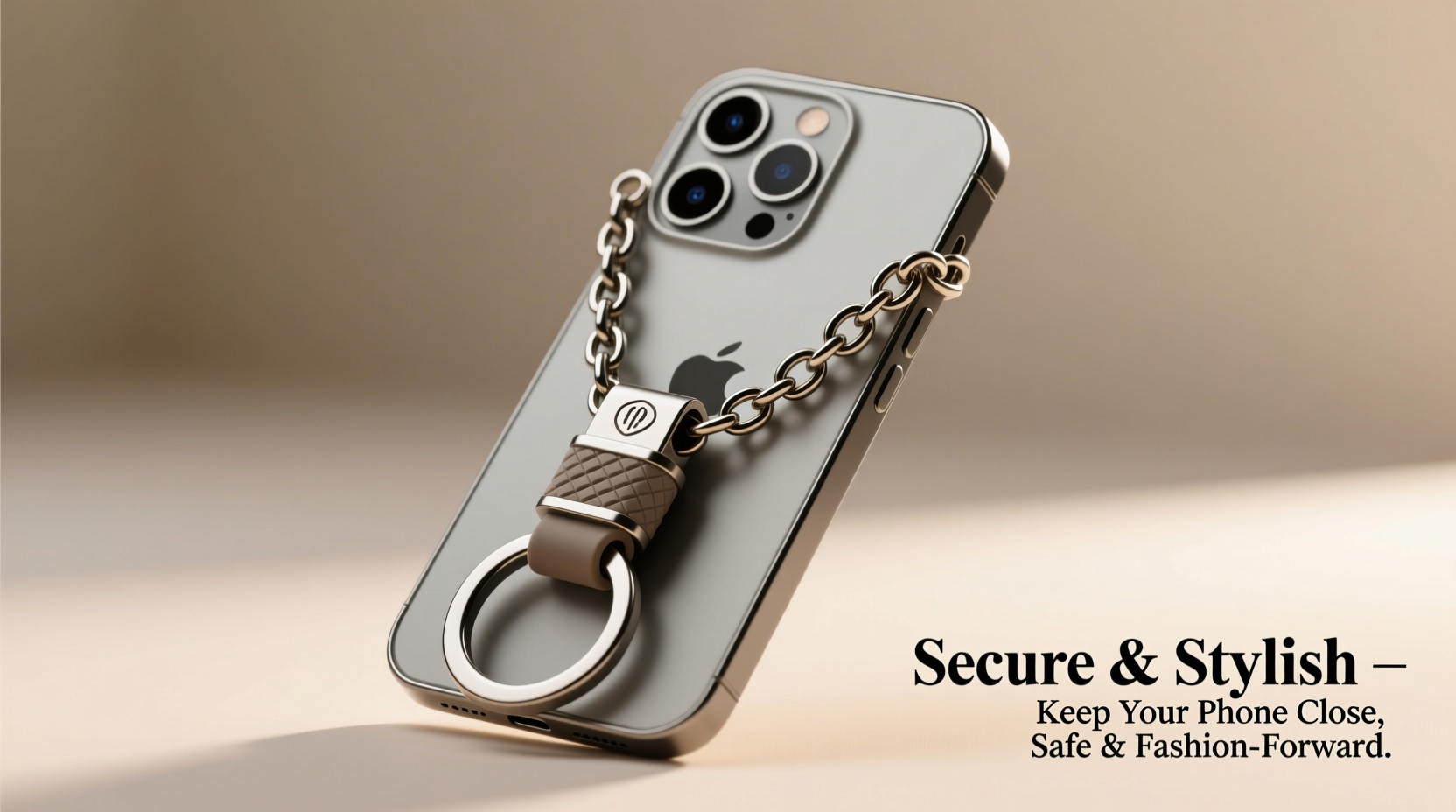
Chain keychains originally gained popularity through their use with wallets and keys, but they’ve evolved into functional accessories for phones. Whether clipped to a belt loop, worn crossbody, or draped over the shoulder, a well-designed chain keeps your device within reach and reduces the risk of misplacement. For frequent travelers, festival-goers, or urban commuters, having hands-free access to your phone without stuffing it in a pocket or bag adds both comfort and confidence.
However, not all chains are created equal. A poorly attached or flimsy chain can snap under pressure, leading to costly falls. Worse, some attachment methods compromise structural integrity or leave your phone vulnerable to snatching. The goal isn’t just to look good—it’s to stay protected.
Choosing the Right Chain and Attachment Method
The foundation of a safe chain keychain setup lies in selecting durable materials and secure attachment points. Not every phone model supports direct chaining, so understanding compatibility is crucial.
Metal chains made from stainless steel or titanium offer superior strength and resistance to corrosion. Avoid thin, decorative chains typically used for jewelry—they may break under stress. Opt instead for thicker-link designs with reinforced clasps like lobster claws or carabiners rated for at least 5–10 pounds of tensile strength.
As for attaching the chain to your phone, there are three primary options:
- Case-integrated loops or rings: Many rugged or lifestyle phone cases come with built-in metal loops or armbands designed specifically for lanyards or chains.
- Adhesive-mounted anchors: High-bond adhesive metal rings (like PopSockets with swivel mounts) can be securely fastened to the back of your phone or case.
- Wallet-style clips: If you use a minimalist wallet case, a metal money clip-style attachment allows you to connect a chain directly to your phone-plus-card combo.
Avoid wrapping chains around loose ports or buttons, as this can damage internal components or dislodge parts over time.
Do’s and Don’ts of Chain Selection
| Do’s | Don’ts |
|---|---|
| Use a chain with a secure locking clasp | Attach the chain directly to charging ports |
| Choose a lightweight design to reduce strain | Use overly long chains that drag on the ground |
| Match chain length to your carrying habit (e.g., wrist, waist, neck) | Select magnetic attachments unless verified for daily stress |
| Inspect links monthly for wear or bending | Ignore signs of fraying or weakened joints |
Wearing Your Phone Safely: Position and Posture
How you wear your phone on a chain affects both safety and comfort. The most common positions include waist-level clipping, wrist looping, and crossbody draping. Each has pros and cons depending on activity level and environment.
For everyday urban walking, a crossbody chain keeps the phone centered and visible, reducing temptation for pickpockets. At concerts or busy markets, keeping the phone tucked inside your jacket or close to your chest minimizes swing and snatch risks.
When seated, ensure the chain doesn’t pull awkwardly on your phone. Prolonged tension can weaken adhesives or stress mounting points. If you frequently sit during workdays, consider detaching the chain temporarily or switching to a desk-friendly stand mode.
“Phones on chains should move *with* the body, not against it. Proper ergonomics prevent strain and accidental drops.” — Jordan Lee, Product Safety Consultant at MobileGear Labs
Step-by-Step Guide: Setting Up Your Secure Chain System
Follow this five-step process to install and maintain a reliable chain keychain system:
- Evaluate your phone case: Confirm whether it has a built-in loop, MagSafe compatibility, or space for an adhesive anchor.
- Select a compatible chain: Choose one with a clasp that easily connects to your chosen mount (e.g., swivel lobster clasp).
- Install the attachment point: Clean the phone surface thoroughly, apply adhesive mounts with firm pressure, and let cure for 24 hours before use.
- Connect and test: Clip the chain securely and perform a gentle shake test to confirm stability.
- Monitor regularly: Check weekly for loosening mounts, chain kinks, or signs of metal fatigue.
This routine ensures longevity and peace of mind, especially if you rely on your phone throughout the day.
Real-World Example: Festival-Goer Avoids Theft
Sophia, a regular attendee at outdoor music festivals, used to keep her phone in her back pocket—until it was stolen during a crowded set last summer. Determined to stay connected without risk, she invested in a rugged OtterBox case with a side-loop and paired it with a 24-inch stainless steel chain featuring a locking carabiner.
During her next event, she wore the chain crossbody, letting her phone rest against her abdomen. When someone reached toward her during a mosh pit, the chain held firm, alerting her to the attempt. She credited the setup not only with preventing loss but also allowing quick access for photos and navigation—all while matching her edgy festival outfit.
Her experience underscores how thoughtful design enhances both utility and personal security.
Styling Tips: Making Security Fashionable
A chain keychain doesn’t have to look utilitarian. In fact, many brands now offer designer chains in brushed gold, matte black, or engraved patterns that complement modern wardrobes. Mix and match finishes with your watch, belt buckle, or eyewear frame for a cohesive aesthetic.
For professional settings, opt for shorter, discreet chains in neutral tones. Loop them through a belt D-ring or attach to a briefcase strap. On weekends or nights out, go bolder with longer, statement-making chains that double as conversation starters.
You can even swap chains seasonally—matte silver for winter, colorful enamel-coated links for summer—keeping your look fresh while maintaining consistent protection.
Frequently Asked Questions
Can a chain scratch my phone?
Yes, if the chain rubs constantly against the screen or camera lens. To prevent this, choose chains with smooth, rounded links and store your phone facing inward when worn. Using a case with raised edges adds extra protection.
Is it safe to sleep with a phone on a chain?
No. During sleep, involuntary movements can cause the chain to twist or pull, potentially damaging the attachment point or injuring your skin. Remove the chain before bed and place your phone on a nightstand.
Will a chain interfere with wireless charging?
It depends. Metal chains can disrupt charging efficiency if left attached. Always detach the chain before placing your phone on a wireless pad. If using a MagSafe-compatible ring, ensure the chain doesn’t cover the center alignment magnet.
Final Thoughts: Style Meets Smart Protection
Using a chain keychain for your phone blends practicality with personality—but only when done correctly. By selecting strong materials, installing secure attachments, and wearing the chain thoughtfully, you gain constant access to your device without sacrificing safety. Regular maintenance and awareness turn this trendy accessory into a long-term solution for staying connected on the move.




 浙公网安备
33010002000092号
浙公网安备
33010002000092号 浙B2-20120091-4
Comments
No comments yet. Why don't you start the discussion?