
As holiday traditions evolve, so do the ways we decorate. One of the most enchanting advancements in seasonal lighting is the ability to program LED Christmas lights to simulate natural phenomena—like falling snow. With smart controllers, addressable LEDs, and precise timing algorithms, it’s now possible to create a mesmerizing illusion of snowflakes gently drifting down your home’s exterior or across a tree indoors. This isn’t just blinking or fading; it’s choreographed light movement that mimics physics, rhythm, and randomness to deliver a magical winter wonderland effect.
The short answer is yes—you absolutely can time programmable Christmas lights to mimic falling snow. But doing it well requires understanding the technology, planning the visual pattern, and applying subtle programming techniques that replicate the behavior of real snowfall. Let’s explore how to achieve this effect, what tools you need, and how to avoid common pitfalls.
How Programmable Lights Work: The Foundation of Light Animation
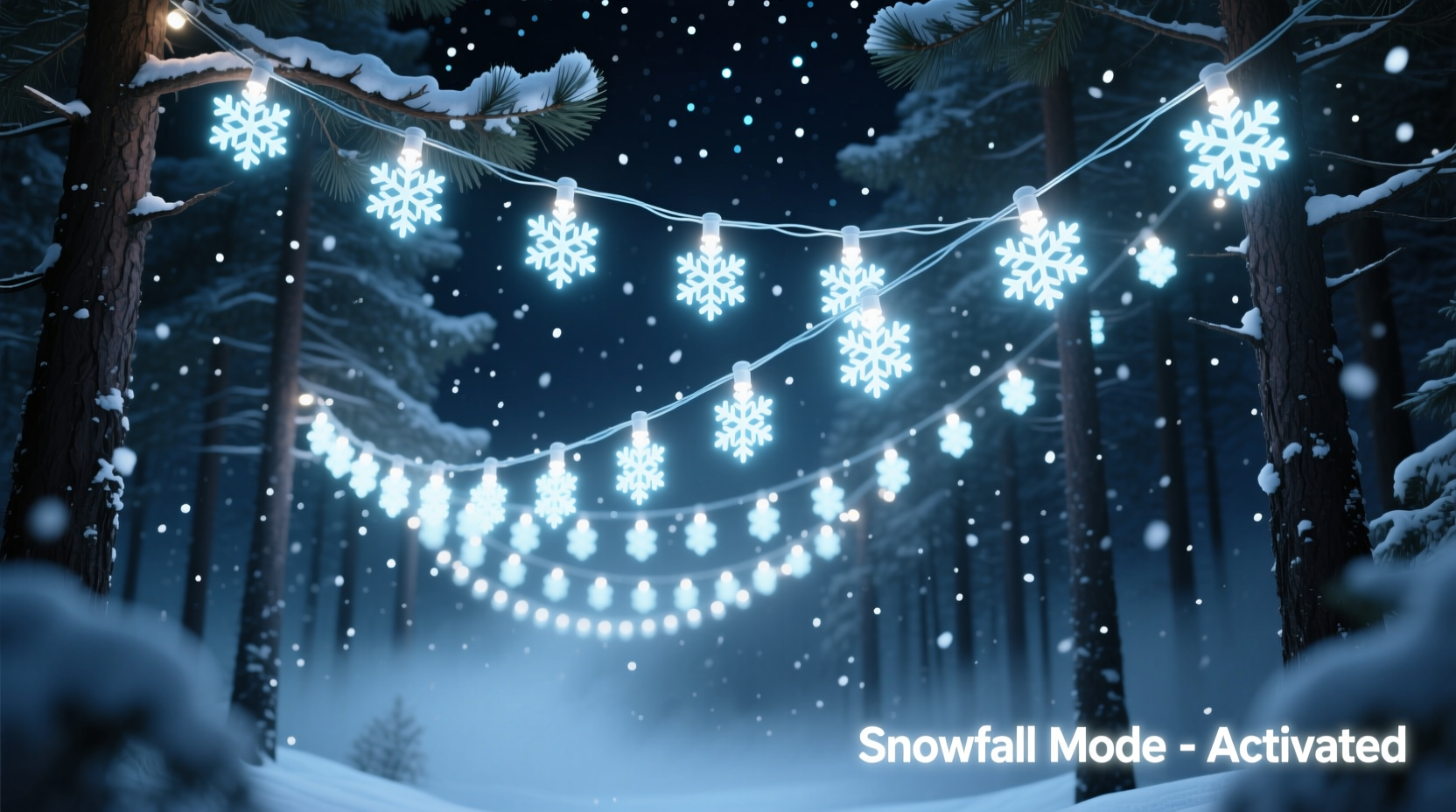
Modern programmable Christmas lights, especially those based on WS2812B (commonly known as NeoPixels) or similar addressable LED strips, allow individual control over each bulb’s color, brightness, and timing. Unlike traditional string lights that operate in unison, these systems use microcontrollers like Arduino, ESP32, or Raspberry Pi to send signals along a data line, instructing each LED when and how to illuminate.
This granular control opens the door to complex animations. For a falling snow effect, you don’t just turn lights on and off—you create sequences where points of white or soft blue light appear at the top of a display, move downward at varying speeds, flicker slightly, and fade out as if melting. The key lies in replicating three characteristics of real snow:
- Randomness: Snow doesn’t fall in perfect rows or at uniform speeds.
- Velocity variation: Some flakes drop quickly; others flutter slowly.
- Opacity and fade: Flakes appear faint, brighten briefly, then dissolve.
By programming these behaviors into your light sequence, you transform static strings into dynamic, lifelike displays.
Step-by-Step Guide: Creating a Falling Snow Light Sequence
To build a convincing falling snow animation, follow this structured approach using common DIY smart lighting tools.
- Choose Your Hardware Setup
Select addressable LED strips (e.g., WS2812B) arranged vertically along gutters, windows, or trees. Ensure they’re waterproof if used outdoors and connected to a stable power supply. - Connect to a Microcontroller
Use an ESP32 or Arduino with FastLED or Adafruit NeoPixel library support. These platforms handle timing and color control efficiently. - Define the Display Grid
Map your physical layout in code. For example, if you have four vertical strands of 50 LEDs each, treat them as columns in a grid. Each LED has an (x,y) coordinate. - Create Snowflake Objects
In your code, define a “snowflake” as a data structure containing:- Starting position (random x-coordinate)
- Vertical speed (randomized between 0.5–2 pixels per frame)
- Brightness curve (start dim, peak mid-descent, fade out)
- Lifespan (number of frames before resetting)
- Program the Animation Loop
In each frame (typically running at 30–60 FPS), update all active snowflakes:- Increase their Y-position by their speed value
- Adjust brightness based on descent phase
- Randomly introduce slight horizontal drift (±1 pixel) every few frames for realism
- Remove snowflakes once they reach the bottom, then spawn new ones at the top
- Add Atmospheric Effects
Enhance realism by including ambient background lighting—soft blue pulses, occasional gusts (rapid flickers), or wind-blown clusters. You can also stagger start times across multiple strands to avoid mechanical repetition. - Test and Refine
Run the sequence at night. Adjust speed, density, and fade curves until the motion feels organic. Too fast looks like rain; too slow loses impact.
This method transforms simple LEDs into a dynamic canvas. The result? A gentle cascade of light that captures the quiet beauty of a snowy evening—even in climates where snow never falls.
Tools and Platforms That Support Snowfall Effects
Not everyone wants to write code from scratch. Fortunately, several user-friendly platforms offer built-in or customizable snowfall effects.
| Platform | Snowfall Effect Available? | Customization Level | Best For |
|---|---|---|---|
| Christmas Light Pro (CLP) | Yes – pre-built animation | High (timeline editing) | Advanced users with large displays |
| Holiday Coro RGB | Limited – requires manual sequencing | Medium | Coroplast figure integrators |
| WLED (Open Source) | Yes – via custom FX or scripts | High (API & JSON control) | Tech-savvy hobbyists |
| Smart Life / Tuya Apps | No – lacks fine timing | Low | Basic color cycling only |
| Arduino + FastLED | Yes – fully customizable | Very High | Diy builders seeking realism |
For plug-and-play convenience, WLED stands out. It runs on ESP8266/ESP32 boards, supports Wi-Fi control, and includes a \"Meteors\" effect that can be tweaked to resemble snow by adjusting color (white), size (1–2 LEDs), and tail length (short fade). With minor script modifications, you can convert meteor showers into gentle snowfalls.
“With proper timing and randomness, LED animations can evoke emotion just like real weather. A well-programmed snowfall doesn’t just look real—it feels peaceful.” — Dr. Lena Torres, Interactive Lighting Designer, MIT Media Lab
Mini Case Study: The Winter Porch Project
In Asheville, North Carolina, homeowner Mark Delaney wanted to bring a touch of northern winters to his mild-climate home. He installed 200 addressable LEDs in four vertical lines along his front porch pillars, connected to an ESP32 running WLED with a custom script.
Initially, he used the default “Twinkle” effect, but it felt chaotic. After researching animation principles, he modified the code to spawn “snowflakes” at random intervals (every 0.3–1.2 seconds), each moving down at variable speeds with a Gaussian brightness curve. He added a subtle horizontal wobble using Perlin noise to simulate air currents.
The result was striking. Neighbors reported pausing to watch the lights, commenting on the “calming” and “authentic” feel. Local news even featured his home during a holiday segment, highlighting how technology could recreate seasonal nostalgia.
Mark’s insight? “It’s not about more lights. It’s about smarter movement. One well-placed, slowly fading pixel feels more like snow than a hundred flashing ones.”
Checklist: Building a Realistic Falling Snow Light Display
- ✅ Use addressable LEDs (WS2812B or equivalent)
- ✅ Arrange lights in vertical columns for natural flow
- ✅ Choose cool white or soft white LEDs (2700K–6000K)
- ✅ Limit brightness to 30–60% to avoid harsh glare
- ✅ Program randomized spawn times and speeds
- ✅ Implement smooth fade-in and fade-out (not instant on/off)
- ✅ Add slight horizontal drift for realism
- ✅ Test under actual viewing conditions at night
- ✅ Power with adequate gauge wiring and surge protection
- ✅ Backup your code and configuration
Common Mistakes and How to Avoid Them
Even experienced decorators can misstep when attempting snow simulations. Here are frequent issues and solutions:
- Too many lights activating at once: Creates a blizzard effect instead of gentle snow. Fix: Limit concurrent snowflakes (e.g., max 5–8 active at a time for a 200-LED setup).
- Uniform timing: All flakes moving in sync looks robotic. Fix: Introduce random delays in spawning and variable descent rates.
- Over-brightness: LEDs glowing at full intensity destroy the delicate illusion. Fix: Cap brightness and use gamma correction for smoother transitions.
- Ignoring vertical spacing: If LEDs are spaced too far apart (e.g., 6 inches), motion appears jerky. Fix: Use denser strips (60 LEDs/meter) or interpolate movement in software.
- No fade-out: Flakes disappearing abruptly break immersion. Fix: Program a 3–5 frame fade to black at the bottom.
One often-overlooked factor is ambient light. Streetlights or porch lamps can wash out subtle effects. Consider dimming nearby fixtures or using directional shielding to enhance contrast.
Frequently Asked Questions
Can I create a falling snow effect with non-addressable lights?
No. Non-addressable (dumb) lights operate as a single unit—all bulbs change together. To simulate falling snow, you need independent control over individual or small groups of LEDs, which only addressable systems provide.
Do I need to know how to code?
It depends. If you’re using pre-built software like Christmas Light Pro or a modified WLED preset, you can achieve good results without writing code. However, for full customization—like adjusting snow density by time of night or syncing with music—you’ll benefit from basic programming knowledge in C++ or Python.
Can I sync the snow effect with music or other displays?
Yes. Using platforms like xLights or Falcon Player, you can synchronize your snow animation with audio tracks or coordinate it with other elements (e.g., a sleigh bell chime at the end of a song). Timecode-based sequencing allows millisecond-level precision across multiple controllers.
Conclusion: Bring the Magic of Winter to Life
Programmable Christmas lights offer more than sparkle—they offer storytelling. By timing LEDs to mimic falling snow, you create an emotional experience that resonates with viewers on a sensory level. It’s not just decoration; it’s digital nature art.
The technology is accessible, the materials are widely available, and the creative potential is vast. Whether you’re a seasoned tinkerer or a curious beginner, the falling snow effect is an achievable and deeply rewarding project. It blends engineering with artistry, logic with poetry.
Start small. Try a single column of lights. Experiment with timing and fade curves. Watch how people react. You might just inspire a new holiday tradition—one that turns your home into a quiet sanctuary of light and memory.




 浙公网安备
33010002000092号
浙公网安备
33010002000092号 浙B2-20120091-4
Comments
No comments yet. Why don't you start the discussion?