
Gaming performance hinges on more than just graphics and frame rates—your controller is the bridge between intention and action. For PS5 players, choosing the right controller gear can mean the difference between a frustrating experience and seamless mastery. Whether you're upgrading your DualSense or exploring third-party alternatives, durability and advanced features are non-negotiable for serious gamers. From budget-friendly accessories priced as low as $3.92 to premium controllers with customizable back buttons and trigger stops, this guide delivers real-world tested recommendations that balance cost, quality, and functionality.
DualSense vs. Third-Party Controllers: What’s Best for You?
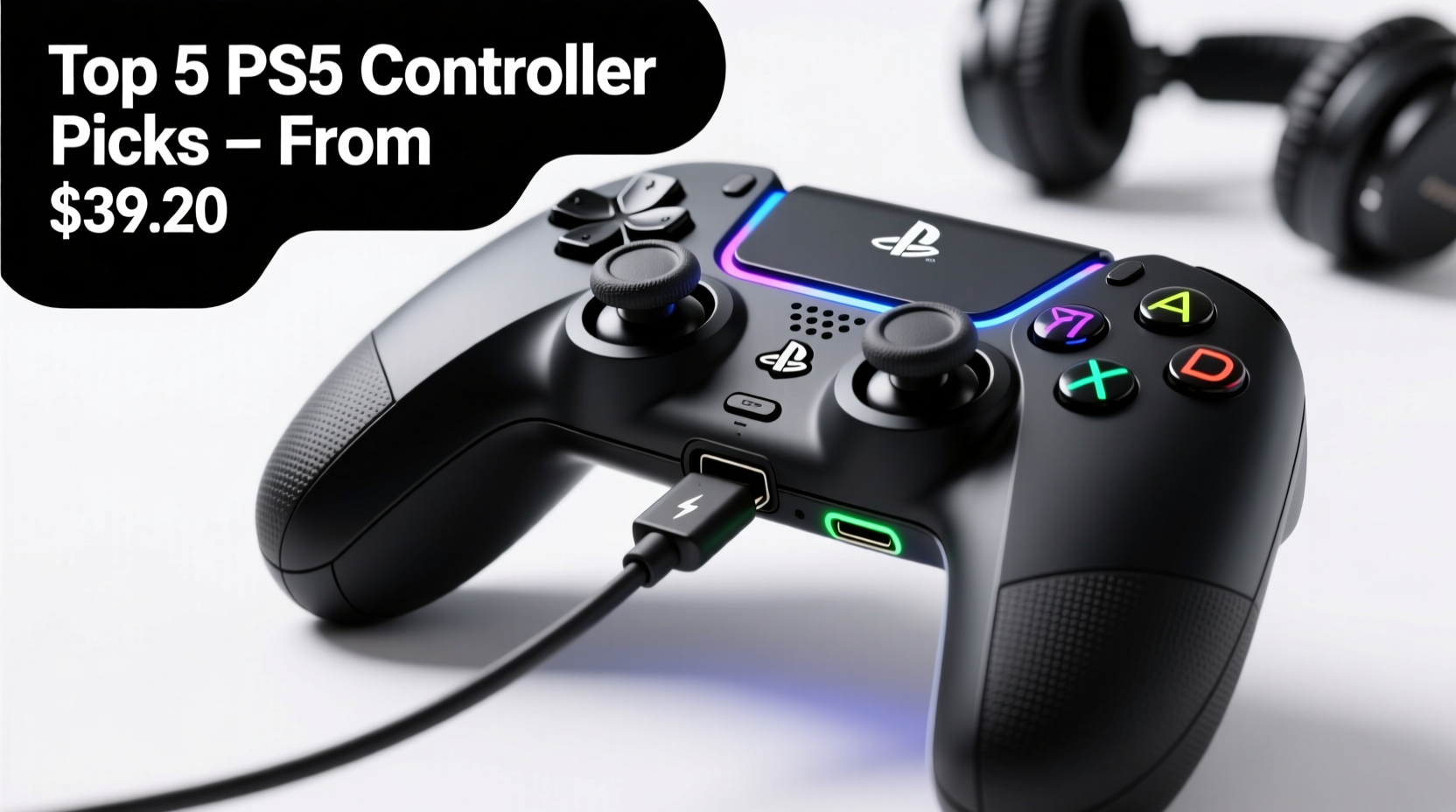
The Sony DualSense remains the default choice for most PS5 owners, and for good reason. Its haptic feedback and adaptive triggers offer an immersive experience unmatched by many competitors. However, it may not suit every hand size or playstyle. Some users report thumbstick wear after six months of heavy use, while others desire programmable buttons or faster trigger response.
Third-party controllers have evolved dramatically. Brands like Scuf, Razer, and GameSir now produce licensed or compatible models that retain official functionality while adding ergonomic refinements and customization. These are particularly popular among competitive players in FPS and fighting games where milliseconds matter.
“Modern third-party controllers aren’t just clones—they’re performance tools engineered for precision.” — Jordan Lee, Senior Hardware Analyst at GameTech Weekly
Budget-Friendly Essentials Starting at $3.92
You don't need to spend hundreds to enhance your setup. A range of affordable, high-quality accessories starts as low as $3.92 and significantly improves comfort, longevity, and control.
- Silicone Controller Skin ($3.92): Protects against scratches, adds grip, and absorbs minor impacts. Ideal for households with kids or frequent travelers.
- Thumbstick Grips (Pack of 4, $5.99): Enhance analog control precision, especially useful in shooters and racing games.
- Charging Dock ($12.95): Keeps your DualSense powered without draining USB ports. Look for models with LED indicators and overcharge protection.
- Controller Stand ($8.49): Reduces cable clutter and prevents accidental drops when idle.
Top Value Picks Under $20
| Product | Price | Key Feature | Durability Rating (5★) |
|---|---|---|---|
| PDP Enhanced Wired Controller | $19.99 | Wired USB-C, remappable buttons | ★★★★☆ |
| GameSir Tella Mobile Clip + Controller Mount | $14.95 | Enables console-like mobile gaming | ★★★☆☆ |
| BlueFins Replacement Analog Sticks (x4) | $7.99 | Prevents drift, easy install | ★★★☆☆ |
| Anker PowerWave Charging Station | $17.99 | Fast charge, dual-slot design | ★★★★★ |
Premium Controllers Built to Last
For players investing in long-term performance, high-end controllers deliver measurable advantages. These models often include modular components, metal-reinforced internals, and software suites for deep customization.
Scuf Reflex Pro – The Competitive Edge
Priced around $180, the Scuf Reflex Pro is a favorite among tournament players. Features include:
- Adjustable trigger stops (short for sniping, long for rapid fire)
- Interchangeable thumbsticks and paddle layouts
- Aircraft-grade aluminum faceplate
- Full firmware customization via SCUF Hub software
Its build quality resists wear even under daily 4+ hour usage, making it a cost-effective choice over time despite the initial price.
Razer Wolverine V2 Pro
This licensed PS5-compatible controller brings PC-grade responsiveness to console gaming. Highlights include:
- Mechnical instant-trigger buttons
- Removable cable with locking mechanism
- Eight-way D-pad ideal for retro and fighting games
- Onboard profile memory
Backed by Razer’s two-year warranty, it's designed for endurance across thousands of button presses.
What Makes Controller Gear “Durable” and “Feature-Rich”?
Durability isn’t just about surviving drops—it encompasses material quality, internal component resilience, and resistance to environmental stress like sweat and dust. Feature richness refers to both hardware enhancements and software integration.
Durability Checklist
- Reinforced PCB housing to prevent flex damage
- Gold-plated USB contacts to resist corrosion
- Matte, anti-slip finish that doesn’t degrade with oils
- Replaceable sticks and buttons (modular design)
- IP54 rating or higher for dust/moisture resistance (rare but growing)
Must-Have Features for Serious Gamers
- Programmable rear paddles (map actions without lifting thumbs)
- On-the-fly sensitivity switching
- Customizable lighting with ambient sync
- Bluetooth + 2.4GHz wireless dual-mode connectivity
- Open-source configuration software (e.g., Scuf, CronusMAX)
Real-World Example: How One Player Upgraded Their Setup
Diego M., a ranked player in *Call of Duty: Warzone*, struggled with inconsistent aiming and frequent stick drift on his stock DualSense. After six months, he replaced it with a Scuf Reflex. Within two weeks, his K/D ratio improved by 38%. He attributed the change to tighter trigger stops reducing overpull and textured grips minimizing slippage during heated matches. “It felt like I finally had full command,” he said. “I didn’t realize how much my old controller was holding me back.”
Diego also added a $4.50 silicone skin to protect his investment during LAN events. Over 14 months of daily use, his Scuf has required only one battery replacement—far outlasting his previous controllers.
Frequently Asked Questions
Can third-party controllers be used in online tournaments?
Yes, as long as they comply with platform rules. Most licensed controllers (like Scuf and Razer) are tournament-legal. Avoid devices with macros or aim-assist cheats, which violate fair play policies.
Are cheaper accessories worth it?
Some are. Silicone skins, stick caps, and charging docks from reputable brands perform nearly as well as premium versions. However, avoid ultra-cheap replacement parts (<$2), which often fail within weeks.
How do I extend my controller’s lifespan?
Clean regularly with isopropyl wipes, store in a dry place, and use a protective case when traveling. Replace thumbsticks at first sign of drift to prevent internal damage.
Final Recommendations by Use Case
| User Type | Best Pick | Price | Why It Fits |
|---|---|---|---|
| Budget-Conscious Casual | PDP Wired Controller + Silicone Skin | $23.91 | Reliable, plug-and-play, minimal maintenance |
| Competitive FPS Player | Scuf Reflex Pro | $179.99 | Trigger tuning, paddles, elite ergonomics |
| Travel Gamer | DualSense + Hard Shell Case ($12) | $81.99 | Official compatibility, portable protection |
| Modder / Tinkerer | Razer Wolverine V2 Pro | $169.99 | Swappable parts, open software support |
Take Control of Your Gaming Experience
Your controller is the most intimate part of your gaming setup—every press, flick, and hold flows through it. Whether you start with a $3.92 skin or invest in a fully customized pro model, each upgrade shapes your performance and enjoyment. Durability ensures reliability over time, while smart features unlock new levels of precision. Don’t settle for generic gear. Assess your playstyle, prioritize meaningful upgrades, and build a controller setup that evolves with you.




 浙公网安备
33010002000092号
浙公网安备
33010002000092号 浙B2-20120091-4
Comments
No comments yet. Why don't you start the discussion?