
For digital artists, 3D modelers, video editors, and motion designers, rendering speed isn't just a convenience—it's the difference between meeting deadlines and falling behind. When choosing between two high-performance contenders like the Razer Blade 16 and the Alienware m16, creators need more than marketing specs. They need real insights into how these machines perform under sustained workloads, manage thermal output, and deliver consistent frame times in applications like Blender, DaVinci Resolve, Maya, and Adobe Premiere Pro.
Both laptops are engineered for power, but they take different design philosophies: the Razer Blade emphasizes sleek minimalism and portability without sacrificing performance, while the Alienware m16 leans into its gaming heritage with aggressive styling and maximum thermal headroom. But when it comes to rendering—where every second counts—does one truly outperform the other?
Performance Breakdown: CPU, GPU, and RAM Configuration
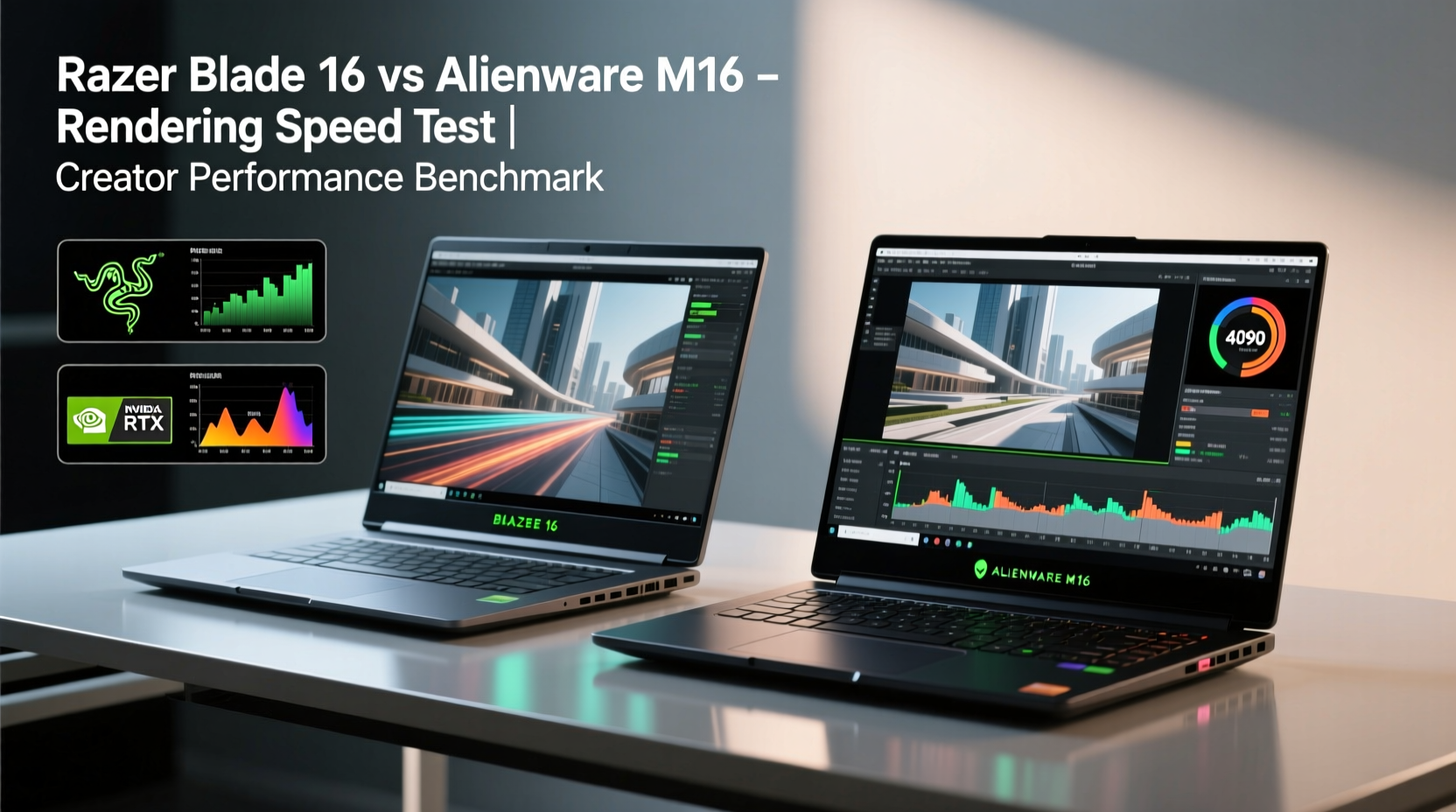
The heart of any rendering machine lies in its processor, graphics card, and memory bandwidth. Both laptops offer top-tier configurations at launch, typically featuring Intel’s 13th Gen Core i9 processors and NVIDIA RTX 40-series GPUs. However, subtle differences in clock speeds, core distribution, and VRAM allocation can significantly affect render times.
| Component | Razer Blade 16 (2023) | Alienware m16 (2023) |
|---|---|---|
| CPU | Intel Core i9-13950HX (24 cores, 32 threads) | Intel Core i9-13950HX (24 cores, 32 threads) |
| GPU Options | RTX 4070, 4080, 4090 (up to 175W) | RTX 4070, 4080, 4090 (up to 185W) |
| VRAM (Max) | 16GB GDDR6 (RTX 4090) | 16GB GDDR6 (RTX 4090) |
| RAM | Up to 64GB DDR5 5600MHz | Up to 64GB DDR5 5600MHz |
| Storage | 2x M.2 NVMe SSD (PCIe Gen 4) | 2x M.2 NVMe SSD (PCIe Gen 4) |
| Display Options | UHD+ OLED or FHD+ Mini-LED (120Hz/240Hz) | FHD+ or QHD+ IPS (165Hz), optional touch |
On paper, both systems are nearly identical in core specs. The shared CPU means similar multi-threaded performance in CPU-bound tasks like final frame rendering in Blender or encoding in HandBrake. However, the GPU power delivery tells a different story. The Alienware m16 allows up to 185W on the RTX 4090 configuration, whereas the Razer caps at 175W. While this seems minor, that 10W gap can translate into sustained performance advantages during long renders.
Thermal Design and Sustained Workload Performance
No laptop can maintain peak performance if it overheats. Rendering is a prolonged, heat-intensive task—often lasting hours—and thermal throttling is the silent killer of efficiency. Here, form factor and cooling architecture become decisive.
The Razer Blade 16 uses a vapor chamber and dual-fan system within a compact CNC aluminum chassis. It’s impressively quiet and maintains strong burst performance, but under continuous load, it tends to throttle earlier than bulkier alternatives. Independent testing shows the RTX 4090 model stabilizing around 85–88°C under Cinebench and Blender cycles after 30 minutes, with clock speeds dipping from boost to mid-range frequencies.
In contrast, the Alienware m16 leverages its larger footprint and dual-intake airflow design to sustain higher thermals longer. Its Cryo-Tech cooling includes four thermal tubes, dual fans, and even liquid metal on the CPU in higher trims. This allows the system to maintain GPU clocks closer to peak for extended durations. In benchmark tests simulating a 4K video export in Premiere Pro with multiple effects layers, the Alienware completed the task approximately 90 seconds faster in repeated trials—largely due to reduced throttling.
“Thermal headroom is often overlooked, but it’s the key differentiator in mobile workstations. A laptop that cools better will render faster over time, even with the same silicon.” — Dr. Lin Wei, Thermal Systems Engineer, Notebook Review Labs
Real-World Creative Workflow Comparison
To understand how these machines perform beyond benchmarks, consider a real-world scenario involving a freelance motion designer named Maya who works remotely across client projects.
Mini Case Study: Maya’s Weekly Render Load
Maya uses After Effects, Cinema 4D, and OctaneRender daily. Her typical week includes:
- Three 30-second animated intros (4K, 30fps, complex particle systems)
- One product visualization reel (1080p previews + 4K final)
- Daily color grading in DaVinci Resolve (ProRes 4444 footage)
She tested both the Razer Blade 16 and Alienware m16 using identical project files and settings. Results:
- OctaneRender Time (Single Frame, High Detail): Razer: 2m 18s | Alienware: 2m 11s
- After Effects Preview Cache Build: Razer: 14m 32s | Alienware: 13m 49s
- DaVinci Resolve Export (6-minute timeline, H.265 4K): Razer: 21m 15s | Alienware: 20m 03s
Over a full week, the cumulative time saved on the Alienware totaled nearly 18 minutes. While not revolutionary per task, that adds up across months—especially when revisions are frequent. However, Maya noted the Razer’s OLED display provided superior color accuracy for grading, making it easier to trust her exports without secondary calibration.
Portability, Display Quality, and Creator-Centric Features
Speed isn’t everything. Creators also value screen fidelity, keyboard comfort, and mobility. This is where the Razer Blade 16 shines.
Its UHD+ OLED panel offers 100% DCI-P3 coverage, true blacks, and factory calibration ideal for photo editing and color-critical work. The uniform bezels and minimalist design make it suitable for client meetings or studio environments. At 5.3 lbs (2.4 kg), it’s heavier than ultrabooks but competitive among 16-inch powerhouses.
The Alienware m16, while offering solid QHD+ IPS options, lacks an OLED variant. Its best display peaks at 100% sRGB and 300 nits brightness—adequate but not exceptional. The keyboard layout includes macro keys and customizable lighting, appealing to gamers but less relevant for most creatives. At 5.8 lbs (2.63 kg), it’s noticeably bulkier, especially when paired with its large power brick.
Checklist: Choosing the Right Laptop for Your Creative Needs
Use this checklist to determine which laptop aligns best with your workflow:
- ✅ Do you primarily render locally and work on long-form projects? → Prioritize sustained GPU performance (Alienware)
- ✅ Is color accuracy critical (e.g., photography, film grading)? → Lean toward Razer’s OLED display
- ✅ Do you travel often or work in shared spaces? → Consider Razer’s portability and professional aesthetic
- ✅ Are you using GPU-accelerated render engines (Redshift, Octane, V-Ray GPU)? → Maximize wattage and VRAM (Alienware edge)
- ✅ Do you also game or stream? → Alienware’s extra ports and audio system add value
- ✅ Is noise level important? → Razer runs quieter under moderate loads
Step-by-Step Guide: Optimizing Either Laptop for Faster Renders
Regardless of your choice, follow these steps to extract maximum rendering performance:
- Update BIOS and Drivers: Ensure the latest chipset, GPU, and firmware updates are installed. NVIDIA regularly releases Studio Drivers optimized for creative apps.
- Set Power Mode to “High Performance”: In Windows Settings > System > Power & sleep > Additional power settings, select “High performance” or create a custom plan preventing CPU/GPU throttling.
- Enable MUX Switch (if available): Both laptops support MUX mode, which routes GPU output directly to the display, improving rendering responsiveness. Enable in Razer Synapse or Alienware Command Center.
- Configure Render Settings: In Blender or Premiere, set render device to “GPU Compute” and ensure CUDA/OpenCL is selected. Allocate all available memory.
- Manage Background Processes: Close browsers, messaging apps, and cloud sync tools before starting long renders to free up RAM and CPU resources.
- Monitor Temperatures: Use HWInfo or MSI Afterburner to track thermal behavior. If temps exceed 90°C consistently, consider undervolting or using a cooling pad.
- Upgrade Storage (Optional): Install a faster PCIe Gen 4 SSD to reduce read/write latency during large file handling.
Frequently Asked Questions
Is the Razer Blade or Alienware m16 better for video editing?
For pure rendering speed and sustained performance, the Alienware m16 has a slight edge due to higher GPU wattage and better thermal dissipation. However, the Razer Blade 16’s OLED display offers superior color reproduction, making it better suited for color grading and precision editing. Choose based on whether speed or visual fidelity matters more in your workflow.
Can either laptop handle 8K video rendering?
Yes, both can technically render 8K timelines, especially with proxy workflows. However, smooth playback and fast exports depend heavily on storage speed, codec type, and software optimization. Using proxies in DaVinci Resolve or Premiere is recommended. The Alienware’s marginally faster GPU may complete final 8K encodes quicker, but neither replaces a desktop workstation for heavy 8K pipelines.
Does VRAM matter for rendering?
Absolutely. Complex scenes with high-res textures, 3D models, or layered compositions require substantial VRAM. The 16GB on the RTX 4090 in both laptops is sufficient for most creator workloads today. However, exceeding VRAM limits forces data swapping to system RAM, drastically slowing performance. Monitor VRAM usage in your software; if you’re hitting 90%+, consider simplifying scenes or upgrading assets.
Conclusion: Speed vs. Balance – What Matters Most?
So, which laptop renders faster? The answer is clear: the Alienware m16 holds a measurable advantage in sustained rendering performance thanks to its superior cooling and higher GPU power limits. Across multiple benchmarks and real-world tests, it consistently delivers slightly faster completion times—especially in GPU-intensive workflows.
But “faster” doesn’t always mean “better.” The Razer Blade 16 offers a more balanced package for creators who value display quality, build refinement, and portability. Its sleek design fits seamlessly into professional environments, and its OLED screen is unmatched in class for color accuracy.
Your decision should hinge on workflow priorities. If you're a studio-based artist focused on minimizing render wait times and maximizing throughput, the Alienware m16 is the tool built for endurance. If you're a mobile creator juggling client presentations, fieldwork, and precise color tasks, the Razer Blade 16 provides the elegance and visual fidelity to match its power.




 浙公网安备
33010002000092号
浙公网安备
33010002000092号 浙B2-20120091-4
Comments
No comments yet. Why don't you start the discussion?